How to Make AI UGC Ads at Scale on Pixo
Use Pixo as an AI UGC ad generator: storyboard-first production, per-shot iteration, and 6–12 ad variants a day across Seedance, Veo, Kling, and Hailuo.

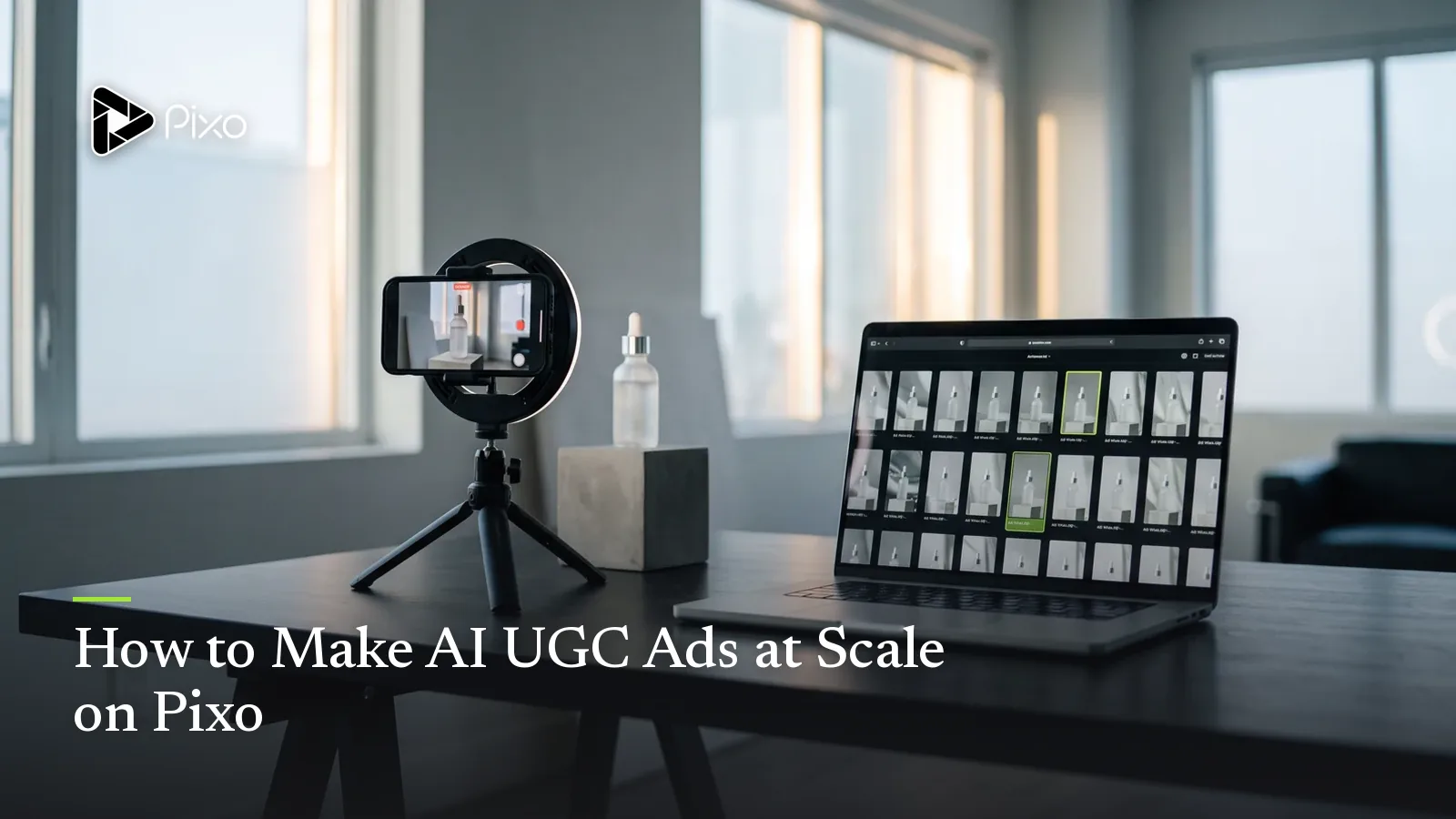
Nobody finds a winning UGC ad. They find the winner among ten losers — that's the entire economics of the format. UGC advertising is a testing game: run 5–10 hook variants, let the platform's data pick the survivor, scale it, repeat. Which is why the traditional pipeline is broken at the root: brief a creator, wait for the shoot, get footage back in two weeks, cut three versions, and discover that you've spent a month's budget on a sample size of three.
An AI UGC ad generator flips that math. On Pixo, the unit of work isn't "a video" — it's a storyboard skeleton you can clone. The agent breaks your product brief into the hook–problem–demo–CTA structure, each shot generates independently, and a variant is just "duplicate the project, swap one variable, regenerate the shots that changed." Once warmed up, 6–12 deployable variants a day is a realistic cadence — the full method is documented in our UGC ads pipeline guide.
There's one thing that makes Pixo structurally different from single-model tools for this job: UGC ads aren't one kind of footage. The creator's face, the product close-up, the b-roll filler, and the brand outro each want a different model — and Pixo is the only place you assign them per shot inside one project.
Why Pixo for UGC Ads
Storyboard-first: iterate on paper, generate once
UGC structure is formulaic on purpose — hook (0–3s), problem, discovery, demo, result, CTA — and Pixo's storyboard maps onto it one panel per beat. Crucially, edits at the storyboard level are cheap: you can rewrite the hook five times, reorder the demo, and argue about the CTA without re-rendering a single frame. Credits are spent at generation time, so the rule from the marketing video playbook applies double here: plan first, generate later.
Per-shot iteration: regenerate the hook, not the ad
The first 3 seconds decide everything in feed advertising — and on Pixo the hook is its own shot, in its own workspace, with its own version history. When the opening expression isn't scroll-stopping, you regenerate that one shot, not the ad. Same for a demo that came out too smooth or a CTA frame that needs new text space. A revision that would mean a reshoot in the traditional pipeline is a two-minute regeneration here.
Batch variants: the actual money feature
Duplicate a finished project, change exactly one variable — the hook angle, the voiceover, the CTA line — and regenerate only the affected shots. Controlled variables mean clean A/B reads: you know Hook A beat Hook B, instead of guessing why one creative outperformed. The first ad takes 1–2 hours; every variant after runs 15–30 minutes. That's how one afternoon produces a test matrix that used to take a creator roster.
Every model in one project, assigned per shot
A UGC ad is four kinds of footage wearing one trenchcoat: a believable human, a convincing product close-up, disposable filler, and maybe one polished beat. No single model is best at all four. Pixo carries Seedance 2.0, Veo 3.1, Kling 3.0, and Hailuo under one subscription, and you switch models inside each shot's workspace while shared asset references keep the creator and product consistent across all of them.
Which Model for Which UGC Shot
| UGC shot type | Best model | Why |
|---|---|---|
| Creator hook / talking shots across variants | Seedance 2.0 | Character consistency — the same "creator" face in all 10 variants, which builds account-level familiarity |
| Product demo close-ups | Veo 3.1 | Photorealism: materials, liquid physics, hands that grip like hands — the proof shot has to look real |
| Polished brand moment / outro | Kling 3.0 | The most cinematic camera work on Pixo — use sparingly; UGC usually wants less polish, not more |
| Bulk b-roll and filler variants | Hailuo | Lowest credit cost; nobody scrutinizes the desk shot, so don't pay realism prices for it |
Two honest notes on reading that table. First, the Kling 3.0 row comes with a warning label: its cinematic instincts are a liability in most UGC panels, because film-grade movement is exactly what makes feed viewers think "ad" and swipe. Reserve it for the rare branded end-card, and keep everything else deliberately rough. Second, the Seedance 2.0 row is the one that compounds: lock your creator-character as a shared asset once, and every variant, every product, every campaign can reuse the same face — that's how an account starts feeling like a person instead of a slideshow of strangers.
For the demo shot, the logic runs the other way: this is the one panel where viewers lean in and judge, so it gets Veo 3.1's photorealism even at higher credit cost. A demo that looks rendered kills the ad more surely than a weak hook — the same reason it anchors full product demo videos.
How to Make a UGC Ad on Pixo
First ad: about 1–2 hours. Each variant after: 15–30 minutes. Here's the loop.
Step 1 — Brief the agent, vertical from the start (3–5 minutes)
New project, 9:16 selected at the prompt input stage — vertical feeds are the battlefield, and aspect ratio is a composition decision made here, not at export. Write the brief like the ad's outline: who's speaking (a 26-year-old office worker, a skeptical dad), the hook moment, the problem, the demo action, the CTA. Upload 2–4 product photos so every product panel references the same asset.
Step 2 — Review the storyboard against the UGC formula (15–20 minutes)
The agent returns the script broken into 5–7 panels with visual descriptions, audio, and durations. Audit it against the structure: does something stop the scroll inside 3 seconds? Does the demo contain a verifiable action — flip it, shake it, open it — rather than vibes? Is the CTA under 3 seconds? This is also where you scrub the prompts of anything that smells like production value: "cinematic lighting" and "perfect composition" get deleted; "handheld", "phone-shot quality", and "natural light" go in.
Step 3 — Assign models per shot and generate (30–60 minutes)
The agent dispatches Seedance 2.0 by default — right for the creator's talking shots. For the others, open the shot's workspace and switch manually: Veo 3.1 on the product demo close-up, Hailuo on filler b-roll. Generate, review at phone size, regenerate the misses. Each generation is one shot of roughly 5–30 seconds, so a 30-second ad is typically 5–7 generations.
Step 4 — Timeline and sound pass (10–15 minutes)
Assemble the cut and tighten: hook to problem should have zero dead air, the demo gets a full 6–10 seconds, total length lands at 25–35 seconds. Then the layer that does the most anti-AI work — audio. Conversational voiceover with natural pauses, a whisper of room tone, small action SFX (the lid click, the bag zip), music kept at accompaniment level. A silent or studio-perfect track flags the ad as synthetic faster than any visual.
Step 5 — Export, duplicate, multiply (under 5 minutes per export)
Export watermark-free, deploy. Then immediately duplicate the project and build variant two: swap only the hook, or only the voiceover, or only the CTA, and regenerate just those panels. Need a landscape version for YouTube pre-roll? Recompose from the vertical build — don't crop it.
Create AI videos with Pixo
Turn any idea into a publish-worthy video. One sentence is all it takes.
Copy-Paste Prompts
1. The hook shot (the one you'll regenerate most):
Single shot, 4 seconds, 9:16. Handheld front-camera selfie angle: a
woman in her mid-20s in a parked car, seatbelt still on, looks into
the lens and starts talking mid-laugh, daylight slightly overexposed
through the windshield. Phone-shot quality, visible grain, imperfect
framing with the headrest in shot. No studio lighting, no color
grade, nothing cinematic.
Why it works: the parked-car confessional is feed-native body language — viewers parse it as "person about to tell me something," not "ad" — and every imperfection is specified on purpose, because the flaws are what buy the first 3 seconds of trust.
2. The demo proof shot (run on Veo 3.1):
Single shot, 8 seconds, 9:16. Close-up, handheld: hands tighten the
lid of a mint green travel mug, flip it upside down over a white
shirt laid on a desk, and shake it twice. Not a drop falls.
Realistic liquid physics, natural window light, slight camera
breathing, kitchen clutter soft in the background. Phone-video
texture, not commercial lighting.
Why it works: the demo is a falsifiable claim performed on camera — flip, shake, dry — which is the conversion engine of the whole ad, and the physics realism it depends on is exactly why this one panel gets switched to Veo 3.1 while the rest stays cheap.
3. The result / social-proof closer (Seedance, shared asset):
Single shot, 5 seconds, 9:16. Same creator as project asset
(reference: creator-v2), now standing in a doorway with a tote bag,
mug dropped inside, shrugging at the camera with a "that's it,
that's the review" smile. Natural hallway light, handheld selfie
distance, casual posture, imperfect framing.
Why it works: it calls the creator by asset reference instead of re-describing her, which is what guarantees the face in the closer matches the face in the hook — across this ad and across all twelve variants you'll cut from it.
Tips & Common Pitfalls
- Production value is the enemy. The fastest way to ruin a UGC ad is prompting like a filmmaker: "cinematic lighting", "studio softbox", and "dramatic angle" produce a brand film that feeds skip on reflex. Every prompt should carry handheld, natural-light, imperfect language instead.
- Make three hooks before you make a second scene. The first 3 seconds determine whether anything else is ever seen, so hook variants are the highest-ROI generation you can buy. Different opening angle, different first line, same everything else — clean test.
- Pin the product in every panel. Attach the same product reference image to every shot it appears in and keep its written description identical word-for-word, or your mug will subtly redesign itself between the discovery shot and the demo.
- Watch the claims, not just the pixels. Platforms reject absolute efficacy claims fast. Keep the script in first-person experience — "I've been using it for two weeks" — and never "100% guaranteed". This protects the ad account, which is worth more than any single creative.
FAQ
What is an AI UGC ad generator?
A pipeline that produces user-generated-content-style video ads — the casual, shot-on-a-phone format that outperforms polished brand ads in vertical feeds — without hiring creators for every variant. On Pixo that means an agent-built storyboard mapped to the hook–problem–demo–CTA structure, per-shot generation across multiple AI models, and project duplication to batch out test variants.
Which AI model is best for UGC ads?
No single one — that's why UGC is a multi-model job. Seedance 2.0 keeps the same creator-character consistent across every variant, Veo 3.1 renders photorealistic product close-ups, Hailuo produces cheap bulk b-roll, and Kling 3.0 covers polished brand moments — used sparingly, since UGC usually wants less polish, not more. On Pixo you assign the model per shot inside one project.
How many UGC ad variants can I produce in a day?
Once warmed up, 6–12 deployable variants a day is realistic. The first ad takes about 1–2 hours because you're building the storyboard and locking creator and product assets; after that, each variant is duplicate the project, change one variable, and regenerate only the affected shots — roughly 15–30 minutes each.
Will viewers be able to tell my UGC ads are AI-generated?
With the right execution, mostly no — and partly it doesn't matter. Prompt for handheld, natural light, and imperfection, keep the voiceover conversational with natural pauses, and most viewers scrolling at feed speed won't flag it. The real goal isn't fooling everyone; it's keeping the first 3 seconds from being instinctively skipped, because that's where the ad lives or dies.
Should UGC ads be vertical or landscape?
Vertical first, always. TikTok, Instagram Reels, and YouTube Shorts are the main battlefield, and on Pixo you choose 9:16 at the prompt input stage so every shot is composed for the tall frame. If you also need landscape for YouTube pre-roll or a landing page, build the vertical version first and recompose for landscape — never crop down from one to the other.
Do I need prompt-writing experience to make UGC ads on Pixo?
No. Drop a plain-language brief — product, audience, hook idea, tone — into the agent and it returns the script and a shot-by-shot storyboard with visual descriptions and audio. Your job is editorial: tighten the hook, check the demo shows a verifiable action, and keep the prompts sounding handheld rather than cinematic.
Ready to run your first test batch? Sign up for Pixo — new users get 200 free credits on sign-up. Compare plans (currently up to 55% off), and once the winners emerge, scale the same pipeline into organic social content.
Generate AI summary
From idea to finished video.
In one conversation.
Start CreatingNo credit card required • Free 200 credits