Sora Alternatives 2026: 7 Best AI Video Generators (Tested) + Sora Status
OpenAI shut down the Sora app — but the API works until Sept 24, 2026. The 7 best tested alternatives: Veo, Seedance, Kling, Vidu, Grok, Hailuo and LTX.

Sora status (updated July 2026): OpenAI permanently shut down the Sora consumer app (sora.com and mobile) on April 26, 2026. The Sora API remains operational until September 24, 2026, after which all endpoints return
410 Goneand account data is deleted. That means you can still generate Sora videos today through third-party platforms that integrated the API before the shutdown — but you have until late September to migrate. This guide covers both: how to keep using Sora right now, and the 7 best alternatives we tested to replace it.Short on time? Jump to the comparison table · Still want Sora specifically?
When OpenAI shut down the Sora app on April 26, 2026, the panic was immediate — r/SoraAi and every AI filmmaking Discord filled with "what replaces Sora now?" overnight. But two things got lost in the obituaries. First, the Sora API is still running until September 24 — so Sora isn't fully gone yet (here's how to still use it). Second, the models that replaced it aren't downgrades — several are genuinely better. I tested all seven across three production scenarios: product commercials, character animation, and stylized creative work. Here's what actually held up.
Quick Comparison: AI Video Generators After Sora
| Model | Developer | Best For | Max Resolution | Audio Gen | Starting Price | Open Source |
|---|---|---|---|---|---|---|
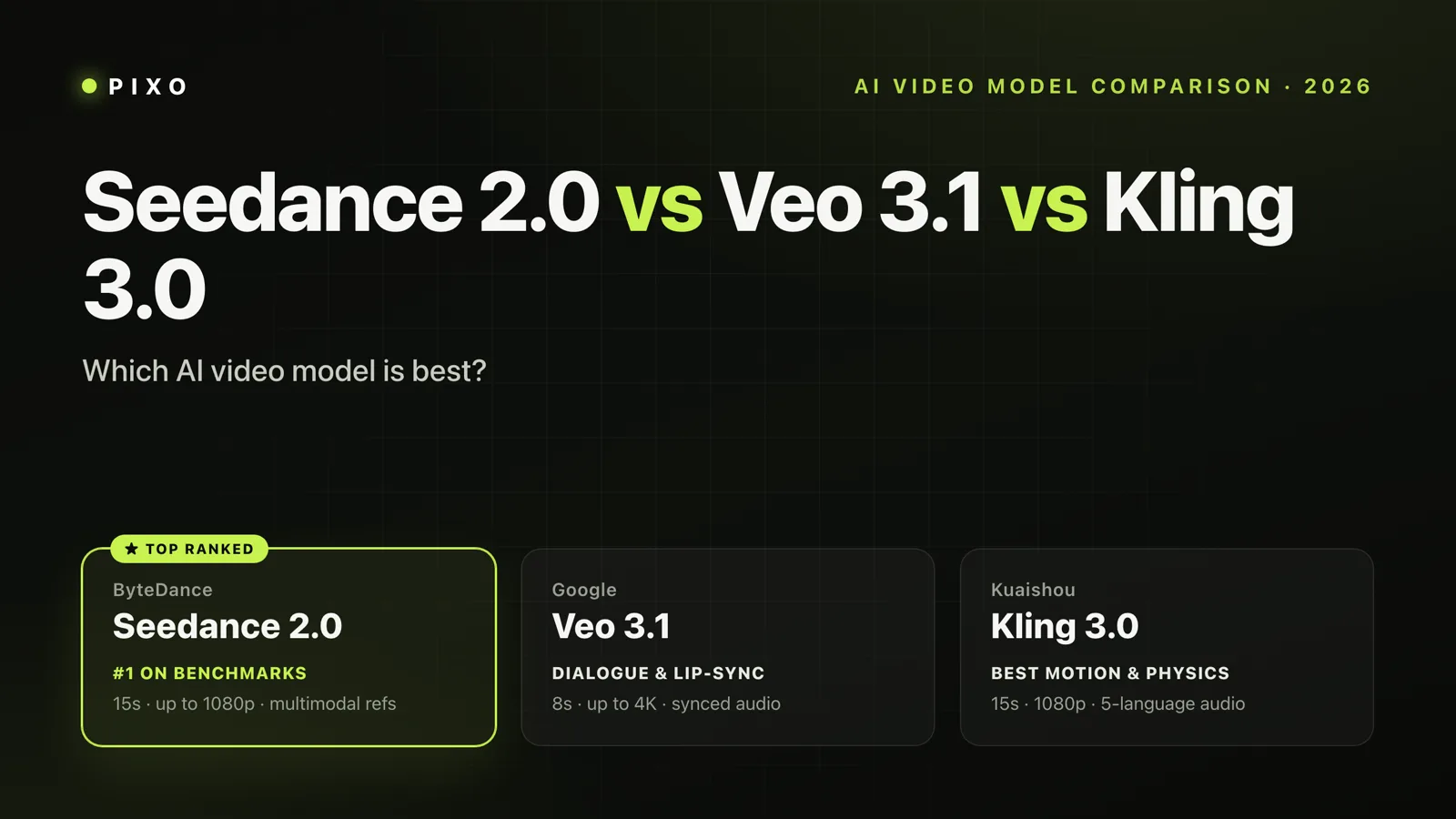
| Veo 3.1 | Cinematic quality | 2K+ | Yes (spatial) | $19.99/mo | No | |
| Seedance 2.0 | ByteDance | Multi-shot storytelling | 2K native | Yes (native) | ~$0.11/sec API | No |
| Kling 3.0 | Kuaishou | Character consistency | 4K native | Yes | Free / $6.99/mo | No |
| Vidu | Shengshu | Speed + value | 1080p+ | Yes (48kHz SFX) | Free tier available | No |
| Grok Imagine | xAI | Scale + API access | 720p | Yes | $0.05/sec API | No |
| Hailuo | MiniMax | Budget production | 1080p | No | $9.99/mo | No |
| LTX-2 | Lightricks | Local/custom workflows | 4K native | Yes (native) | Free (open source) | Yes |
How I Evaluated These Models
Every model was tested using three production scenarios that represent how creators actually use AI video tools — not cherry-picked prompts designed to make demos look good. I ran all tests through Pixo's unified interface, which gave me a consistent comparison environment — same prompts, same reference images, same evaluation criteria across every model without juggling seven different platforms.
Scenario 1: Product Commercial. A 15-second hero shot of a coffee mug on a wooden table with steam rising, warm morning light, and a slow camera dolly. This tests lighting realism, physics simulation (steam), and camera control.
Scenario 2: Character Animation. A person walking through a city street, turning to face the camera, and speaking a short line. This tests human motion quality, facial expressions, lip sync, and the dreaded "AI hands" problem.
Scenario 3: Creative/Stylized. An impressionist painting coming to life — flowers blooming in Van Gogh's brushstroke style with ambient sound. This tests artistic flexibility, motion coherence in non-photorealistic styles, and audio generation.
I scored each model across five dimensions: visual quality, motion coherence, audio generation, speed, and creative control. What follows is what I found.
Veo 3.1 — The Premium Cinematic Choice
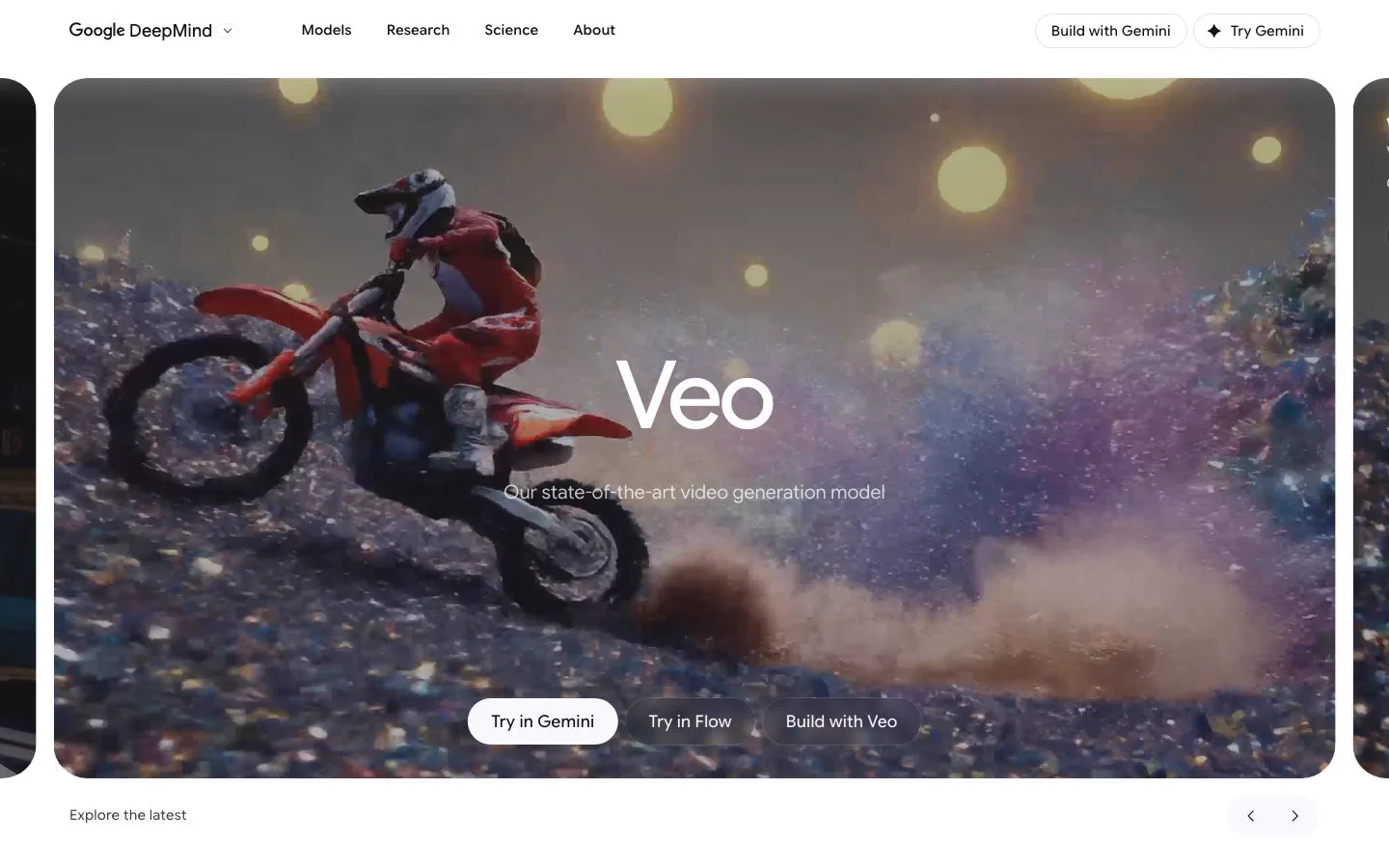
Google Veo 3.1 — AI video generation platform
Google's Veo 3.1 is the model I'd pick if budget wasn't a concern and I needed the most polished output possible. It's the successor to the Veo 2 that already impressed filmmakers, and the 3.1 release adds spatial audio generation that genuinely changes what AI video feels like.
Key Features
Spatial Audio Generation is Veo's standout capability. The model generates three-dimensional sound environments automatically — footsteps that pan left to right, ambient city noise that responds to camera distance, dialogue with natural room reverb. No other model on this list does spatial audio this convincingly.
Multi-Image Reference lets you upload multiple reference images to direct characters, objects, and scene style. Combined with vertical video support for social content, it's a versatile production tool.
Prompt Adherence is noticeably superior. When I asked for "slow dolly shot, golden hour, steam rising from a ceramic mug," Veo delivered exactly that — correct camera movement, accurate lighting, and physically plausible steam behavior.
My Experience
Here's the reality: Veo 3.1 produced the most "I can't believe AI made this" moments of any model I tested. The coffee commercial looked like it was shot by a professional crew. The character animation had believable weight and momentum. And the spatial audio on the Van Gogh piece — wind sounds that moved with the camera — was genuinely immersive.
What surprised me was how well Veo handles stylized content. I expected it to excel at photorealism and struggle with artistic styles, but the impressionist animation maintained brushstroke coherence throughout the motion, which is something most models fumble badly.
The downside is cost and access. Google AI Pro at $19.99/month gives you roughly 90 fast videos — enough for experimentation, not for production. AI Ultra at $249.99/month unlocks the full filmmaking toolkit, but that's a serious commitment. API pricing at $0.10-$0.50 per second adds up fast on longer clips.
| What I Liked | What I Didn't Like |
|---|---|
| Best spatial audio generation of any model | Expensive — $19.99/mo for limited credits, $249.99 for full access |
| Exceptional prompt adherence and camera control | 8-second clip limit per generation |
| Strongest photorealism and lighting | Locked into Google's ecosystem |
| Vertical video support for social content | Slower generation than competitors |
Pricing: Google AI Pro at $19.99/month (~90 fast videos; full 4K and watermark removal are Ultra-only). AI Ultra at $249.99/month for full access. A lighter Google AI Plus tier ($7.99/month) and a cheaper Veo 3.1 Lite model (released March 2026) now exist for lower-cost use. API pricing: ~$0.15/second (Fast) to $0.40/second (Standard), audio included.
Best for: Professional creators and studios who need the highest possible visual and audio quality, and have the budget to match.
Seedance 2.0 — The Multi-Shot Storytelling Pioneer
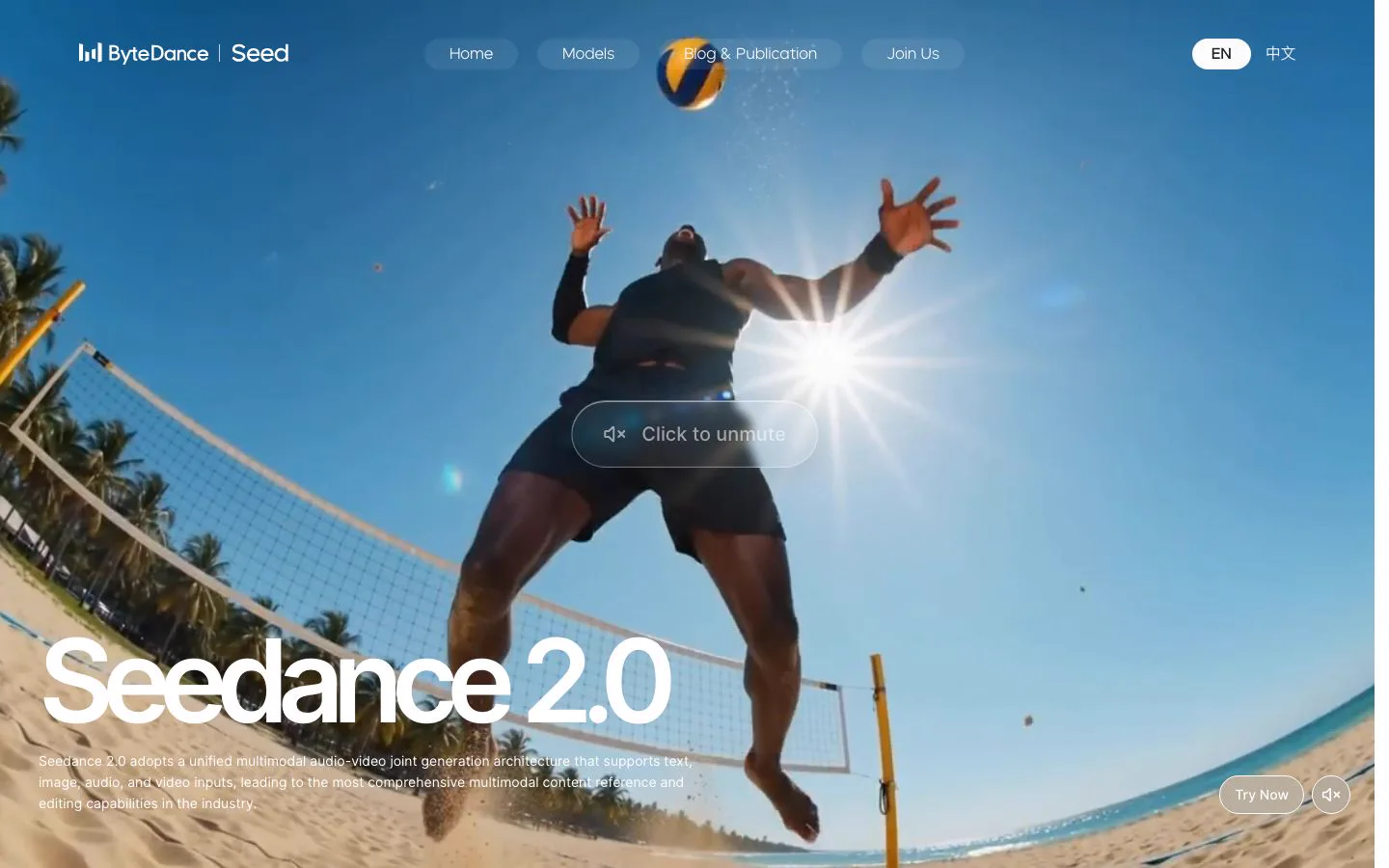
ByteDance Seedance 2.0 — multi-shot AI video generation
ByteDance's Seedance 2.0 went viral within 48 hours of its February 2026 beta launch, and for good reason. It's the first AI video model that genuinely understands narrative — not just individual shots, but multi-shot sequences with continuity.
Key Features
Native Audio-Video Joint Generation means audio isn't post-processed or stitched on. Seedance generates visual and audio content simultaneously in a unified architecture. The result is lip sync in 8+ languages with phoneme-level accuracy — the best I've tested.
Omnipotent Reference System accepts up to 12 reference files to "teach" the AI exactly what you want. Text, images, audio, and video inputs can all be combined. This is dramatically more flexible than any competitor's reference system.
Native 2K Resolution at 2048x1080 landscape or 1080x2048 portrait exceeds the 1080p ceiling that most models are stuck at, without upscaling artifacts.
My Experience
The honest answer: Seedance 2.0 is the most impressive leap I've seen in AI video generation. When I prompted a multi-shot coffee commercial — wide establishing shot, close-up of steam, pull back to reveal a person taking a sip — Seedance maintained character and scene consistency across all three shots from a single prompt. No other model did this without manual intervention.
The lip sync is remarkably good. I tested English, Mandarin, and French dialogue, and the mouth movements matched naturally in all three. The character animation scenario — a person walking and turning to speak — looked more natural than any competitor except possibly Veo at its highest quality tier.
Seedance 2.0 is now generally available — you can use it today inside multi-model platforms like Pixo, and ByteDance exposes it via API at roughly $0.11–0.14 per second. ByteDance has since previewed Seedance 2.5 (announced June 2026), but that build is currently limited-access and lower-resolution (480p/720p), so 2.0 remains the stronger pick for quality right now.
| What I Liked | What I Didn't Like |
|---|---|
| Multi-shot storytelling from a single prompt — industry first | ByteDance platform dependency |
| Best lip sync accuracy across multiple languages | Western pricing still varies by reseller platform |
| 12-reference Omnipotent system offers unmatched control | Newer 2.5 preview is lower-res and limited-access |
| Native 2K resolution without upscaling | Generation speed trails Vidu and Kling Turbo |
Pricing: Generally available now — ByteDance's API runs roughly $0.11–0.14/second. On Pixo it's credit-based: at the default 720p, Seedance 2.0 costs ~15 credits/second (a 10-second clip ≈ 152 credits), with cheaper Fast (~12 credits/sec) and Mini (~7.6 credits/sec) variants for high-frequency previews, and 1080p / 4K tiers (~37 and ~78 credits/sec) when you need the extra resolution.
Best for: Creators producing narrative content, short films, or multi-shot sequences who need character and scene consistency across cuts.
Kling 3.0 — The Character Consistency Champion
Kling AI — character-consistent video generation
Kuaishou's Kling has been iterating rapidly — from 2.5 Turbo to 2.6 to 3.0 in the span of months — and the result is the most reliable character consistency of any AI video generator available today. If you need the same character to appear recognizably across multiple videos, Kling is the answer.
Key Features
4-Image Elements System lets you combine up to four reference images to lock in character appearance, clothing, and style. Across my testing, Kling maintained facial features and body proportions more consistently than any other model across separate generation calls.
Native 4K Output with up to 60 FPS in Kling 3.0 is the highest resolution option alongside LTX-2. The detail at 4K is impressive — individual fabric textures, hair strands, skin pores.
Extended Video Length gives Kling one of the longest single-generation clips on this list — 3.0 generates up to 15 seconds natively, with longer runtimes available through its Extend feature. Most competitors cap at 8-10 seconds.
My Experience
Kling's sweet spot is character-driven content. The walking-and-speaking scenario produced remarkably natural movement — smooth weight transfer, realistic arm swing, and facial expressions that didn't fall into the uncanny valley. The Elements system meant I could regenerate the same character in different scenes and they actually looked like the same person.
After getting Kling's character consistency nailed down, I switched to Veo in the same project for the cinematic hero shot — something that's only practical when you're not juggling separate platforms. That kind of model switching per scene is where the real production value lives.
Here's the thing about Kling's free tier: 66 daily credits with watermarked output (capped at 360p–540p) is genuinely usable for testing and storyboarding. The Pro plan at $25.99/month with priority queue is where serious production happens, and at that price point it's competitive with everything except Hailuo's budget plans. (Kling also offers higher Premier and Ultra tiers above Pro.)
The limitation I hit was stylized content. Kling excels at photorealism and character work but struggled with my impressionist Van Gogh prompt. The motion was good, but the brushstroke style kept drifting toward photorealism — the model seems heavily optimized for realistic output.
| What I Liked | What I Didn't Like |
|---|---|
| Best character consistency across multiple generations | Stylized/artistic content is noticeably weaker |
| Native 4K at 48 FPS — highest quality ceiling | Credit system means costs are unpredictable for high-volume use |
| Up to 3-minute extended videos | Audio generation (added in 2.6) is decent but not best-in-class |
| Generous free tier for testing | Standard plan 1080p feels limiting after seeing 4K output |
Pricing: Free (66 daily credits, 360–540p, watermarked). Standard at $6.99/month (1080p). Pro at $25.99/month (priority queue). Premier ($64.99) and Ultra ($180) above that. API: Kling 3.0 runs ~6 credits/sec (720p, no audio) to ~12 credits/sec (1080p + native audio).
Best for: Creators producing character-driven content — social media series, product demonstrations with presenters, or any workflow requiring consistent characters across scenes.

Create AI videos with Pixo
Turn any idea into a publish-worthy video. One sentence is all it takes.
Vidu — The Speed and Value Leader
Key Features
10-Second Generation Speed makes Vidu the fastest model tested by a wide margin. Others take 30 seconds to several minutes. Vidu delivers a usable clip before you've finished sipping your coffee.
Half-Price Off-Peak Generation meaningfully stretches a credit balance — generations run during off-peak hours cost roughly half the normal credit price. For solo creators willing to work during quieter windows, it's among the cheapest per-clip rates on this list.
48kHz AI Sound Effects are an industry first for synchronized audio quality. The sound effects generated alongside videos have noticeably higher fidelity than competitors' audio offerings.
My Experience
I'll be honest: I didn't expect much from Vidu based on name recognition alone, and I was wrong. The coffee commercial came out clean and usable — not Veo-level cinematography, but solidly above Hailuo and Grok Imagine. The generation speed changed my workflow entirely. Instead of waiting minutes and tweaking one prompt at a time, I could iterate through ten variations in the time other models took to produce one.
The Reference to Video feature — uploading three or more reference images for consistent characters and objects — works surprisingly well. It's not as precise as Kling's Elements system, but for the price difference, the tradeoff is worth it for many workflows.
Where Vidu falls short is maximum resolution. The output quality is good at 1080p, but in a world where Kling and LTX-2 offer 4K, and Seedance delivers native 2K, Vidu feels a generation behind on resolution. Speed is the consolation — and for social media content where 1080p is more than sufficient, it's a non-issue.
| What I Liked | What I Didn't Like |
|---|---|
| Fastest generation of any model — ~10 seconds | Resolution caps below competitors (no 4K option) |
| Half-price off-peak generation stretches credits | Less precise character control than Kling |
| 3-7x cheaper than western competitors | UI and documentation still primarily Chinese-language |
| High-fidelity 48kHz audio effects | Enterprise tier at $1,399/mo is a steep jump |
Pricing: A free tier provides signup and daily-login credits to start. Paid tiers run roughly Standard ~$8/mo (800 credits), Premium ~$28/mo (4,000 credits), and Ultimate ~$79/mo (8,000 credits), with off-peak generation at about half the credit cost. Full pricing.
Best for: High-volume creators who need fast iteration, social media teams producing daily content, and budget-conscious creators who want good-enough quality at a fraction of the cost.
Grok Imagine — The Scale Machine
xAI's Grok Imagine generated 1.245 billion videos in January 2026 alone. That's not a typo. Whatever you think about the model quality, the infrastructure behind it is operating at a scale no other model on this list matches. (For a direct head-to-head with the model it's most often compared to, see Grok Imagine vs Sora.)
Key Features
API-First Architecture at $0.05/second makes Grok Imagine the most accessible model for developers building video into their products. The API launched January 2026 with text-to-video, image-to-video, and video editing endpoints.
Native Audio-Video Generation with combined visual and audio output puts it alongside Veo and Seedance in the multimodal generation tier.
Video Editing Capability lets you submit an existing video with a text prompt to modify it — a feature that most competitors don't offer via API.
My Experience
Here's the reality about Grok Imagine: the 720p maximum resolution is the elephant in the room. As of mid-2026, when Kling and LTX-2 output 4K and Seedance does native 2K, 720p feels genuinely outdated. The visual quality within that 720p frame is decent — good color grading, reasonable motion — but you can see compression artifacts that higher-resolution models avoid entirely.
xAI has kept iterating — Grok Imagine 1.5 shipped in June 2026 and clip length now reaches ~15 seconds — but 720p remains the ceiling, so the resolution gap versus 4K-capable rivals still stands.
That said, the API pricing at $0.05/second is compelling for automated pipelines. If you're building an app that generates thousands of short clips and resolution isn't critical (social media previews, thumbnails, quick concepts), Grok Imagine's combination of low cost and massive scale is hard to beat.
The video editing feature deserves attention. I uploaded a product shot and prompted "add warm golden lighting and slow camera zoom," and it modified the existing video rather than generating from scratch. For iterative workflows, this saves significant time and cost.
| What I Liked | What I Didn't Like |
|---|---|
| Cheapest API pricing at $0.05/second | 720p max resolution is behind the competition |
| Video editing via prompt — unique capability | Visual quality noticeably below Veo and Seedance |
| Massive infrastructure — proven at billion-scale | X platform integration feels limiting |
| Simple, developer-friendly API | Clip length tops out around 15 seconds |
Pricing: API at $0.05/second. Also available through X platform for subscribers.
Best for: Developers building video generation into apps, teams needing high-volume automated video creation, and use cases where 720p resolution is acceptable.
Hailuo 2.3 — The Budget Production Workhorse
Key Features
- Subject Reference maintains consistent character appearances across scenes
- AI Avatar System with language options for on-screen talent and narration
- Hailuo 2.3 Fast cuts generation time and cost by up to 50% for batch creation
My Experience
Hailuo functions as a dependable option for creators needing affordability without sacrificing too much quality. The coffee commercial appeared professional at 1080p resolution. Character animation reached acceptable standards without entering uncanny territory. The Van Gogh stylized piece demonstrated surprising capability with artistic adherence.
At approximately $0.25 per 6-second clip on the Standard plan, pricing offers compelling value. The top ~$199/month Max plan offers unmetered access that eliminates credit tracking for high-volume producers.
The primary drawback: no native audio generation is the biggest limitation. You'll need separate tools for sound design.
| What I Liked | What I Didn't Like |
|---|---|
| Best price-to-quality ratio — $0.25 per 6-second clip | No native audio generation |
| Unmetered Max plan eliminates credit anxiety | 1080p max — no 4K option |
| Fast model halves costs for batch creation | Subject Reference less precise than Kling |
| AI avatars useful for explainer/narration content | Model updates less frequent than competitors |
Pricing: Entry web tier from $7.99/month (1,000 credits, watermark-free). Standard ~$9.99/month. Higher tiers scale up to a ~$199/month Max plan with unmetered access for high-volume production.
Best for: Content agencies, YouTube creators, and social media teams producing reliable video generation at volume without premium requirements.
LTX-2 — The Open-Source Powerhouse
Key Features
- Fully open source with open weights on Hugging Face, training code, and inference pipeline
- Native 4K at 50 FPS with synchronized audio
- 50% lower compute cost than competing models
- Multi-Keyframe Conditioning and LoRA fine-tuning capabilities
My Experience
LTX-2's practicality for local execution proved notable. On RTX 4090 hardware, generation timeframes proved manageable — comparable to Kling and Hailuo rather than Vidu's speed. Output quality at 4K resolution with audio was impressive. LoRA fine-tuning enabled developing consistent brand aesthetics within hours.
For studios producing hundreds of monthly videos, economics shift toward self-hosting within months due to zero recurring fees and complete creative autonomy. Constraints include a 10-second maximum clip length with audio and absence of built-in character reference systems comparable to competitors' offerings.
| What I Liked | What I Didn't Like |
|---|---|
| Fully open source — zero subscription cost | Requires technical setup and capable hardware |
| Native 4K + audio rivals premium closed models | 10-second clip limit |
| LoRA fine-tuning for custom styles and characters | No built-in character reference system |
| Runs on consumer GPUs (RTX 4090 viable) | Steeper learning curve than any cloud platform |
Pricing: Free — open source with Apache 2.0 license. Hardware costs for local inference, or cloud GPU rental (~$1-3/hour).
Best for: Studios and technical creators wanting full pipeline control, zero recurring costs at scale, and capability to fine-tune for consistent brand aesthetics.
What We Learned: Patterns Across the Post-Sora Landscape
After testing all seven models, four insights reshaped understanding of AI video generation in 2026.
Audio-video joint generation represents the new standard. When Sora debuted, silent video was commonplace. Currently, five of seven models generate synchronized audio natively. Veo's spatial audio capabilities, Seedance's phoneme-level lip sync precision, and LTX-2's open-source audio infrastructure have established higher expectations. Models lacking native audio (Hailuo) now feel incomplete by contemporary standards.
Resolution quality matters considerably — and the competition reflects this. Grok Imagine at 720p feels outdated alongside 4K-capable alternatives. Kling 3.0 and LTX-2 delivering native 4K produce noticeably superior results, particularly for product demonstrations and close-up work where textural fidelity convinces audiences of authenticity. For smartphone-consumption content, 1080p suffices. For larger-screen distribution, 4K becomes essential rather than optional.
Open-source development accelerates beyond expectations. LTX-2's combination of 4K output, native audio, and licensing without costs would have seemed improbable a year ago. It won't displace cloud platforms for casual users, but for studios and developers, self-hosting economics are becoming increasingly compelling.
Selecting appropriate models per scene delivers superior results. Production quality improved dramatically not through any single model, but through strategic choices: Kling for character-driven sequences, Veo for cinematic landscapes, Vidu for rapid exploration. No platform excels universally, and superior creators succeed by matching model capabilities to specific needs. Managing this across seven separate platforms with distinct accounts and credit systems becomes impractical. Unified access becomes necessary rather than convenient.
Commercial Use, Licensing & Watermarks
If you're producing videos for clients or paid channels, "which model looks best" matters less than "which model can I legally ship without a watermark." Here's where each of the seven stands as of July 2026:
| Model | Commercial use | Watermark on paid tier | Notes |
|---|---|---|---|
| Veo 3.1 | Allowed on paid plans | None | Google's terms permit commercial output on Pro+ |
| Seedance 2.0 | Allowed | None on paid | Check regional terms for enterprise volume |
| Kling 3.0 | Allowed on paid | Free tier watermarked; paid clean | 720p free output carries a watermark |
| Vidu | Allowed | None on paid credits | Free off-peak output may be watermarked |
| Grok Imagine | Allowed via API | None | API output is clean; verify xAI usage terms |
| Hailuo | Allowed on paid | None on paid | Budget-friendly for high-volume commercial work |
| LTX-2 | Allowed (Apache 2.0) | None | Open-source license is the most permissive here |
The practical takeaway: every one of these can produce watermark-free, commercially usable video on a paid tier — the real differences are in licensing fine print at enterprise volume and whether free tiers stamp a watermark. If you're mixing models across a single commercial project, a multi-model platform like Pixo keeps all output under one consistent workspace so you're not re-checking seven separate license terms per clip.
Verify current terms with each provider before shipping client work — licensing language changes.
How to Choose: Decision Framework
The fundamental consideration isn't identifying one optimal model — it involves determining which combination serves your workflow. Begin with Pixo for accessing multiple models within a unified workspace, then engage direct provider access only if your workflow relies exclusively on single-model usage.
You need the absolute best quality and have budget
Choose Veo 3.1. Spatial audio, exceptional prompt adherence, and most cinematic output available.
You're producing narrative or multi-shot content
Choose Seedance 2.0. Only model handling multi-shot storytelling from a unified prompt maintaining character continuity between cuts.
Character consistency is your top priority
Choose Kling 3.0. The 4-Image Elements system and native 4K make it the safest choice for recurring characters.
You need speed and volume on a budget
Choose Vidu. Ten-second generation, unlimited free off-peak access, and pricing 3-7x below western competitors.
You're building video into a product
Choose Grok Imagine API. At $0.05/second with proven billion-scale infrastructure.
You want reliable production at the lowest cost
Choose Hailuo 2.3. The unmetered Max plan removes all credit math.
You want full control and zero recurring costs
Choose LTX-2. Open source, 4K + audio, runs on consumer GPUs.
You want the best result for each scene — without the platform juggling
Choose Pixo. Access multiple models through a single workspace. Pick the appropriate model per shot — cinematic quality for establishing shots, rapid iteration for conceptual work, character consistency for dialogue scenes. One workspace, every model, no platform restrictions.
Frequently Asked Questions
Is Sora still usable in 2026?
Partially. The Sora consumer app (sora.com and mobile) was permanently shut down on April 26, 2026. However, the Sora API stays live until September 24, 2026, so you can still generate Sora videos today through third-party platforms that integrated the API — including Pixo, which offers Sora alongside Seedance, Kling, Veo, and others until the September cutoff. After September 24, all Sora endpoints return 410 Gone and account data is deleted. Full details on using Sora right now →
When exactly does Sora shut down?
Two stages. Stage 1 (done): the app closed April 26, 2026. Stage 2: the API shuts down September 24, 2026 — that's the real deadline for anyone still depending on Sora output. Migrate before then.
Why did OpenAI shut down Sora?
OpenAI cited the need to focus compute resources on "world simulation research to advance robotics." Sora's expensive infrastructure and mounting competition from improving models probably made it unsustainable. Disney's simultaneous withdrawal of a planned $1 billion investment suggests the commercial viability was also in question. Note that this shut down the consumer app, not the API — which is why Sora video is still accessible through integrated platforms until September 24.
Which Sora alternative has the best free tier?
Vidu offers signup plus daily-login credits to start, with off-peak generation at roughly half price. Kling offers 66 daily credits with watermarked output (360–540p). LTX-2 is fully free as open-source software if compatible hardware exists. Kling's daily refresh provides consistent complimentary access for testing.
Can any of these models generate audio with video?
Indeed — five of seven do. Veo 3.1 generates spatial audio. Seedance 2.0 has native phoneme-level lip sync in 8+ languages. Kling 2.6+ generates synchronized dialogue and ambient sound. Vidu produces 48kHz sound effects. LTX-2 generates synchronized audio as an open-source model. Hailuo lacks native audio generation currently.
Which model is best for social media content?
Vidu excels for speed and affordability (10-second generation, half-price off-peak). Hailuo works well for reliable high-volume production (unmetered Max plan). Kling suits character-consistent series content. All three support vertical video for mobile-first platforms.
Is LTX-2 really free? What's the catch?
LTX-2 is genuinely free — open weights, training code, Apache 2.0 license. You need hardware to run it: an NVIDIA RTX 4090 or equivalent locally, or cloud GPU rental costing $1-3/hour. For studios with existing GPU infrastructure, it's completely free. For individuals, hardware investment or cloud costs replace subscription fees.
Do I need accounts on all seven platforms?
No. Pixo grants access to multiple models through a unified workspace. Rather than maintaining separate accounts and credits across Veo, Kling, Hailuo, Vidu, and LTX, you can choose the appropriate model per project within one interface — combining strengths without platform juggling overhead.
How does Pixo fit into all of this?
Pixo is a platform that gives you access to multiple AI video models through a single interface. Rather than managing disparate accounts across providers, you can pick the right model per scene within one workspace — combining strengths without the overhead of managing seven platforms.
Related posts
Generate AI summary
From idea to finished video.
In one conversation.
Start CreatingNo credit card required • Free 200 credits