How to Make a Social Media Video with Seedance on Pixo
Create social media videos with Seedance 2.0 on Pixo — native 9:16 vertical, a recurring character for series content, and fast watermark-free batch output.

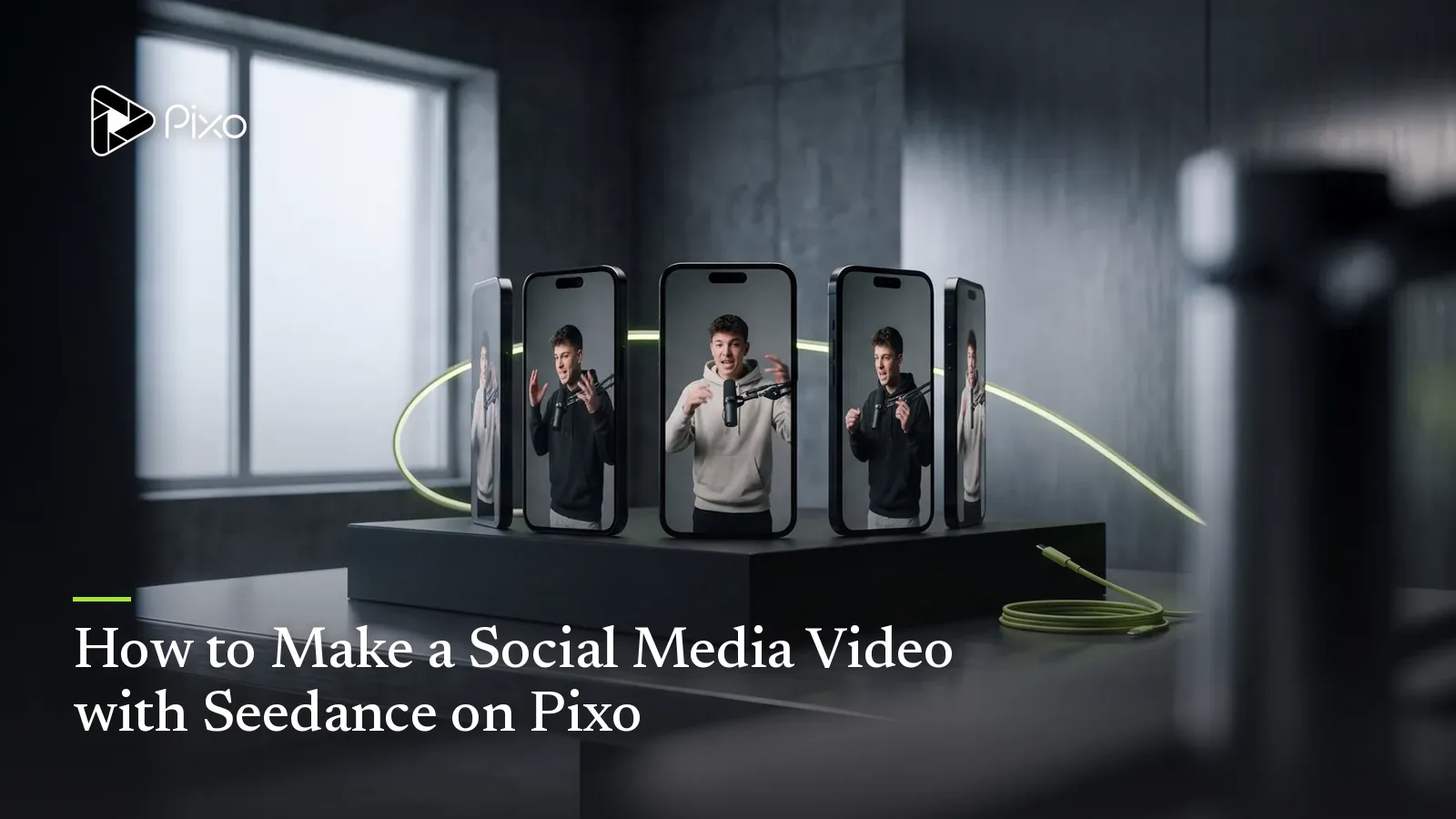
Scroll any For You page and the accounts actually growing have one thing in common: they don't post videos, they post episodes. A recurring character, a repeatable format, a face the audience recognizes in the first half-second — that's what turns a viral fluke into a follow. And it's precisely what most AI video tools can't deliver, because every generation reinvents the character. You get one great clip, then a stranger wearing a similar outfit in the next one, and the series — the entire growth mechanic — collapses.
Seedance 2.0 is the model on Pixo that makes episodic social content workable. Its persistent attention mechanism holds a character's face, wardrobe, and energy steady across shots, and on Pixo that character is a managed asset referenced in every episode you make — so the consistency survives not just within one video but across the forty videos that make up a content calendar. Add vertical-native framing (you pick 9:16 at the prompt input stage, so nothing is ever cropped) and an agent that batches a week of episodes in a sitting, and short-form stops being a daily scramble.
This page covers the full AI social media video workflow with Seedance: why it's the series model, when cheaper models genuinely make more sense, and three prompts you can paste in today.
Why Seedance 2.0 for Social Media Videos
A recurring character — the actual growth mechanic
Follower growth comes from recognition: "oh, it's her again." Seedance 2.0's persistent attention mechanism keeps a character coherent through a multishot sequence, and Pixo's asset library keeps them coherent across the calendar — your character exists once, with version history, and every episode's shots reference that asset. This is the structural difference between posting clips and running a show, and it's the capability one-off clip generators can't fake.
Vertical from the first frame, not cropped at the last
On Pixo, aspect ratio is chosen at the prompt input stage — start the project in 9:16 and Seedance composes every shot vertically: faces high in frame, action stacked, headroom where captions go. The alternative most tools push — generating widescreen and center-cropping — is how you end up with foreheads and elbows. Resolution is set at the same stage, so the export is platform-native with zero reformatting.
Batch production at content-calendar speed
The unit of social success isn't a video, it's a cadence. Seedance2 Director takes "five episodes of my format this week" and storyboards each one — script, per-shot visuals, asset references, audio — while your character and set assets carry over untouched. A 60-second episode runs about an hour end to end, and batching episodes in one project drops the marginal time further. That's a week of posts from one working session, the same volume logic behind UGC-style ad pipelines.
Native multishot for hook-payoff pacing
Short-form lives on internal cuts: hook, turn, payoff inside 30 seconds. Seedance 2.0 generates those beats as one native multishot sequence (only Kling 3.0 and Veo 3.1 share that ability), with continuity handled inside the generation instead of stitched after. The agent writes the timeline prompts for it, so the three-cut hook structure that retains viewers happens by default, not by luck.
Seedance vs Other Models for Social Media Videos
| Seedance 2.0 | Kling 3.0 | Veo 3.1 | Hailuo | |
|---|---|---|---|---|
| Native multishot | ✅ | ✅ | ✅ | ❌ |
| Recurring-character consistency | ★★★★★ | ★★★★ | ★★★★ | ★★★ |
| Motion & action energy | ★★★★★ | ★★★★★ | ★★★★ | ★★★★ |
| Cost per clip at volume | ★★★★ | ★★★ | ★★★ | ★★★★★ |
| Photorealism | ★★★★★ | ★★★★ | ★★★★★ | ★★★ |
| Agent automation | ✅ Seedance2 Director | ✅ Pixo Director | ✅ Pixo Director | ✅ Pixo Director |
The honest read for social: Seedance 2.0 wins wherever a character recurs — series, formats, anything your audience is supposed to recognize. But social is also a volume business, and Pixo lets you split the work per shot or per project:
- One-off trend clips, background loops, disposable reaction content — no recurring character, posted and forgotten in 48 hours — run cheapest on Hailuo. Spending flagship credits there is bad math.
- The occasional cinematic showpiece — a moody account trailer, a stylized transition video built to be screen-recorded and shared — is a fit for Kling 3.0's camera language.
- Photoreal "is this real?" content leans on Veo 3.1 for individual hero shots.
Switching is manual and per-shot: open the shot's workspace and change the model — Seedance2 Director itself dispatches only Seedance 2.0. Asset references hold your character identical across whichever models touch the episode, which is the multi-model play no single-model app can run.
How to Make a Social Media Video with Seedance on Pixo
For a 60-second vertical video, budget about an hour — the short-form schedule scales down from Pixo's long-form workflow, and repeat episodes go faster once assets exist.
Step 1 — Brief Seedance2 Director on the format (3–5 minutes)
New project, Seedance2 Director, and a format-shaped brief: platform, length, the character, the recurring premise ("street-food critic robot rates one dish per episode"), and the hook style. Pick 9:16 and your resolution now, at the prompt input stage — vertical is set here, not at export, and it changes how every shot is composed.
Step 2 — Review the storyboard for the scroll test (10–15 minutes)
The agent returns a script and storyboard: shots, asset references, audio, durations. Review it the way a viewer scrolls: does shot 1 work with the sound off, is there a visible change in the first 1.5 seconds, does the payoff land before the runtime earns a swipe-away? Lock your character asset so this episode references the same version as the last one.
Step 3 — Generate the episode (30–45 minutes)
Multishot sequences carry the hook-turn-payoff arc; standalone shots fill the gaps. If the agent flags drift — outfit change, set mismatch — regenerate the single shot. For a trend clip you've decided to run on Hailuo or a showpiece shot on Kling, open that shot's workspace and switch manually.
Step 4 — Tighten in the timeline (5 minutes)
Preview vertically, trim every beat that doesn't move, and front-load the strongest frame. Short-form editing is subtraction: a 60-second cut that should be 42 seconds will tell you in the retention graph.
Step 5 — Export clean and post (under 5 minutes)
Export watermark-free — no third-party logo for TikTok to downrank — and post natively per platform. Batch tip: before leaving the project, duplicate it for the next episode while the assets and format are warm.

Create AI videos with Pixo
Turn any idea into a publish-worthy video. One sentence is all it takes.
Copy-Paste Prompts
1. Vertical hook shot:
Single shot, 6 seconds, 9:16. Extreme close-up that opens mid-action:
a hand slams a glass jar of neon-green pickle brine onto a wooden
counter, liquid sloshing realistically, droplets catching window
light. Camera whips up fast to the character from project assets
(reference: chef-mara-v1), who stares into the lens and mouths "no
way." Face in the upper third of frame, headroom for caption text,
punchy contrast, handheld energy.
Why it works: it opens mid-action with motion and sound implied in frame one — the visible change that survives the 1.5-second scroll test — and it composes for vertical explicitly (face upper third, caption headroom) instead of hoping a crop lands well. The asset reference makes the face the one your followers already know.
2. Recurring-character episode beat (multishot):
Multishot sequence, 3 shots, 9:16. The same character from project
assets (reference: chef-mara-v1), red bandana and denim apron
consistent across all shots, at a night street-food market. Shot 1:
she lifts a skewer toward camera, skeptical eyebrow, neon signs bokeh
behind. Shot 2: tight insert — the bite, realistic steam and texture.
Shot 3: snap zoom to her face for the verdict, deadpan, holding up
four fingers. Fast cuts, saturated night palette, consistent grade.
Why it works: this is the episode's repeatable skeleton — approach, taste, verdict — written as one native multishot sequence so continuity is handled inside the generation. The wardrobe pinned in the header plus the asset reference give the persistent attention mechanism two anchors, which is what keeps Episode 14 identical to Episode 1.
3. Trend-format sequence:
Multishot sequence, 3 shots, 9:16, "get ready with me" format energy.
Shot 1: POV looking down at hands laying out three items on a desk in
a fast rhythmic pattern, satisfying thunk on each placement. Shot 2:
whip-pan transition — the desk is now fully styled, warm LED strip
light, everything aligned. Shot 3: slow push-in on the finished setup,
one item rotating slightly into place on its own. Crisp foley-friendly
actions, high frame energy, loop-friendly final frame.
Why it works: trend formats are rhythm formats — the prompt specifies beat-matched physical actions ("thunk on each placement") that Seedance's realism renders crisply and editors can sound-sync. The loop-friendly final frame is a deliberate replay-rate play, and the whole structure swaps cleanly into whatever trend audio is live this week.
Tips & Common Pitfalls
- Make the character asset before Episode 1 and never re-describe them. Reference the asset in every prompt. The moment you type a fresh description instead, you've rolled a new character and broken the series.
- Never crop widescreen into vertical. Choose 9:16 at the prompt input stage per project. If you also want a YouTube version, run a 16:9 variant of the same storyboard — shared assets keep both variants starring the identical character.
- Match the model to the post's lifespan. Series episodes on Seedance 2.0; 48-hour trend throwaways on Hailuo. Flagship consistency on disposable content is wasted credits — and the comparison table above is the budget.
- Think in shots, not minutes. Generations run roughly 5–30 seconds each, so a 30–60 second episode is 3–8 shots. That grain is a feature: every cut is a retention hook, and the storyboard hands you the cut points for free.
FAQ
Can Seedance keep the same character across a whole TikTok or Reels series?
Yes — this is the biggest reason to use Seedance 2.0 for social. Your character lives as a project asset referenced in every episode, and Seedance 2.0's persistent attention mechanism keeps their face, outfit, and energy consistent within each generated sequence. Episode 14 stars the exact character your followers met in Episode 1, which is what makes a series a series.
How do I make vertical 9:16 videos with Seedance on Pixo?
Choose 9:16 at the prompt input stage when you start the project — aspect ratio and resolution are set there, not at export. The whole storyboard is then composed vertically from the first frame, so faces and action sit where vertical viewers look, instead of being cropped out of a widescreen master.
How fast can I produce a week of content?
A single 60-second video runs about an hour end to end: 3–5 minutes briefing the agent, 10–15 minutes reviewing the storyboard, 30–45 minutes of generation, a few minutes in the timeline, and export in under 5 minutes. Batch a week of episodes in one project and the per-video time drops further, since your character and set assets already exist.
Is Seedance the cheapest model for high-volume social content?
No — Hailuo generates short clips at the lowest credit cost on Pixo, and it's the honest pick for one-off trend clips where no character recurs. Seedance 2.0 earns its cost on series content, where consistency is the product. Many creators run both: Seedance for the recurring-character series, Hailuo for disposable trend posts.
Do exports have a watermark? TikTok downranks watermarked videos.
Pixo exports are watermark-free by default, so you're not re-uploading footage stamped with another app's logo — the thing TikTok's algorithm visibly punishes. Each video exports clean and platform-ready in the aspect ratio you chose at the prompt stage.
Can I repurpose one Seedance video across TikTok, Reels, Shorts, and YouTube?
Yes, with one caveat: make each format at the prompt input stage rather than cropping. The same storyboard can run as a 9:16 project for TikTok, Instagram Reels, and YouTube Shorts, and a 16:9 variant for YouTube. Since assets are shared by reference, both variants star the identical character.
Ready to start your series? Sign up for Pixo — new users get 200 free credits on sign-up. Check plans (currently up to 55% off), and when your format outgrows 60 seconds, the same assets scale straight into long-form YouTube videos and marketing spots.
Generate AI summary
From idea to finished video.
In one conversation.
Start CreatingNo credit card required • Free 200 credits