How to Make an Explainer Video with Seedance on Pixo
Build AI explainer videos with Seedance 2.0 on Pixo: a recurring mascot that looks identical in every chapter, clean diagram shots, watermark-free export.

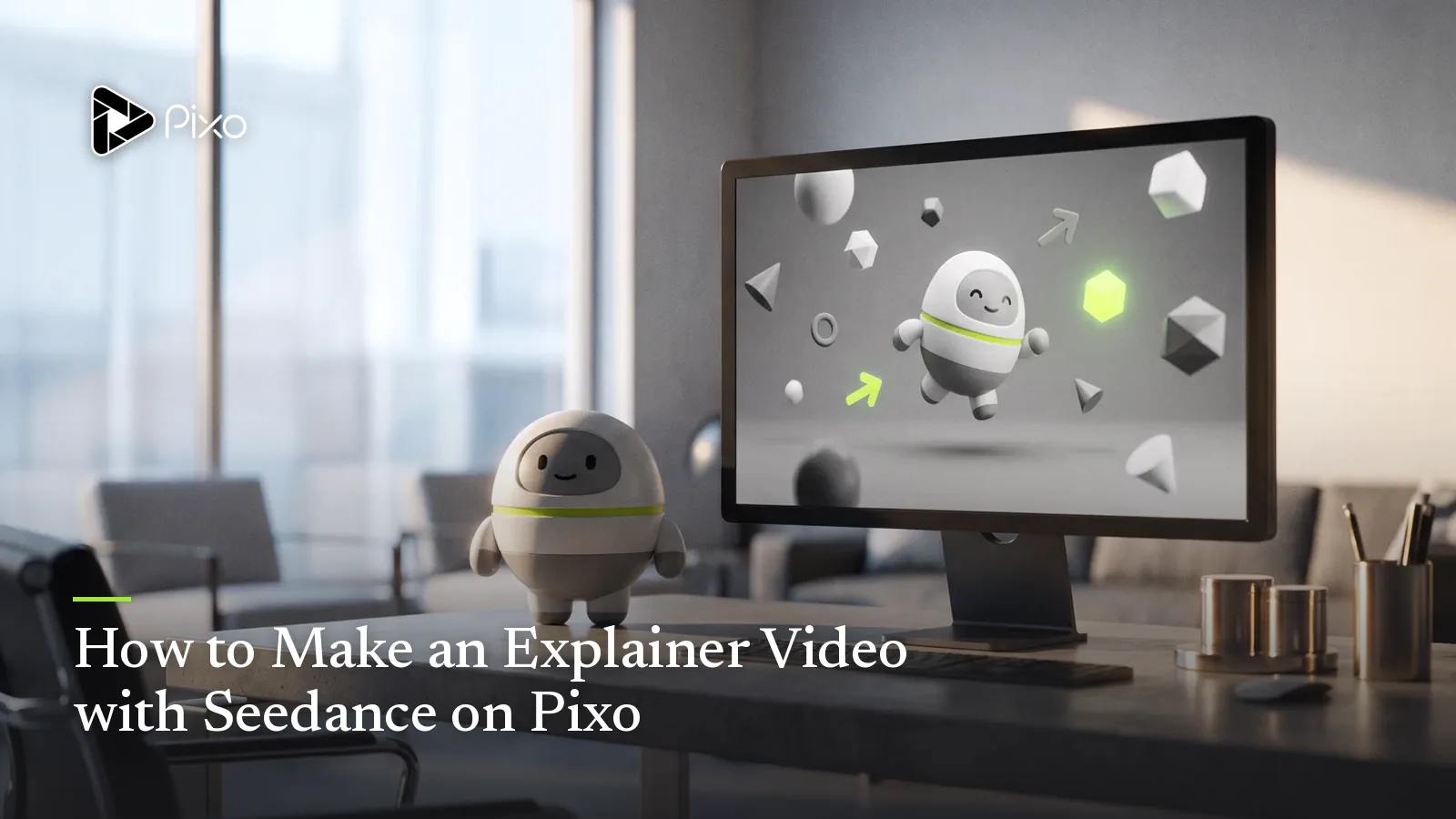
Explainer videos run on repetition. The viewer learns because the same friendly guide walks them through step one, step two, step three — the recurring character is the thread that carries attention through the explanation. Which is exactly why AI-generated explainers so often feel subtly wrong: the mascot's proportions shift between scenes, the diagram style mutates from flat to glossy mid-video, and the viewer's brain spends its bandwidth re-recognizing the guide instead of absorbing the lesson. In a format whose entire job is clarity, visual drift isn't a cosmetic bug — it's a comprehension bug.
Seedance 2.0 is the model on Pixo built to eliminate that drift. Its persistent attention mechanism holds a character's design and a video's visual style steady across shots, its native multishot generation turns step-by-step processes into genuinely sequential sequences, and its long-sequence optimization keeps a chaptered explainer progressing logically from problem to solution to recap. Wrapped in Pixo's agent workflow — where Seedance2 Director scripts, storyboards, and consistency-checks the whole video — it turns the explainer from a weeks-long studio engagement into an afternoon of review work.
Here's the full picture: why Seedance is the default for AI explainer videos, which shots to hand to other models, and copy-paste prompts for the three shot types every explainer is built from.
Why Seedance 2.0 for Explainer Videos
A recurring mascot that never off-models
The mascot (or human host) is the explainer's most valuable asset and its biggest AI liability. Seedance 2.0's persistent attention mechanism maintains character design across shots, and Pixo's asset system enforces it structurally: your mascot is a library asset with version history, and every storyboard shot references the same version. The blue robot in chapter one is the blue robot in the recap — same proportions, same materials, same face. For brands, this is also what makes the mascot reusable across an entire video series, not just one video.
Style consistency for diagrams and visual metaphors
Explainers cut constantly between character shots and abstract visuals — flowcharts, exploded views, metaphor scenes (the funnel, the bridge, the lightbulb). The failure mode is each cutaway arriving in a different render style. Seedance 2.0 carries visual style across shots the same way it carries characters, so a "flat illustration, four-color palette" instruction set in your prompts stays coherent from the first diagram to the last. The video reads as one designed system rather than a moodboard.
Logical progression across chapters
Teaching has an order: hook, problem, concept, steps, recap. Seedance 2.0's long-sequence narrative optimization means that given a timeline framework, generated content advances — a process visualization actually moves from stage one to stage three rather than looping ambient motion. Combined with native multishot generation (shared on Pixo only with Kling 3.0 and Veo 3.1), a three-step process comes out of a single structured prompt as one connected sequence with consistent geometry between steps.
An agent that writes the lesson plan
Seedance2 Director — Pixo's recommended agent, dispatching Seedance 2.0 exclusively — takes "explain X to Y audience in Z minutes" and returns the script, chapter structure, and complete storyboard: per-shot visual descriptions, mascot and asset references, audio/SFX. After each generation, it reviews the output and flags consistency issues — an off-model mascot gets caught in the agent's review instead of by you, squinting at shot 23. You review the pedagogy; the agent does the production paperwork.
Seedance vs Other Models for Explainer Videos
| Seedance 2.0 | Kling 3.0 | Veo 3.1 | Hailuo | |
|---|---|---|---|---|
| Mascot/character consistency | ★★★★★ | ★★★★ | ★★★★ | ★★★ |
| Style coherence across cutaways | ★★★★★ | ★★★★ | ★★★★ | ★★★ |
| Native multishot sequences | ✅ | ✅ | ✅ | ❌ |
| Photoreal live-action cutaways | ★★★★ | ★★★★ | ★★★★★ | ★★★ |
| Cost per simple graphic shot | ★★★★ | ★★★ | ★★★ | ★★★★★ |
| Agent automation | ✅ Seedance2 Director | ✅ Pixo Director | ✅ Pixo Director | ✅ Pixo Director |
The honest read: every shot containing your mascot or your diagram system belongs on Seedance 2.0 — consistency is the whole game there. But explainers contain plenty of shots where switching is the smarter spend:
- Simple icon animations, texture loops, and abstract b-roll where nothing recurs? Hailuo renders them at the platform's best credit cost — meaningful when a chaptered explainer needs 15 of them.
- Photoreal live-action cutaways — real hands on a real keyboard, a warehouse, a clinic — are Veo 3.1's territory; its realism sells "this happens in the real world" better than any stylized model.
- A single cinematic brand-moment opener can go to Kling 3.0 for its camera language.
Switching happens per shot, inside that shot's workspace, while asset references hold your recurring elements steady across models. This per-shot economics — flagship model where consistency matters, budget model where it doesn't — is something no single-model tool can replicate, and on a 40-shot explainer it adds up.
How to Make an Explainer Video with Seedance on Pixo
Plan 2–3 hours end to end for a first chaptered explainer; shorter 60–90 second pieces compress proportionally, and a series reusing the same mascot gets faster every episode. (For scaling past the five-minute mark, see the long-form AI video guide.)
Step 1 — Give Seedance2 Director the lesson brief (3–5 minutes)
New project, Seedance2 Director, and brief it like you'd brief an instructional designer: the concept to explain, the audience's starting knowledge, the 3–5 takeaways, target length, and the visual system you want (mascot description, flat vs. 3D, brand palette). Choose aspect ratio and resolution here, at the prompt input stage — 16:9 for web, onboarding, and course platforms (per YouTube's recommended upload encoding settings) — because that decision lives here, not at export.
Step 2 — Review the teaching logic and lock the mascot (30–45 minutes)
The agent returns the script, chapter breakdown, and full storyboard. Review it as a teacher, not a producer: is each concept introduced before it's used? Does every chapter end on a one-line takeaway? Is there a recap? Then perfect your mascot asset in its workspace — silhouette, colors, the two or three details that make it recognizable — because all subsequent shots inherit it, in this video and in every future episode.
Step 3 — Generate chapter by chapter (1–2 hours)
Run process visualizations and step sequences as native multishot generations; run standalone diagram beats and the hook as single shots. Each generation covers roughly 5–30 seconds, so a 3-minute explainer is on the order of 15–30 shots. When the agent flags drift — mascot proportions, a palette shift — regenerate that shot alone. Hand your designated b-roll shots to Hailuo and live-action cutaways to Veo 3.1 via each shot's workspace.
Step 4 — Sequence for comprehension in the timeline (10–15 minutes)
Preview the full video in the timeline and test it against one question: could a first-time viewer summarize each chapter in a sentence? Reorder where a concept lands before its setup, trim any shot that decorates rather than teaches, and make sure the recap mirrors the hook.
Step 5 — Export and deploy (under 5 minutes)
Export watermark-free and drop the file wherever it works: landing page, in-app onboarding, help center, YouTube, or your course platform. Cutting social teasers? Spin up a 9:16 variant project at the prompt stage — your mascot asset carries over.

Create AI videos with Pixo
Turn any idea into a publish-worthy video. One sentence is all it takes.
Copy-Paste Prompts
1. Mascot + diagram shot:
Single shot, 8 seconds, 16:9. The mascot from project assets (reference:
volt-robot-v2) stands at frame left on a clean off-white background, flat
illustration style, brand palette only (deep blue, coral, cream). At frame
right, a three-node flowchart fades in: INPUT → PROCESS → OUTPUT, connected
by animated dashed lines. The mascot gestures toward the middle node, which
pulses coral and scales up 20%. Nothing else moves. No extra text, no
background elements, no camera movement.
Why it works: it splits the frame into a stable zone (mascot, by asset reference) and exactly one animated event (the middle node), which is how strong explainer motion design directs attention. The triple prohibition at the end — no extra text, elements, or camera motion — closes off the model's instinct to decorate, which is the number-one source of cluttered diagram shots.
2. Process visualization sequence (multishot):
Multishot sequence, 3 shots, 16:9, consistent flat 2.5D style and off-white
background across all shots. Visualizing how a coffee order moves through a
delivery app. Shot 1: a phone icon at left; a coffee-cup order card slides
from the phone to a cloud icon at center, dashed trail behind it. Shot 2:
same layout, camera unchanged — the cloud routes the card down a branching
path to a storefront icon, the chosen branch lighting up green. Shot 3:
same layout — the storefront stamps the card with a check mark and a small
courier-scooter icon carries it off frame right. Same icon sizes, same line
weight, same palette in every shot.
Why it works: the sequence keeps one spatial map across all three shots ("same layout, camera unchanged"), so the viewer builds a single mental model instead of relearning the geography per cut — the core trick of good process animation, executed through Seedance 2.0's multishot continuity. Specifying line weight and icon scale pins the style at the level where drift actually shows.
3. Before/after explainer beat:
Multishot sequence, 2 shots, 16:9, flat illustration style. Shot 1 (BEFORE):
a desk scene drawn in grays and muted tones — an office worker character
buried behind seven leaning stacks of paper, sticky notes everywhere, a
wall clock at 7 PM, subtle chaotic motion in the paper stacks. Shot 2
(AFTER): the identical desk, same camera angle and framing — stacks gone,
one laptop open showing a simple dashboard with three green check marks,
palette shifted to bright brand colors, the same worker leaning back
relaxed, clock at 5 PM. Same character, same desk, same angle; only color,
clutter, and posture change.
Why it works: before/after only persuades if the viewer accepts both frames as the same world, so the prompt locks camera, desk, and character and lets exactly three variables flip — color, clutter, posture. The clock detail (7 PM → 5 PM) plants a concrete benefit the voiceover can land on, and cross-shot consistency is what keeps the comparison honest rather than two unrelated illustrations.
Tips & Common Pitfalls
- Design the mascot once, in the asset workspace — not in prompts. Describing the mascot from scratch per shot reintroduces the drift the asset system exists to kill. Reference it; never re-describe it.
- Keep on-screen text down to labels of 1–3 words. AI video still scrambles dense type. Put sentences in the voiceover and detailed copy in post overlays; ask the model only for short, large labels.
- One animated idea per shot. If the prompt has the mascot gesturing while three diagram nodes pulse and a chart grows, the model muddles all of them — and so does the viewer. Explainer shots are 5–30 seconds; one event each, sequenced in the timeline.
- Don't pay flagship rates for filler. Route mascot and diagram-system shots to Seedance 2.0 and shuffle anonymous b-roll to Hailuo in the shot workspace — on a 40-shot chaptered explainer the credit difference is real.
FAQ
Can Seedance keep my mascot or host identical through the whole explainer?
Yes — that's the core of this pairing. Your mascot lives in Pixo's asset library and every shot references the same version of it, while Seedance 2.0's persistent attention mechanism maintains its design across generations. The character that explains step 1 is pixel-for-purpose the same one delivering the recap.
How long should an explainer made with Seedance on Pixo be?
Most land between 60 seconds and 5 minutes. Each generation produces a shot or multishot sequence of roughly 5–30 seconds, so a 90-second explainer is about 8–15 shots and a chaptered 5-minute course-style explainer runs 30–50 shots, assembled in the timeline.
Can Seedance generate clean diagram and visual-metaphor shots?
Yes, if you prompt for restraint: specify a flat or simple 3D style, a clean background, a limited palette, and exactly which element animates. Keep labels short — AI video still mangles dense small text, so detailed wording belongs in your voiceover or post overlays.
Do I need to script every scene myself?
No. Describe the concept, audience, and key takeaways to Seedance2 Director and it writes the script, breaks it into chapters, and builds the storyboard with per-shot visuals, asset references, and audio/SFX. Your job is reviewing the teaching logic, not prompt-engineering each shot.
When is a different model better than Seedance for explainer shots?
Switch in the shot's workspace when it pays: Hailuo generates simple icon and texture b-roll at the best credit cost, and Veo 3.1 is the pick for photoreal live-action cutaways like real hands using a real device. Your mascot shots should stay on Seedance, where consistency is strongest.
Can I publish the explainer without a watermark?
Yes. Pixo exports are watermark-free by default, so the video drops straight into your landing page, onboarding flow, help center, or course platform. Pick aspect ratio and resolution at the prompt input stage — 16:9 for web and courses, 9:16 for social cutdowns.
Got a concept your customers keep misunderstanding? Sign up for Pixo — new users get 200 free credits on sign-up. Compare plans (currently up to 55% off), or see Seedance 2.0 on other formats: YouTube videos and short films.
Generate AI summary
From idea to finished video.
In one conversation.
Start CreatingNo credit card required • Free 200 credits