How to Make a Marketing Video with Seedance on Pixo
Make marketing videos with Seedance 2.0 on Pixo — identical brand colors, products, and spokesperson in every shot, plus fast batch variants for testing.

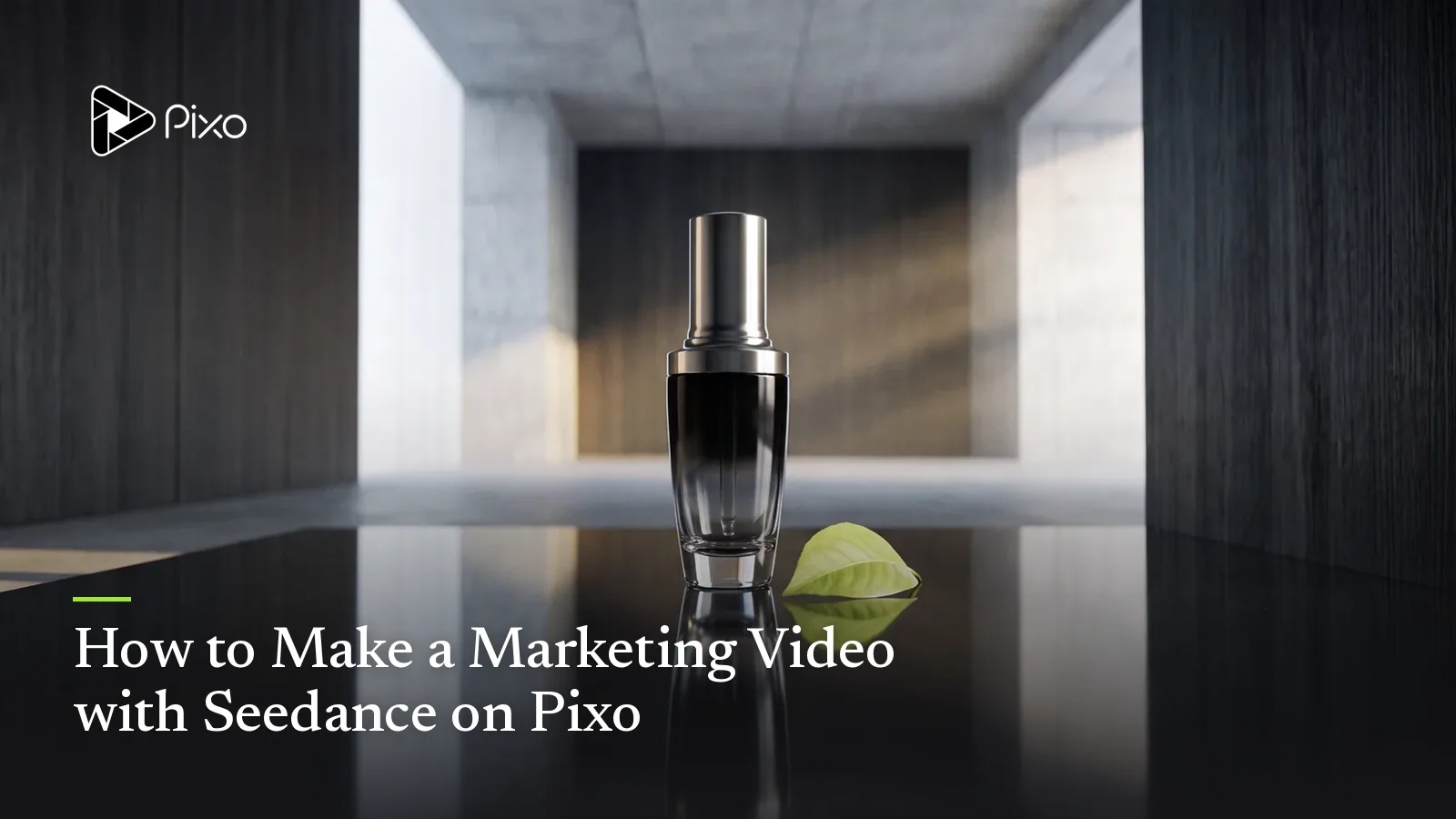
Ask any brand team why their AI video experiments died, and the answer is rarely quality — it's QA. The footage looked great until someone noticed the logo color had drifted two hues between shots, the bottle was 20% taller in the second scene, and the "spokesperson" was subtly a different person by the closing frame. Marketing video has a constraint other content doesn't: every frame is a brand artifact. Off-brand isn't a style choice; it's a rejected deliverable.
This is the specific problem Seedance 2.0 is best at solving on Pixo. Its persistent attention mechanism holds characters, products, and visual style steady across an entire generated sequence — the same packaging, the same palette, the same face, shot after shot. And because Pixo manages your product, spokesperson, and locations as shared assets referenced by every shot, brand consistency is enforced structurally across the whole campaign, not re-negotiated in every prompt. The result is the thing performance teams actually want from AI: not one lucky clip, but a repeatable system for marketing video production.
The system part matters because modern campaigns aren't one video — they're a master spot plus eight variants for testing. With Seedance2 Director writing the script and storyboard from your brief, the master takes an afternoon and each variant takes a fraction of it. Here's the full workflow, where Seedance leads, and which shots are worth switching to another model.
Why Seedance 2.0 for Marketing Videos
Brand consistency enforced twice — by the model and by the project
A 45-second spot is 6–12 shots; a campaign family is 50+. Seedance 2.0's persistent attention mechanism keeps the character and product coherent within each multishot sequence, and Pixo's asset library keeps them coherent across the whole campaign: your product, spokesperson, and key locations exist once, with version history, and every shot references them. When brand reviews the cut, they're reviewing one product and one spokesperson — not a lineup of near-duplicates.
Physical realism where marketing is least forgiving
Product shots are where AI video most visibly fails: liquids that pour like gel, hands with impossible grips, fabric that moves like rubber. Seedance 2.0 leads the Pixo lineup on physical realism — pours, condensation, fabric drape, and product handling read true, which is the difference between footage you can put media spend behind and footage that triggers the "AI slop" reflex in comments.
Batch variants without brand drift
Creative testing is a volume game: same offer, different hooks. On Pixo you duplicate the master storyboard, swap only the hook shot or CTA framing, and regenerate just the changed shots — assets, palette, and the other ten shots stay byte-identical. That turns "make me five versions" from five productions into one production plus four edits, which is exactly the iteration loop UGC-style ad pipelines are built on.
Native multishot keeps the spot's logic intact
Seedance 2.0 generates multishot sequences natively (a capability shared only with Kling 3.0 and Veo 3.1), and Seedance2 Director writes the timeline prompts to use it. A problem-agitate-solve arc generates as one structured sequence with continuity baked in, instead of three independent generations you pray will match. For ad pacing — hook by second two, product by second six — that structural control beats raw image quality.
Seedance vs Other Models for Marketing Videos
| Seedance 2.0 | Kling 3.0 | Veo 3.1 | Hailuo | |
|---|---|---|---|---|
| Native multishot | ✅ | ✅ | ✅ | ❌ |
| Brand & product consistency | ★★★★★ | ★★★★ | ★★★★ | ★★★ |
| Physical realism (product handling) | ★★★★★ | ★★★★ | ★★★★★ | ★★★ |
| Cinematic polish | ★★★★ | ★★★★★ | ★★★★ | ★★★ |
| Batch-variant cost | ★★★★ | ★★★ | ★★★ | ★★★★★ |
| Agent automation | ✅ Seedance2 Director | ✅ Pixo Director | ✅ Pixo Director | ✅ Pixo Director |
Seedance 2.0 is the right backbone for campaign work — consistency and product realism are the two dimensions a brand team will actually reject a cut over. The honest exceptions, switchable per shot on Pixo:
- A brand-film opener that needs to feel like a commercial director shot it — sweeping moves, dramatic blocking — is Kling 3.0 territory. Switch the opener, keep the body on Seedance.
- The hero product macro — the 4K close-up that anchors the landing page too — is where Veo 3.1 is worth the switch for maximum photorealism.
- High-volume, low-stakes test creative (twenty rough hook variants to find one winner) runs cheapest on Hailuo; promote the winner to a Seedance master afterward.
Switching happens per shot, inside that shot's workspace, and asset references keep your product and spokesperson consistent across every model. No single-model tool can run that play, which is the practical argument for producing campaigns on Pixo rather than on any one model's own app.
How to Make a Marketing Video with Seedance on Pixo
Plan 2–3 hours for the master spot. Variants after that are fast, because only changed shots regenerate.
Step 1 — Brief Seedance2 Director like an agency (3–5 minutes)
New project, Seedance2 Director, and a real brief: product, offer, audience, platform, target length, and the brand constraints that matter ("palette is deep teal and off-white, spokesperson is warm but direct, logo appears only in the end card"). Choose aspect ratio and resolution here, at the prompt input stage — 16:9 for pre-roll, 9:16 for Reels placements — because this is where it's set, not at export.
Step 2 — Review the storyboard like a creative director (30–45 minutes)
The agent returns the script and a complete storyboard: per-shot visuals, asset references, audio and SFX, durations. Run your brand QA here, before generation: is the product description exact, does the hook land inside two seconds, does every shot reference the locked spokesperson and product assets? Catching drift in the storyboard costs minutes; catching it in the cut costs credits.
Step 3 — Generate the spot (1–2 hours)
Let multishot sequences carry the narrative beats and generate standalone shots individually. The agent flags consistency issues — packaging variation, wardrobe drift — so you regenerate single shots, not scenes. For the shots you've earmarked for another model (Kling opener, Veo hero macro), open each shot's workspace and switch manually.
Step 4 — Cut and pace in the timeline (10–15 minutes)
Preview the assembled spot. Tighten to platform reality: value proposition visible by second three, product by second six, end card long enough to read. Reorder freely — the hook you storyboarded third often tests better first.
Step 5 — Export masters and spin variants (under 5 minutes)
Export watermark-free and ship to your ad platform. Then duplicate the project for variants: new hook shot, same everything else. Each placement format (16:9, 9:16, 1:1) should be its own prompt-stage variant rather than a crop, so the framing is native to the placement.
Create AI videos with Pixo
Turn any idea into a publish-worthy video. One sentence is all it takes.
Copy-Paste Prompts
1. Brand spot opener (multishot):
Multishot sequence, 3 shots, 16:9, premium commercial tone. Brand
palette locked: deep teal (#0F4C5C) and off-white, consistent across
all shots. Shot 1: slow dolly across a minimalist kitchen at golden
hour, the product bottle from project assets (reference: bottle-v4)
centered on the counter, backlit. Shot 2: macro on the bottle label,
condensation beading realistically, teal accent light. Shot 3: a hand
enters frame and lifts the bottle with a natural grip, shallow depth
of field. Clean, quiet, high-end grade — no lens flares, no text.
Why it works: the palette is locked in the header and the product is referenced as a project asset, so the persistent attention mechanism and the asset system are enforcing the same definition of "on-brand." Each shot gives Seedance a physical event (light, condensation, grip) instead of abstract adjectives like "premium."
2. Lifestyle product-in-use sequence:
Multishot sequence, 4 shots, 9:16, warm UGC-adjacent realism. The
same woman, mid-20s, copper curly hair, cream linen shirt, consistent
across all shots, in a sunlit apartment. Shot 1: she unboxes the
product from project assets (reference: serum-v2), genuine small
smile. Shot 2: close on her hands pumping one drop onto fingertips,
realistic liquid viscosity. Shot 3: mirror shot, she applies it along
the cheekbone, soft morning light. Shot 4: she glances at the camera,
relaxed, holding the bottle label-out. Handheld feel, natural skin
texture, no beauty-filter smoothing.
Why it works: it pins the person (hair, wardrobe) and the product (asset reference) as fixed anchors, then varies only action and framing — the exact structure that keeps a four-shot lifestyle sequence reading as one person's real morning. "Realistic liquid viscosity" targets the most common product-shot failure directly.
3. Testimonial-style shot:
Single shot, 15 seconds, 9:16. A man in his late 30s, short beard,
charcoal henley, seated slightly off-center in a home office, bookshelf
softly out of focus behind him. He speaks to camera conversationally —
mid-thought energy, small hand gestures, one natural pause — as if
answering "so what changed for you?". Eye-level webcam-style framing,
slightly imperfect lighting, no studio polish, no captions baked in.
Why it works: testimonial credibility comes from controlled imperfection — webcam framing, uneven light, a pause — and the prompt asks for those deliberately instead of letting the model default to ad-gloss. Keeping captions out of the generation leaves you free to A/B caption styles at the platform level.
Tips & Common Pitfalls
- Create product and spokesperson assets before storyboarding the first spot. Lock the versions brand has approved, then reference them everywhere. A campaign's consistency ceiling is set the day its assets are.
- Pin the palette in every multishot header. Name the colors specifically ("deep teal, off-white") rather than "brand colors" — the model can hold an anchor it can see, not one that lives in your brand book.
- Test with variants, not regenerations. Duplicate the master and change one element per variant. Regenerating the whole spot to "try again" burns credits and breaks the controlled comparison your media buyer needs.
- Mind the per-generation window. Shots run roughly 5–30 seconds per generation; a 60–90 second brand film is assembled from shots in the timeline. Storyboard to that grain — one beat per shot — instead of asking single generations to carry whole acts.
FAQ
Can Seedance keep my brand colors and product identical across every shot?
That's its core strength on Pixo. Your product and spokesperson live as assets in the project library and are referenced by every shot, while Seedance 2.0's persistent attention mechanism holds color, packaging, and character details steady within each generated sequence. Pin your palette and product description in the prompt header and the same anchors carry through the whole spot.
How do I produce multiple ad variants for A/B testing?
Build the master spot once with Seedance2 Director, then create variants by changing only what you're testing — usually the hook shot or the CTA line — while every other shot, asset, and setting stays identical. Because assets are shared by reference, ten variants stay perfectly on-brand instead of being ten fresh rolls of the dice.
Are Seedance's product shots realistic enough for paid placements?
Seedance 2.0 is the strongest model on Pixo for physical realism — liquids pour believably, fabric drapes correctly, hands hold products at plausible angles. For ultra-photoreal 4K hero macros, some teams switch that single shot to Veo 3.1 inside its shot workspace while the rest of the spot stays on Seedance.
Can I use the same AI spokesperson across multiple campaigns?
Yes. The spokesperson is a managed asset with version history, shared by reference across projects' shots. The character your audience saw in the spring campaign can front the fall campaign with the same face and energy — recognition compounds the way it does with a human brand ambassador, without the booking fees.
Is the exported video watermark-free and ad-platform ready?
Yes. Pixo exports are watermark-free by default. You choose aspect ratio and resolution at the prompt input stage — 16:9 for YouTube pre-roll, 9:16 for Reels and TikTok placements, 1:1 where square inventory still performs — so each placement gets a native-framed master, not a crop.
How long does one marketing video take to produce?
A realistic first run is about 2–3 hours end to end: 3–5 minutes briefing the agent, 30–45 minutes reviewing the script and storyboard, 1–2 hours of generation, 10–15 minutes in the timeline, and export in under 5 minutes. Variants of an existing master take a fraction of that, since only changed shots regenerate.
Ready to ship your next campaign? Sign up for Pixo — new users get 200 free credits on sign-up. See plans (currently up to 55% off), or branch the same asset library into product demos and social media videos without rebuilding a thing.
Generate AI summary
From idea to finished video.
In one conversation.
Start CreatingNo credit card required • Free 200 credits