








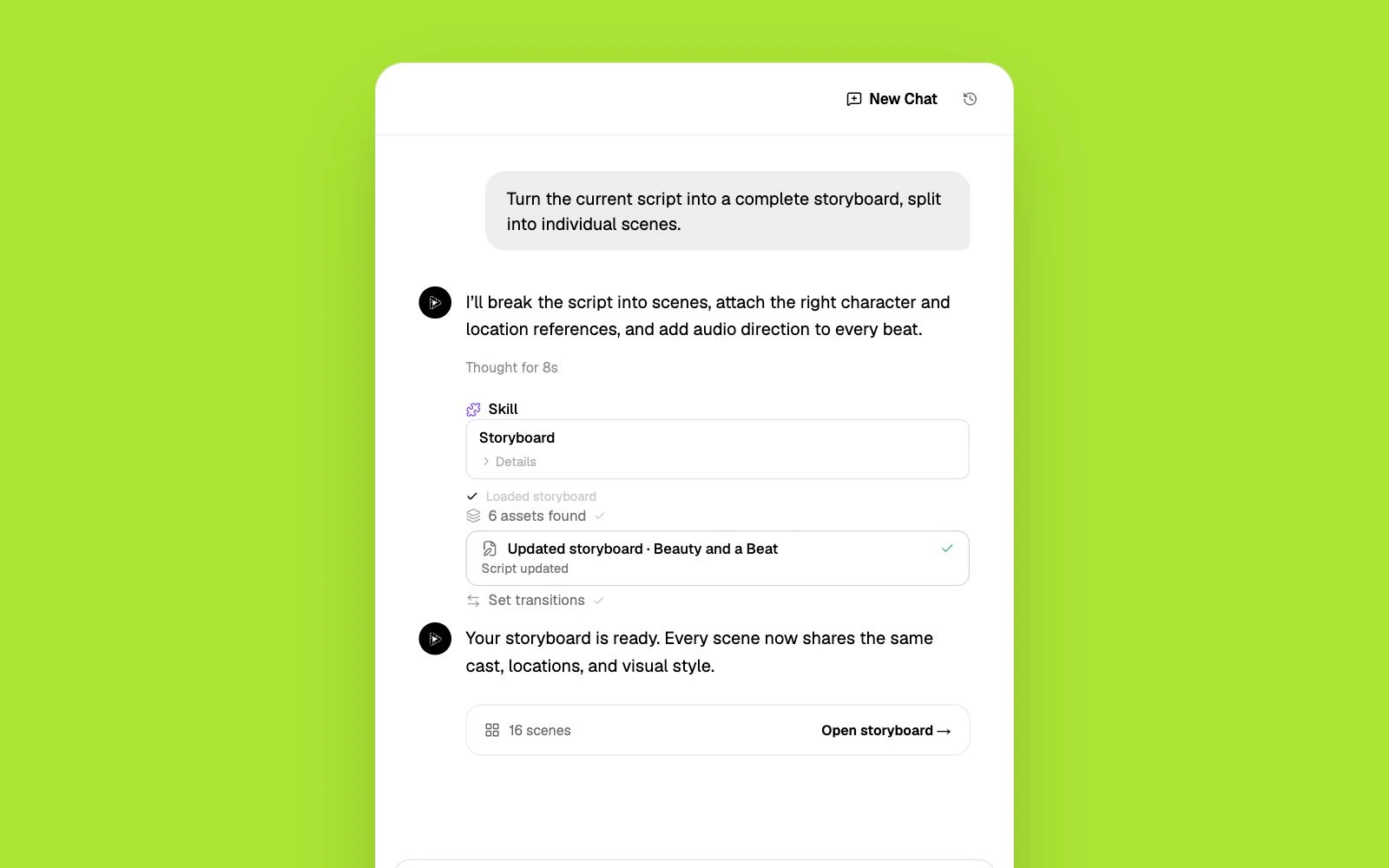
Start with a conversation.
Tell Pixo what you’re making—your idea, audience, style, and length. The agent turns your brief into a script and a production-ready plan.
Create explainer videos with Veo's photorealistic scenes. Make complex concepts tangible with realistic environments, natural demonstrations, and true-to-life visual storytelling.
Explaining a complex process with words alone loses most audiences. Veo's realistic scenes make abstract ideas feel tangible and real.
Template animation tools produce a recognizable 'explainer video' aesthetic that can undermine credibility for serious products and services.
Commissioning realistic animated explainers costs $5,000-$15,000 per minute. Veo generates comparable visual quality for a fraction of the cost.
Describe what you need to explain. The agent structures it into a step-by-step visual narrative with one concept per scene.
Veo renders natural, photorealistic environments that illustrate each concept — real office settings, natural environments, authentic human interactions.
For scenes needing camera movement or dynamic transitions, mix in Kling's cinematic capabilities alongside Veo's realism.
Add clear voiceover that walks through each concept as the visuals illustrate it. Export for your website or presentations.
Veo shows concepts in realistic settings — how things work in the real world, not in cartoon abstraction.
Veo's natural-looking output conveys professionalism and credibility — important for B2B explainers and technical documentation.
Show your product or concept in authentic environments — offices, factories, homes, cities — that feel genuine, not staged.
Combine Veo's realism with Kling's dynamic camera for transitions and Hailuo for abstract concept visualization.
Pair Veo's visual clarity with AI voiceover for explainers that communicate through both sight and sound.
Continue with a model, free tool, or comparison matched to this workflow.
Explore the VEO models available in Pixo.
From bedroom studios to agency pipelines — hear it from the people making videos every day.
1,000,000+
videos generated
100,000+
creators worldwide
190+
countries
我做短剧账号,以前一集要剪两天。现在分镜自动生成,我只改镜头描述,当天就能更新。
Product demos used to take two weeks with a freelancer. Now I draft a script in the morning and the team reviews a finished cut after lunch. The scene-by-scene control is what sold me.
Je réalise des clips pour des artistes indépendants. Pixo me permet de tester trois directions artistiques dans la même journée — impensable avant.
브랜드 협찬 영상을 매주 두 편씩 만드는데, 장면별로 다시 생성할 수 있어서 수정 요청이 와도 무섭지 않아요.
Pixo thinks in shots, not clips. I can hold a location and a character across an entire sequence — that's the part every other AI tool gets wrong.
Hago videos para clientes de tres países y Pixo me resuelve la producción completa. Storyboard en la mañana, revisiones en la tarde, entrega el mismo día.
I run two faceless channels and this is the whole production stack. Script goes in, storyboard comes out, I tweak three panels and hit generate.
歌ってみた動画のMVを自分で作れるようになりました。絵コンテを直すだけで世界観が変わるのが楽しいです。
Clients ask for changes on Friday afternoon. I regenerate one scene instead of rebooking a crew — that alone pays for the subscription.
Every single I released this year has a video now. I storyboard the whole thing in an afternoon, regenerate the scenes that feel off, and export for YouTube and Reels in one go.
Common questions about explainer videos with Veo.
Turn a concept, product, process, or lesson to explain into a structured explainer video with a visual script, clear scenes, and narration. Pixo's AI agent helps plan the storyboard, generate individual scenes with leading video models, add voice and sound, and refine the complete video in one workspace.
Create educational content with photorealistic visuals that bring lessons to life. Veo generates natural-looking scenes that make complex subjects concrete and memorable.
Explain an app through one useful task and the real screens that complete it.
Tell Pixo what you’re making—your idea, audience, style, and length. The agent turns your brief into a script and a production-ready plan.
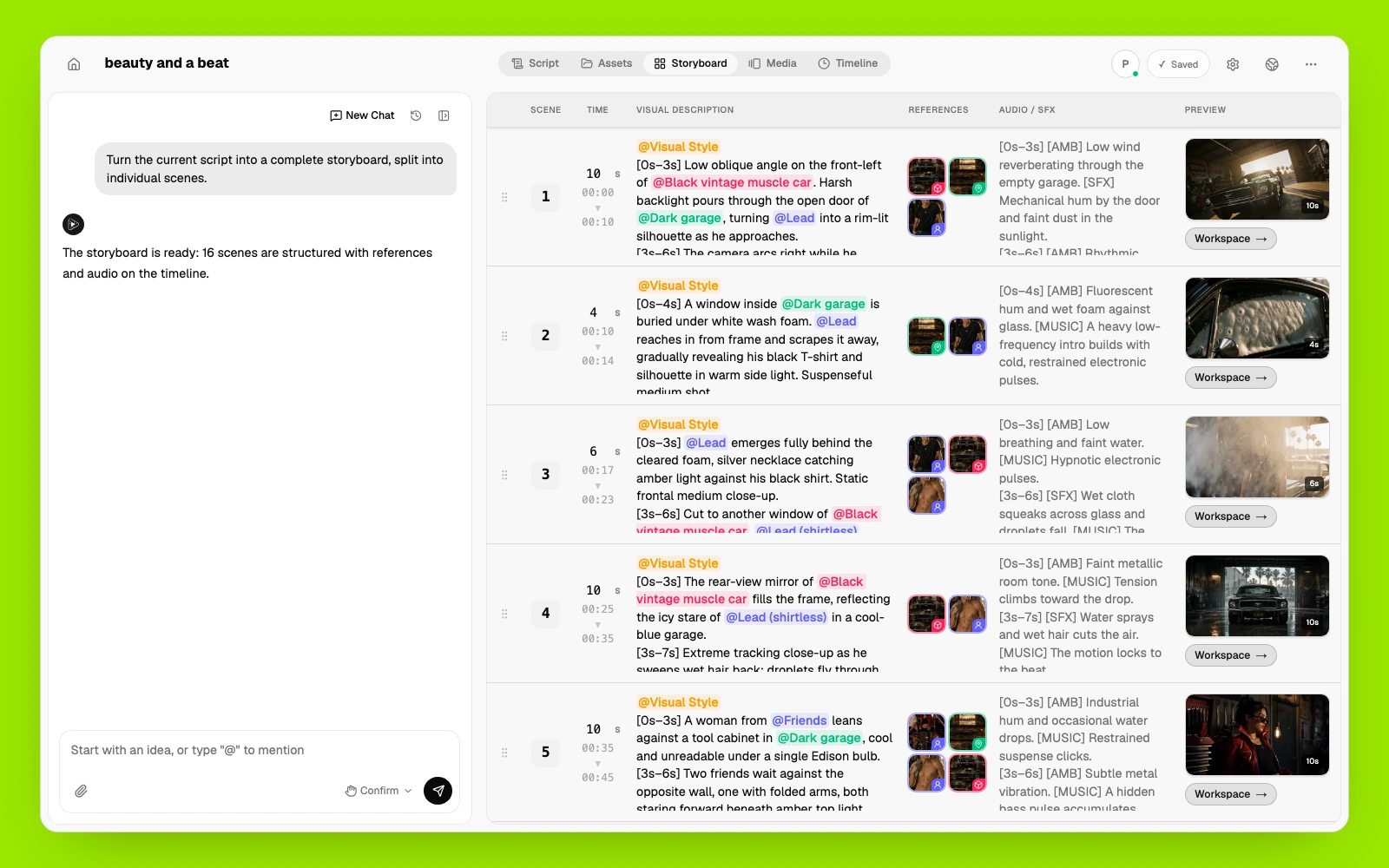
Pixo AI reviews every scene, camera move, reference, and sound cue before generation. Change one shot without starting the whole video over.
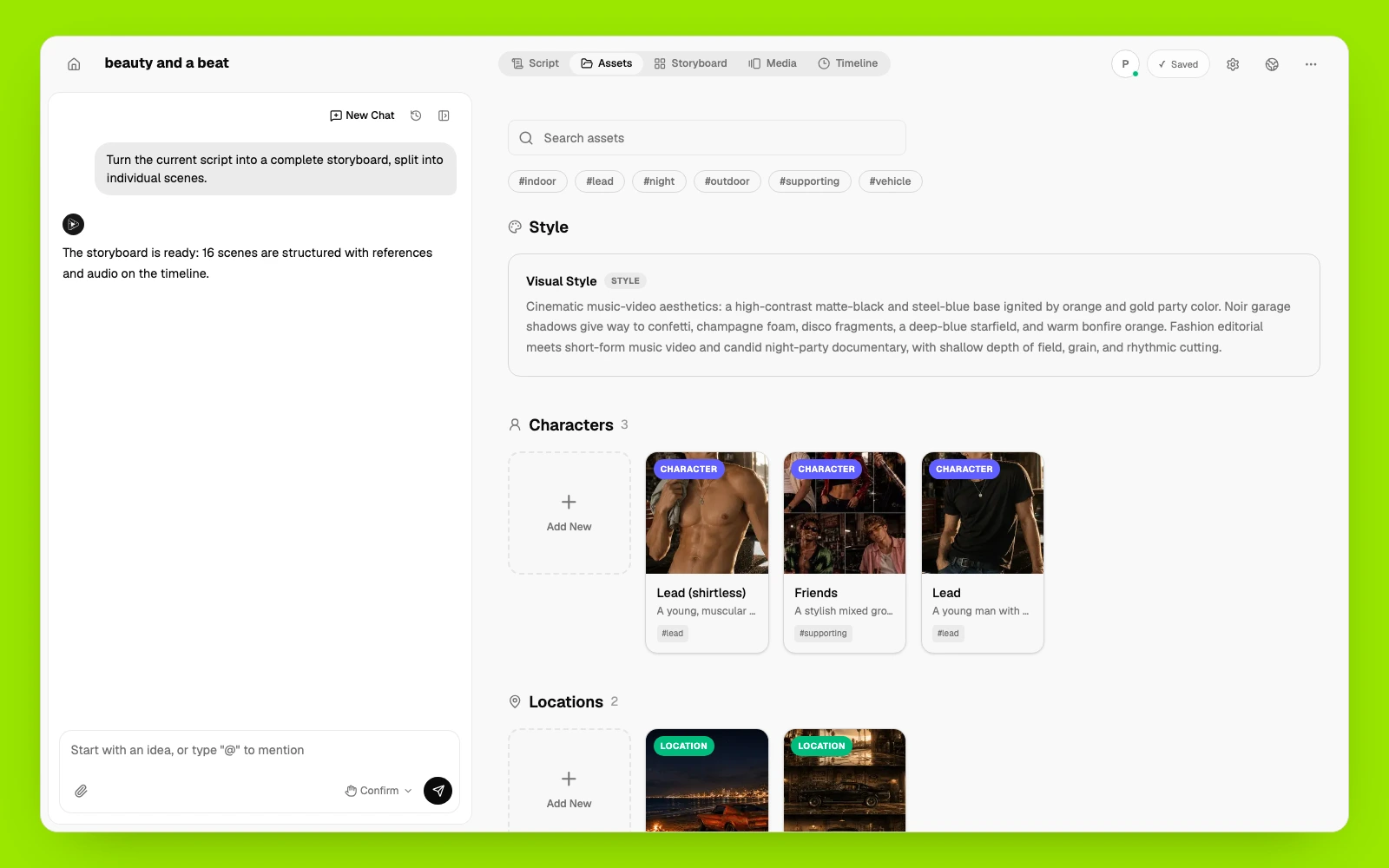
Pixo AI manages and reuses the same characters, products, locations, voices, and visual styles across every scene.
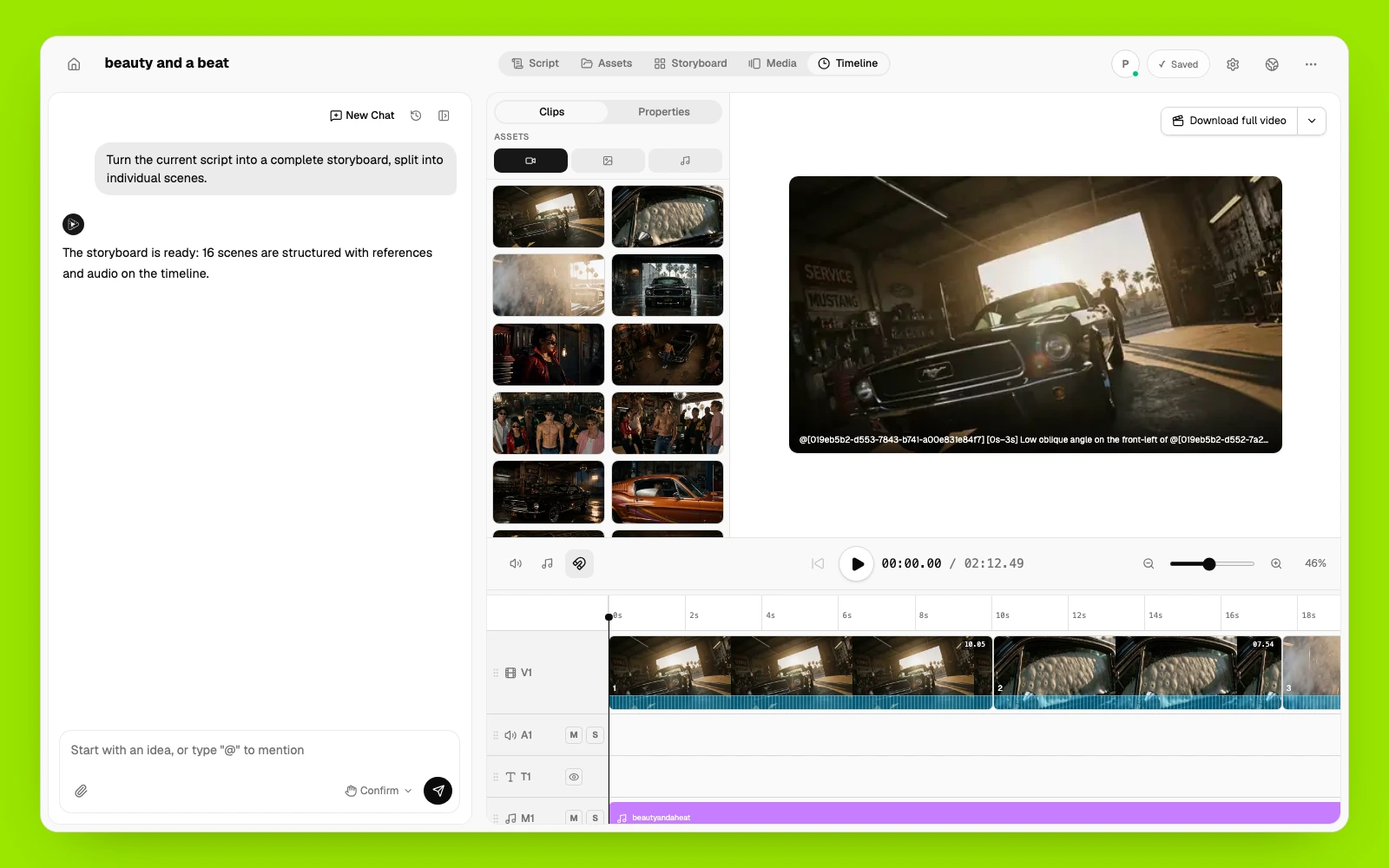
Pixo AI arranges clips, voiceover, music, and sound on one timeline. Regenerate what changed, keep what works, and export the finished video.