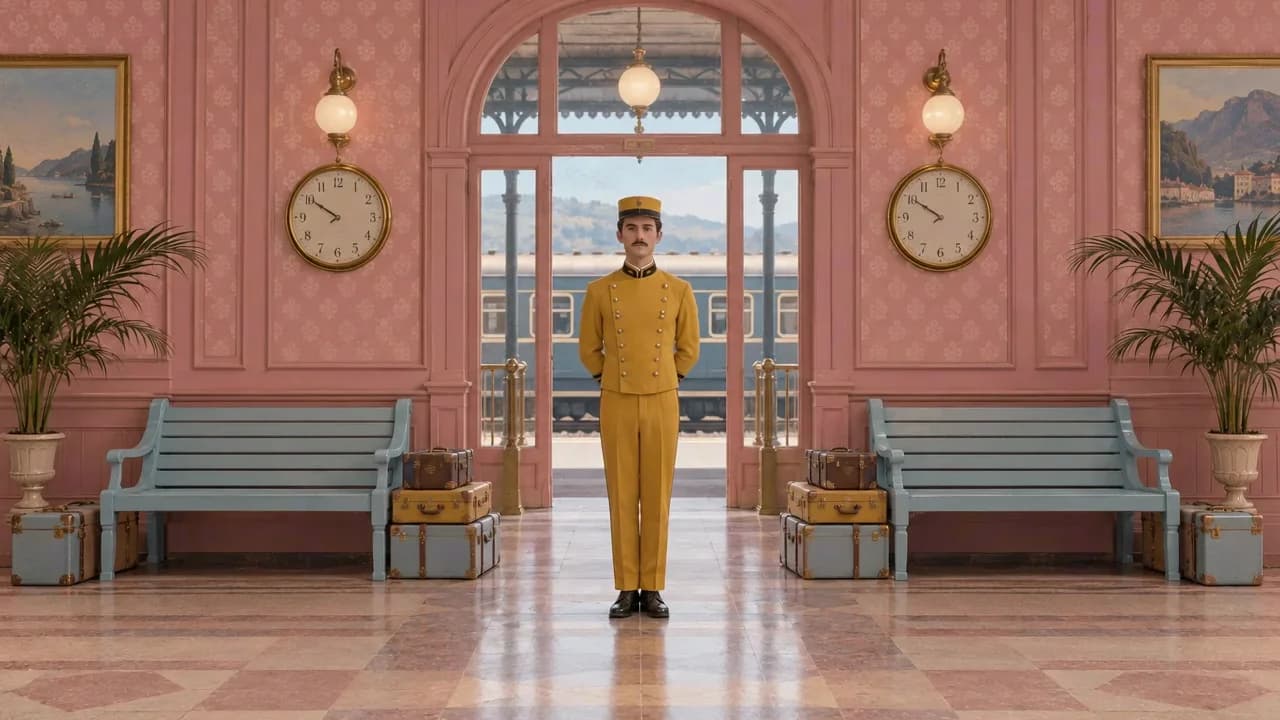
Wes Anderson
Centered compositions, restrained pastels, and carefully arranged storybook sets.
Symmetry · Pastel · Storybook
Best for: Character scenes · Product stories
Explore this styleFind a visual direction, build a strong key image, and bring it into motion with paired prompts you can adapt to your own characters, products, and stories.
Browse by composition, material, color, and mood. Each guide breaks the look into practical choices and pairs an image prompt with a matching motion prompt.
17 styles
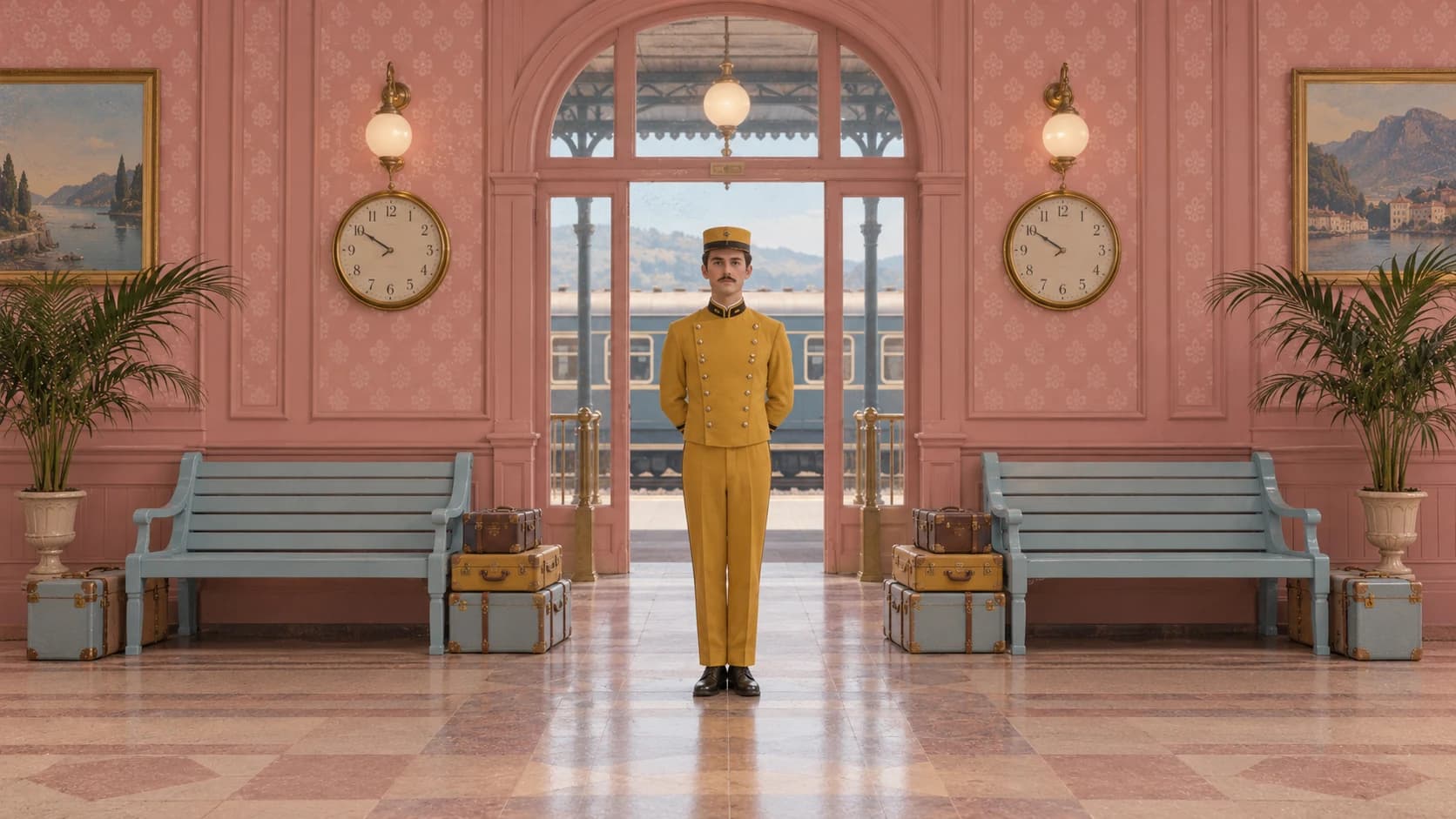
Centered compositions, restrained pastels, and carefully arranged storybook sets.
Symmetry · Pastel · Storybook
Best for: Character scenes · Product stories
Explore this style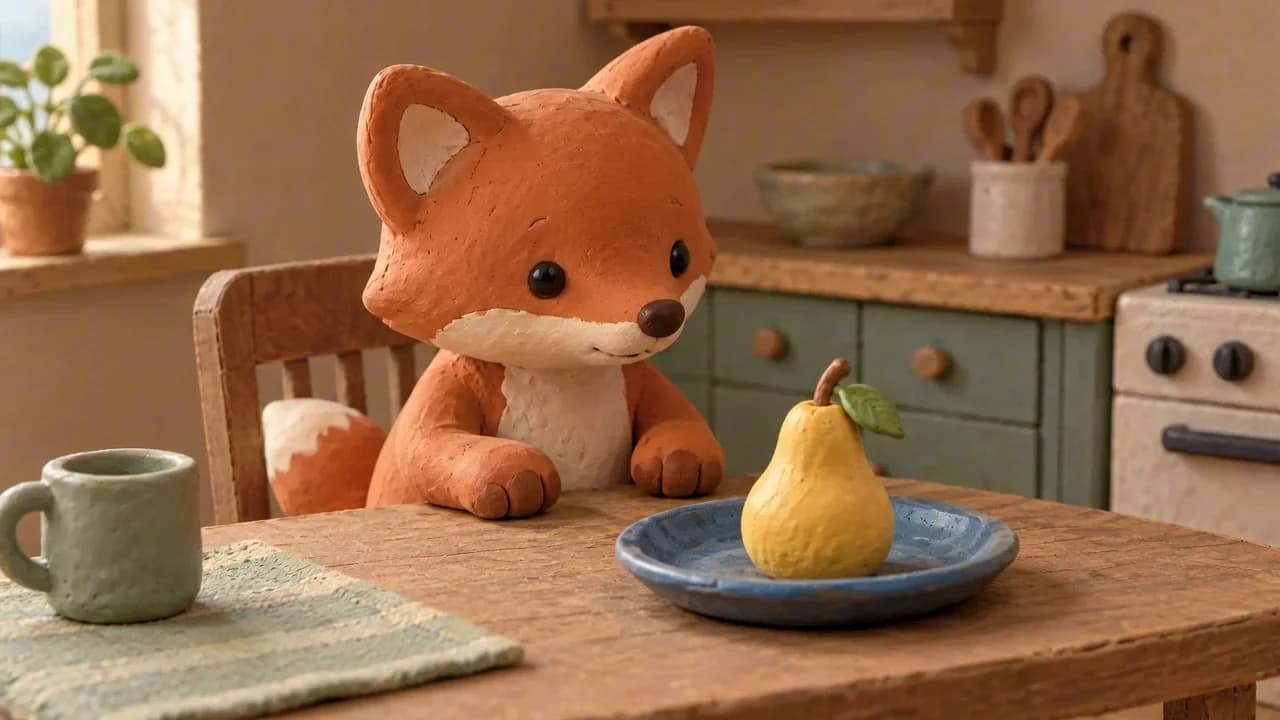
Tactile characters and miniature sets shaped by soft, handmade surfaces.
Tactile · Miniature · Handmade
Best for: Characters · Short stories
Explore this style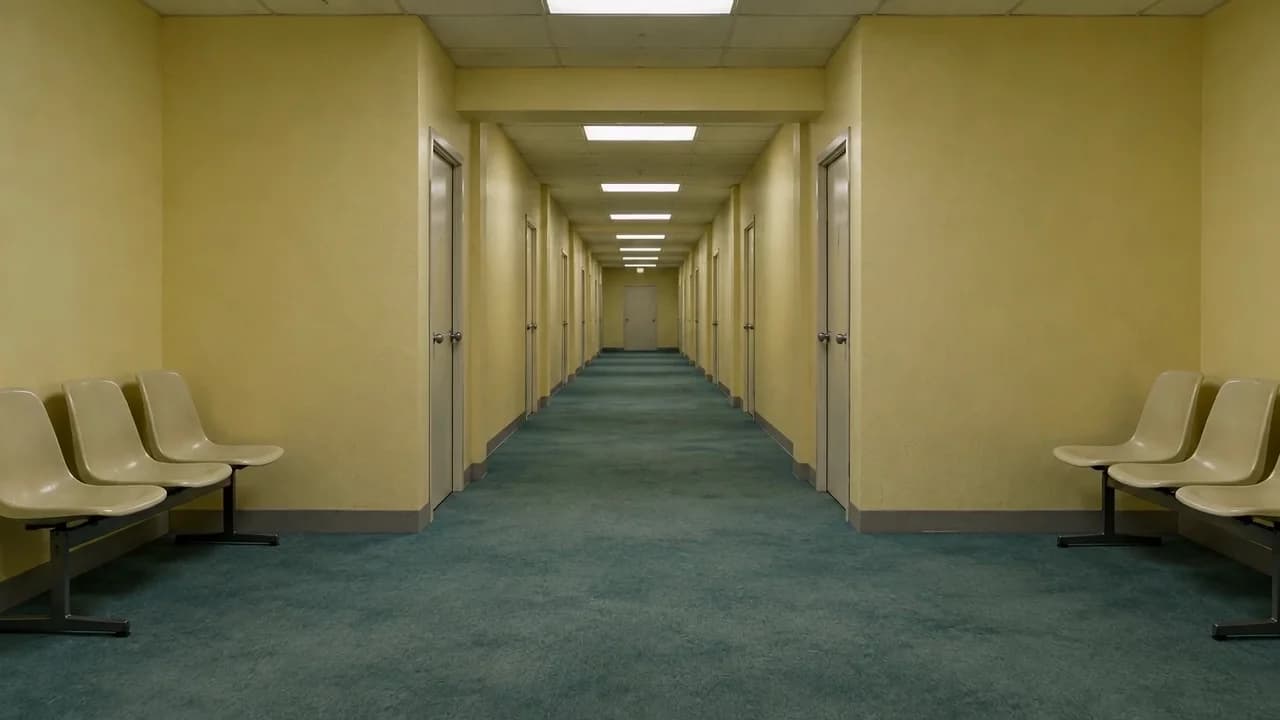
Familiar empty places made strange through repetition, silence, and slow movement.
Empty spaces · Nostalgia · Uncanny
Best for: Ambient scenes · Music visuals
Explore this style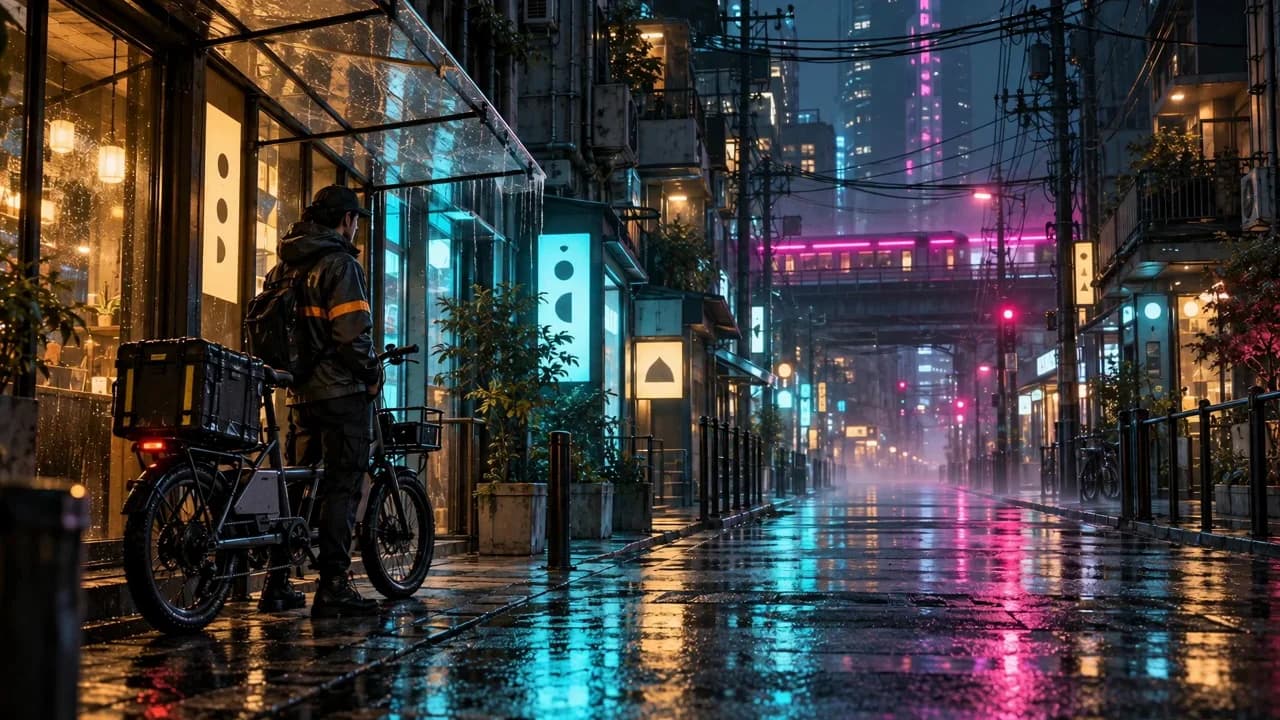
Layered night cities shaped by saturated neon, wet surfaces, and dense technology.
Neon · Urban · Sci-fi
Best for: Music visuals · Action scenes
Explore this style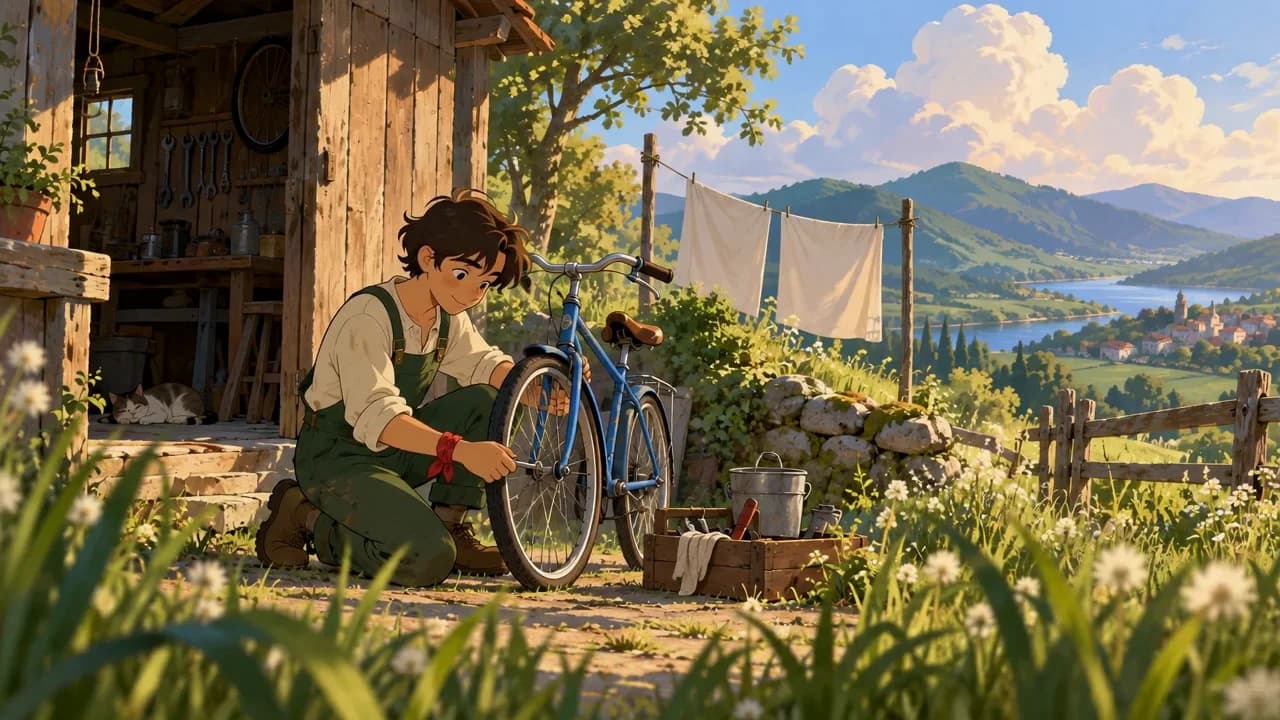
Painterly natural worlds, gentle character moments, and expressive environmental motion.
Painterly · Nature · Animation
Best for: Stories · Atmospheric scenes
Explore this style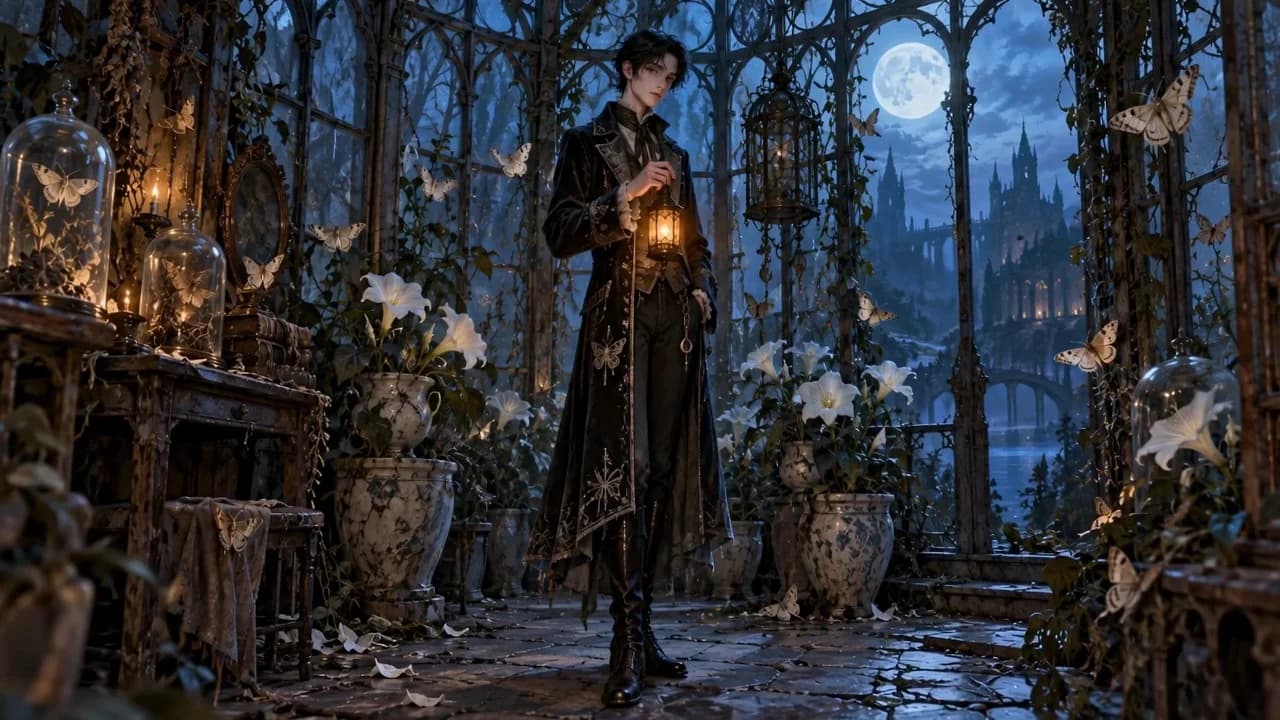
Darkly playful silhouettes, ornate textures, and theatrical pools of light.
Gothic · Fantasy · Theatrical
Best for: Fantasy stories · Creatures
Explore this style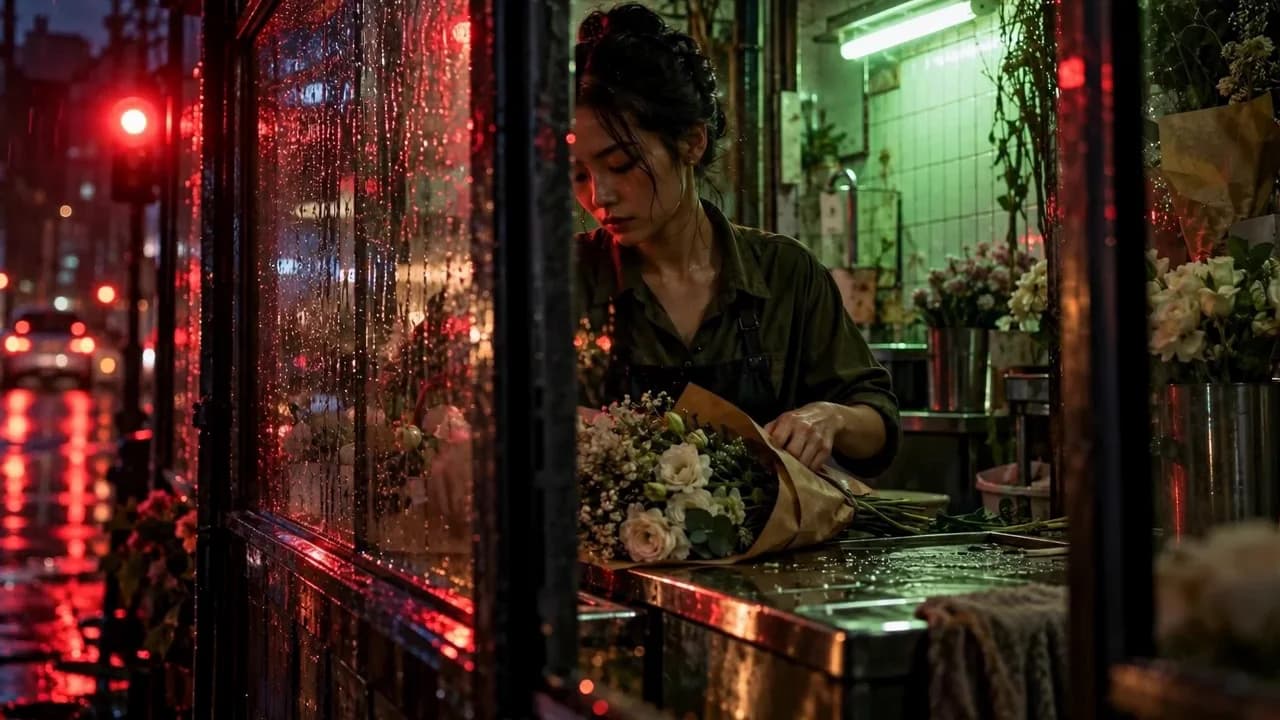
Intimate urban moments shaped by saturated color, reflections, and restless framing.
Cinematic · Neon · Intimate
Best for: Romance · Music visuals
Explore this style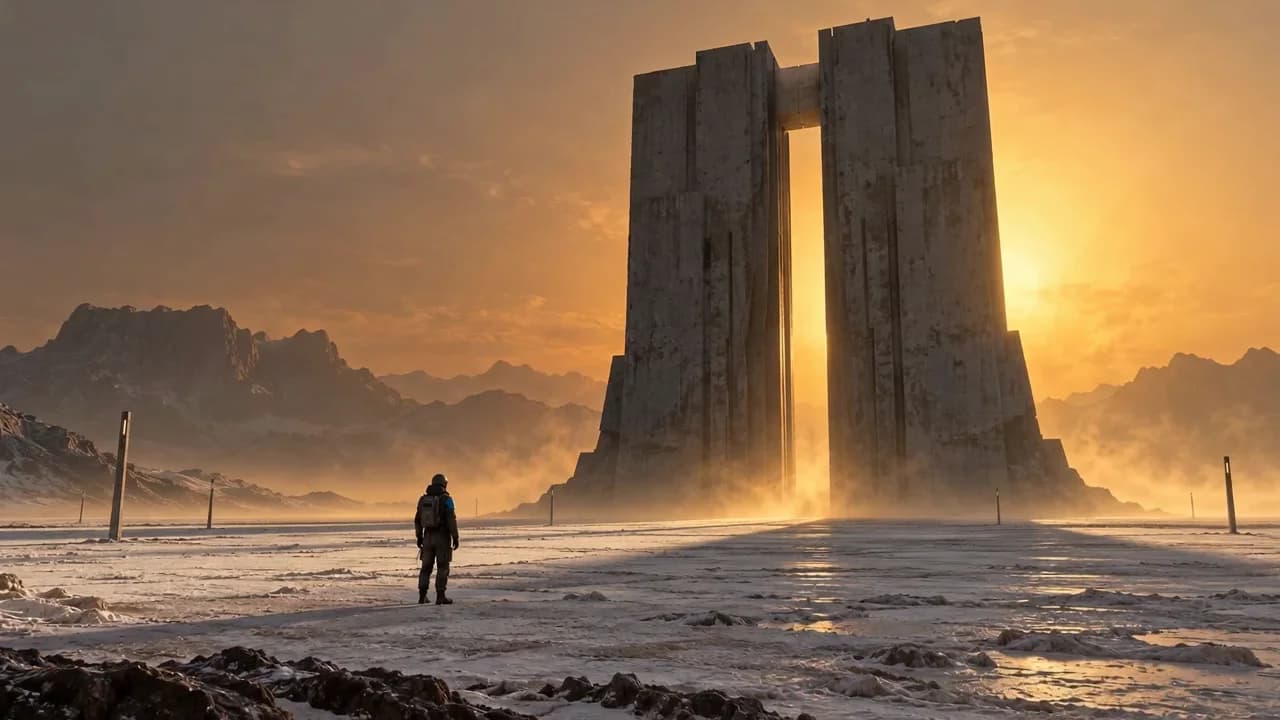
Monumental architecture, extreme scale contrast, and slow atmospheric revelation.
Monumental · Minimal · Atmospheric
Best for: World-building · Title sequences
Explore this style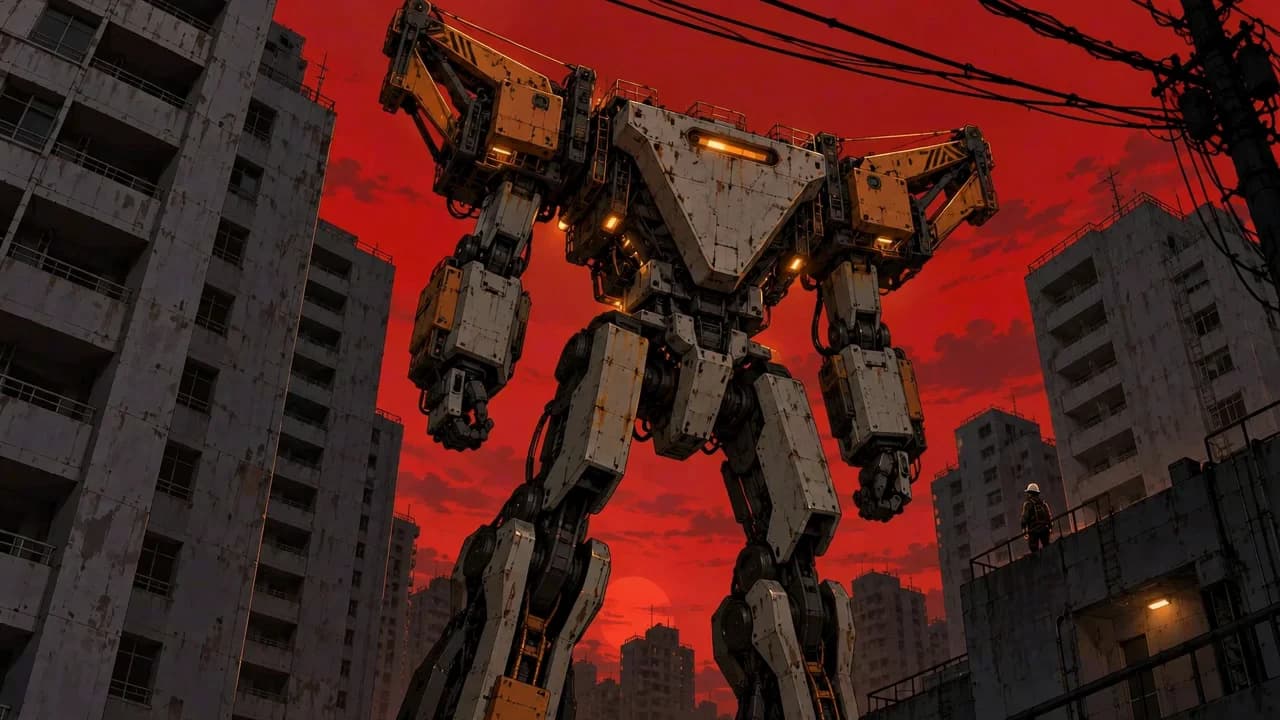
Graphic industrial machines, rigid geometry, and controlled warning-color accents.
Mecha · Industrial · Cel-shaded
Best for: Robot reveals · Sci-fi animation
Explore this style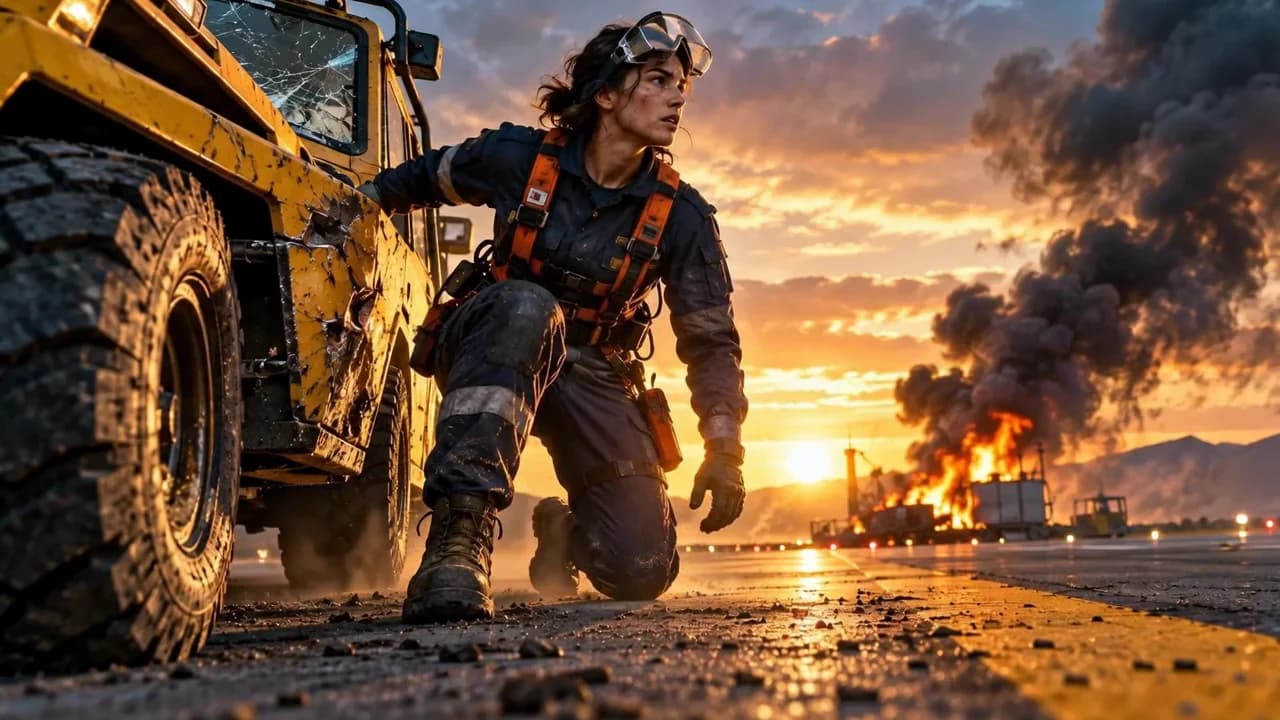
Low-angle hero framing, warm backlight, cool shadows, and controlled kinetic energy.
Kinetic · Teal-orange · Heroic
Best for: Trailers · Vehicle reveals
Explore this style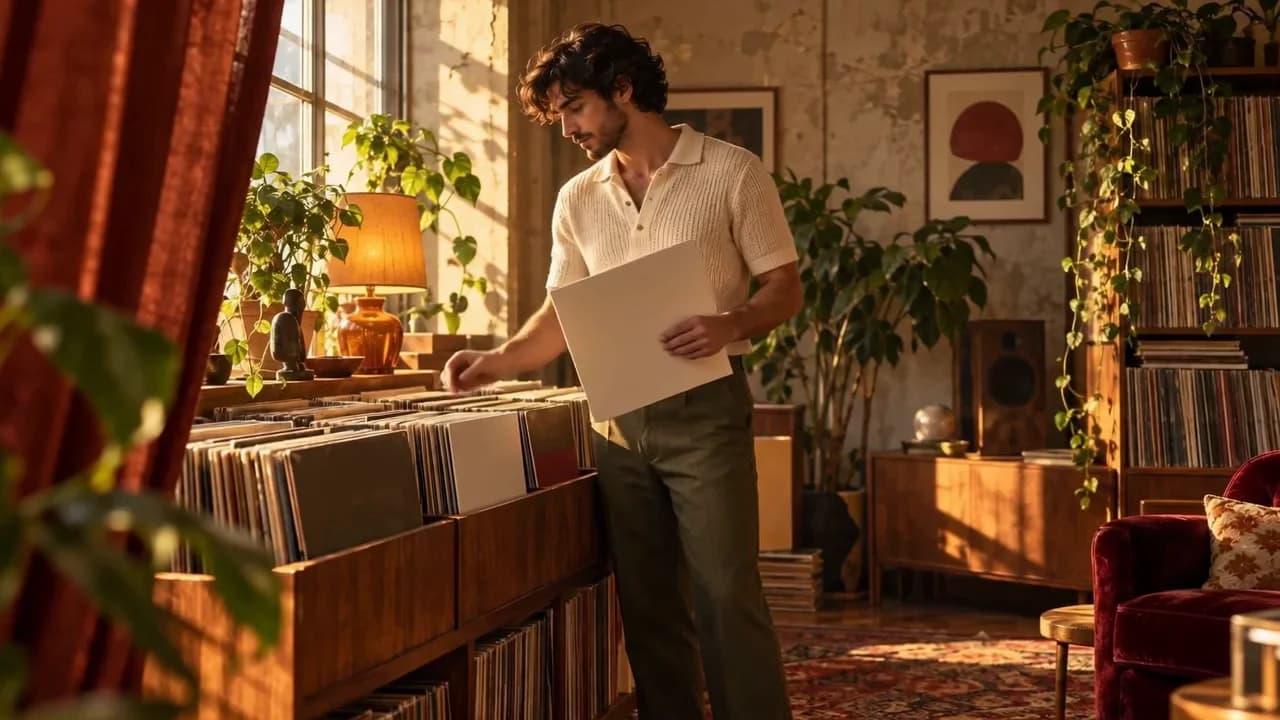
Warm window light, tactile interiors, earthy color, and relaxed intimate framing.
Warm · Analog · Intimate
Best for: Fashion · Lifestyle stories
Explore this style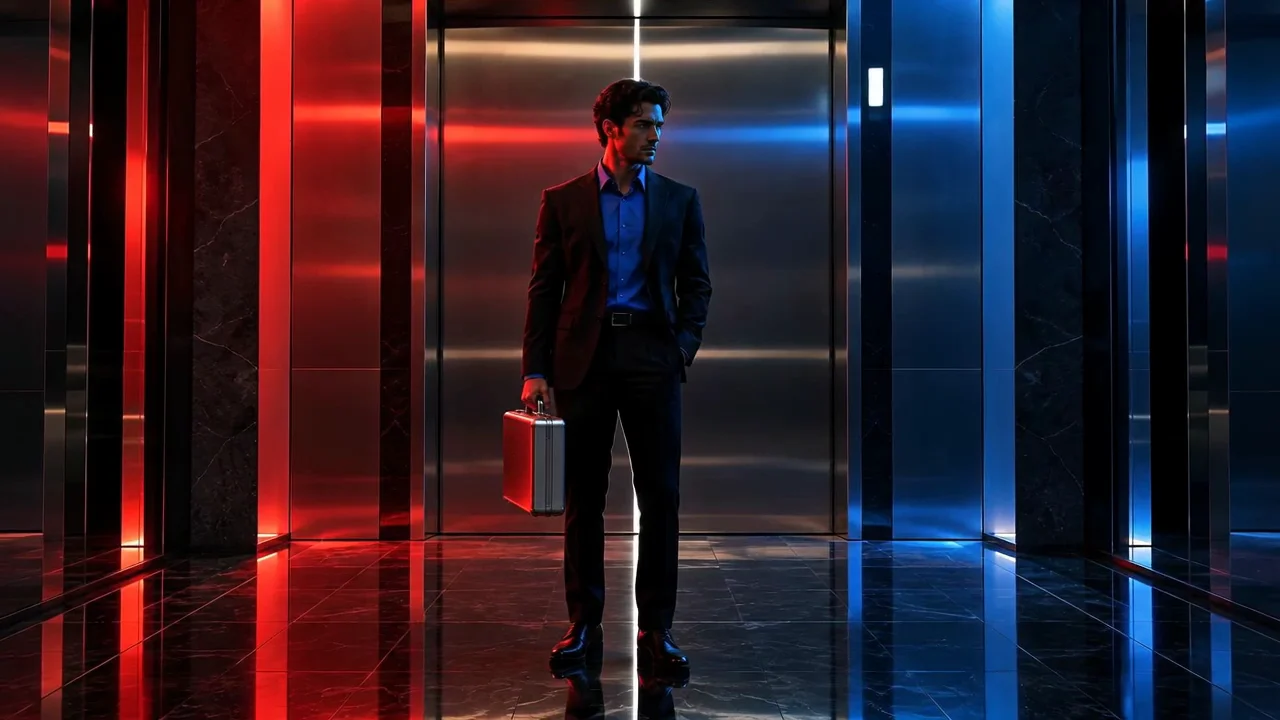
Rigid nocturnal geometry, pure neon color, and hypnotic reflective stillness.
Neon · Minimal · Reflective
Best for: Electronic music · Fashion films
Explore this style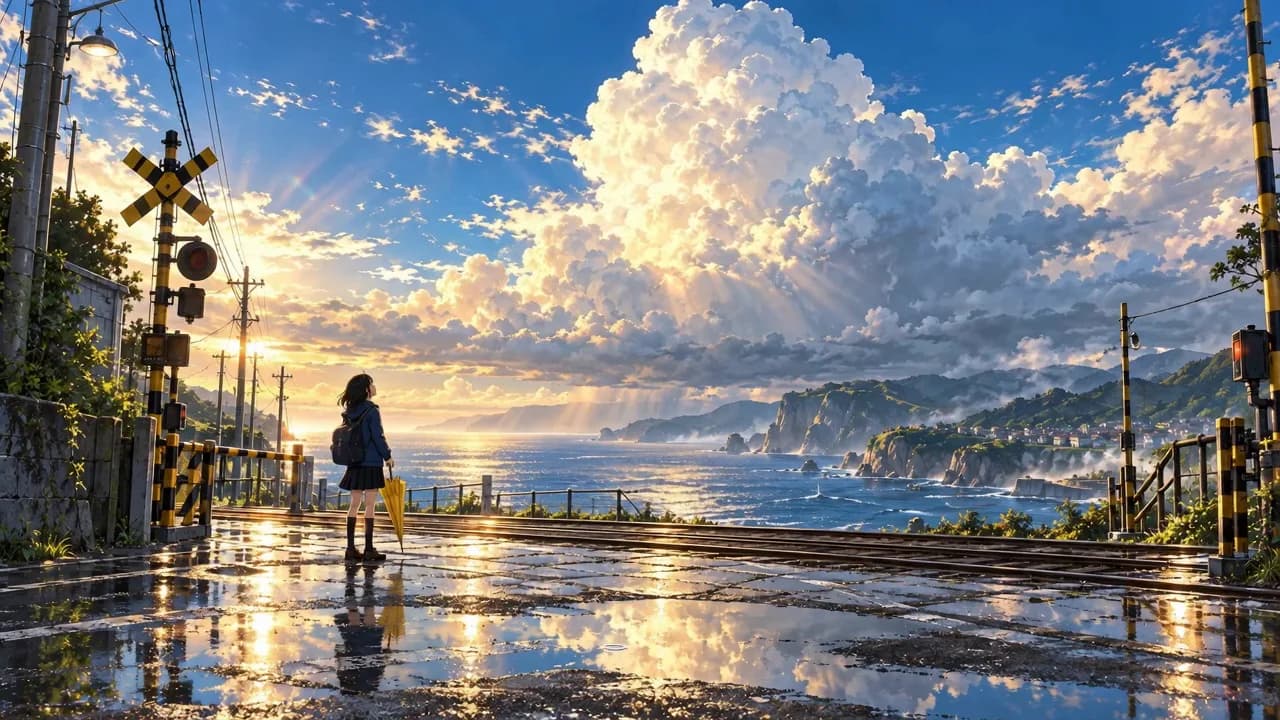
Expansive luminous skies, everyday places, reflective weather, and emotional distance.
Luminous · Illustrated · Atmospheric
Best for: Establishing shots · Lyric videos
Explore this style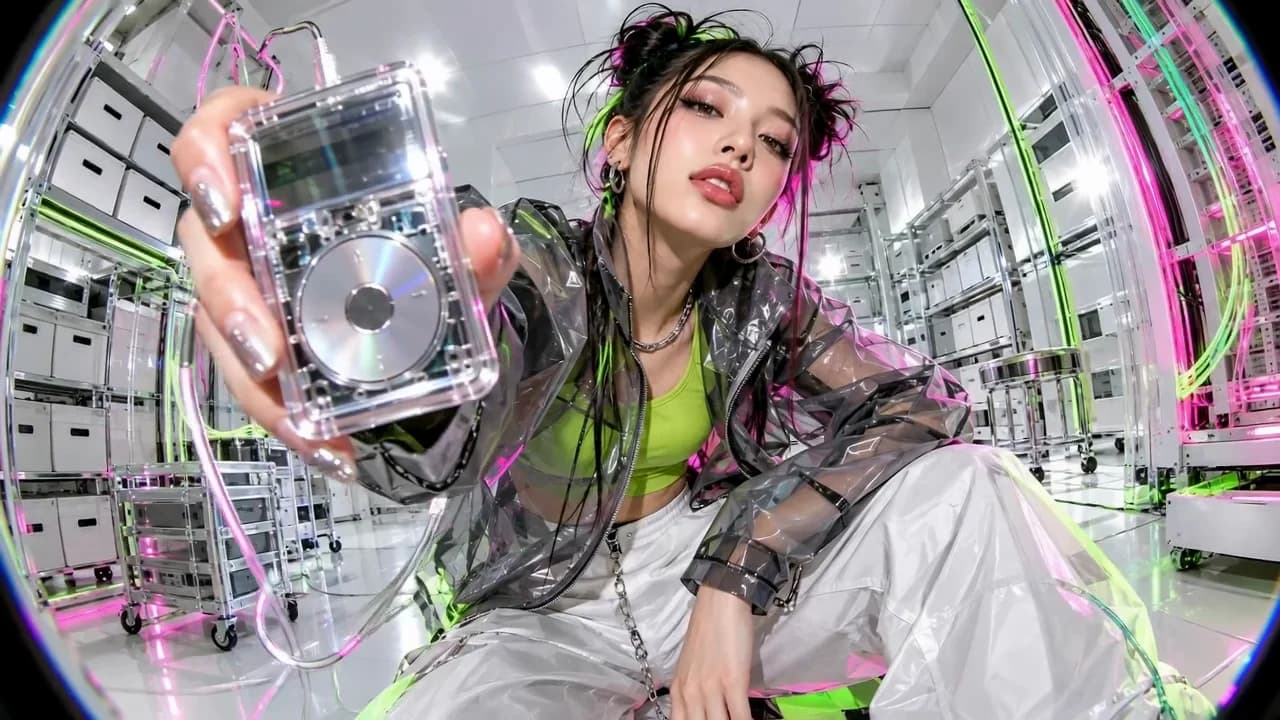
Fisheye perspective, direct flash, glossy materials, and acid-color accents.
Fisheye · Glossy · Cyber-pop
Best for: Music visuals · Fashion campaigns
Explore this style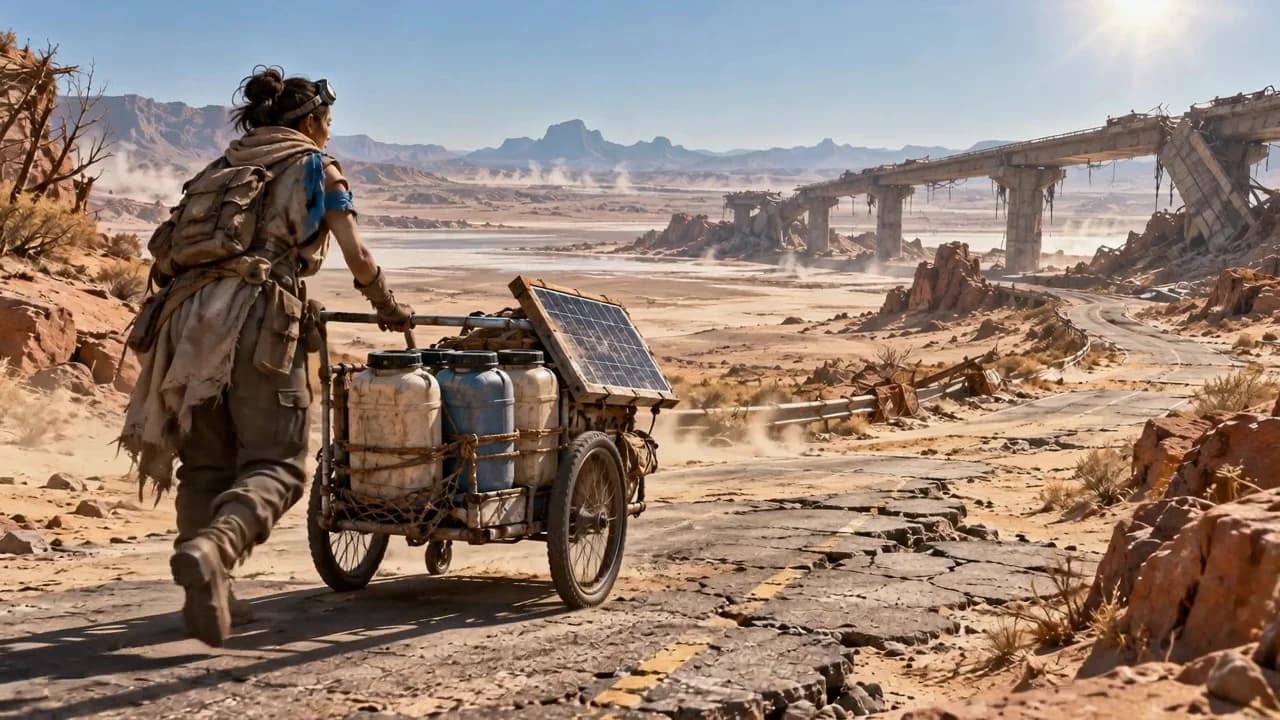
Weathered survival materials, harsh sun, airborne dust, and functional repairs.
Wasteland · Weathered · Survival
Best for: Survival stories · Vehicle scenes
Explore this style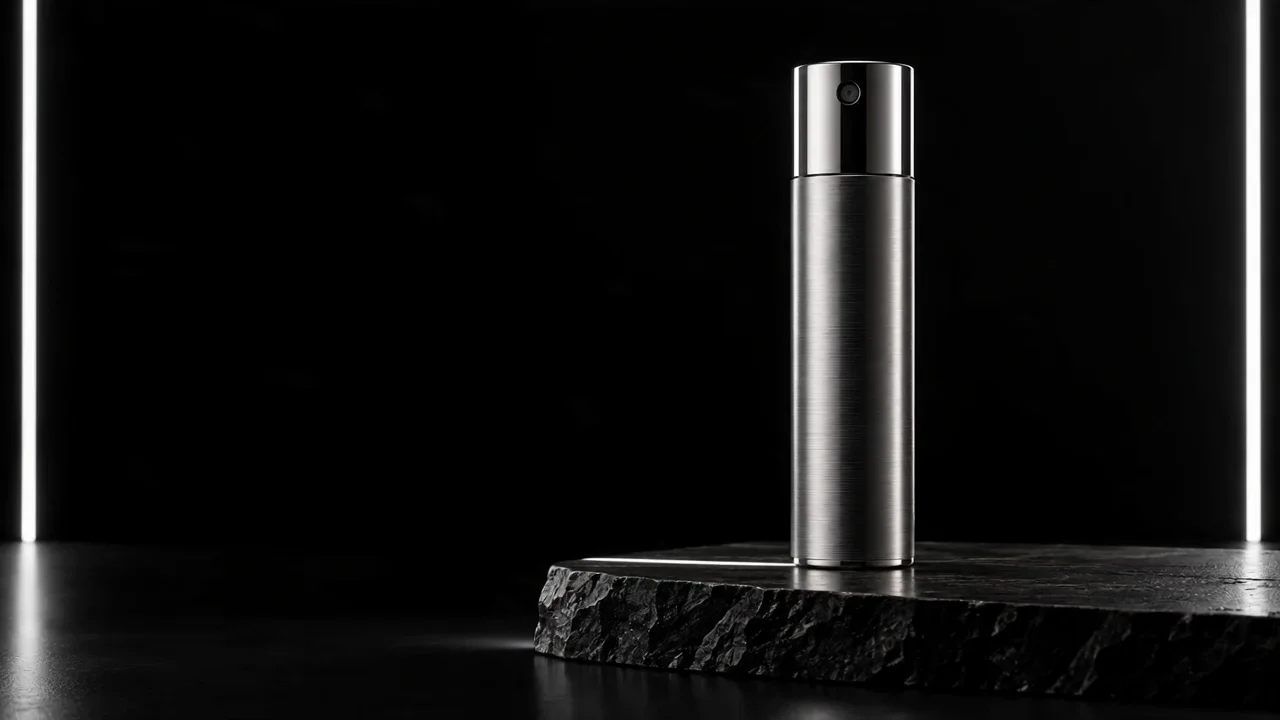
Space-black backgrounds, precise rim light, controlled reflections, and macro detail.
Minimal · Premium · Metallic
Best for: Beauty · Technology launches
Explore this style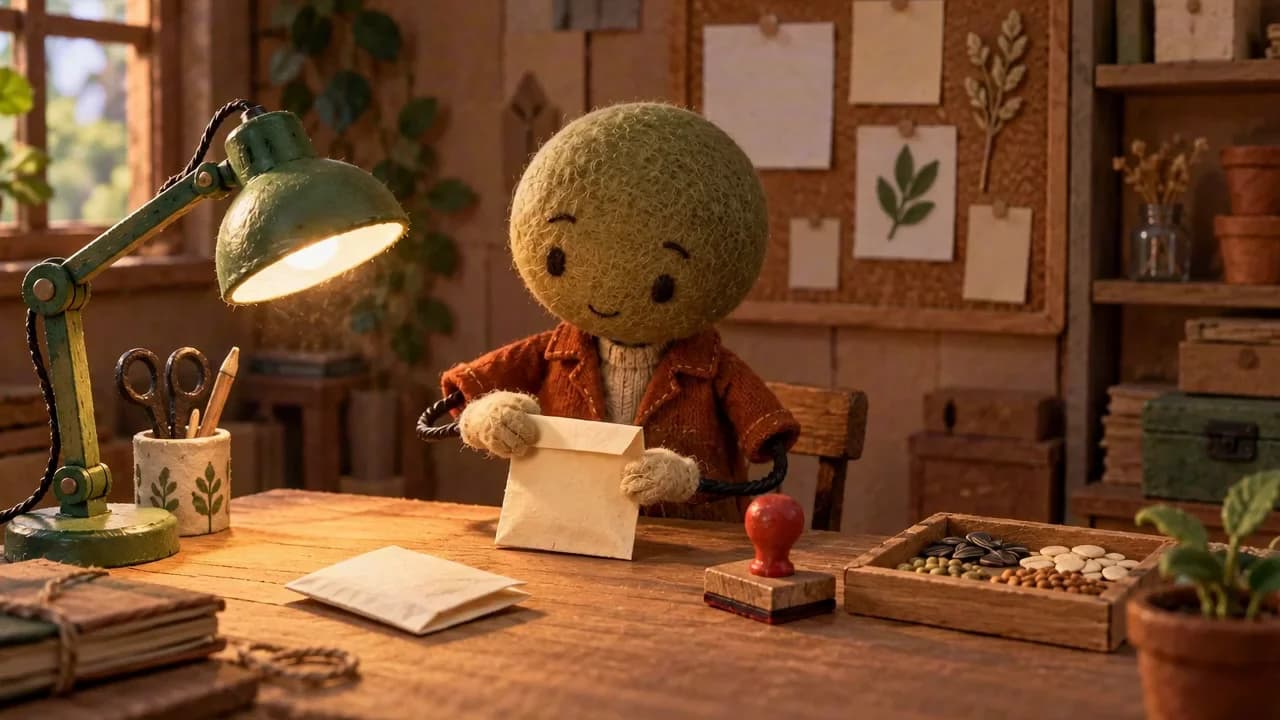
Miniature sets, physical craft materials, contact shadows, and deliberate stepped movement.
Handcrafted · Puppet · Stepped
Best for: Explainers · Object stories
Explore this styleCompare the visible ingredients of each look, then choose the guide that fits your subject and mood.
Copy the image prompt and replace the subject, setting, and palette while keeping the visual logic coherent.
Use the selected image as a reference. Add one main action or camera move and state what should remain stable.
Start with Wes Anderson when symmetry, color coordination, and deliberate prop placement matter most.
Explore Claymation for simple silhouettes, miniature environments, and visibly modeled material.
Try Dreamcore & Liminal Spaces for quiet architecture, Cyberpunk for dense neon cities, or Gothic Fairytale for dramatic fantasy.
It is a repeatable combination of composition, color, lighting, material, and motion choices. The guides translate those choices into prompts you can adapt instead of treating a style name as a magic command.
No. Keep the structural parts that define the look, then replace the subject, setting, palette, and action. Change one group of variables at a time so you can see what affects the result.
Yes. Use an image you have permission to use, then describe the intended motion and the details that should remain recognizable and stable.
New users receive 200 credits on sign-up. Video generation requires a paid plan and sufficient credits.
Explore a style guide, adapt the prompts to your idea, and continue the scene in Pixo.