How to Make a Social Media Video with Veo on Pixo
Create photorealistic social media videos with Veo 3.1 on Pixo — vertical 9:16 from the prompt stage, 4K source quality, and content that doesn't look AI-made.

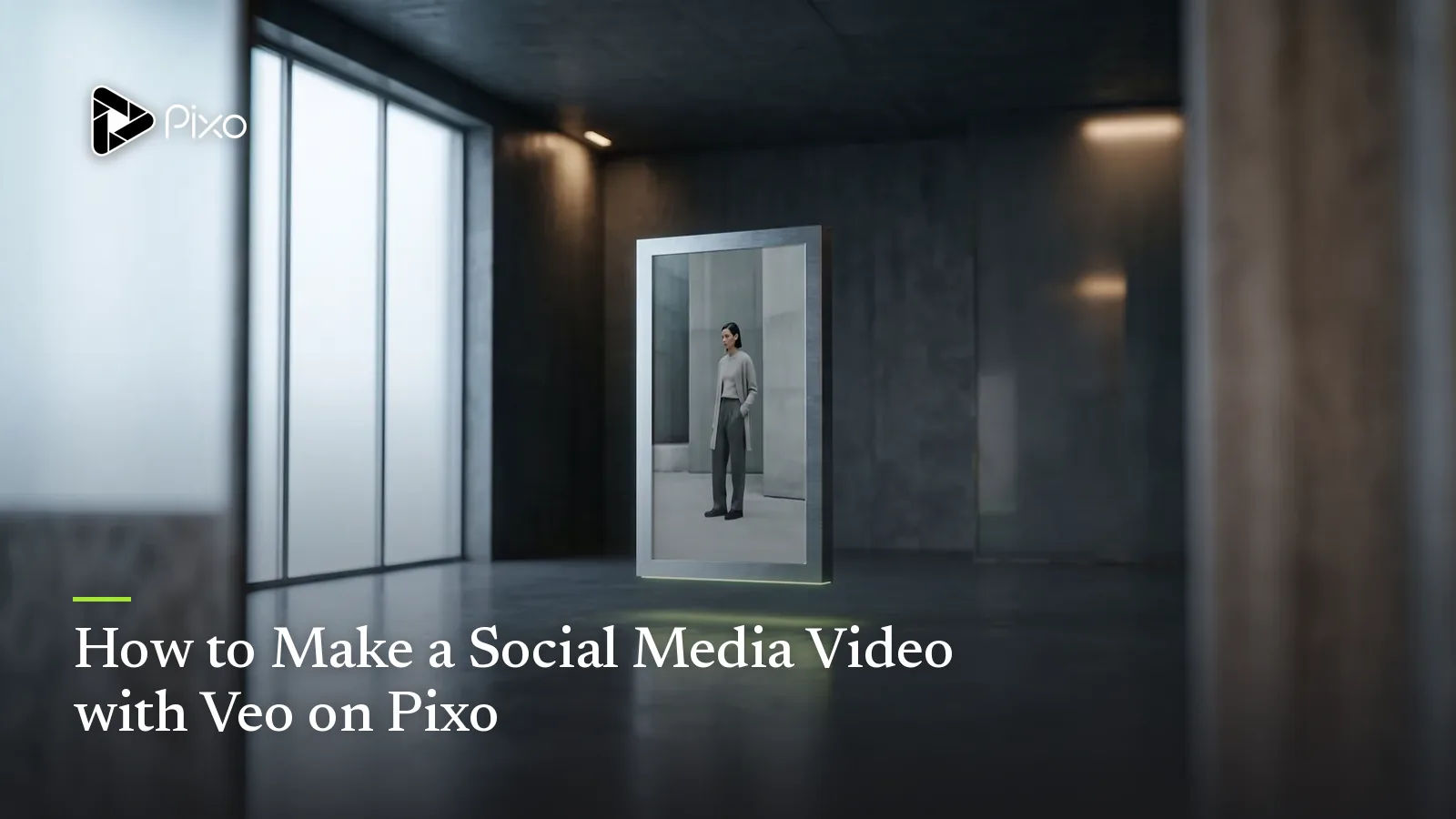
Scroll any feed and you can spot the AI posts before your thumb finishes the swipe: waxy skin, light that comes from nowhere, that faint video-game sheen on everything. Audiences have developed an instinct for it, and the platforms have developed an appetite for punishing it — flagged as synthetic by the viewer in half a second, skipped, and quietly buried by the algorithm that watches them skip it.
This is the specific problem Veo 3.1 solves for social content. It's the photorealism and 4K specialist among the models on Pixo, and on social that translates directly: skin that behaves like skin in mixed light, fabric and weather and reflections that read as footage, not renders. Content that passes the half-second test gets judged on its idea — which is the only fight you actually want to be in.
The Pixo layer matters just as much, because social isn't one video — it's a cadence. The agent turns a content idea into a script and storyboard, you generate vertical-first (9:16 chosen at the prompt input stage, never cropped after), and project duplication turns one winning structure into a week of posts. Here's where Veo 3.1 is the right call for the feed, where it isn't, and the exact workflow.
Why Veo 3.1 for Social Media Videos
Realism that passes the half-second feed test
Feed viewing is adversarial: every frame is auditioned for "is this fake?" before it's auditioned for "is this interesting?" Veo 3.1's photorealism — natural skin under phone-camera light, plausible motion physics, textures with actual grain — is what keeps your post in the second audition. Stylized models can be gorgeous, but gorgeous-and-synthetic is precisely what the feed scrolls past; for social media video, believable beats beautiful.
4K source quality that survives platform compression
TikTok, Instagram Reels, and YouTube Shorts re-encode everything at aggressive bitrates, and soft footage turns to mush. A 4K Veo source — selected at the prompt input stage on Pixo — downscales into a noticeably crisper 1080p vertical than native-resolution output: cleaner edges, surviving texture, less smearing on motion. It's the closest thing to a cheat code against platform compression, and it's free if you just pick 4K when you start the project.
Vertical-first, composed at the prompt stage
On Pixo, aspect ratio is a prompt-input decision, not an export option. Choose 9:16 and every Veo shot is composed vertical — faces framed for a tall canvas, headroom for captions, action stacked top-to-bottom. That's categorically better than generating widescreen and cropping, which amputates two-thirds of the frame and leaves compositions that feel like surveillance footage.
Native multishot for hook-and-payoff micro-stories
The posts that hold viewers past three seconds are tiny narratives: setup, turn, payoff. Veo 3.1 is one of three models on Pixo with native multishot generation (with Seedance 2.0 and Kling 3.0), so a 3–4 shot micro-story comes from one structured prompt with continuous lighting and environment — and Pixo's agent writes those timeline prompts for you when it builds the storyboard.
Veo vs Other Models for Social Media Videos
| Veo 3.1 | Seedance 2.0 | Kling 3.0 | Hailuo | |
|---|---|---|---|---|
| In-feed realism (doesn't scan as AI) | ★★★★★ | ★★★★★ | ★★★★ | ★★★ |
| 4K source quality | ✅ | — | — | — |
| Native multishot | ✅ | ✅ | ✅ | ❌ |
| Recurring-character series consistency | ★★★★ | ★★★★★ | ★★★★ | ★★★ |
| Cost per post at daily volume | ★★★ | ★★★★ | ★★★ | ★★★★★ |
The honest read: Veo 3.1 is the pick when realism is the strategy — lifestyle content, person-on-camera formats, anything where the audience would smell a render. But social has volume economics, and Pixo lets you respect them per shot:
- Building a series around one recurring on-screen character? Seedance 2.0 holds a face across dozens of posts better than anything else on the platform — run the character on Seedance, switch scenic shots to Veo.
- Posting multiple times a day where each post is disposable by design? Hailuo generates at the best credit cost; spend Veo credits only on the posts that carry your brand.
- Chasing a deliberately cinematic aesthetic — film-grade movement, dramatic blocking? Kling 3.0's camera language is the most film-like on Pixo, though be aware that high polish can read as "ad" in a feed that rewards casual.
Switching happens inside each shot's workspace, so one project can spend expensive realism exactly where the viewer is looking and cheap volume everywhere else. No single-model app can make that trade.
How to Make a Social Media Video with Veo on Pixo
Short format means short pipeline: a first 30-second vertical takes about 1–1.5 hours, and repeat posts compress to 15–30 minutes each once your structure and assets exist.
Step 1 — Brief the agent in vertical (3–5 minutes)
Start a project with Pixo Director, tell it you want Veo 3.1 (or let it choose one for you), and describe the post: platform, length, the hook concept, the tone ("casual, shot-on-a-phone energy, not an ad"). Pick 9:16 and your resolution now, at the prompt input stage — vertical is a composition decision, and this is the moment it's made.
Step 2 — Review the storyboard (10–15 minutes)
For a 30-second post the agent returns a tight storyboard — typically 4–7 shots with visual descriptions, audio/SFX, and durations. Spend your attention on the first shot: if the opening frame doesn't stop a thumb, nothing after it matters. Make sure something moves or surprises within the first seconds, and that the payoff lands before second 25.
Step 3 — Generate on Veo 3.1 (30–45 minutes)
With Veo 3.1 set as the project's model, the shots where realism carries the post — faces, lifestyle scenes, texture moments — generate on Veo with no extra setup. Posting at volume? Tell the agent to keep b-roll on Hailuo for credit savings, or fine-tune any individual shot's model in its workspace. Generate, judge each shot at phone size (not fullscreen on a monitor — your audience never will), and regenerate only what misses. Each generation covers roughly 5–30 seconds.
Step 4 — Timeline pass (10 minutes)
Assemble in the timeline and cut ruthlessly: dead air at the start, any shot that delays the turn, anything past the payoff. A 30-second post almost always improves as a 24-second post.
Step 5 — Export and post (under 5 minutes)
Export watermark-free in your feed-ready vertical format and upload. To turn one winner into a series, duplicate the project, swap the concept or hook, and regenerate only the shots that changed — that's the 15–30 minute repeat loop.
Create AI videos with Pixo
Turn any idea into a publish-worthy video. One sentence is all it takes.
Copy-Paste Prompts
1. Street-style vertical hook (single shot):
Single shot, 6 seconds, 9:16. Handheld phone-camera feel: a woman in
her 20s, denim jacket, walks toward camera on a rainy city sidewalk
at dusk, neon signs reflecting in puddles, umbrellas passing behind
her. She looks up and grins mid-step. Photorealistic skin in mixed
light, slight natural camera sway, no stabilizer-smooth motion, no
cinematic color grade.
Why it works: mixed lighting (neon + dusk + rain) is where Veo's realism visibly outclasses stylized models, and the explicit bans — no smooth stabilization, no grade — strip away the two production-value tells that make feed viewers think "ad" and keep scrolling.
2. Day-in-the-life micro-story (multishot):
Multishot sequence, 4 shots, 9:16. Same woman throughout: late 20s,
copper hair tied up, cream knit sweater. Shot 1: she pours coffee in
a sunlit kitchen, vertical framing from counter height. Shot 2:
close-up, a laptop opening, the window reflected in its screen.
Shot 3: she stretches at her desk in golden-hour light. Shot 4: on
the balcony, sipping coffee, watching the street below. Warm natural
light, realistic textures, casual framing as if the phone is propped
against objects.
Why it works: the character is pinned in the header so the multishot sequence holds her across all four beats, and "phone propped against objects" gives Veo a specific amateur-camera grammar — slightly off angles that read as authentic rather than produced.
3. Product-in-context flat-lay (single shot):
Single shot, 7 seconds, 9:16. Top-down vertical: hands assemble a
small leather travel wallet flat-lay on a linen bedsheet — passport,
boarding pass, earbuds placed one by one. Real leather grain, soft
shadows from overcast window light, slight handheld drift as if a
friend is filming. Keep the top quarter of the frame visually quiet
for caption space.
Why it works: it reserves caption headroom inside the composition (a vertical-first habit cropping can never give you), and the material cues — leather grain, linen, overcast softness — point straight at the texture realism that makes Veo product shots feel hand-filmed.
Tips & Common Pitfalls
- Never crop widescreen into vertical. Aspect ratio is chosen at the prompt input stage for a reason: a composed 9:16 frame and a cropped 16:9 frame are different species. If you need landscape too, build vertical first and recompose — the same rule our UGC ads guide applies to paid creative.
- The first three seconds are the entire game. Generate two or three alternate opening shots and test them as separate posts; the rest of the video can stay identical. Retention curves are decided before second three.
- Too perfect reads as an ad. Veo gives you realism — don't undo it with "cinematic lighting" or "perfect composition" in your prompts. Handheld sway, natural light, and slightly loose framing are what feed-native footage actually looks like.
- Review at phone size. A shot that looks subtly off on a 27-inch monitor usually looks fine at 6 inches, and vice versa — caption legibility, face size, and detail readability only make sense at the scale your audience watches.
FAQ
Why use Veo 3.1 for social media videos instead of other models?
Because the feed punishes anything that scans as AI-made. Veo 3.1 is Pixo's photorealism specialist — natural skin in mixed light, believable textures, plausible physics — so viewers judge your content as content instead of flagging it as synthetic in the first half-second. For recurring-character series or bulk daily posting, Seedance 2.0 and Hailuo have their own advantages, and you can mix all of them per shot on Pixo.
Can I make vertical 9:16 videos with Veo on Pixo?
Yes. You choose the aspect ratio at the prompt input stage — pick 9:16 when you start the project and every shot is composed vertically from the first frame. That's structurally different from generating 16:9 and cropping, which throws away two-thirds of the frame and wrecks composition.
Does 4K matter if TikTok and Reels compress everything anyway?
Yes — compression is exactly why it matters. Platforms re-encode aggressively, and a high-detail 4K source survives that re-encode visibly better than a soft 1080p source: cleaner edges, less mush in motion, more texture left after the platform's bitrate squeeze. You select resolution at the prompt input stage on Pixo.
How fast can I produce a week of social content with Veo on Pixo?
A first 30-second vertical takes about 1–1.5 hours: a few minutes briefing the agent, 10–15 minutes reviewing the short storyboard, 30–45 minutes generating, then timeline and export. After that, duplicating the project and swapping the concept gets each additional post down to roughly 15–30 minutes — a week of posts in one sitting is realistic.
Should I use Veo 3.1 for a recurring character series?
If the same on-screen character must hold across dozens of posts, Seedance 2.0 is the stronger consistency model and the safer spine for the series. The practical pattern on Pixo: run the series through Seedance 2.0 for the character spine, then switch individual scenic or texture-heavy shots to Veo 3.1 inside the shot workspace.
Is the export watermark-free and ready to post?
Yes. Pixo exports watermark-free by default, in feed-ready vertical format if you chose 9:16 at the prompt stage. No cropping, no watermark removal step — export and upload.
Ready to post content the feed can't clock as AI? Sign up for Pixo — new users get 200 free credits on sign-up. Compare plans (currently up to 55% off), and when a post format starts winning, scale it into marketing videos on the same photoreal engine.
Generate AI summary
From idea to finished video.
In one conversation.
Start CreatingNo credit card required • Free 200 credits