How to Make Long-Form AI Story Videos: A Narrative Guide from Script to Final Cut
2026 is the breakout year for AI story videos — a 95-minute AI feature screened at Cannes, AI mini-series entered official showcases. This guide breaks down the full production workflow for long-form AI narrative video, from script structure to character consistency, so you can tell a complete story with AI.
2026: AI Films Are No Longer Just "Proof of Concept"
In May 2026, something happened at Cannes that the film industry can no longer ignore.
AI films showed up at Cannes with unprecedented density. A 95-minute AI feature, Hell Grind, screened during the Cannes Film Festival (to be clear, it screened at a commercial cinema in the city of Cannes, not at an official Festival venue — a distinction that sparked considerable controversy). But setting aside the naming debate, the production stats alone are staggering: 15 people, 14 days, under $500,000. Meanwhile, Luc Besson brought the AI animated film THE FURIOUS FIVE, and Chuck Russell showcased two AI sci-fi features. Multiple AI short films debuted at Cannes — not sci-fi spectacles, but quiet stories about elderly dignity, teenage anxieties, and father-son relationships. AI mini-series also entered Cannes' official Fantastic Pavilion showcase for the first time, selected from over a thousand submissions across 120 countries.
But here's the honest truth: after reading all this exciting news and opening social media, what most people are actually making as AI "story videos" — let's be frank — is still stuck at the 15-second "clip mashup" stage, not real long-form narrative. The visuals look cool, but when it's over you don't remember any character, you don't care about anyone's fate, and you certainly don't feel anything.
That's what this article is about: how to make AI story videos that are 10 minutes or longer and actually tell a complete story. I'll break down the full production workflow, reference real cases from this year's Cannes, and share lessons I've learned from hands-on production.
Story Videos vs. Showcase Videos: What's at the Heart of Narrative?
Before we talk tools and workflow, let's clarify a fundamental question: what actually separates story videos from those flashy AI showcase clips?
Showcase videos are all about visual impact — a jaw-dropping transition, a photorealistic landscape, a stylized morph. Viewers go "wow" and scroll on. Story videos require character arcs, conflict, and emotional pacing. You need the audience to care about a character, follow them through adversity, and walk away feeling something — catharsis, reflection, or emotional release.
This poses a fundamental challenge for AI video production: AI's biggest problem isn't visual quality — it's narrative coherence.
Specifically, characters must be consistent throughout the film. The same person, the same outfit, the same emotional logic — things that are trivially obvious in traditional filmmaking (because the actor is physically there) are among the hardest problems in AI generation. Generate a front-facing shot of a character, then a side-angle shot, and the two "people" might look completely different.
In January this year, Tunisian director Zoubeir Jlassi's short film Lily won Google's inaugural AI Film Award — selected from 3,500 entries across 116 countries, with a $1 million prize. The film tells the story of a lonely archivist who, after a hit-and-run, is relentlessly haunted by the victim child's doll until he finally turns himself in and finds redemption. It doesn't have flashy effects, and the visuals aren't the most polished — but it won because it has a complete narrative arc and genuine emotional driving force.
A good story always matters more than good visuals. That's the first principle of making AI story videos.
The Production Workflow for Long-Form AI Story Videos (6 Steps)
Here's the complete production workflow I've developed for long-form AI story videos. A 10-minute story video typically requires 40–60 individual shots, involving multiple characters, multiple scenes, and a full narrative arc — far more complex than short clips. Every step below has its purpose.
Step 1: Script & Narrative Structure
Every good story starts with a script, and AI video is no exception.
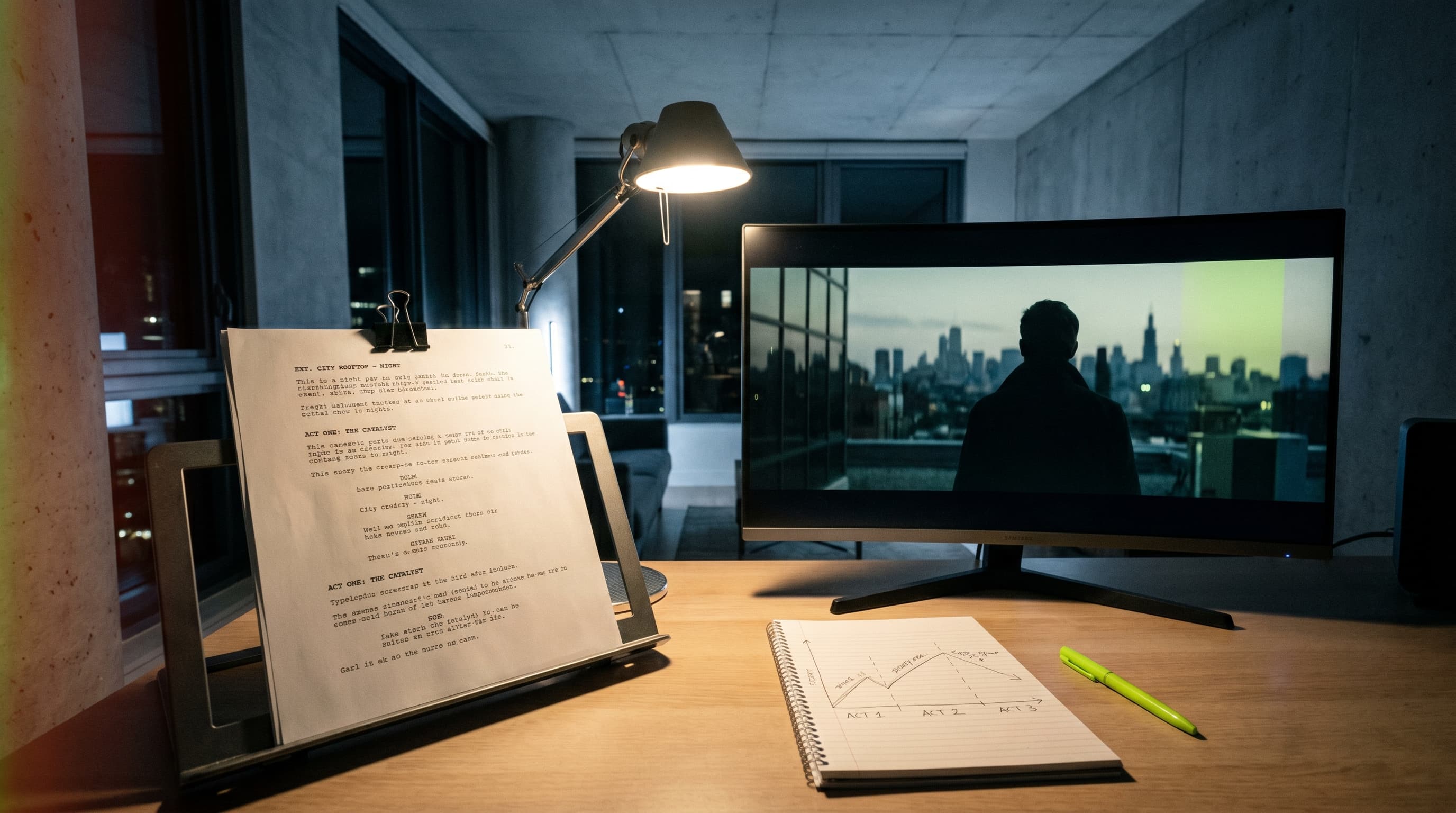
The classic three-act structure remains the most reliable framework: Setup (introduce characters and world), Confrontation (escalating conflict), Resolution (climax and ending). For videos over 10 minutes, the three-act structure has ample room to breathe — you can arrange multiple scenes within each act and build richer character relationships and plot layers.
Once the script is written, the critical next step is breaking it into a shot list — what each shot needs visually, what angle, what mood, what the character's actions and expressions should be. This is a significant amount of work, but AI Agents can dramatically speed up the process. For example, Seedance 2.0's Director Agent can read your script and automatically break it into a storyboard sequence with shot descriptions, camera movements, and mood annotations. Pixo also integrates similar Agent capabilities — input a plot description and it generates a structured storyboard plan that you can then fine-tune.
Of course, Agent-generated storyboards aren't always perfect, but they provide an excellent starting point. Human creative judgment remains irreplaceable when it comes to deciding which shots actually drive the narrative forward.
Step 2: Character Design & Asset Building
Character design for a story film is far more complex than for explainer videos or product demos. Your protagonist doesn't just need a single "standard look" — they need different expressions, wardrobe variations, and emotional states across different scenes. A character who's confident and spirited at the start, beaten down in the middle, and at peace by the end. If these three states don't look like the same person, the narrative falls apart.
This is the step where I've hit the most pitfalls in actual production. What I've found works best is building a comprehensive character asset library. In Pixo's asset management system, I create a dedicated workspace for each character, storing reference images across different emotional states and wardrobe variations. These assets can be referenced across scenes, ensuring that no matter which shot you're generating, the character's core features stay consistent. Version history is also preserved, making it easy to compare and roll back.
The Hell Grind team took this to an extreme — they generated 16,181 video clips for just the first 25 minutes and ultimately selected only 253 usable shots. Character consistency was one of the most important criteria in that selection process.
Step 3: Storyboarding & Cinematic Language
AI showcase videos might get away with a random arrangement of good-looking shots. But story films use cinematic language with strict narrative purpose:
- Shot/reverse shot dialogue: The rhythm of cutting between two speakers during a conversation defines the tension of the exchange
- Emotional close-ups: When a character makes a pivotal decision, a facial close-up carries more narrative power than any wide shot
- Establishing wide shots: Setting the scene atmosphere, conveying spatial and temporal context
- Over-the-shoulder shots: Implying the relationship dynamics and power balance between characters
In practice, I define the type and narrative function of every shot during the storyboarding phase. Seedance's story creation mode supports timeline-based storyboard arrangement and batch generation, allowing you to generate shots sequentially following the storyboard script and maintain narrative continuity.
Step 4: Multi-Model Generation & Comparison
Here's something many AI video creators overlook: different AI models perform dramatically differently on different types of shots.
After extensive testing, here's what I've found:
- Emotional scenes and character acting: Seedance 2.0 currently leads in character consistency and micro-expressions — ideal for shots requiring emotional performance
- Environmental wide shots and photorealistic scenes: Veo excels here, with visual quality approaching real cinematography
- Atmospheric and stylized scenes: Kling has a strong cinematic feel, great for establishing specific visual moods
- Rapid prototyping and concept testing: Runway iterates quickly, making it ideal for early-stage idea validation
(For a detailed comparison of these models, see this AI video model comparison.)
In real projects, a 10-minute story video will likely require 2–3 different models. That's when you need a workspace that lets you switch between models within the same project and easily compare results. Pixo supports calling different AI models within the same project — you can generate multiple versions of the same shot, compare them side by side, and pick the best one. This saves a massive amount of window-switching and file management time during production.
Step 5: Timeline Rough Cut & Narrative Pacing
This step is the most underrated yet most critical part of story video production.
A great script plus excellent individual shots can still produce a mediocre film if the editing pace is wrong. The core of story film editing isn't "connecting shots together" — it's controlling narrative rhythm: when to speed up, when to slow down, when to pause, when to suddenly accelerate.
The Hell Grind case is very instructive here: they filtered 16,181 AI-generated clips down to 253 shots, then repeatedly adjusted sequence and pacing on the timeline. That selection ratio (roughly 1.5% acceptance rate) reveals an important truth — the core workload in AI filmmaking isn't "generation" but "curation" and "arrangement."
In Pixo's Timeline Review, you can drag and drop to adjust shot order and duration directly on the timeline, previewing narrative flow in real time. Even more useful, the Agent can automatically review your timeline, check character appearance consistency between adjacent shots, and flag shots that might need to be regenerated.
This cycle of "generate, curate, arrange, review, regenerate" is the core working model for AI story video production. Don't expect perfection on the first pass — embrace iteration.
Step 6: Audio, Score & Export
The importance of dialogue and score to a story film cannot be overstated. A silent AI video can be a decent visual showcase, but to become a "story," sound design is indispensable. Character dialogue drives the plot, music sets the emotional tone, and sound effects enhance immersion.
My current approach is to complete the visual rough cut on the AI video platform, then export to professional audio/video software for audio mixing and fine color grading. Pixo supports .otioz format export — the standard OpenTimelineIO format that imports directly into DaVinci Resolve and other professional editing software. Timeline information, edit points, and shot sequences are fully preserved — no need to rearrange everything from scratch in the professional tool. That's vastly more efficient than exporting individual clips and manually stitching them together.
The 6 steps above cover the complete workflow from script to final cut. Ready to give it a try? Create your first story project on Pixo, starting with building your character asset library — the free credits are enough to test your first scene.
Case Studies
Hell Grind: A Controversial but Data-Defying AI Feature
Hell Grind was the most talked-about AI film project during Cannes 2026 — and also the most controversial.
First, the facts: the Higgsfield team used Seedance 2.0 to produce this action sci-fi genre film, which screened in Cannes during the festival in May 2026. Importantly, the film screened at Cinéma Olympia, a commercial theater in the city of Cannes, not at an official Festival venue — the Festival officially stated it was not part of their official program. Higgsfield's marketing used phrases like "Cannes premiere," which drew industry criticism.
But setting aside the marketing controversy, the production-level data is still worth examining:
- Team: 15 people (a traditional film of comparable scope would typically require hundreds)
- Production timeline: 14 days (traditional production takes at least 12–18 months)
- Cost: Under $500,000, with roughly $400,000 going to compute
- Selection volume: Just the first 25 minutes alone generated 16,181 clips, with 253 shots making the final cut
The most striking number here is that selection ratio. 16,181 down to 253 — an acceptance rate of roughly 1.5%. That means for every shot that made it into the final film, an average of 64 versions had to be generated before finding one that passed muster. This reveals a fundamental characteristic of AI filmmaking: the cost has shifted from "shooting" to "generation and curation." As for the film's artistic quality, industry opinions are mixed — which shows that AI features still have significant room to grow in narrative and performance.
For creators, the pragmatic takeaway from this case is: don't chase "perfection on the first generation." Build an efficient generate-curate-iterate workflow. And be honest about the current limitations of AI features — start with short films, hone your narrative craft, and gradually extend the runtime.
Five AI Short Films at Cannes: AI Can Tell Everyday Emotional Stories Too
If Hell Grind demonstrated the possibility of AI feature-length production (controversy notwithstanding), the AI short films that debuted alongside it at Cannes proved something equally important: AI can also tell quiet, everyday, emotionally nuanced stories.
These shorts were all powered by Seedance 2.0, covering themes like elderly dignity, teenage inner life, father-son relationships, and caring for a family member with Alzheimer's — completely contrary to the stereotype that "AI video = sci-fi spectacle." Five entirely different emotional themes, five distinct narrative styles, proving that the breadth of AI storytelling far exceeds expectations.
At the same time, AI mini-series entered the Cannes Fantastic Pavilion vertical-screen showcase for the first time, selected from over a thousand entries across 120 countries. Among them were a supernatural thriller blending tomb adventure with Eastern folklore, and a post-apocalyptic story adapted from a sci-fi literary award winner — marking a milestone that AI narrative mini-series have reached international competitive caliber.
Lily: Winning a Million-Dollar Prize on Emotion Alone
Let's come back to Lily. This film's narrative arc is a masterclass for every AI story video creator:
- Loneliness: The protagonist is a taciturn archivist, grinding through the same monotonous routine day after day
- The incident: A hit-and-run, and the victim is a child
- Guilt: The child's doll begins appearing relentlessly in the protagonist's life — an inescapable psychological projection
- Redemption: He eventually turns himself in and achieves inner reconciliation
Notice that arc — it's not complicated, but it's complete. The audience can clearly feel the character's emotional journey from point A to point B. That's what "narrative" means.
Lily winning the $1 million prize tells us this: what judges (and audiences) value isn't how polished the visuals are, but whether the story moves them. Technology is always just a tool — emotion is the soul of content.
Three Formats of Long-Form AI Story Video
Based on my production experience and this year's Cannes trends, long-form AI story videos are taking shape in three primary formats.
Single-Episode Long-Form (10–30 minutes)
A single-episode narrative film of 10 minutes or more is currently the most challenging yet most rewarding format for AI story video. It has enough runtime to establish a full three-act structure, develop complex character relationships, and build an immersive world. While Lily is shorter, the narrative density it demonstrates — a complete emotional arc and character transformation — is exactly the core capability that longer films demand.
For creators, I recommend starting with a 5–10 minute narrative film to validate your workflow and story structure before gradually expanding to longer runtimes. Check out Pixo's short film production features to set up your first project.
Episodic Mini-Series (Multi-episode, 30+ minutes total)
The AI mini-series selected for Cannes' Fantastic Pavilion showcased the enormous potential of this format. Vertical video, 3–5 minutes per episode, continuous narrative — this format is a natural fit for distribution on TikTok, YouTube Shorts, Instagram Reels, and similar short-form video platforms.
An episodic mini-series is another effective way to organize long-form content — through a multi-episode structure, total runtime can easily reach 30 minutes or even hours, while keeping the production complexity of each individual episode manageable. The biggest challenge with mini-series is cross-episode asset management. Characters, settings, and props need to stay consistent across episodes while the storyline develops and progresses. In Pixo, the Project/Episode architecture helps you organize multi-episode content, with shared character asset libraries ensuring visual consistency between episodes.
Brand Story Films (5–15 minutes)
Don't underestimate brand story films. The best brand videos have never been 30-second product ads — they use 10–15 minutes of runtime to convey brand values through complete narratives. How a user solved a real problem with your product, why a founder started the company, how a community was transformed by what you built — these long-form narratives are more persuasive than any product specs, and they're perfectly suited for deep content consumption on platforms like YouTube.
AI has dramatically lowered the barrier to producing brand story films. What used to require a director, actors, locations, and a post-production team can now be done by a brand's marketing team using AI brand video tools in a matter of hours — complete with a full narrative arc.
FAQ
What's the hardest part of making long-form AI story videos?
Narrative coherence and character consistency — and both problems scale exponentially as runtime increases. A 10-minute video might have 40–60 shots, and keeping a character looking like "the same person" across all of them while maintaining consistent emotional logic still requires systematic asset management and extensive curation and iteration.
Do I need a professional screenwriting background?
No, but you do need basic narrative awareness. You don't have to write a Hollywood-caliber screenplay, but you need to understand the fundamental "conflict-development-resolution" structure, know what a character arc is, and understand how to build emotional resonance through details. The good news is that you can develop these skills quickly by watching and analyzing great short films. AI Agents can also give you structural feedback on your script.
How long does it take to make a 10-minute AI story video?
It depends on your quality standards and how deep you iterate. Once you're comfortable with the workflow, a 10-minute story video with roughly 40–50 shots typically takes anywhere from a few hours to a few days — a dramatic compression compared to traditional production timelines. For episodic content, the second episode onward is significantly faster since the character asset library is already built.
Which platforms are best for publishing?
Virtually all video platforms work. YouTube is ideal for 3–10 minute narrative shorts (see this YouTube creator guide); TikTok and Instagram Reels are great for vertical mini-series; film festivals and competitions suit high-quality art shorts; brand websites and social media are natural homes for brand stories. The key is adapting aspect ratio and narrative pacing to the platform.
Can I use AI to make an episodic mini-series?
Absolutely — and this may be one of the most commercially promising formats for AI story video. The key is setting up a solid Project/Episode architecture and ensuring character assets are shared and consistent across episodes. The AI mini-series showcased at this year's Cannes Fantastic Pavilion proved that this format can already reach international quality standards.
Can generated footage be imported into professional editing software?
Yes. By exporting in .otioz (OpenTimelineIO standard format), you can import directly into DaVinci Resolve, Premiere Pro, and other professional software with the full timeline structure preserved. This means you can handle creative decisions and rough cuts on the AI platform, then do color grading, audio mixing, and final output in professional software — getting the best of both worlds.
Final Thoughts
After Cannes 2026, the question "Can AI produce good story videos?" has a definitive answer. From a 95-minute feature to 3-minute emotional shorts, from action sci-fi to everyday human drama, the breadth and depth of AI story video have exceeded most people's expectations.
But technology is never the deciding factor. Lily won a million-dollar prize with the most understated visuals because it told a story that grips you in the gut. Those AI short films at Cannes moved people not because the visuals were dazzling, but because the creators genuinely cared about their characters' fates.
Tools are evolving — Seedance 2.0's character consistency, complementary multi-model workflows, all-in-one production platforms like Pixo making the process smoother every day — but ultimately, what makes an audience remember your work is always the story you tell.
Figure out what you want to say first, then figure out how to say it with AI. That order cannot be reversed.
Ready to tell your story? Head to Pixo right now and start your first story project — write your script, let the AI Director break it into a storyboard, and start iterating from the first scene. Your own "Cannes moment" might be closer than you think.