GPT-Image-2 Marketing Field Test: 7 Scenarios Scored + Prompt Methodology (2026)
GPT-Image-2 marketing field test: 7 scenarios scored, 75% production-ready output rate, 99% text accuracy. Includes prompt methodology and community feedback roundup.
OpenAI shipped GPT-Image-2 earlier this week, and within 12 hours it had topped every category on the Image Arena leaderboard — beating the next-best competitor by +242 Elo points. This isn't an incremental upgrade. It's a different tool category.
Going by the public benchmarks and community reports, GPT-Image-2 is the first model that genuinely changes the economics of creative production. Not because the images are prettier (Midjourney still wins on that axis), but because it finally generates shippable marketing assets: text is correct, prices are correct, multilingual labels work, and the output ratios match the ad platforms you actually deploy to.
This article breaks down GPT-Image-2 across seven real marketing scenarios, covers the community feedback from early users, and gives you the prompt strategies that turn output from "AI slop" into "production-ready". Numbers from real tests, full methodology included.
At a Glance: GPT-Image-2 Marketing Task Scorecard
| Marketing Task | GPT-Image-2 Score | Core Strength | Main Limitation |
|---|---|---|---|
| Social media images | 9/10 | Multi-ratio output in one shot | Text overflow happens |
| Ad creative variants | 9/10 | Multilingual + large-scale A/B testing | Brand logo reproduction unreliable |
| Product photography | 8/10 | Pixel-perfect text labels | "Silicone skin" on humans |
| Infographics | 9/10 | 99% text accuracy, multilingual | Complex layouts need step-by-step |
| Email banners | 8/10 | Conversational fast iteration | Brand color matching imprecise |
| Menu / food photography | 9/10 | Food texture + accurate price formatting | Over-polished "stock photo" feel |
| UI / landing page mockups | 9/10 | Accurate interface rendering | Doesn't replace Figma |
Methodology
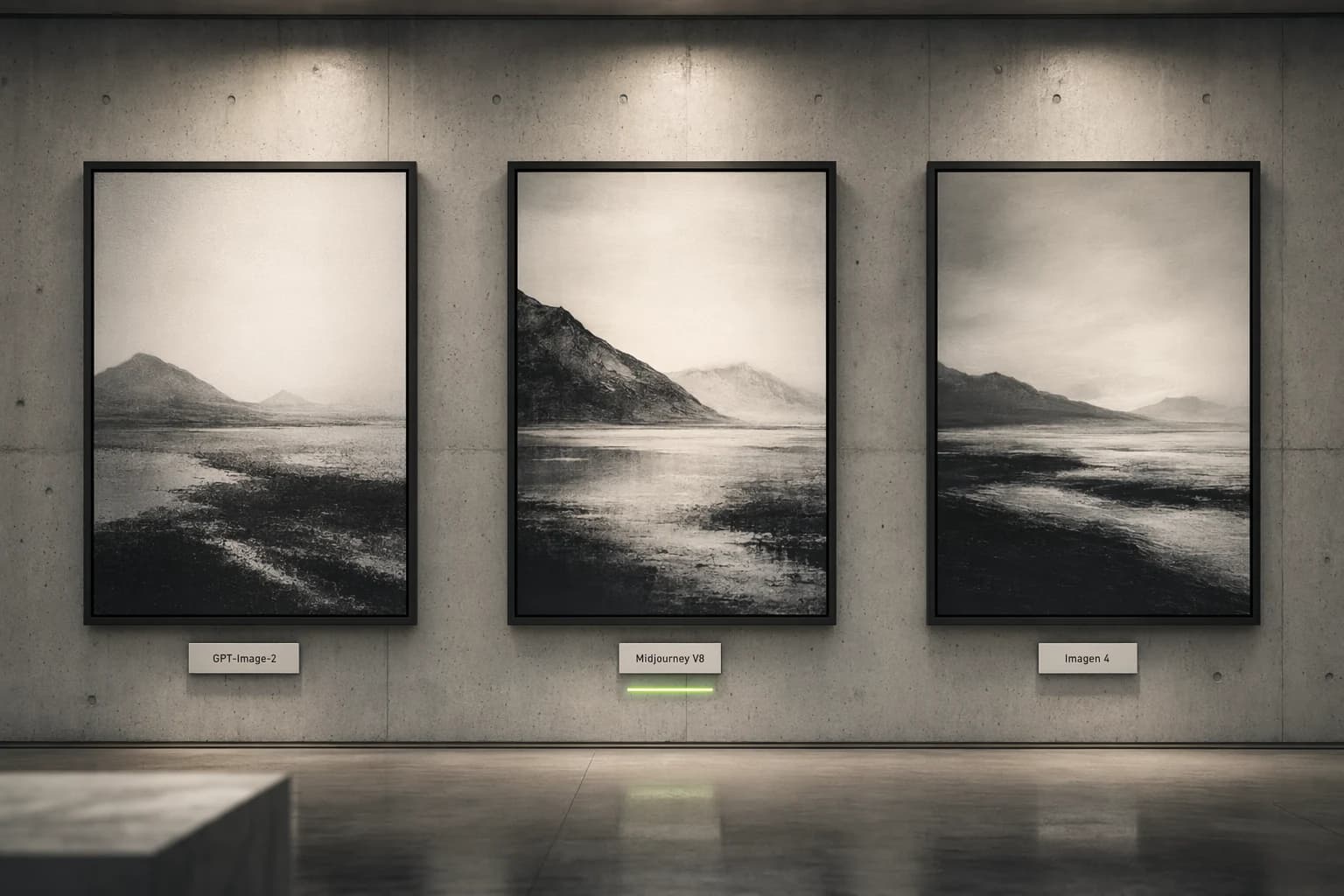
This article aggregates production-grade test feedback and public data from a large pool of early-access users since launch. Evaluation axes include the percentage of "usable without post-processing", end-to-end workflow time, and side-by-side comparisons against the same prompt run through Midjourney V8 and Imagen 4.
Sources include developer community discussions, real campaign data shared by early users in marketing-focused Discord servers, and public third-party test reports.
1. Social Media Content — The Killer App
Why It's Different
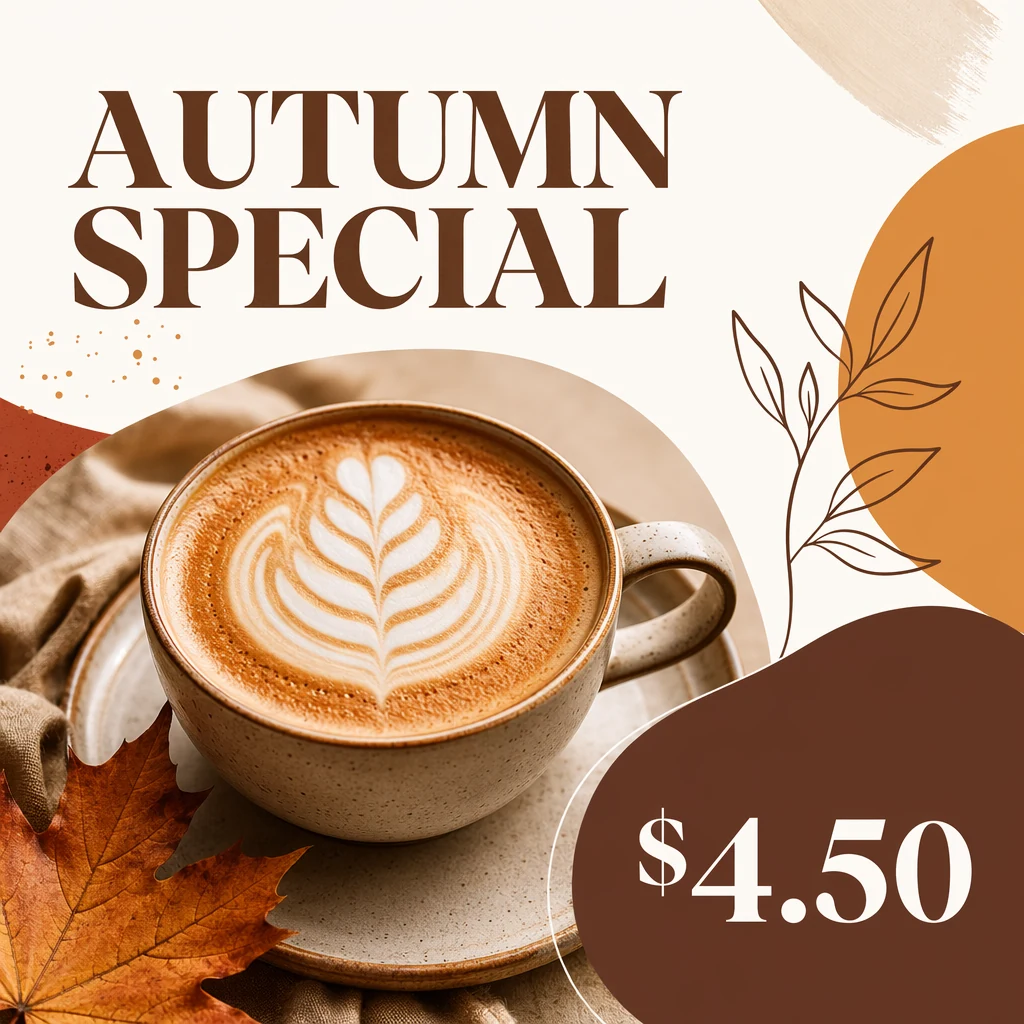
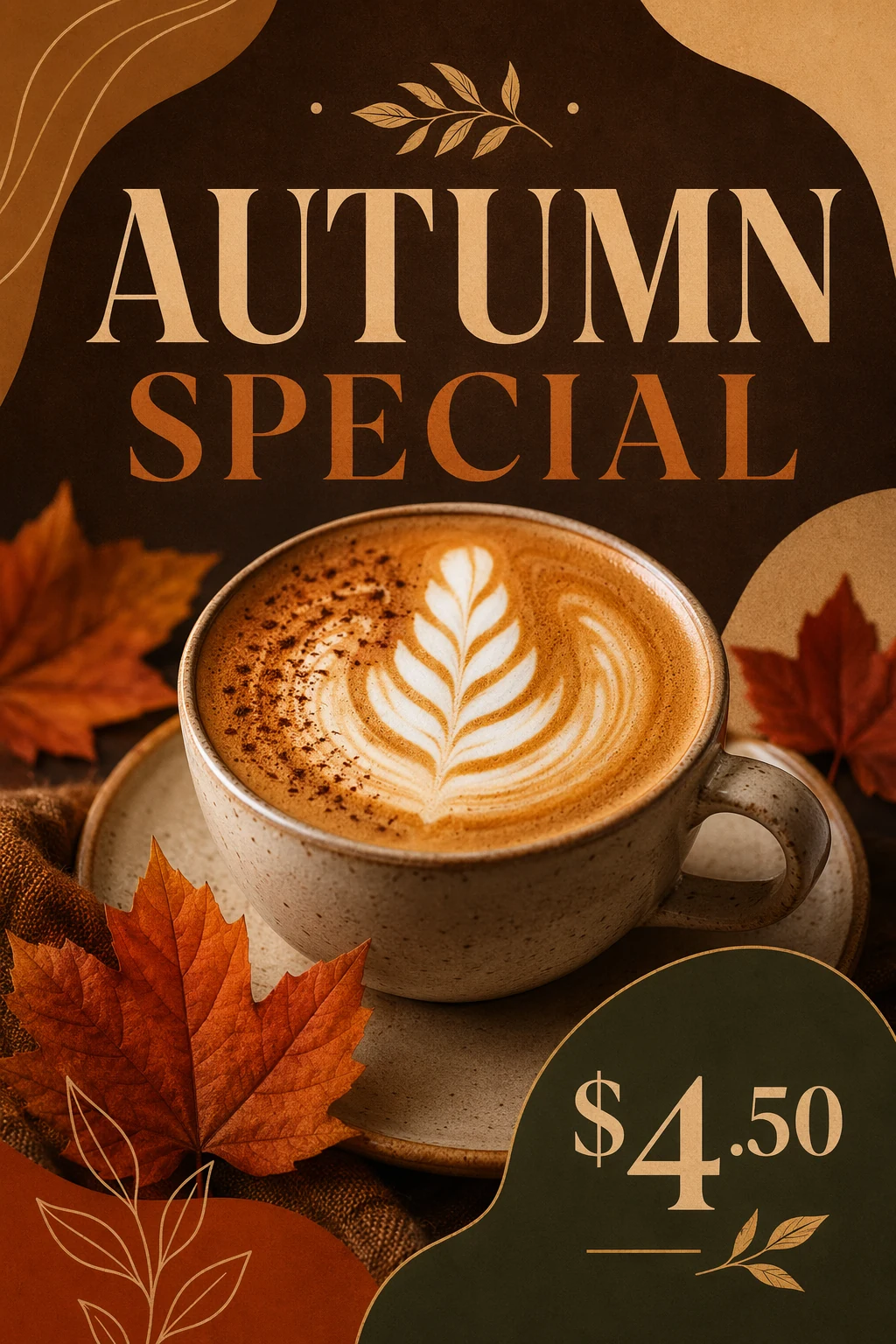
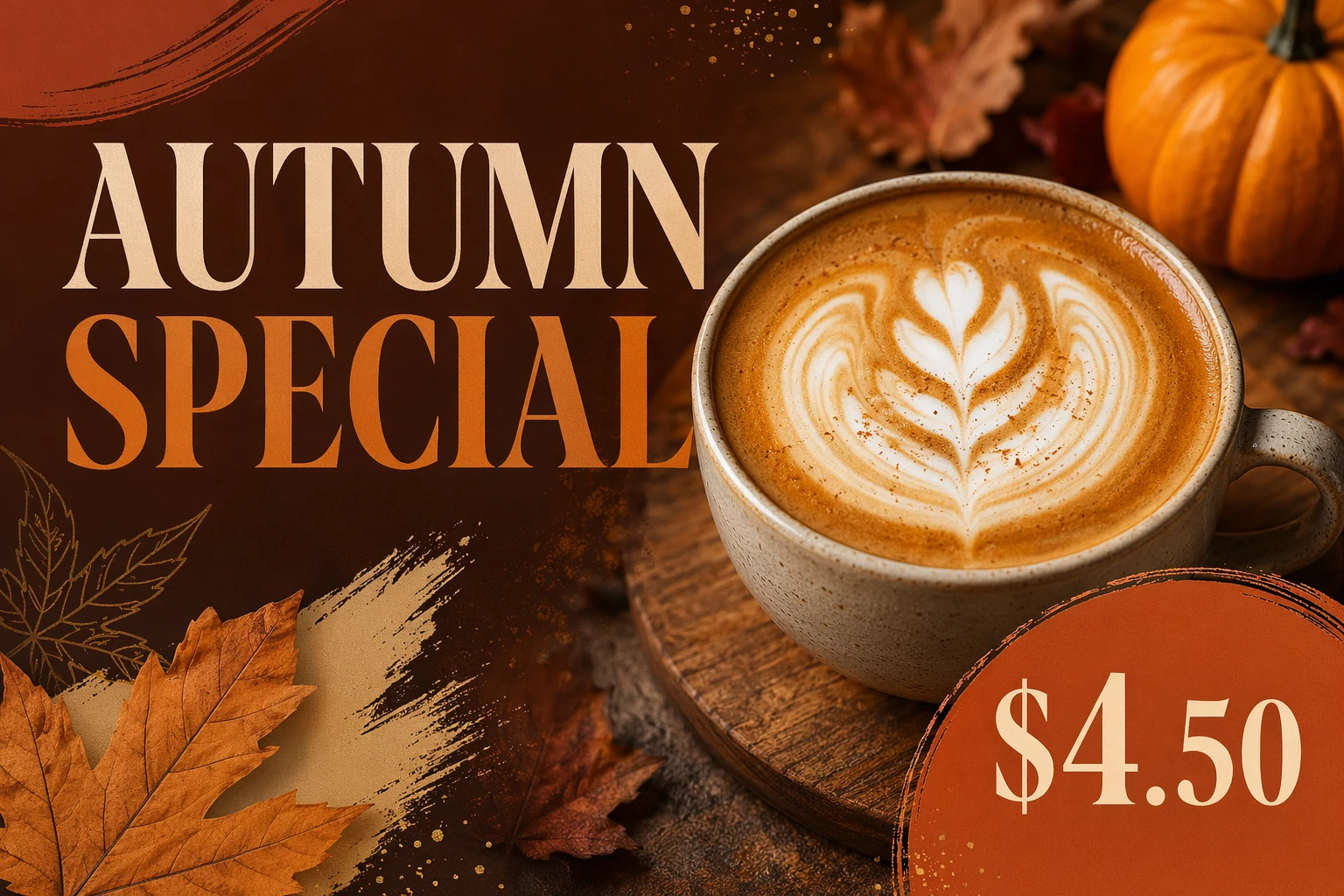
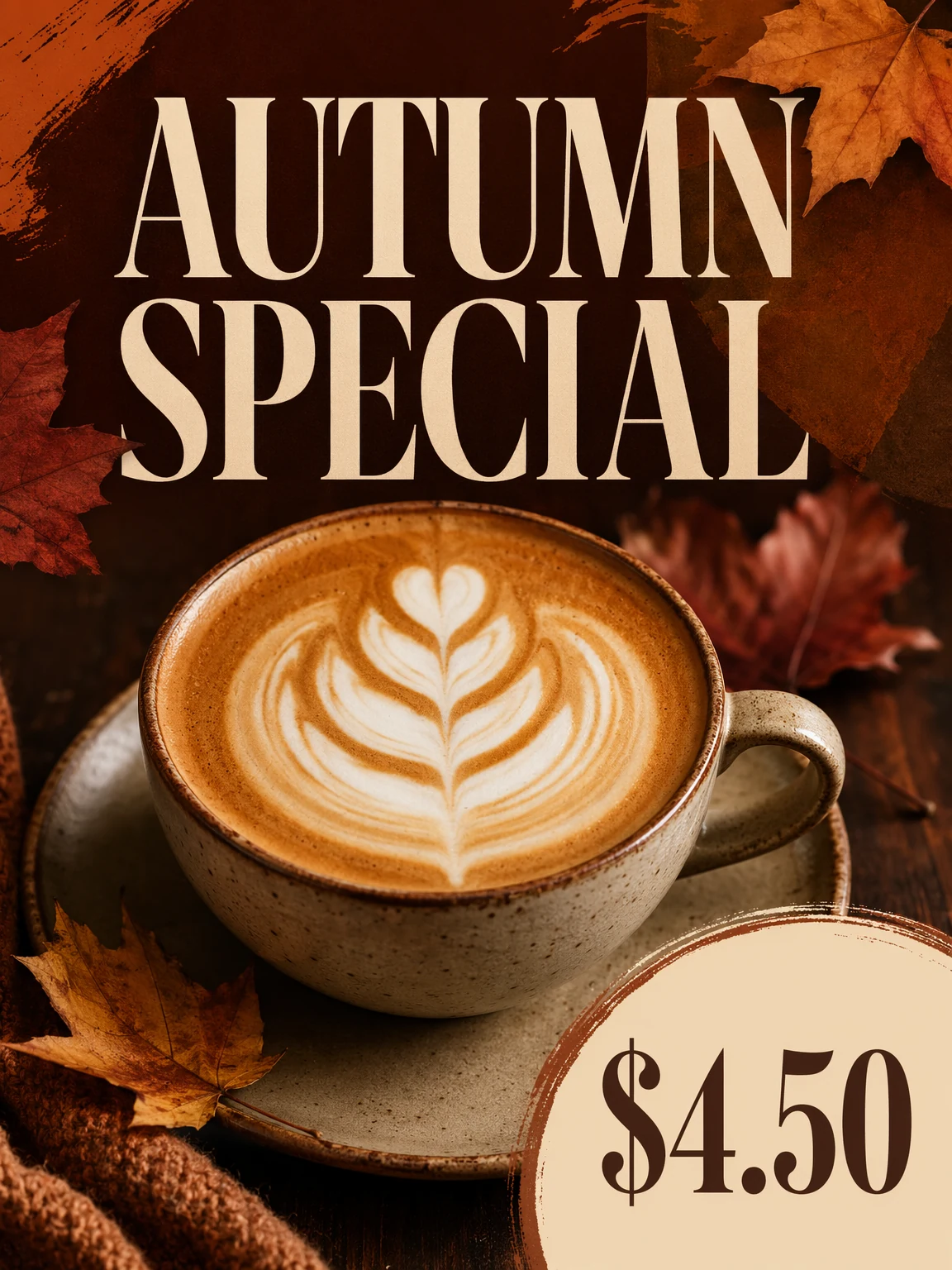
Every marketer knows the pain: the same creative needs to ship as 1:1 (Instagram feed), 9:16 (Stories), 16:9 (LinkedIn), and 3:4 (Pinterest). Until now, that meant four separate generations (and four rounds of redoing the typography). GPT-Image-2 natively supports aspect ratios from 3:1 to 1:3, including 16:9 and 9:16. One early user described the workflow as "feeling like cheating" — you nail the visual once, then handle every platform variant in the same conversation.
Community Feedback
Early users report that roughly 75% of generated images can be used as-is, no Photoshop required. For comparison, GPT-Image-1 hovered around 20%. One user shared the experience of producing a six-image LinkedIn carousel for a SaaS feature launch — consistent brand style, accurate feature names, correct pricing — and every single image came back with text that was readable and spelled correctly. That alone is revolutionary against DALL-E 3, which famously couldn't render any phrase longer than three words.
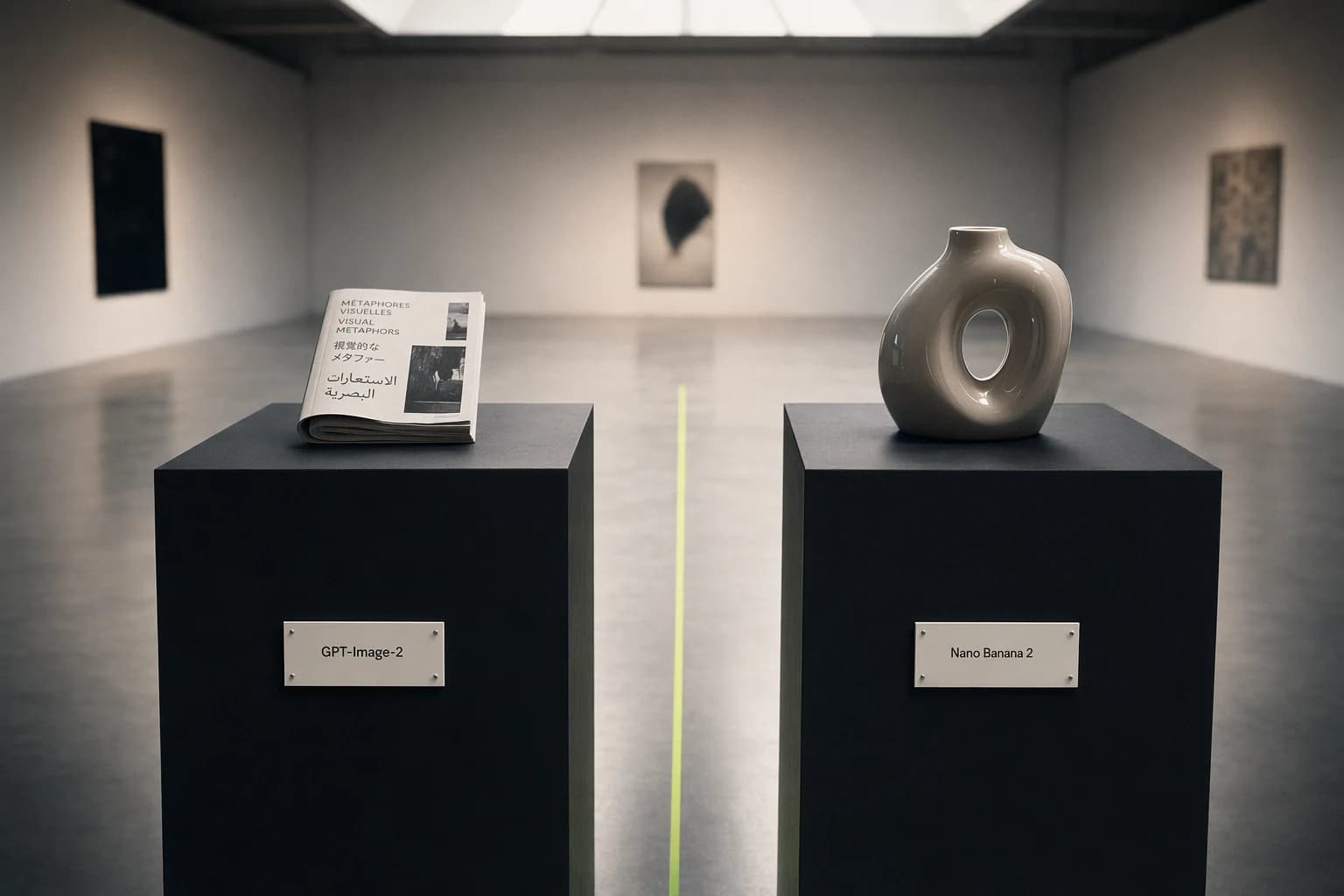
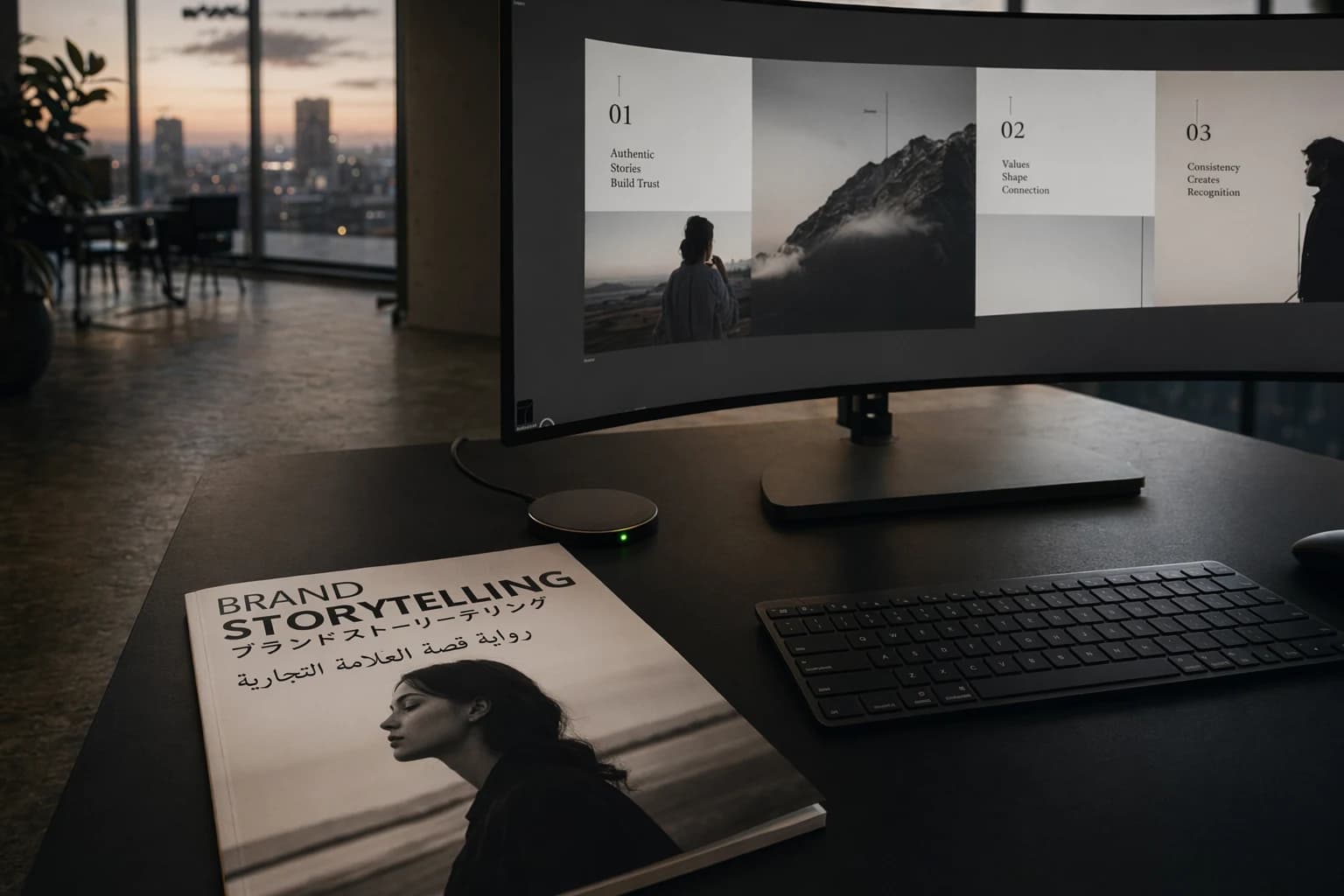
Text rendering accuracy is around 99% for both Latin script and CJK (Chinese / Japanese / Korean) characters — by far the biggest unlock for marketing applications. Japanese poster with English product name? Arabic restaurant menu with Western-style price labels? It handles mixed scripts natively.
Pros and Cons
| Pros | Cons |
|---|---|
| Native multi-ratio output = massive time savings | The model loves adding text — every prompt needs a "no extra text" guardrail |
| Headline and CTA copy at 99% accuracy | Brand logo reproduction is unreliable — always plan to composite |
| Thinking Mode plans the layout before drawing | Complex prompts (500+ words) get partially ignored |
| One API call yields 8 style-consistent images | Free-tier Instant Mode is visibly lower quality |
Best For
Marketing teams shipping 10+ social images per week with hard requirements on text accuracy, fast multi-ratio adaptation, and multilingual support.
2. Ad Creative Variants — Where the ROI Actually Shows Up
The Scaling Problem GPT-Image-2 Actually Solves
Every ad agency now faces the same pressure: ship five to ten localized variants of every core creative each week, with no budget for an extra design team. The percentage of "ready-to-use without graphic design intervention" ad images has jumped from ~20% on GPT-Image-1 to over 75% on Image-2. That's not a marginal improvement. That replaces a three-person design sprint with one person writing prompts.
Community Feedback
Early users tested a typical Meta ad scenario: a single core product shot needed to ship in English, Japanese, Spanish, and Arabic, each with localized headlines and pricing. GPT-Image-2 handled all four languages in a single conversation. The Arabic right-to-left layout was correct, Japanese characters were legible, Spanish accent marks were exact.
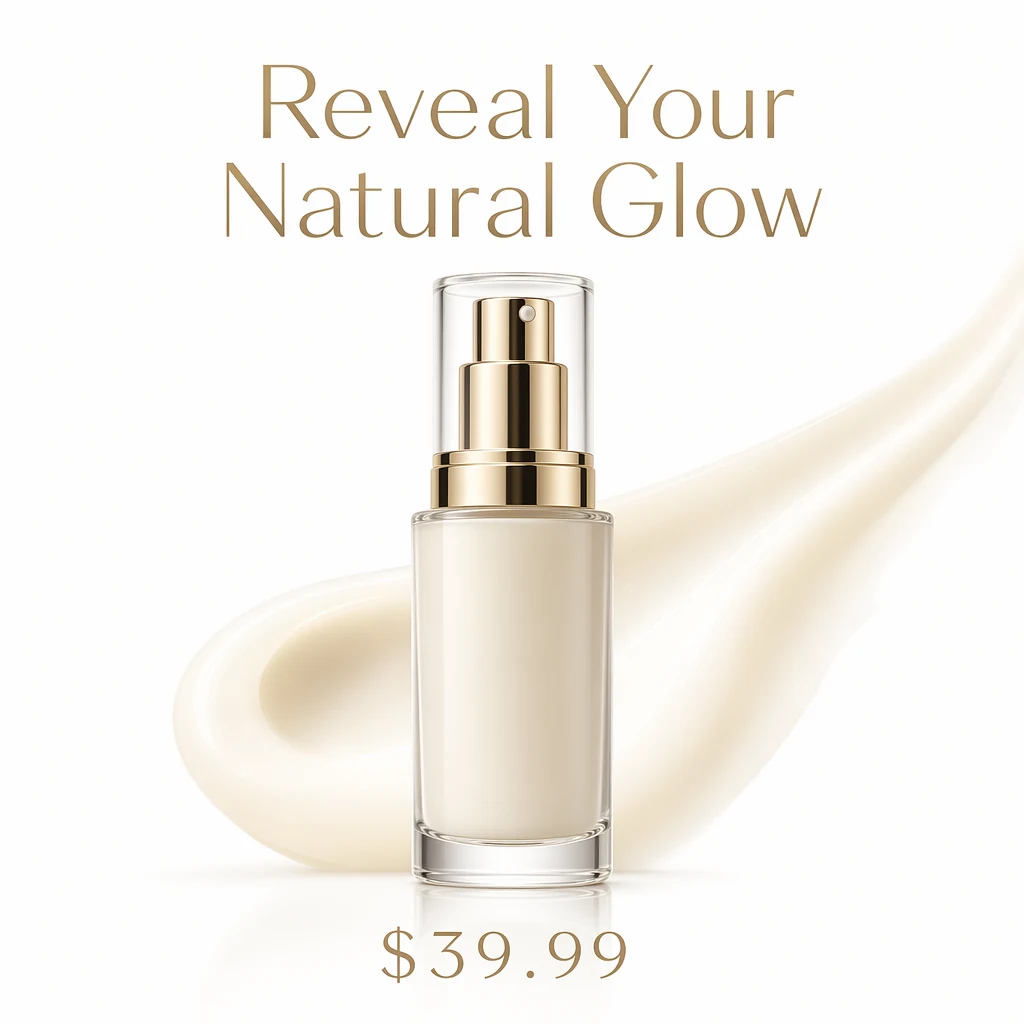
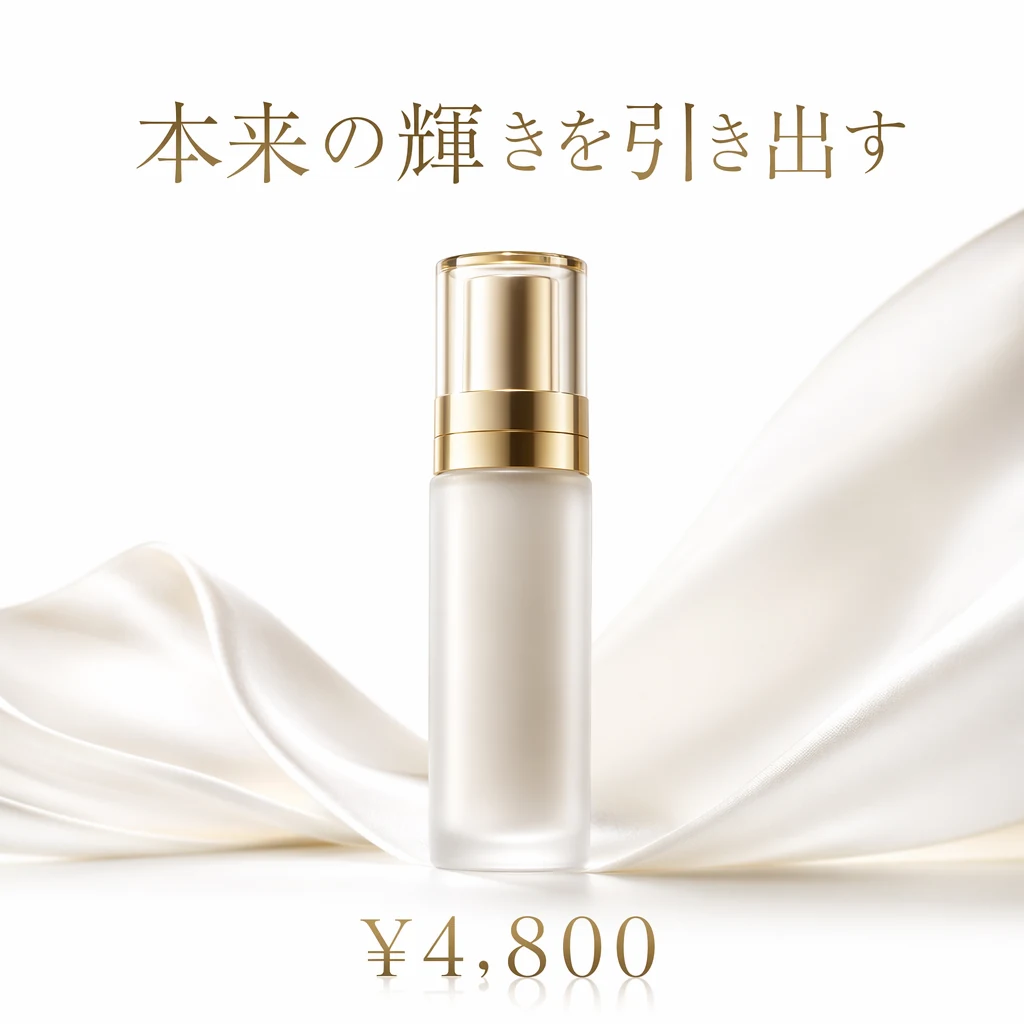
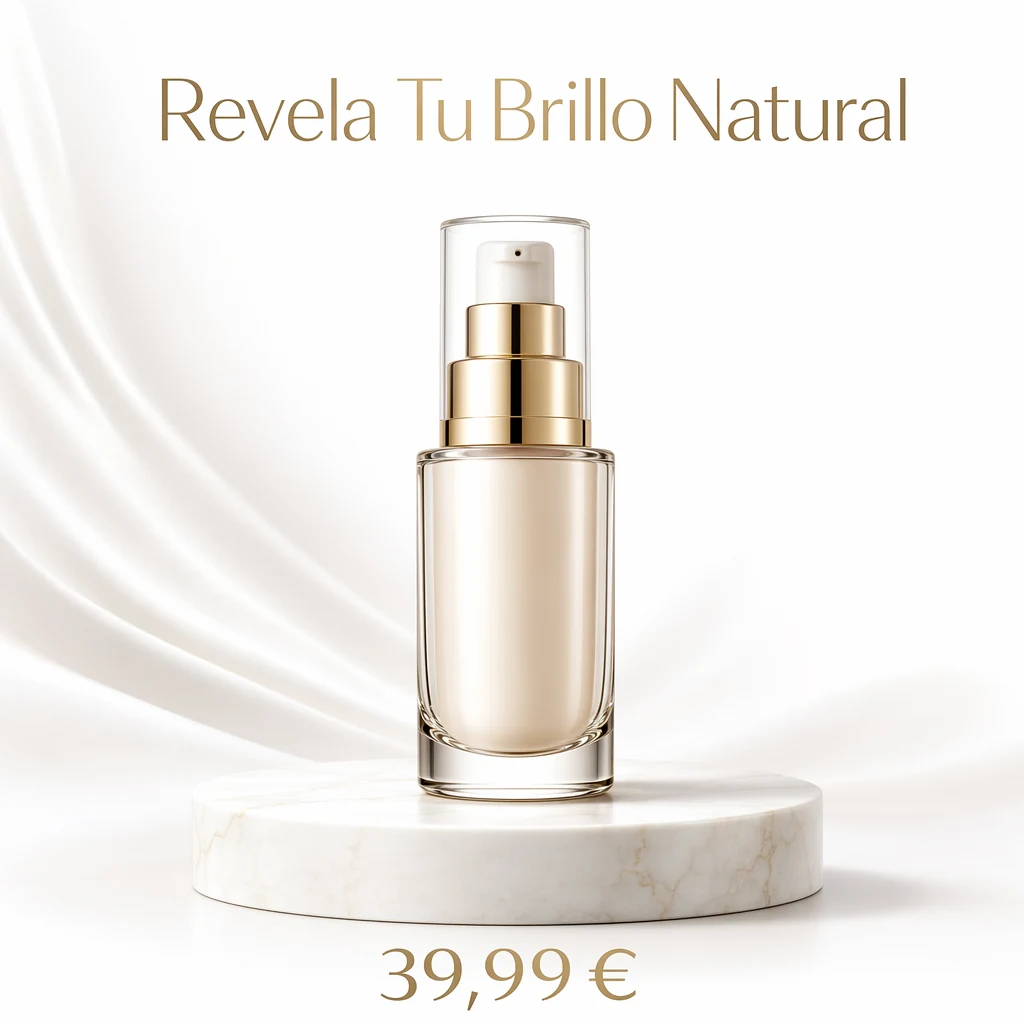

The key unlock: the model's Thinking Mode plans the composition before generating. It searches the web to verify visual conventions, counts elements, checks text constraints. No other image model has this. For ad creative — where accuracy beats artistry — this is genuinely disruptive.
The Price Reality
Standard images cost about $0.10 each (Instant Mode) or $0.21 (Thinking Mode), so producing 50 ad variants runs $5–10. A freelance designer doing the same work costs $500–2,000. Even factoring in human time for logo compositing and post-production, the math is overwhelming.
That said, ChatGPT Plus ($20/month) is the floor for unlocking Thinking Mode and a workable usage allowance. The free tier caps at 2–3 Instant Mode images per day — fine for kicking the tires, not for production.
Best For
Performance marketing teams running multi-variant, multilingual creative at scale. DTC brands refreshing creative weekly. Agencies juggling 5+ client accounts at once.
3. Product Photography & E-commerce
What "Pixel-Perfect" Actually Looks Like
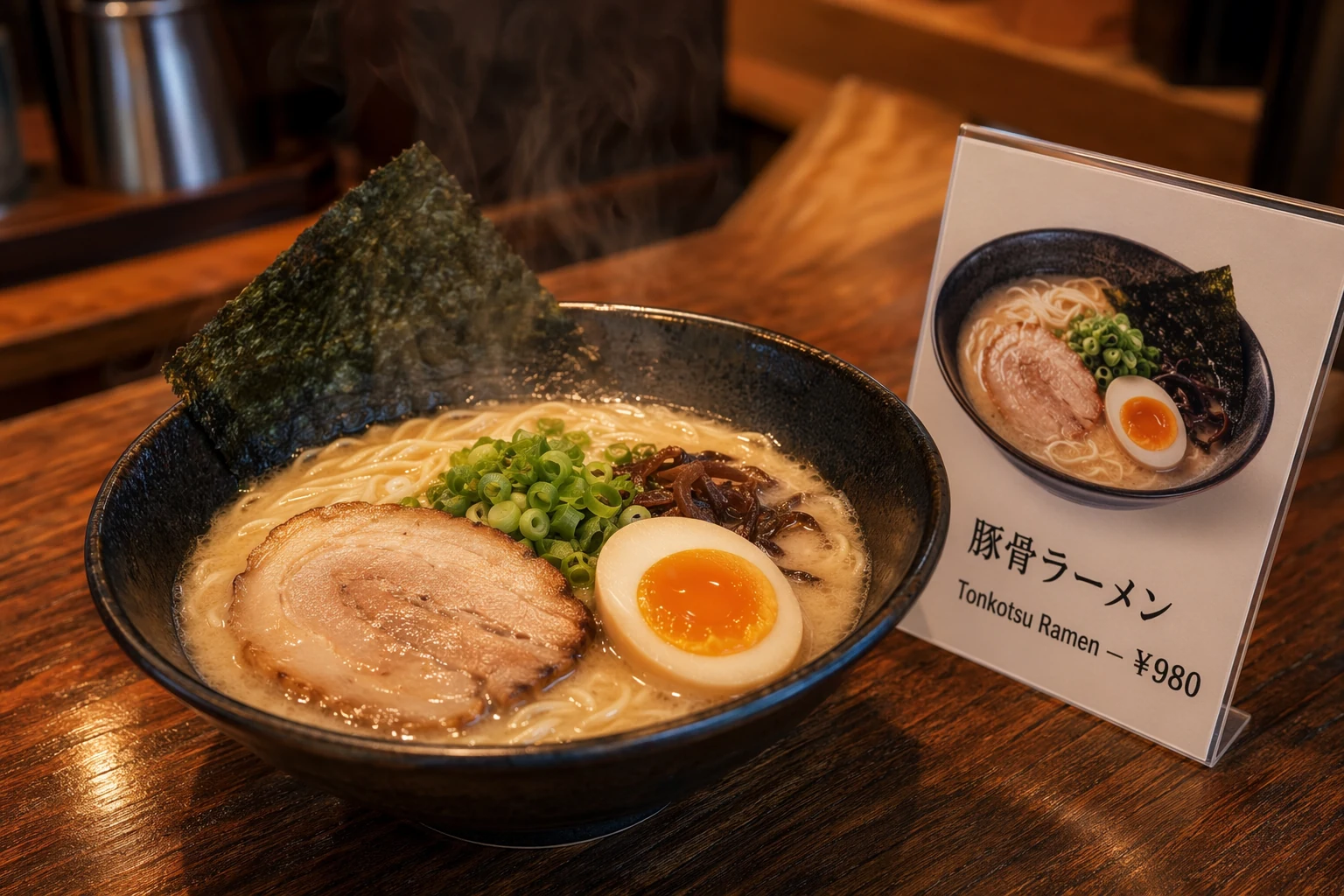
A tech blogger generated a dark-mode webpage variant from a single screenshot and called the GPT-Image-2 output "pixel-perfect" — text and layout both spot-on. In e-commerce, the model excels at: product packaging mockups with readable labels, food photography with accurate price labels, and lifestyle product scenes.
Community Feedback
Product photography involving people still has what the community calls the "silicone skin" problem — skin texture looks too perfect, pores arranged like a circuit board. But for non-human product shots (packaging, electronics, food), the results are genuinely impressive. Early users report a Japanese ramen shop menu prompt where the kanji was correct, yen pricing was correct, and the steam looked photorealistic.
Best For
E-commerce brands with high image volume, especially food, FMCG, and electronics — categories where label accuracy matters most.
4. Infographics & Data Visualization
Why This Suddenly Works
This is where 99% multilingual text accuracy genuinely shines. Until now, AI infographics meant generating a beautiful layout with text that was a mess, then spending 30 minutes in Illustrator fixing labels one at a time. GPT-Image-2 renders data labels, chart annotations, and multilingual captions clearly enough to use directly.
Mixed-language scenarios are the big unlock: a product analytics chart for the Japanese market with a Japanese title, English data labels, and Chinese annotations — work that previously required a designer to do by hand — now completes in one prompt.
Community Feedback
Community tests show that for a quarterly marketing dashboard infographic (4 chart regions, 12 data labels, 2 explanatory paragraphs, and 1 brand title), GPT-Image-2 in Thinking Mode generated everything in one pass with all text legible and all data formats (percentages, currency symbols, dates) correct. The same prompt run through DALL-E 3 produced 5 spelling errors out of 12 labels.
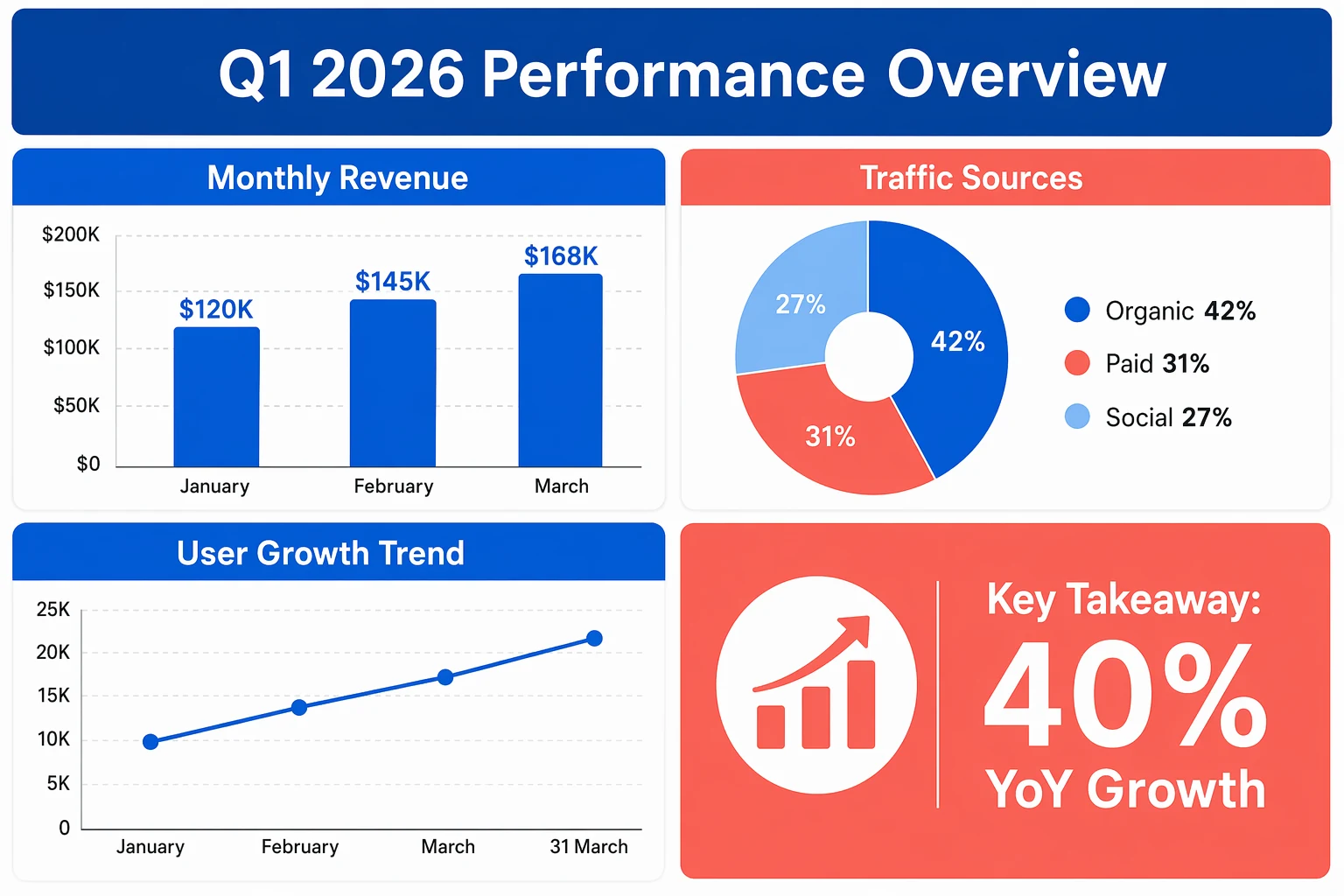
A2E (a benchmarking platform focused on AI image generation) reports that GPT-Image-2 cuts roughly 20–30 minutes of Photoshop post-work per project. At a cadence of 5 infographics per week, that's 2–3 hours saved every week.
Pros and Cons
| Pros | Cons |
|---|---|
| Spelling accuracy on data labels and chart annotations is excellent | Complex multi-layer layouts still need step-by-step generation |
| Mixed-language (CJK + Latin) renders correctly in one pass | Precise data alignment (e.g., table column alignment) drifts sometimes |
| Thinking Mode plans the information hierarchy before drawing | Brand color matching to exact hex values is imprecise |
Best For
Content marketing teams shipping data-driven content weekly, educational creators, and teams producing decks and slide-level chart graphics.
What Actually Works: A Marketing Prompt Methodology
Drawing on community feedback from early users, these are the strategies that consistently produce usable marketing assets:
The layered approach. Don't write one giant prompt. Build in layers: start with composition, then style, then typography, then color, then details. GPT-Image-2's conversation memory lets each layer build on the last.
Quote your copy. Any text that must appear in the image goes in quotes. "Spring Sale — 30% Off" renders far more accurately than just describing "a spring sale promo".
Negative prompts are mandatory. The model loves adding text. Every marketing prompt needs: "no extra text, no additional words, no random lettering, no watermarks."
Stay under 500 words. The 32K-token ceiling is a ceiling, not a target. Past a few hundred tokens, the model starts ignoring earlier instructions. Short, structured prompts beat verbose detailed descriptions.
Use Thinking Mode for anything text-heavy. Standard quality blurs small text. Anything where the copy carries the message should run with high quality and Thinking Mode on.
Going deeper: We have a full GPT-Image-2 prompt guide with 15 field-tested techniques and the layered prompt method explained in depth.
What GPT-Image-2 Still Can't Do for Marketers
Plain truth: this model has clear limits.
Brand logos are unreliable. Final logo placement still requires Photoshop or Figma. Don't fight it — bake the compositing step into your workflow.
Multi-round iteration degrades quality. Multiple community users report that after three or more revisions, the image picks up noticeable "noise texture" and shadows/lighting fall apart. Counterintuitive lesson: short prompts beat detailed creative requirements.
Style control isn't as fine-grained as Midjourney. You can't specify film stock, lens parameters, or grain texture the way Midjourney lets you. If your brand has a strong visual identity, initial creative direction may still need Midjourney V8. Detailed comparison in our cross-model review.
Safety filters can be too aggressive. One user reported a cyberpunk scene prompt blocked because the words "a hint of danger" combined with a rainy alleyway tripped the system. Brands going for an edgy aesthetic may run into walls.
The Verdict for Marketing Teams
GPT-Image-2 is not the best AI image generator for every task. But it is unambiguously the best AI image generator for marketing production work — the high-frequency, text-heavy, multi-format, multilingual grind that eats your design team's bandwidth.
70% of freelance designers in a recent survey said they start creative projects in Midjourney but finish them in GPT-Image-2. That positioning is exactly right. GPT-Image-2 is the model that turns a creative concept into deliverable assets at a fraction of the previous cost and time.
DALL-E 3 retires May 12, 2026. The API officially opens early May. If you're still on DALL-E, the migration window is now.
The endpoint of marketing isn't the image — it's the video. In 2026, short-form video is where performance ad spend actually lands. If GPT-Image-2 has you producing shippable marketing stills, the natural next step is to animate them. Pixo is an AI Video Agent platform that already wires GPT-Image-2 and Seedance 2 into the same workflow — the former generates storyboard frames with precise text, the latter animates them into video, and you can preview the assembled shots on a timeline before exporting. From poster to video ad in one place. Sign up for Pixo to get free credits — no credit card required.
Sources:
- Introducing ChatGPT Images 2.0 — OpenAI Official Blog
- ChatGPT's new Images 2.0 model is surprisingly good at generating text — TechCrunch
- ChatGPT Images 2.0: Full Developer Breakdown — BuildFastWithAI
- GPT Image 2: 10 Practical Use Cases for Businesses — MindStudio
- Why GPT Image 2 Is Redefining Visual Creation for Creators — Programming Insider
- gpt-image-2 Review 2026: Real User Feedback & Limits — WeShop
- Ads and AI: Leveraging AI Creative in 2026 — Social Media Examiner