The AI Video Stack: A Four-Way Taxonomy of AI Video Tools (2026)
The types of AI video tools mapped into four tiers: clip generators, avatar tools, editing assistants, and full production pipelines. A neutral 2026 framework.

Ask ten people what an "AI video tool" is and you'll get ten different products. One person means the thing that turns a sentence into a clip. Another means the app that makes a fake spokesperson read their ad copy. A third means the editor that auto-captions their iPhone footage. They're all right, and that's exactly the problem. The phrase has stretched so far it stopped meaning anything — and buyers keep comparing tools that were never built to do the same job.
As a team that's built across every category of AI video tool — we run Seedance, Veo, Kling, and Hailuo as engines inside our own product, and we've watched users arrive expecting one category and need a completely different one — I want to give you the map I wish existed when we started. Not a ranking. A taxonomy. Four tiers, each with a real job, real named tools, and an honest verdict on who it's for and where it falls down.
Here's the thing: once you can see the four tiers, almost every "which AI video tool is best?" argument dissolves. It's usually two people defending tools from different tiers, neither of them wrong. This piece is deliberately fair to all four — including the three tiers Pixo doesn't live in. A framework is only useful if it's accurate, so let's make it accurate.
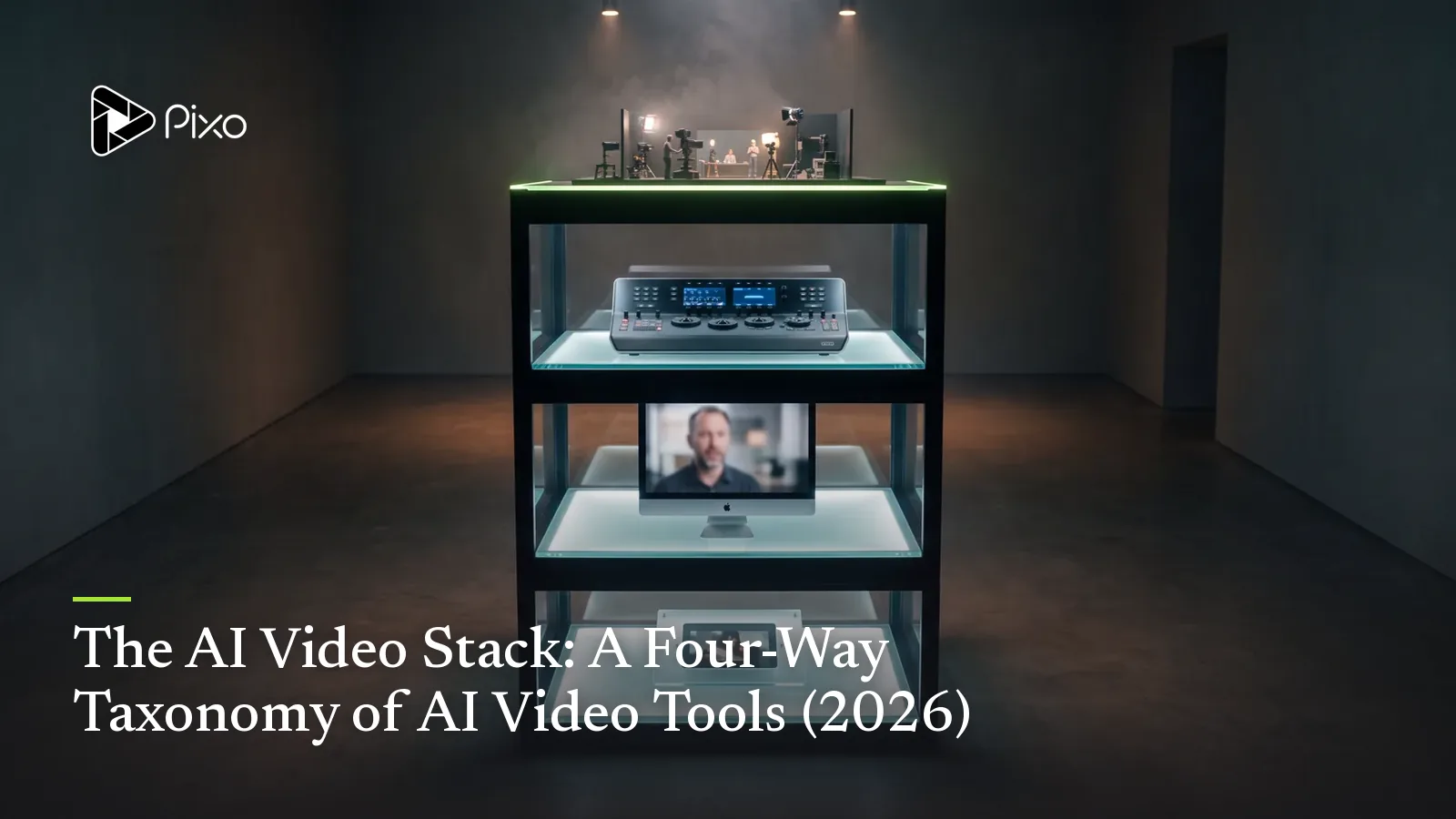
The four-tier taxonomy at a glance
| Tier | Category | What it does | Named examples | Best for |
|---|---|---|---|---|
| 1 | Clip Generators | One prompt → one clip | Sora, Seedance, Veo, Kling | Raw shots, experiments |
| 2 | Avatar Tools | An avatar reads a script | HeyGen, Arcads, Creatify | Talking-head ads |
| 3 | Editing Assistants | Enhance existing footage | Captions, CapCut AI | Polishing real video |
| 4 | Full Production Pipelines | Orchestrate clips into multi-shot films | Pixo | Demos, narrative, ads at scale |
Read it top to bottom and you'll notice the tiers aren't a quality ladder. A clip generator isn't "worse" than a pipeline — it's a different layer of the stack. In fact, as you'll see, Tier 4 literally runs on Tier 1. Hold that thought.
Tier 1 — Clip Generators
What it does: You type a prompt (or hand over a starting image), you get back a single clip. No story, no edit, no assembly — one shot, generated from scratch. This is the rawest, most foundational layer of the entire stack. Everything else is built on top of what these models can render.
Real named tools: This tier is a genuine arms race right now. OpenAI's Sora 2 generates synchronized video and audio together at 1080p in roughly 15-to-25-second clips, and is known for physically plausible motion. ByteDance's Seedance 2.0 has topped the Artificial Analysis Video Arena leaderboard for both text-to-video and image-to-video in early 2026, with multi-input generation and strong multilingual lip-sync. Google's Veo 3.1 is the cinematic-realism favorite with native audio. Kuaishou's Kling 3.0 renders natively at 4K and tends to win on cost-per-clip. Each model is genuinely best at something different — we go deep on the trade-offs in Seedance vs. Veo vs. Kling.
Who it's for: Anyone who needs a single shot. Researchers, artists testing an idea, a creator who wants one hero clip, or a developer wiring a model into their own app via API. If your output is "a clip," this tier is your tool.
The honest verdict: These models are astonishing, and they're the foundation the rest of the stack stands on. But a clip is not a video. The moment you need two shots that share the same character, a hook that flows into a demo, or anything resembling a finished piece, you've hit the ceiling of this tier. You'll find yourself generating clips one at a time, fighting to keep the protagonist's face consistent, and stitching the results in a separate editor. That's not a knock — it's just the layer this tier occupies. The clip is the brick, not the building.
Tier 2 — Avatar Tools
What it does: You pick (or create) a digital presenter, type or paste a script, and the tool generates a video of that avatar speaking your words to camera. This is the UGC-ad engine room: spokesperson content, at volume, fast.
Real named tools: HeyGen leads on breadth — a large avatar library, lifelike presenters, and lip-sync across 175+ languages, which makes it strong for corporate and multilingual content. Arcads is purpose-built for scroll-native ads: its AI "actors" are tuned to read like a real person filming a casual phone testimonial, which tends to convert better in a TikTok or Reels slot than a polished corporate avatar. Creatify leans into the full ad workflow — paste a product URL and it pulls the details to generate UGC-style variants, with batch generation across SKUs plus testing and analytics. Each occupies a slightly different corner of the same tier.
Who it's for: Performance marketers and DTC brands who live on talking-head ads and need to test many script variations quickly. If your ad is fundamentally "a believable person recommending a product," this tier was built for you, and it's the fastest path there.
The honest verdict: Avatar tools are excellent at the one thing they do, and dismissing them is a mistake — a tight 30-second testimonial from Arcads can genuinely read as a real person, and that converts. Their limit is structural, not quality: the output is overwhelmingly one framing, a person talking to camera. There's typically no timeline, no scene cuts, no way to insert a real product demo as its own shot. When your ad needs more than a spokesperson, the avatar becomes one ingredient you no longer have a kitchen for. We cover exactly where that line falls in when not to use an AI UGC avatar tool, and the closest swaps in HeyGen alternatives for 2026.
Tier 3 — Editing Assistants
What it does: This tier doesn't generate the footage — it improves footage you already have. You upload real video (or clips from another tier), and AI handles the tedious post-production: captions, cuts, B-roll suggestions, color, audio cleanup, reframing for different aspect ratios.
Real named tools: Captions (the app from Mirage) turns raw footage into a finished edit you describe in plain language — it applies effects, transitions, B-roll, and pacing on command, and also offers AI avatars and an "AI Twin" as add-ons. CapCut's 2026 AI suite brings auto-edit that scene-recognizes and assembles raw footage, instant captions in 130+ languages, background removal, silence trimming, and smart music. These are the tools that take "I shot something messy on my phone" to "this looks intentional."
Who it's for: Creators with real footage — vloggers, podcasters clipping long-form, anyone who films themselves and dreads the edit. If the camera did the capturing and you just need the polish, this is your tier.
The honest verdict: For enhancing what you've already shot, these tools are a genuine time machine — what took an editor an afternoon now takes minutes. The catch is right there in the name: they're assistants for existing footage. They make your real video better; they don't manufacture the scenes you didn't or can't film. Some now bolt on avatar generation (blurring into Tier 2), but their center of gravity is post-production, not creation from a brief. If you have nothing to upload, an editing assistant has nothing to assist.

Create AI videos with Pixo
Turn any idea into a publish-worthy video. One sentence is all it takes.
Tier 4 — Full Production Pipelines
What it does: This is the tier that takes a brief and gives back a finished, multi-shot video — not one clip, not a talking head, not a polished version of footage you supplied, but the whole thing built from scratch. You start with a story or a script, break it into shots on a storyboard, decide what each shot needs, generate, and assemble. It's the difference between a model that renders a brick and a workflow that builds the house.
Real named tool: This is the tier Pixo defines. The workflow is storyboard-first — you plan every shot on paper before spending a single credit, so you iterate on structure cheaply and only pay at generation time. Each shot can draw on a different clip engine (Seedance, Veo, Kling, or Hailuo) chosen for what that specific shot needs, all inside one project. An Asset Library locks your characters and products so the same face and the same product hold across every shot and every variant — the single most-cited unsolved pain point in AI video, named and addressed. And because a project is duplicable, you can copy it, change one variable, and regenerate only the shots that changed — which is how teams ship six to twelve ad variants in a day instead of re-rendering whole videos.
Who it's for: Anyone whose output is a video, not a clip. Storytellers and episodic creators building narrative. Brands that need product demos, B-roll, and a spokesperson in the same piece. Performance teams running variant economics at scale. If your project has more than one shot and the shots need to belong to each other, this is the tier.
The honest verdict: A pipeline asks more of you than a one-click avatar tool — there's a real first project, usually an hour or two, before the workflow clicks. If all you need is a single talking-head ad by lunch, that's overkill; an avatar tool wins on pure speed. The pipeline earns its keep the moment the job is bigger than one shot: demos, narrative, multi-character scenes, and ad variants where consistency has to hold. It's the only tier built to make those, and the trade is a steeper start for a far higher ceiling.
The key insight: Tier 4 orchestrates Tier 1 — it doesn't compete with it
This is the idea that reorganizes the whole market, so let me say it plainly: a production pipeline is not an alternative to a clip generator. It is a layer that runs clip generators.
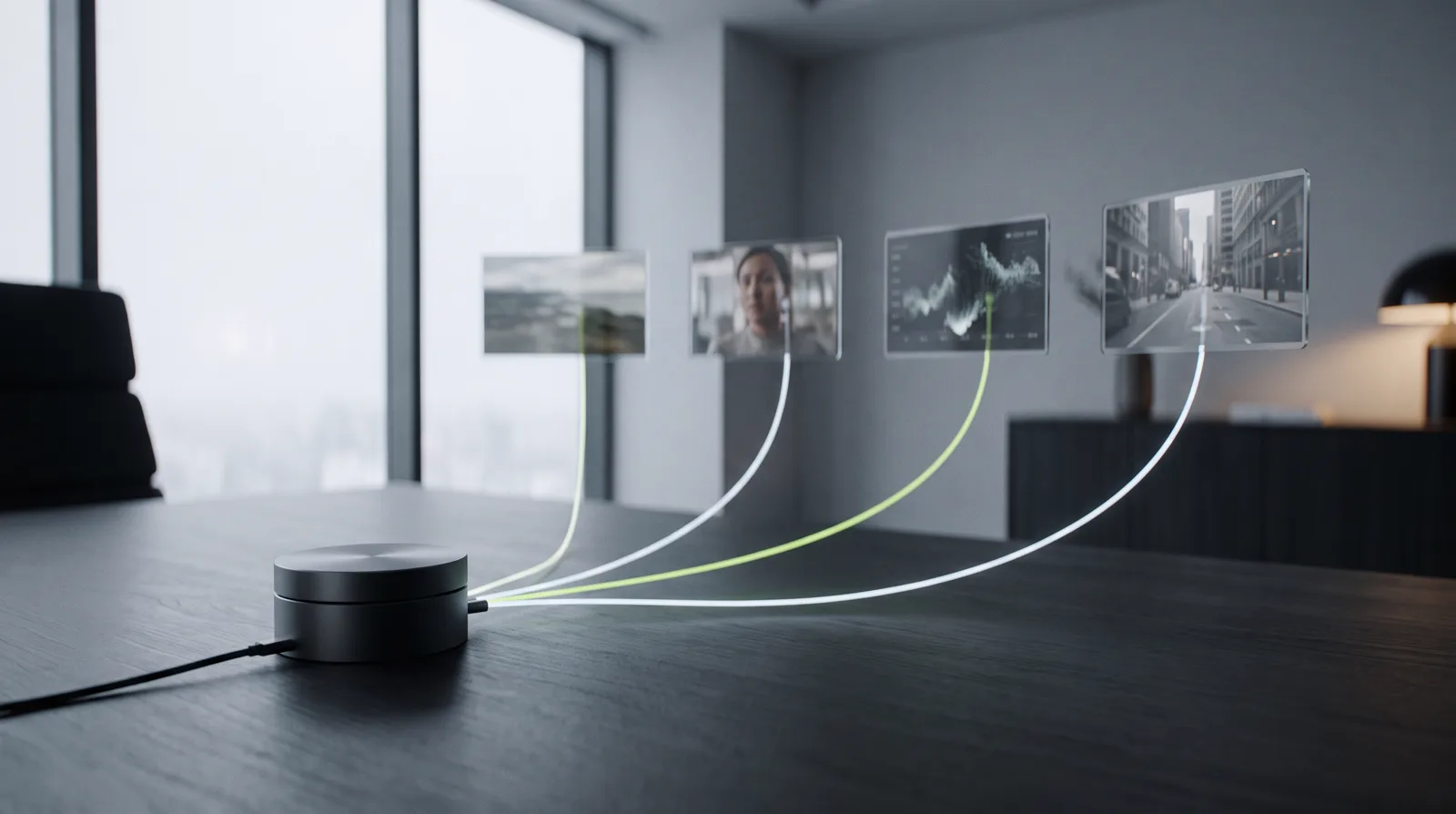
When people ask "Pixo vs. Sora?" or "is Seedance better than Pixo?", they're comparing tiers that don't compete. Sora, Seedance, Veo, and Kling are engines. Pixo is the vehicle those engines power. Inside a single Pixo project, you might render the cinematic establishing shot with Veo, the fast-action middle with Kling, and a dialogue close-up with Seedance — assigning the best model per shot the way a director assigns the right lens to each setup. The pipeline's job is the part no single model does: the storyboard, the per-shot model routing, the consistency layer, the assembly. Ask "which clip engine is best?" and the honest answer is it depends on the shot — which is precisely why a tier that picks per shot exists.
The reframe in one line: Tier 1 renders the pixels; Tier 4 decides which Tier 1 engine renders which shot, keeps the cast consistent, and assembles the film. They're a stack, not four competitors — so "best AI video tool" becomes four questions, one per layer.
So the four tiers aren't four competitors fighting for the same buyer. They're a stack. Tier 1 renders the pixels. Tier 4 decides which Tier 1 engine renders which shot, keeps the cast consistent, and turns the pile of clips into a film. Once you see that, "best AI video tool" stops being a single question and becomes four — one per layer. That's the reframe. Our AI video director is what makes the orchestration layer usable without a film degree.
Which tier do you need?
Forget brands for a second and start from the job. Here's how to place yourself.
You need one shot, fast, and you'll handle the rest. Go straight to a Tier 1 clip generator. Pick the engine by the shot — physics-heavy, use Sora; cinematic, Veo; cheap and sharp, Kling; controllable and multilingual, Seedance. The head-to-head comparison will narrow it.
You need a talking-head ad and nothing more. A Tier 2 avatar tool is your fastest path — Arcads for scroll-native UGC, HeyGen for multilingual reach, Creatify for product-URL workflows. But if you suspect your ad needs a demo or scene variety, read UGC ads vs. AI video production before you commit, and check the failure modes in when not to use an avatar tool.
You already shot real footage and just want it to look professional. A Tier 3 editing assistant — Captions or CapCut AI — is the right call. You don't need generation; you need polish.
Your output is an actual video — demo, narrative, or many ad variants. That's a Tier 4 production pipeline. This is where the multi-shot, consistent-cast, variant-economics work happens, and where Pixo lives.
One more practical note that cuts across all four tiers: if you publish to TikTok, your AI-made content likely needs a disclosure label regardless of which tier produced it. We walk through it in the TikTok AI label compliance guide.
Frequently asked questions
What are the different types of AI video tools? Four tiers: clip generators (one prompt → one clip), avatar tools (a spokesperson reads a script), editing assistants (enhance real footage), and full production pipelines (orchestrate clips into multi-shot films). Most of the confusion in the market comes from treating all four as one product.
What's the difference between a clip generator and a production pipeline? A clip generator makes one shot from one prompt. A production pipeline turns a brief into a storyboard, routes each shot to the best clip engine, holds your characters and products consistent across shots, and assembles the finished video. The generator is the engine; the pipeline is the vehicle.
Is Pixo a clip generator? No — Pixo is a Tier 4 production pipeline that uses clip generators. Seedance, Veo, Kling, and Hailuo are available as per-shot engines inside one project, on top of storyboarding and an Asset Library for consistency.
Which type of AI video tool do I need? For a single experimental shot, a clip generator. For a quick talking-head ad, an avatar tool. For polishing footage you already shot, an editing assistant. For demos, narrative, or ad variants at scale, a production pipeline.
Can one tool do all four jobs? Not well — the jobs pull in different directions. The category that covers the most ground is the production pipeline, because it orchestrates the clip-generation tier and folds editing in, rather than trying to replace either one.
If your work lives in Tier 4 — real videos, consistent casts, variants at scale — that's exactly what Pixo is built for. It's the production pipeline that orchestrates the best clip engines per shot, keeps your characters and products consistent, and turns a brief into a finished multi-shot film. Start free and build your first storyboard before you spend a credit.
Related comparisons
Comparing specific tools? See how Pixo stacks up: Pixo vs Opus Clip · Pixo vs Syllaby · Pixo vs CapCut
Generate AI summary
From idea to finished video.
In one conversation.
Start CreatingNo credit card required • Free 200 credits