AI UGC Ads vs. AI Video Production: Two Different Tools for Two Very Different Creators
AI UGC ads vs AI video production: avatar tools make a person read a script; pipelines build multi-shot scenes with consistent characters. How to pick.

Two requests that sound identical land in my inbox every week. "I need to make a TikTok ad." And: "I need to make a video." People say them interchangeably, click into the same Google search, and end up on the same review sites — and then quietly get frustrated, because they bought the wrong category of tool for the job in their head.
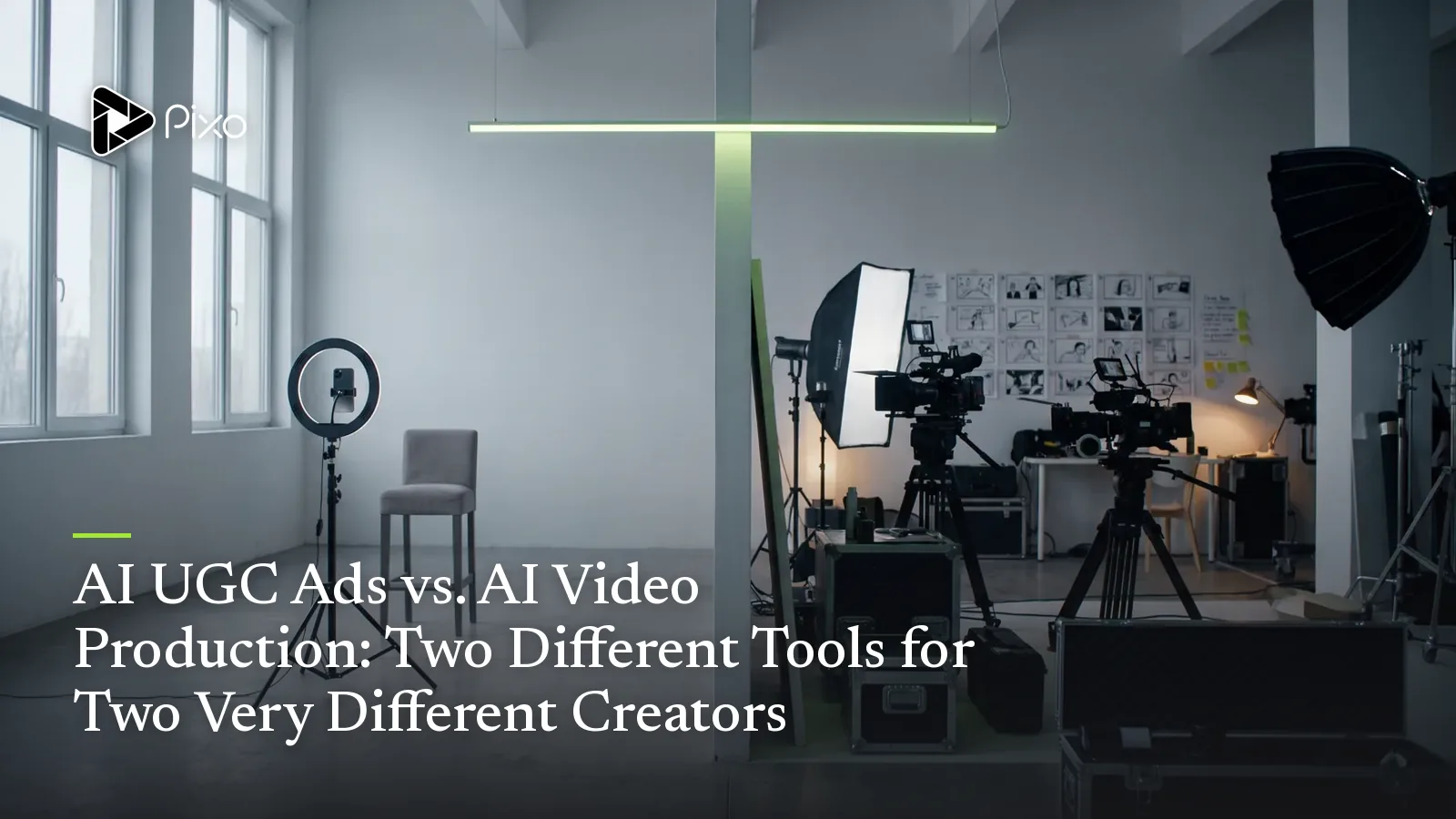
Here's the thing I've learned after building a lot of both: AI UGC ads and AI video production are not the same product, and they were never trying to be. One category makes a person read your script straight to camera. The other builds an entire scene — multiple shots, multiple subjects, demos and b-roll and close-ups — and keeps your characters and products consistent across all of it. When a buyer treats those as competitors and picks on price or speed, they almost always pick wrong.
This piece draws the line. I'll show you exactly what an AI UGC ad tool (HeyGen, Arcads, Creatify) does well and where it stops, what an AI video production tool (Pixo is the clearest example) does instead, and the worked example that makes the difference obvious. No hit piece — avatar tools are genuinely excellent at the one job they're built for. The goal is to make sure you know which job you have. If you want the full market map this sits inside, our AI video stack taxonomy lays out all four tiers; this article zooms in on the two that get confused most.
The decision table, up front
Most comparison posts bury the answer. I'll lead with it:
| Dimension | AI UGC Ad Tool (HeyGen / Arcads / Creatify) | AI Video Production (Pixo) |
|---|---|---|
| Core output | An avatar reading a script | A multi-shot scene, any subject |
| Best for | A talking-head ad at volume | Demos, narrative, b-roll, mixed footage |
| Character consistency | Per-avatar, single face | Any character or product across all shots (Asset Library) |
| Shot variety | Limited — mostly one framing | Per-shot model + camera control |
| Learning curve | Minutes | ~1–2h first project, then fast |
| Variant economics | Swap script, re-render the clip | Duplicate project, regenerate changed shots only |
| When it wins | Pure spokesperson ad, fastest path | Anything beyond a talking head |
If that table already answered your question, great — that's the point. The rest of this explains the why so you can apply it to your own brief.
What an AI UGC ad tool actually does
An avatar tool has one beautifully focused job: turn a script into a realistic person delivering it to camera. You paste text, pick a face from a library, and a few minutes later you have a talking-head clip ready to post.
The category is real and the tools are good. HeyGen offers 1,100+ ready-made avatars plus the ability to spin a custom one from a photo, and its Avatar IV engine reads the emotional register of a script to produce natural micro-expressions and timing-aware gestures across 175+ languages. Arcads leans hard into the ad-testing use case — 1,000+ AI actors with expressions captured from real performers via motion capture, a finished clip in roughly two minutes, and the ability to fire off multiple script variations at once, at about $11 a video. Creatify brings a clever wrinkle: paste a product URL and it scrapes the page, picks an avatar, writes the copy, and assembles a UGC-style ad more or less automatically.
These are real strengths, and I want to be fair about them:
- Speed is unmatched. Script in, spokesperson out, in minutes. Nothing in the production-pipeline world is that fast for this specific output.
- The talking-head format genuinely converts. A tight testimonial — one person, eye contact, a believable voice — is a proven UGC pattern.
- Cost per clip is tiny versus hiring human creators, who charge $80–200+ per short.
- Batch variation is built in. Swap the script, re-render, repeat — perfect for hook testing on a fixed format.
Now the honest limits, which are limits of the category, not bugs:
- The output is, fundamentally, one framing. A person talking to camera. Reviewers consistently note avatar tools "shine more in simple setups than complex scenes," and that complex product demonstrations — say, using a hair tool on actual hair — "can look a little off."
- The avatar struggles to interact with your product. As one teardown put it, for product ads the avatar needs to hold the thing, gesture at it, keep it in frame — and "a perfect presenter beside a floating product looks worse than a mediocre one holding it."
- Sameness fatigues fast in-feed. When every variant is the same head in the same frame, the format starts reading as "ad," and that's what gets skipped.
None of this means avatar tools are bad. It means they're a spokesperson generator. If your ad is a spokesperson, you're done — stop reading and go use one.

Create AI videos with Pixo
Turn any idea into a publish-worthy video. One sentence is all it takes.
What an AI video production tool does
A production pipeline starts from a different premise: an ad (or any video) is usually more than one shot. So instead of generating a single clip, it builds the whole thing.
On Pixo, the unit of work isn't "a video" — it's a storyboard. You hand the agent a plain-language brief and it breaks the idea into shots: a hook, a problem beat, a product demo, some b-roll, a CTA. You iterate on that storyboard on paper — rewrite the hook five times, reorder the demo, argue about the CTA — without rendering a single frame, because credits are spent at generation time, not while you're thinking. Then each shot generates independently.
Three things follow from the storyboard-first structure, and they're the actual differentiators:
- Per-shot multi-model. UGC footage isn't one kind of footage. The creator's face, the product close-up, the cheap b-roll filler, and the polished brand outro each want a different engine. Pixo lets you assign Seedance, Veo, Kling, or Hailuo per shot inside one project — see our multi-model launch for why that matters. Avatar tools, by design, give you one rendering path.
- The Asset Library — consistency that actually holds. Character drift is the hardest problem in AI video: models recreate every frame from scratch and quietly change a face, a hairstyle, a product label between shots. It's widely called AI video's single biggest production challenge. Pixo's Asset Library is the named answer — lock a creator and a product once, and they stay consistent across every shot and every variant. (We go deep on this in AI character consistency.) An avatar tool keeps one face consistent because it is one face; it has no equivalent way to keep your product identical across a demo, a close-up, and an outro.
- Variant economics by duplication. Found a winning structure? Duplicate the project, change one variable — a new hook line, a different demo angle — and regenerate only the shots that changed. That's how a single storyboard skeleton becomes 6–12 deployable variants a day, the full method documented in our UGC ads pipeline guide and the AI UGC ad generator walkthrough.
The trade is real and I won't hide it: the first project takes about one to two hours, because you're building a storyboard and locking assets. An avatar tool gets you a clip in two minutes. You're paying upfront for a structure that pays back on every variant after.
Where they overlap
The line isn't a wall. The overlap is exactly where most buyers actually live: UGC ads that need more than a talking head.
The best-performing UGC ad structure is a five-part flow — hook, problem, solution, proof, CTA — and most of those beats are not a person talking. The problem beat wants a relatable scene. The solution beat wants a demo: hands on the product, the thing actually working. Proof wants b-roll, a close-up, a result shot. Only one beat — maybe two — is naturally a spokesperson.
This is why the smart e-commerce play is explicitly a hybrid: blend AI presenter footage with real b-roll, genuine close-ups, and authentic product shots. Avatar tools can do the presenter beat brilliantly. The question is what generates the other four beats. With an avatar tool, the answer is usually "you film or source it separately and edit it together." With a production pipeline, the avatar beat is just one shot in a storyboard the tool already built end to end.
So they overlap on the spokesperson shot. They diverge on everything around it.
Worked example: the same brief, built both ways
Let's make it concrete. The brief: a 25-second TikTok ad for a reusable water bottle that keeps drinks cold for 24 hours. Hook, problem, demo, CTA.
Built with an avatar tool (HeyGen / Arcads / Creatify). I write a punchy script, pick an avatar who looks like the target customer, paste, and generate. Two minutes later I have a clip of a believable person saying, "I used to spend $6 a day on iced coffee that was warm by noon — until this." It's genuinely good. But it's one shot: a head talking. The "keeps drinks cold for 24 hours" claim is spoken, never shown — no ice still floating at hour 23, no close-up of the seal, no hand twisting the cap. For a pure testimonial, fine. For a product whose whole pitch is a physical demo, the most persuasive 10 seconds simply don't exist in the output. To test five hooks, I re-render the whole clip five times.
Built with a production pipeline (Pixo). I give the agent the same brief. It returns a storyboard: Shot 1, a frustrated sip of a warm drink (the problem); Shot 2, the bottle being filled with ice (the setup); Shot 3, a 24-hour time-jump with ice still intact (the demo — the money shot); Shot 4, the creator taking a cold sip and grinning (the proof); Shot 5, the bottle on a clean background with a CTA. I assign Veo to the photoreal product close-up, Seedance to the creator shots so her face stays identical across the cut, and Hailuo to the cheap b-roll. The bottle — same color, same logo, same lid — is locked in the Asset Library, so it's the same bottle in every shot. To test five hooks, I duplicate the project, change Shot 1, and regenerate one shot. The other four are untouched.
Same brief. One tool gave me a person describing the product. The other gave me a person and the product doing the thing it's sold for. Neither is wrong — they answer different briefs, and most product ads are the second brief wearing the first brief's clothes.
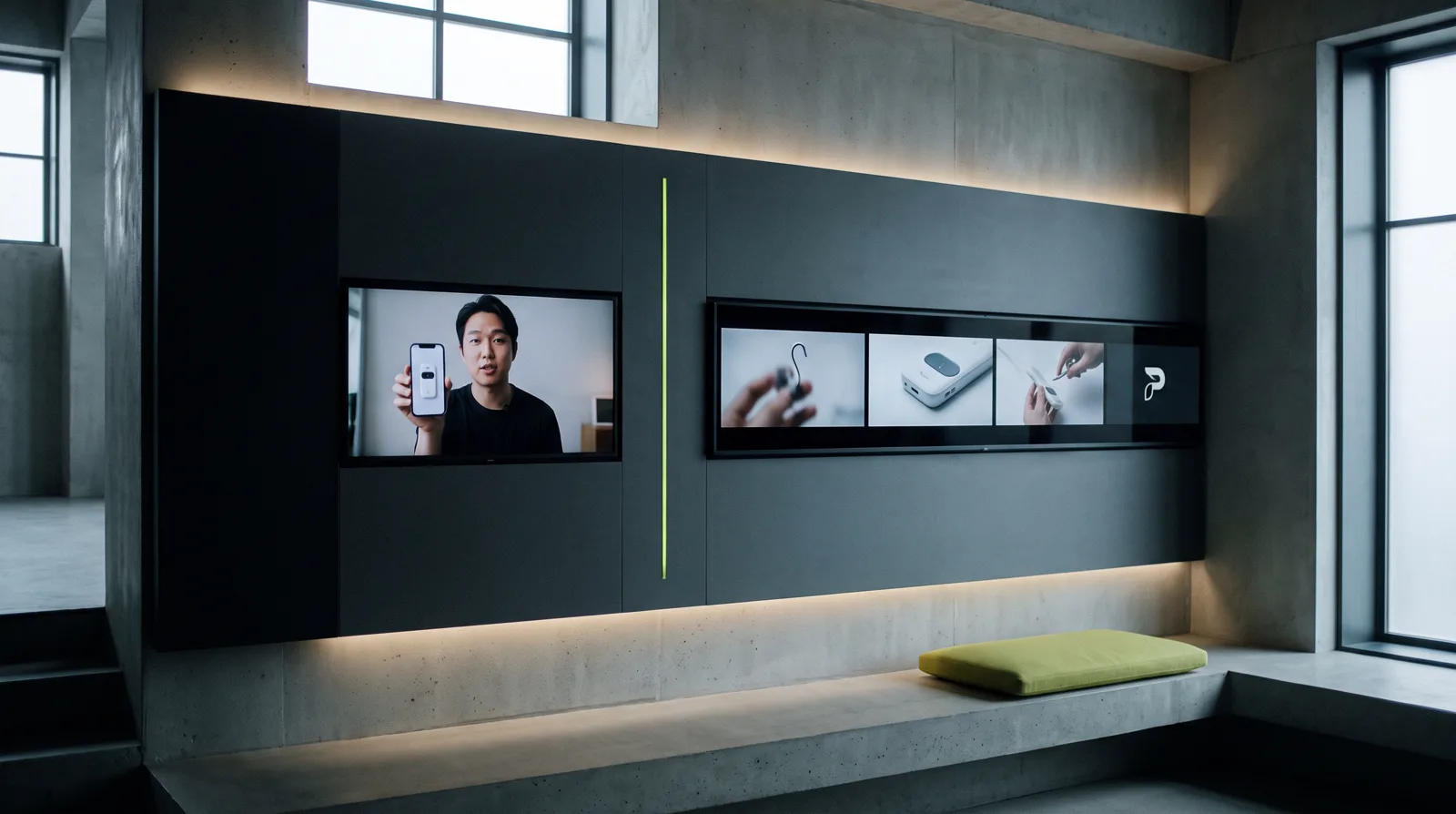
Which creator are you?
After all the feature talk, the choice comes down to who you are.
The marketer / ad-buyer. You think in volume and CTR. You need a believable face saying a tested line, and you need it now, cheaply, at scale. Your ad genuinely is a spokesperson talking to camera. An avatar tool is the fastest, cheapest path for you — use one. I mean that. Don't over-build.
The storyteller / brand-builder. This is the persona the entire avatar-tool market underserves, and the one I most want to reach. You're not making one talking head — you're making a thing: a product story, a multi-scene narrative, an episodic brand series, an ad where the demo carries the sale. You need shot variety, you need multiple characters who stay themselves across scenes, you need your product to look identical in shot 1 and shot 9. Avatar tools were never built for you. A production pipeline is your category — and it's the one no one was naming until recently.
Most people sit somewhere on this spectrum, and the honest test is shot count. One shot? Avatar tool. More than one? Pipeline.
The decision framework
When a brief lands, I run it through three questions in order:
- How many shots does this ad actually have? One person, one framing → avatar tool. Anything multi-shot → production pipeline. This single question resolves most cases.
- Does the product need to be shown doing something? If the pitch lives in a demo, a close-up, or a transformation, you need a tool that generates those shots — not one that has the avatar describe them.
- How many variants will I test, and how consistent must they be? Testing a handful of scripts on a fixed format → avatar tools batch beautifully. Testing structures while keeping a creator and product identical across all of them → the Asset Library and duplicate-project workflow win on cost-per-tested-variant, not cost-per-clip.
The fastest way to decide: count the shots. One person, one framing → avatar tool. More than one shot → production pipeline. The deciding question isn't "which is better," it's "how many shots does my ad actually have?"
Answer those honestly and the category picks itself. The mistake is never "I used the worse tool." It's "I used the tool for a job it wasn't built to do."
If your honest answers point past the talking head — to demos, scene variety, multiple characters, a story — that's the production pipeline's category, and it's worth seeing what it looks like. Build the same ad as a multi-shot storyboard on Pixo and watch the demo beat that an avatar tool can only describe.
Generate AI summary
From idea to finished video.
In one conversation.
Start CreatingNo credit card required • Free 200 credits