Introducing Multi-Model Video Generation in Pixo
Switch between Runway, Pika, and Kling models within the same project for optimal results on every scene.
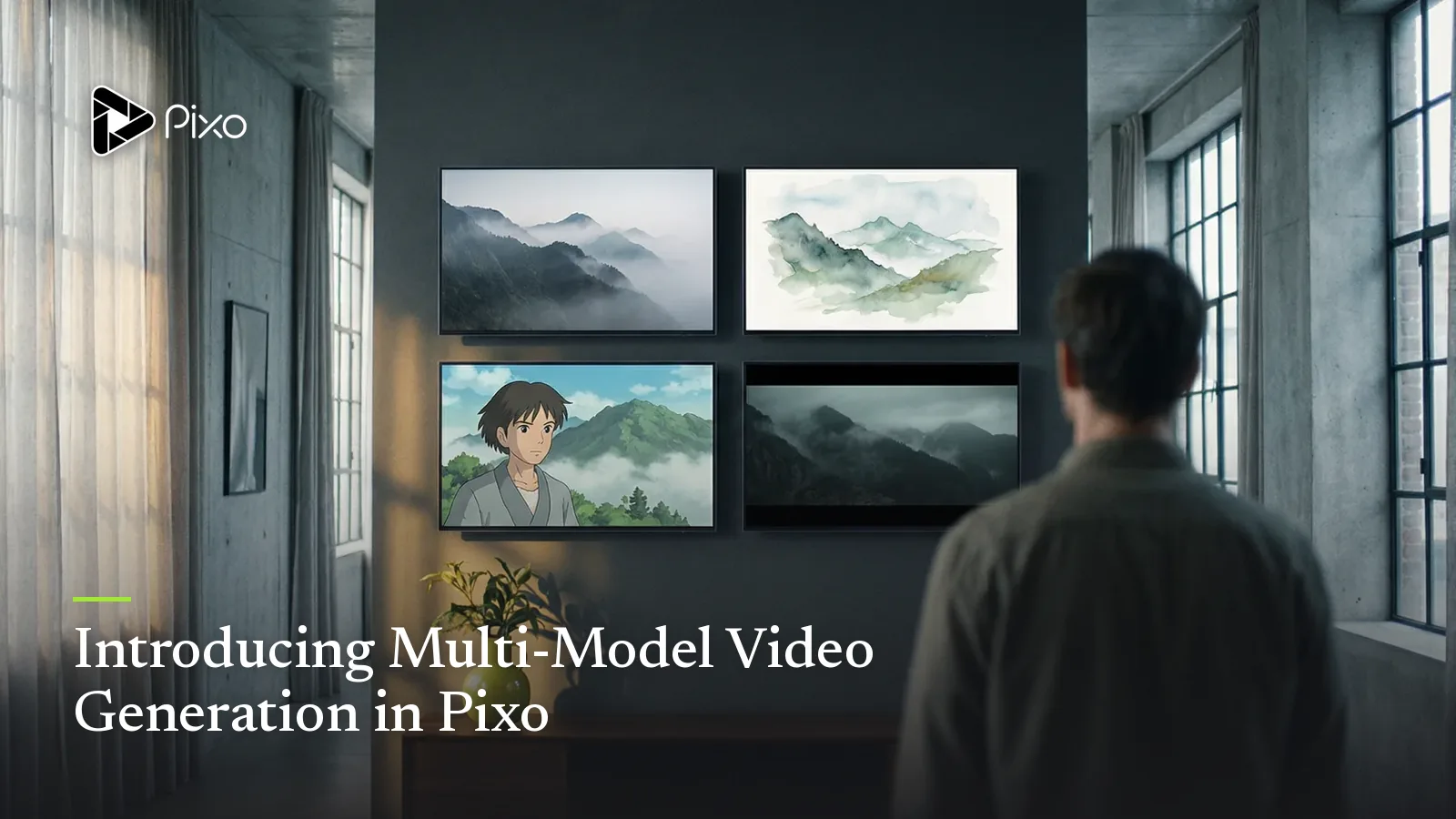
We're excited to announce one of our most requested features: multi-model video generation. Starting today, you can use different AI video models within the same Pixo project, giving you unprecedented flexibility and control over your creative output.
Why Multi-Model?
Every AI video model has its strengths. After working with thousands of creators, we've learned that:
- Runway Gen-3 excels at cinematic camera movements and lighting
- Pika 1.5 produces excellent character expressions and close-ups
- Kling 1.6 handles fast action and complex motion better
Previously, you had to choose one model for your entire project. Now, you can mix and match—using Runway for your establishing shots and Pika for dialogue scenes.
Pro tip: Start with your most challenging scenes first to determine which model handles them best, then build your workflow around those decisions.
How It Works
Using multi-model generation is simple:
- Select your shot in the timeline
- Choose your model from the dropdown
- Generate and compare results
- Switch models if needed—your prompt and settings are preserved
// Behind the scenes
interface ShotConfig {
  prompt: string;
  model: "runway" | "pika" | "kling";
  duration: number;
  settings: ModelSettings;
}

// Each shot can use a different model
const storyboard: ShotConfig[] = [
  { prompt: "Wide shot of city at sunset", model: "runway", ... },
  { prompt: "Character turns to camera", model: "pika", ... },
  { prompt: "Action sequence with explosions", model: "kling", ... },
];
Create AI videos with Pixo
Turn any idea into a publish-worthy video. One sentence is all it takes.
Model Comparison
Here's a quick reference for choosing the right model:
| Scenario | Recommended Model |
|---|---|
| Landscape/environment shots | Runway Gen-3 |
| Character close-ups | Pika 1.5 |
| Action sequences | Kling 1.6 |
| Stylized/artistic content | Kling 1.6 |
| Smooth camera motion | Runway Gen-3 |
Credit Usage
Multi-model generation uses the same credit system—you're charged based on the model and duration, regardless of how many different models you use in a project. This means you can experiment freely without worrying about increased costs.
Your existing projects automatically support multi-model generation. Just open any project and start selecting models per shot.
What's Coming Next
This is just the beginning. We're working on:
- Automatic model recommendations based on your prompt
- A/B comparison mode for side-by-side evaluation
- Model blending for transitions between styles
- Custom model fine-tuning for Enterprise users
Try It Today
Multi-model generation is available now for all Pro and Enterprise users. Free tier users can try it with limited credits.
We can't wait to see what you create with this new capability. Share your multi-model projects with us on X @pixo_ai or in our Discord community.
Happy creating!
Generate AI summary
From idea to finished video.
In one conversation.
Start CreatingNo credit card required • Free 200 credits