How to Comply with TikTok's AI Label Rule When You Use AI Video Tools (2026)
A step-by-step guide to TikTok's AI label: when disclosure is required, how to turn on the toggle, how auto-detection works, and what happens if you skip it.

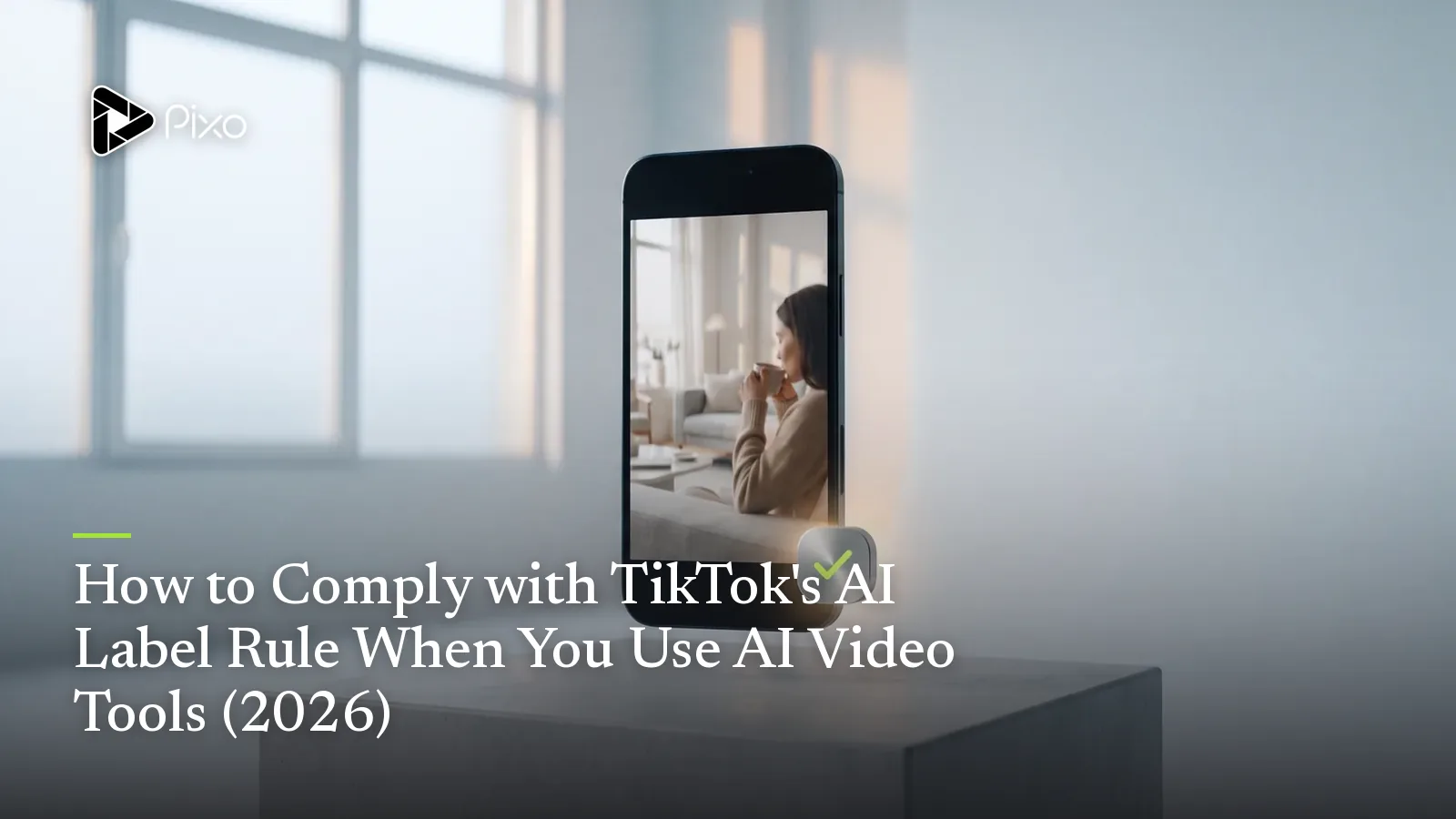
If you make AI video for TikTok, there's one rule you cannot afford to get wrong: realistic AI-generated content has to be disclosed. The frustrating part is that TikTok's own how-to is genuinely hard to find — the support article is buried, the policy pages are dense, and most "guides" online either skip the exact UI steps or quote rules that have since changed. So creators guess. Some over-label harmless edits; many publish realistic AI clips with no label at all and hope the algorithm doesn't notice.
This guide fixes that. It walks through exactly what TikTok requires, when a label is mandatory versus optional, the precise steps to turn the label on, how TikTok's automatic detection works, and what actually happens if you skip it. Every claim here is drawn from TikTok's official support, newsroom, and Community Guidelines pages — linked throughout so you can verify them yourself.
The rule in one paragraph
TikTok requires creators to disclose content that is realistic and either entirely AI-generated or significantly edited with AI. Per TikTok's support documentation, this covers "entirely AI-generated videos or images of real or fictional people, places, and events," content where a person is "portrayed doing something they didn't do" or "saying something they didn't say," appearances that are "substantially altered," and videos containing "AI-generated speech." This isn't brand-new: TikTok first introduced AIGC disclosure rules in 2023 and has tightened them since. In May 2024, TikTok announced it had become the first video platform to read C2PA "Content Credentials," letting it automatically label AI content made on other platforms. The disclosure expectation has only grown stronger going into 2026 — so treat labeling realistic AI content as standard practice, not an edge case.
Do I need to label? A quick decision tree
Most of the confusion comes from one question: does this video need a label? TikTok's guidance maps cleanly onto a few scenarios.
| Your content | Label required? |
|---|---|
| Fully AI-generated realistic scene or person (synthetic spokesperson, AI landscape, photorealistic product shot) | ✅ Yes — always |
| Real footage with substantial AI changes (alters what someone says or does, changes an appearance, adds misleading synthetic elements) | ✅ Yes |
| Realistic AI voice or dubbing over a real clip | ✅ Yes |
| Real footage with only minor edits (color, light, crop, noise reduction) | ❌ No |
| No AI at all | ❌ No — and don't false-label it either |
If you're on the fence, the test TikTok keeps coming back to is realism: could a reasonable viewer mistake this for authentic, unedited reality? If yes, label it.
The single test that decides it: could a reasonable viewer mistake this for real, unedited footage? If yes, you must disclose — regardless of which tool made it.
How to add the AI label — step by step
TikTok's how-to is documented for the mobile app. Here is the current flow.
For a video:
- Tap the Add post (+) button.
- Record your video and tap Continue (✓), or upload an existing clip from your device.
- Tap Next to move to the post screen.
- Tap More options (...).
- Turn on the AI-generated content setting.
- Finish your caption and post as usual.
For a photo post:
- Tap the Add post (+) button and capture or select your photo.
- Tap Post settings at the bottom.
- Turn on the AI-generated content setting.
Once enabled, viewers see an "AI-generated" label on your post. A quick note on platforms: TikTok's official article only documents the mobile steps — it does not publish a dedicated desktop/web upload path for the toggle. If you produce on desktop, the most reliable way to guarantee the manual label is to finish the upload from the mobile app. (TikTok may still auto-label desktop uploads it detects; see below.)

Create AI videos with Pixo
Turn any idea into a publish-worthy video. One sentence is all it takes.
Auto-detection — and why manual disclosure still matters
TikTok doesn't rely on creators alone. According to its support page, TikTok may automatically apply the "AI-generated" label to content it identifies as completely generated or significantly edited with AI. Two things trigger this:
- TikTok's own AI effects — content made with them is auto-labeled.
- C2PA Content Credentials — invisible metadata that many AI tools now attach to their output. TikTok reads these credentials to "recognize and label AIGC instantly," a capability it began rolling out in May 2024.
Two important caveats. First, auto-detection is not a guarantee — if your tool doesn't embed Content Credentials, or the signal is stripped during editing, TikTok may not catch it, and the responsibility to disclose stays with you. Second, auto labels are permanent: TikTok states that "once your content is labeled as AI-generated with an auto label, you won't be able to remove the label from your post." That makes proactive, accurate self-labeling the better path — you stay in control of how your content is presented instead of getting flagged after the fact.
Auto-applied labels are permanent. TikTok states that once content is auto-labeled as AI-generated, you can't remove the label from the post. Self-label proactively so you stay in control of how your content is presented.
This is also where honesty as a creator pays off. AI video tools — Pixo included — now produce footage realistic enough that disclosure is simply the right call. Labeling it is the trustworthy move, and it keeps your account clean.
What happens if you don't
There's no upside to skipping the label on realistic AI content. From TikTok's official pages:
- Removal. TikTok says it may remove content that violates its Community Guidelines "by depicting misleading information or unlabeled AI-generated content."
- Terms of Service violations. Misuse cuts both ways. TikTok states that "misleadingly labeling unaltered content with this label is a violation of our Terms of Service and may result in the removal of content." So don't slap the AI label on real footage either — accuracy is the rule in both directions.
- Distribution risk. Content that breaks the guidelines can lose eligibility for the For You feed. TikTok frames the label itself as distribution-safe ("won't affect the distribution of your video as long as it doesn't violate our Community Guidelines"), which means the penalty comes from non-compliance, not from disclosing.
Disclosing is not a reach penalty. In TikTok's own words, turning on the AI-generated content setting "won't affect the distribution of your video as long as it doesn't violate our Community Guidelines." The penalty comes from non-compliance, not from the label.
The pattern across TikTok's enforcement language is consistent: get the label right and your reach is fine; get it wrong — in either direction — and you risk removal.
Disclosure best practices that don't tank CTR
Plenty of creators fear the label will scare off viewers. It doesn't have to. A few practices keep disclosure clean without hurting performance:
- Use the native toggle, not just a caption. The built-in setting is what TikTok recognizes and what keeps you compliant. On-screen text, watermarks, or a note in the description are great additional signals, but the toggle is the one that counts.
- Don't apologize for it. "Made with AI" framed confidently reads as a creative choice. A defensive disclaimer reads as a warning. Tone matters more than the label.
- Lead with the hook, not the disclosure. The label is a setting and a small UI badge — it doesn't have to live in your first three seconds of copy. Earn the watch first.
- Make the content good enough that the label is a non-event. The thing that actually depresses CTR is footage that looks like cheap AI — inconsistent characters, warped products, uncanny faces. A polished, consistent ad with an honest label outperforms a sloppy one that's hiding.
In other words: the label rarely kills reach. Weak creative does.
Quick reference checklist
Before you hit publish on any AI-assisted TikTok:
- Is the content realistic and fully AI-generated? → Turn on the toggle.
- Did AI substantially alter a real person, place, or event? → Turn on the toggle.
- Does it use AI voice or dubbing that sounds real? → Turn on the toggle.
- Only minor edits (color, crop, light, noise)? → No label needed.
- No AI at all? → Do not add the label (false labeling violates ToS).
- Toggle enabled via More options → AI-generated content (or Post settings for photos)?
- Caption and creative strong enough that the label is a non-event?
When in doubt, label. Over-disclosing realistic AI content carries no penalty; under-disclosing it does.
Once your AI UGC is disclosure-ready, the next question is making it good enough that the label never costs you a view. If you're building TikTok ads with AI, see our guides on the AI UGC ad generator workflow and making UGC ads on Pixo. And if you're still mapping out where each AI video tool fits, our four-way taxonomy of the AI video stack explains how production pipelines, clip generators, avatar tools, and editing assistants differ — so you pick the right one before you ever touch the label.
Pixo helps you build multi-shot, consistent UGC ads worth disclosing honestly. Try it free.
Generate AI summary
From idea to finished video.
In one conversation.
Start CreatingNo credit card required • Free 200 credits