15 Halloween Video Ideas for Reels and TikTok
Explore 15 Halloween video ideas for TikTok, Instagram Reels, and Shorts, with hooks, story beats, visual direction, and a clear reason to keep watching.

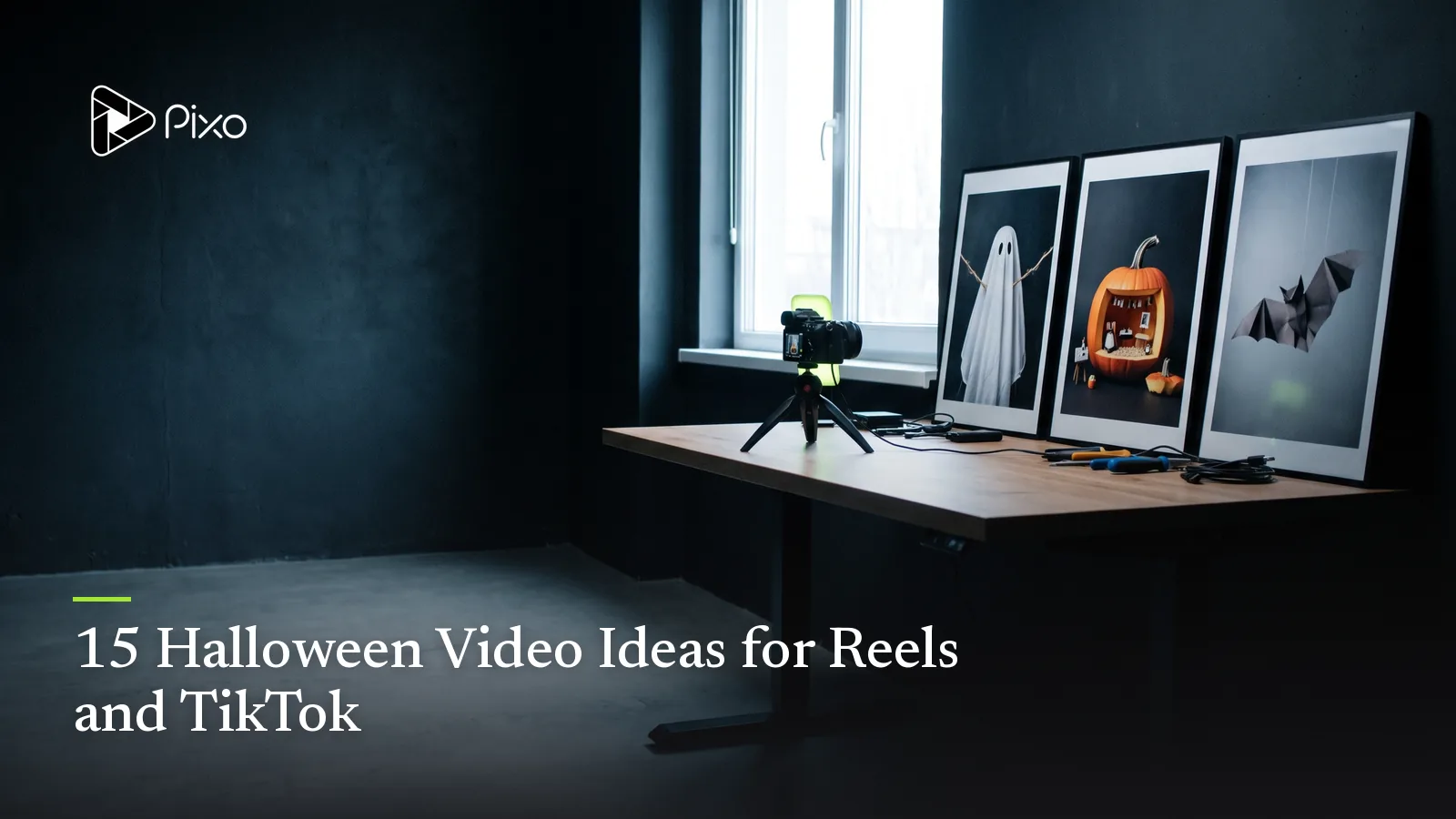
Halloween is visually generous and creatively unforgiving. Pumpkins, fog, costumes, candles, and haunted rooms can make a frame feel seasonal, but they do not automatically give a video a reason to continue. The idea still needs a question, change, demonstration, or punchline.
These 15 Halloween video ideas are built around short-form structure. Each includes an opening hook, a middle beat, and a payoff you can adapt for TikTok, Instagram Reels, YouTube Shorts, or a compact Story sequence. They are original concepts, not descriptions of generated results or copied campaigns.
Once you choose a direction, the Halloween AI video prompts provide complete production-ready starting points. For offers, events, and commercial campaigns, use the separate Halloween marketing ideas.
Narrative creators can continue with the AI horror short-film guide, while family content can start with the cute Halloween prompts.
Halloween video ideas at a glance
| Idea | Hook | Payoff |
|---|---|---|
| Costume in three clues | Guess the character concept | Full original costume reveal |
| One room changes at midnight | Ordinary room with one odd detail | Complete seasonal transformation |
| The last trick-or-treater | Empty doorstep after closing | Unexpected friendly visitor |
| Pumpkin point of view | Camera inside the pumpkin | Face and porch reveal |
| Haunted product demo | Product behaves strangely | Benefit becomes the joke |
| Recipe with a visual twist | Familiar ingredients | Surprising seasonal form |
| Pet costume vote | Three safe concepts | Winning look reveal |
| Tiny ghost workplace | Normal desk task | Miniature helper appears |
| Before-and-after storefront | Plain display | Halloween window reveal |
| Sound-led suspense | Black or empty frame | Source of sound appears |
| Halloween invitation | Experience first | Event details and RSVP |
| Three-shot horror story | Clear setup | Restrained final reveal |
| Spooky myth correction | Familiar claim | Useful fact or demonstration |
| Comment-built monster | First selected feature | Original creature assembled |
| Reverse transformation | Finished Halloween scene | How the illusion was built |
1. Reveal a costume through three clues
Open on three objects associated with an original character concept: a silver bookmark, a star-shaped pin, and a navy coat. Let each clue enter on the beat before revealing the complete “celestial librarian” costume.
The guessing question creates participation without relying on a copyrighted character. Keep the final silhouette readable and use a permitted reference when the video depicts a real person.
2. Transform one room at midnight
Begin with an ordinary kitchen, studio, or shop. A clock reaches midnight and one detail changes per cut: the practical lights dim, paper bats appear at the edge of frame, pumpkins glow, and the final composition reveals the full decor.
Lock the camera or repeat its path so the transformation reads cleanly. The hook is not “Halloween room makeover”; it is the expectation that the next change will be more surprising.
3. Meet the last trick-or-treater
The porch light switches off and the candy bowl is empty. Just as the homeowner closes the door, a tiny friendly ghost arrives holding one coin or autumn leaf instead of asking for candy.
This works as a three-beat micro-story: closing time, interruption, warm payoff. Establish the doorway and bowl clearly so the viewer understands the situation before the reveal.
4. Show Halloween from inside the pumpkin
Place the camera inside a carved pumpkin as the lid lifts and hands safely arrange an LED light. Cut to the pumpkin’s point of view facing the porch, then finish outside on the completed face glowing at dusk.
The unusual perspective earns attention, while the final exterior shot resolves what the viewer was seeing. Do not show unsafe carving behavior in family-oriented content.
5. Turn a product demonstration into a haunting
Choose one honest product behavior, then give it a seasonal cause. A desk lamp switches between modes as an unseen ghost “works late.” Storage boxes organize themselves after a mess. A mug warmer keeps a witch’s tea steaming through a long spell.
The product benefit must remain visible without the Halloween layer. If the joke disappears and the demonstration no longer makes sense, the seasonal concept is hiding the offer rather than supporting it.
6. Make a recipe reveal, not another montage
Start with a recognizable ingredient or technique, show one decisive transformation, and finish on a Halloween form: pastry becomes a friendly ghost, noodles form a spiderweb plate, or a dark drink reveals an orange layer.
Keep food handling accurate and use conventional footage when exact preparation matters. AI-generated imagery can support atmosphere or transitions without pretending to document a real recipe result.
7. Let viewers vote on a pet costume concept
Present three comfortable, non-restrictive visual concepts around the same pet reference: pumpkin cape, starry bandana, or lightweight bat-wing harness. End by revealing the selected fictional design or inviting a vote.
Avoid masks, blocked vision, restricted legs, or any presentation that implies an AI image proves the real garment is safe. The entertainment comes from the design choice.
8. Add a tiny ghost to an ordinary workday
A miniature ghost quietly completes one small task on a desk: pushes a pencil back, carries a paperclip, or turns a page. The human notices only at the end.
The scale contrast gives the idea its charm. Use the Add Ghost to Photo workflow for a clearly fictional still concept, or develop the interaction as a controlled video shot.
9. Build a storefront before-and-after
Show the undecorated window for one beat, then reveal the finished Halloween display through a lighting cue, wipe, or matched camera move. Follow with two close details and finish on the actual opening hours or campaign CTA added during editing.
Preserve the store layout and real products. Generated decorations can help visualize a concept, but factual business information should come from approved copy.
10. Let sound reveal the scene
Begin on an empty hallway, dark shop, or closed cupboard while one sound repeats. With each repetition, the camera moves closer or one environmental detail responds. Reveal a harmless source at the end: a wind-up toy, loose sign, pet, or tiny ghost.
This idea still needs to work with captions or visual cues when viewed muted. Sound carries suspense; it should not carry the only information.
11. Lead a party invitation with the experience
Open with the moment guests want: a costume entrance, decorated dance floor, pumpkin workshop, or themed dinner table. Then reveal the date, place, dress guidance, and RSVP in a clean final card.
Do not begin with a dense flyer. The experience earns attention; the exact event information converts it into a useful invitation.
12. Tell a three-shot horror story
Use one setup, one escalation, and one reveal. A night guard sees a light in a closed room. The same light appears in a second room after the first goes dark. The final shot shows a row of lights switching on toward the camera.
For a connected sequence, the AI Horror Movie Maker gives the idea a storyboard-led production path. Review door positions, light sources, and screen direction before generating.
13. Correct one Halloween myth
Answer a narrow seasonal question relevant to your audience: a food-safety misconception, costume visibility issue, pet concern, historical detail, or marketing assumption. Show the claim, demonstrate the correction, and provide the source in the caption or linked page.
This format is valuable when the information is verified. Do not convert folklore or uncertain claims into authoritative advice simply because the visual is entertaining.
14. Build an original monster from comments
Let the audience choose one variable per post: habitat, body material, movement, sound, and personality. Combine the selected features into an original creature and reveal it in a final video.
Set boundaries before collecting suggestions. Avoid protected characters, real-person likenesses, and combinations that would force the concept away from the intended audience.
15. Run the Halloween transformation backward
Start on the finished haunted room, costume portrait, product display, or creature shot. Then reverse through the key visual decisions until the viewer reaches the plain starting point. End with the one instruction that made the concept coherent.
The reverse structure changes a standard before-and-after into a small mystery: the viewer watches to understand how the final image was built.
Turn one idea into a short campaign
Do not stretch one edit across every channel. Keep the premise and approved references, then give each version a different job: a teaser asks the question, the main post delivers the reveal, a follow-up explains one detail, and a reminder carries the CTA.
The AI Social Media Video Generator can develop a short idea into connected scenes, while the Instagram Story Video Maker helps organize a compact Story sequence with one point per screen. Start with the simplest version of the idea; add audience, format, duration, references, exact copy, and sound direction when those controls are already known.
Review the idea before producing it
Ask three questions. Can someone understand the premise in the opening moment? Does the middle change the situation rather than repeat it? Does the ending pay off the question, action, or promise?
Then check continuity and audience fit. Costumes, rooms, products, characters, props, and lighting should not change accidentally. A family craft post and a suspense short can both be “Halloween,” but they need different imagery, pacing, sound, and thresholds for fear.

Create AI videos with Pixo
Turn any idea into a publish-worthy video. One sentence is all it takes.
FAQ
What makes a good Halloween video idea?
A good idea has one recognizable Halloween premise, one visible change or question, and a payoff that arrives quickly enough for the chosen format.
How long should a Halloween social video be?
Use the shortest duration that completes the hook and payoff. Confirm current upload and ad-delivery limits in the destination platform before publishing.
Can a Halloween video be family-friendly?
Yes. Use playful characters, crafts, costumes, food, gentle surprises, and autumn atmosphere instead of threat, gore, or intense jump scares.
How do I turn one Halloween idea into several posts?
Keep the same premise and references, then create a teaser, main reveal, behind-the-scenes explanation, alternate opening, and reminder rather than reposting the identical edit.
Develop the idea before generating
Start with one sentence describing the Halloween moment you want. Let Pixo help organize the scene sequence, references, sound, and final cut, then review the plan before spending credits on media.
Generate AI summary
From idea to finished video.
In one conversation.
Start CreatingNo credit card required • Free 200 credits