12 Halloween Marketing Ideas for Small Businesses
Plan 12 Halloween marketing ideas for retail, ecommerce, food, events, services, and local businesses, with campaign assets, timing, and practical CTAs.

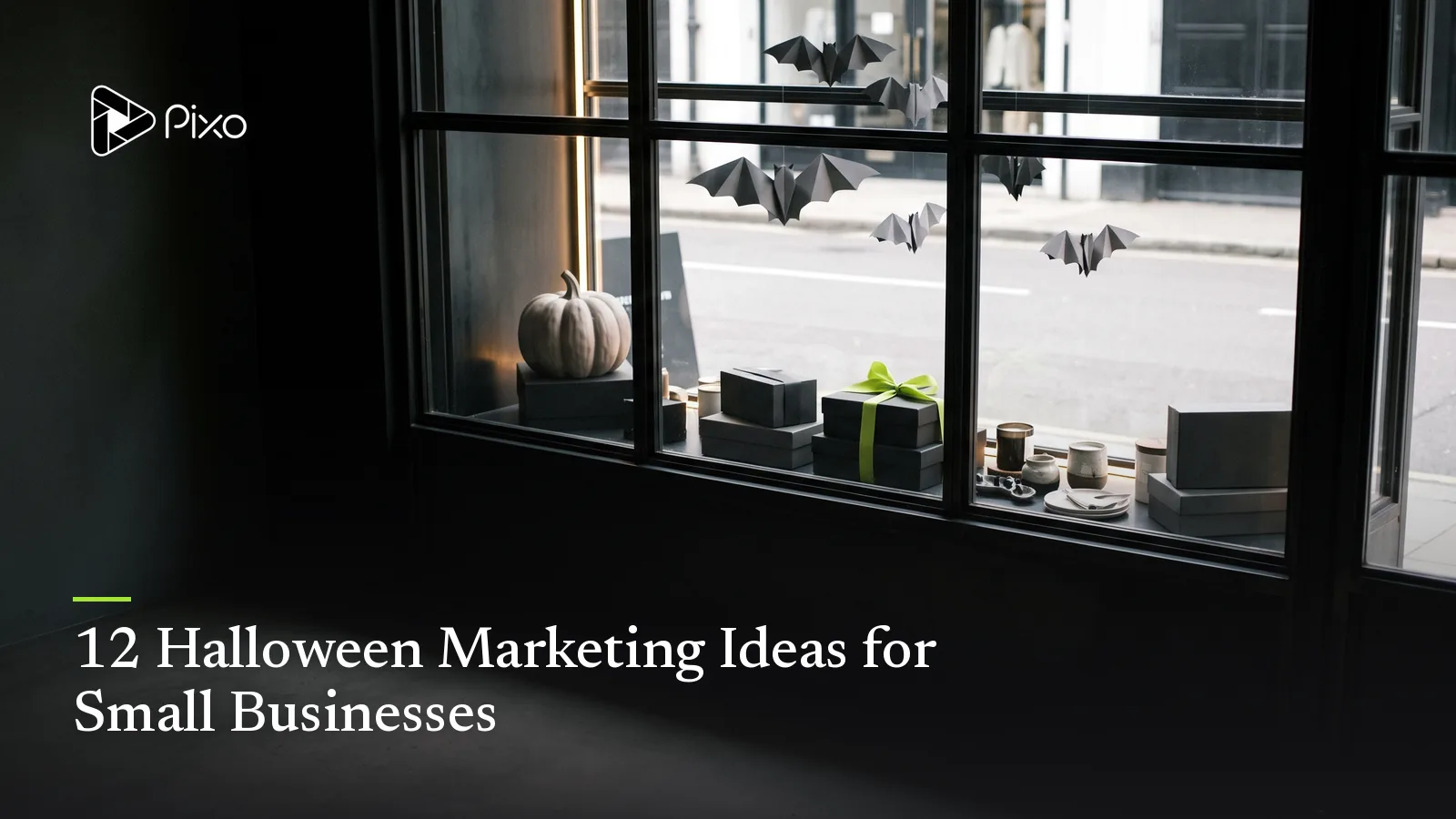
The fastest way to make a weak Halloween campaign is to add bats to the normal promotion and call it seasonal. Decoration signals the date; it does not explain why a customer should act.
The 12 Halloween marketing ideas below begin with a business objective: introduce a product, drive a visit, collect registrations, increase order value, reactivate interest, or earn repeat attention. Each can become a small set of coordinated assets instead of one overloaded post.
For non-commercial creator concepts, see the Halloween video ideas. When the campaign direction is chosen, adapt one of the complete Halloween AI video prompts to its product, audience, and visual system.
Product-focused teams can use the Halloween product ad examples; event campaigns can use the Halloween party invitation video ideas.
Halloween marketing ideas at a glance
| Campaign idea | Best for | Core asset | CTA |
|---|---|---|---|
| Limited seasonal product | Retail, food, ecommerce | Product reveal video | Shop or preorder |
| Halloween bundle | Ecommerce, services | Bundle demonstration | Get the set |
| Costume event | Local venues, gyms, studios | Invitation sequence | Register |
| Mystery offer | Retail, hospitality | Reveal-led Story or Reel | Visit or unlock |
| Transformation campaign | Beauty, home, creative services | Before-and-after video | Book or explore |
| Haunted product demo | SaaS, products, services | Problem-solution ad | See how it works |
| Community challenge | Local and creator brands | Participation prompt | Enter or share |
| Behind-the-scenes build | Makers, food, retail | Process series | Follow the reveal |
| Local guide | Hospitality, agents, venues | Neighborhood video | Save the guide |
| Customer story | Services and ecommerce | Approved proof sequence | Read or shop |
| Final-week reminder | Any deadline campaign | Short urgency cut | Act before close |
| Post-Halloween continuation | Ecommerce and memberships | Follow-up offer | Continue or subscribe |
1. Reveal one limited seasonal product
Build the campaign around the actual product rather than a generic Halloween scene. Open on a recognizable detail, show the seasonal change or packaging, and finish with availability and the next action.
A bakery might reveal one decorated item. A skincare brand might show a real autumn bundle. A maker could introduce a limited colorway. Use approved product images and exact availability; do not let generated visuals change what the customer will receive.
2. Build a bundle around one use
Bundles work when the components solve one seasonal task. A “movie-night kit” can combine snacks, a drink, and a viewing accessory. A “last-minute host kit” might combine decor, table items, and delivery. A service bundle can package preparation, event coverage, and a follow-up asset.
Demonstrate the bundle in use and state what is included. Halloween styling should organize the offer, not obscure the contents.
3. Promote an event through the experience
Lead with what attendance feels like: a costume entrance, decorated workshop, themed menu, performance, class, or community activity. Add the confirmed date, place, age guidance, capacity, price, and RSVP after the audience understands the reason to attend.
Create three assets: announcement, experience-focused reminder, and final availability update. Do not repost the same invitation with a different caption.
4. Use mystery with a real payoff
A mystery campaign needs a reveal that matters. Hide one product detail, bonus, menu item, guest, or in-store installation, then release clues that narrow the answer.
Avoid vague countdowns that conceal the basic offer. The customer should understand what category of value is coming even when the exact detail remains hidden.
5. Show a transformation your service actually delivers
Halloween naturally supports before-and-after structure: plain window to seasonal display, undecorated cake to finished design, daytime venue to evening event, or unstyled portrait to an original costume concept.
Keep comparisons truthful. Match camera position when appearance matters, label illustrative concepts, and do not imply an AI visualization documents completed physical work.
6. Turn the customer problem into the “haunting”
For products and services that do not look seasonal, make the unresolved problem the recurring ghost. An overflowing inbox returns after every manual fix. A tangled cable “follows” a traveler. A scheduling conflict reappears in every room.
Then demonstrate the supported solution. The AI Video Ad Maker can turn the offer, proof point, and CTA into a reviewable sequence without relying on a generic seasonal template.
7. Run a community challenge with clear entry rules
Invite customers to submit an original costume concept, decorated product, seasonal recipe, storefront photo, or short story. Show one example of the type of entry you want and state the deadline, eligibility, judging method, prize, usage rights, and announcement date.
Do not make participation depend on copying a copyrighted character or performing an unsafe stunt. The prompt should encourage originality and make the review criteria understandable.
8. Document the seasonal build
Turn preparation into a sequence: concept, first material, failed or revised detail, final assembly, and reveal. This works for window displays, menus, sets, packaging, costumes, installations, and events.
The unfinished stages create anticipation while proving that something real is being made. Use AI-generated shots only when clearly presented as concepts or connective visuals, not as false documentation.
9. Publish a useful local Halloween guide
Local businesses can organize verified information that helps people plan: event route, family-friendly hours, transport, booking windows, accessibility, weather alternative, or nearby complementary stops.
Keep names, dates, distances, and opening hours current. A local guide earns saves because it reduces planning work; a montage of generic pumpkins does not.
10. Frame approved customer proof as a seasonal story
Use a real quotation, result, or customer example when permission and evidence are available. Open with the specific change, show relevant context, and connect it to the seasonal use case.
Avoid fake testimonials, generated customer identities presented as real, or vague five-star graphics. If the scene is illustrative, label it and keep the actual proof in exact approved copy.
11. Make the final-week reminder genuinely new
Do not publish the launch ad again with “last chance” added. Answer the decision question that remains: what is included, who the event suits, when collection closes, whether spaces remain, or what happens after purchase.
Use urgency only when the deadline or availability is real. Put the current CTA and destination in the final frame.
12. Continue the relationship after Halloween
Seasonal buyers do not need to disappear on November 1. Follow up with care instructions, a recap, customer gallery, related autumn product, membership invitation, or early access to the next relevant release.
The follow-up should complete the original experience rather than immediately forcing another holiday promotion.
Build one Halloween campaign, not twelve disconnected posts
Choose one idea and assign a role to each asset. A discovery video introduces the premise. A proof or demonstration asset supports consideration. A reminder carries exact timing. A landing page or product page holds the full details. A follow-up closes the loop.
| Asset | Job | What it should contain |
|---|---|---|
| Teaser | Earn attention | Premise, question, or first visual change |
| Main video | Explain the value | Product, experience, demonstration, or story |
| Story sequence | Develop or remind | One point per screen and current CTA |
| Detail page | Support the decision | Exact offer, price, timing, terms, and availability |
| Follow-up | Continue the relationship | Recap, care, gallery, next useful step |
The AI Marketing Video Maker can help turn a simple campaign idea into a storyboard and connected scenes. Add exact offer details, audience, channel, timing, references, and CTA when they are known; verify every commercial claim before generation and delivery.
Choose a visual direction that still looks like the brand
Halloween does not require orange, black, dripping text, and jump scares. A children’s studio may use paper craft and friendly shapes. A premium product can use restrained shadow, burgundy, and warm candlelight. A software brand might use mystery, transformation, or a recurring “problem ghost” without changing its entire identity.
Preserve recognizable products, locations, packaging, and brand assets. Add exact prices, dates, disclaimers, and logos during controlled finishing when generation could alter them.

Create AI videos with Pixo
Turn any idea into a publish-worthy video. One sentence is all it takes.
FAQ
What is a simple Halloween marketing idea for a small business?
Choose one real offer or seasonal experience, show it clearly in a short video, and use one direct CTA such as reserve, visit, shop, or save the date.
When should a business start Halloween marketing?
Work backward from the event, sale, or availability deadline. Publish early enough for discovery and consideration, then reserve reminders for the final decision window.
Does every brand need scary Halloween creative?
No. A brand can use autumn color, playful transformation, costume, mystery, craft, or limited-edition packaging without using horror or jump scares.
How can AI support a Halloween campaign?
AI can help develop campaign directions, storyboard original scenes, create permitted seasonal visuals, and organize variations, while exact offers, products, dates, claims, and legal copy remain approved source material.
Plan the seasonal campaign before generating assets
Start with the offer, experience, or customer action that matters. Let Pixo develop the idea into a reviewable campaign sequence, then approve the message and references before generating the final media.
Generate AI summary
From idea to finished video.
In one conversation.
Start CreatingNo credit card required • Free 200 credits