6 Instagram Story Ad Examples and How to Make One
See six adaptable Instagram Story ad examples, then plan the hook, 9:16 layout, safe-zone content, sequence, audio, CTA, and creative testing workflow.

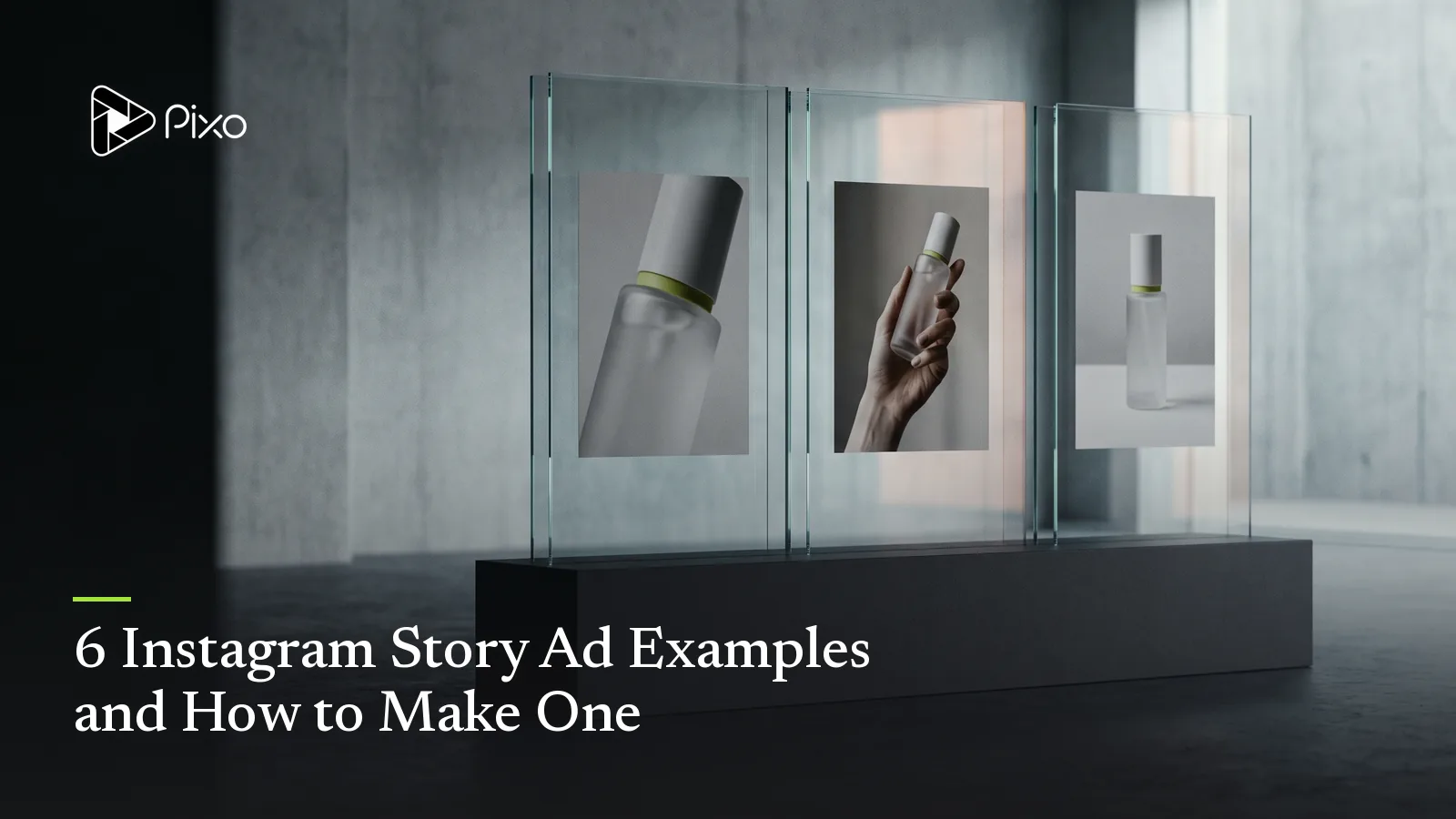
An Instagram Story ad gets an unusually simple canvas: one vertical screen, one short sequence, and one next action. The hard part is resisting the urge to fill that screen with every product benefit, disclaimer, logo, price, and animation the campaign owns.
The six examples below are original structures you can adapt without copying another brand’s creative. Each one starts from a different communication job—demonstration, offer, proof, event, transformation, or reminder—then turns that job into a compact Story sequence.
Instagram Story ad examples at a glance
| Example | Opening hook | Middle beat | CTA |
|---|---|---|---|
| Product demonstration | Show the product solving one visible problem | Reveal the mechanism or result | See how it works |
| Limited offer | Put the offer and product together immediately | Clarify deadline or included value | Shop the offer |
| Customer proof | Lead with one specific outcome or quote | Show the product and context behind it | Read the story |
| Event registration | Open with the experience or speaker | Add date and key reason to attend | Reserve a place |
| Before and after | Show the contrast in the first moment | Explain the change in one step | Try the workflow |
| Abandoned-interest reminder | Return to the saved product or task | Remove one objection | Continue |
Check the current format and music rules
Platform guidance was checked on October 6, 2026. Meta currently emphasizes vertical 9:16 creative, audio, and keeping key messages inside safe zones for immersive placements. Exact delivery behavior and account options can change, so confirm the final setup in Meta Ads Manager before launch.
Meta also distinguishes personal-use licensed music from commercial options. Its help documentation says some business accounts and commercial posts may not have access to the licensed music library, while Meta Sound Collection provides audio intended for commercial use in Reels and Instagram Stories.
Instagram Story ad format checklist
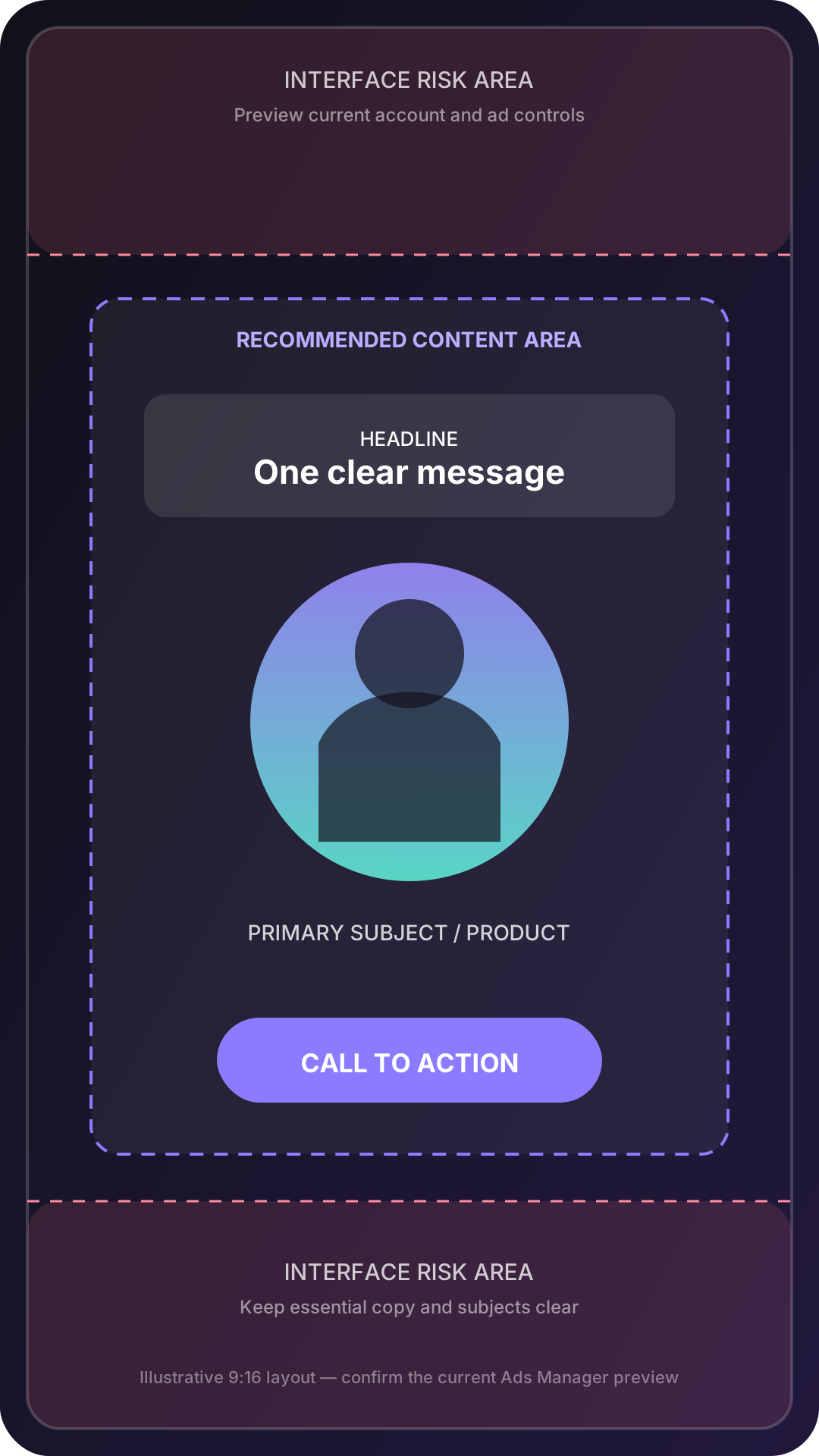
Build the creative on a full-screen 9:16 vertical canvas. Keep the headline, logo, product details, and intended CTA away from the top and bottom interface areas. Safe-zone overlays and interface treatments can change, so use the current preview or checker available in the ad workflow rather than relying on a permanently baked pixel measurement.
Design for fast comprehension. The viewer should recognize the subject and message before reading a paragraph. Use large text, strong contrast, and one visual hierarchy. If the ad uses several Story cards, make each card understandable while preserving a reason to continue.
Use audio to strengthen the creative, not to rescue it. The product, offer, and CTA should still make sense when the device is muted or the viewer is in a sound-sensitive setting.
Example 1: One-problem product demonstration
Use when: the product has one visible action or result.
Frame 1 — Hook: Show the frustrating state immediately: tangled cable, overflowing bag, slow setup, or cluttered desk. Add a short line such as “Still packing this twice?”
Frame 2 — Demonstration: Show one continuous action in which the product solves the problem. Keep the camera close enough to understand the mechanism.
Frame 3 — CTA: Hold on the result, identify the product, and use one next action: “See the organizer” or “Watch the full setup.”
The demonstration is the proof. Avoid covering it with several lines of copy.
Example 2: Limited offer without the flyer look
Use when: the offer has a genuine deadline or limited availability.
Frame 1 — Hook: Put the product and offer in the same composition. “Two-day studio sale” is clearer than a decorative countdown with no context.
Frame 2 — Value: Show what the customer receives, such as the bundle contents or the included service. Use exact offer wording from the approved campaign brief.
Frame 3 — CTA: Repeat the deadline once and direct the viewer to the landing page. Keep the CTA visually separate from the headline.
Use motion to reveal the value, not to make every word bounce.
Example 3: Customer proof with context
Use when: a real customer result or quotation supports the message.
Frame 1 — Hook: Lead with one specific statement in a readable size. Pair it with the customer, product, or relevant result rather than a generic five-star graphic.
Frame 2 — Context: Explain what the customer used and what changed. One supporting detail is stronger than three vague superlatives.
Frame 3 — CTA: Invite the viewer to read the full story, see the workflow, or explore the product. Attribute the quotation in the final design.
Example 4: Event registration sequence
Use when: the audience needs a reason to save a date or register.
Frame 1 — Hook: Open with the experience: the speaker, performance, workshop result, venue moment, or topic the attendee cares about.
Frame 2 — Reason: State the core value—what the attendee will learn, see, or receive. Keep the date and location readable but secondary to the reason to attend.
Frame 3 — CTA: Present the confirmed date, registration action, and any relevant availability information. Do not introduce another campaign objective.
Example 5: Before-and-after transformation
Use when: the change is visible and can be represented accurately.
Frame 1 — Hook: Show the before and after together or reveal the contrast immediately. Label both states clearly.
Frame 2 — Method: Show the single action, feature, or process that produced the change. The middle prevents the creative from becoming an unexplained claim.
Frame 3 — CTA: Offer the next step: try the process, explore the guide, or view the product details.
Keep camera angle, framing, and lighting comparable when the contrast depends on appearance.
Example 6: Return-to-interest reminder
Use when: the audience already viewed, saved, or considered the offer.
Frame 1 — Hook: Return to the specific product, category, or task rather than starting the whole brand story again.
Frame 2 — Objection: Answer one likely concern: setup, compatibility, delivery, fit, timing, or what is included.
Frame 3 — CTA: Make continuation easy. “Return to your saved design” is more relevant than a generic “Learn more.”
This structure needs a clear audience signal from the campaign setup. The creative itself should not pretend to know personal information it does not have.
Start with one Story ad goal
You can begin with a simple direction such as “Create a three-card Instagram Story ad for this product and end with a shop CTA.” The Agent can propose the sequence. Add the following details when you already know them and want more control:
- Audience and awareness level
- One offer or message
- One visible hook
- The proof or demonstration available
- Number of Story cards or scenes
- Brand references and required copy
- Sound direction
- Final CTA and destination
The AI Social Media Video Generator can structure those inputs into channel-ready scenes, while the AI Video Ad Maker focuses the proposed storyboard on the offer, proof point, and CTA. Review the sequence before generating, especially the first-frame message and placement of essential content.
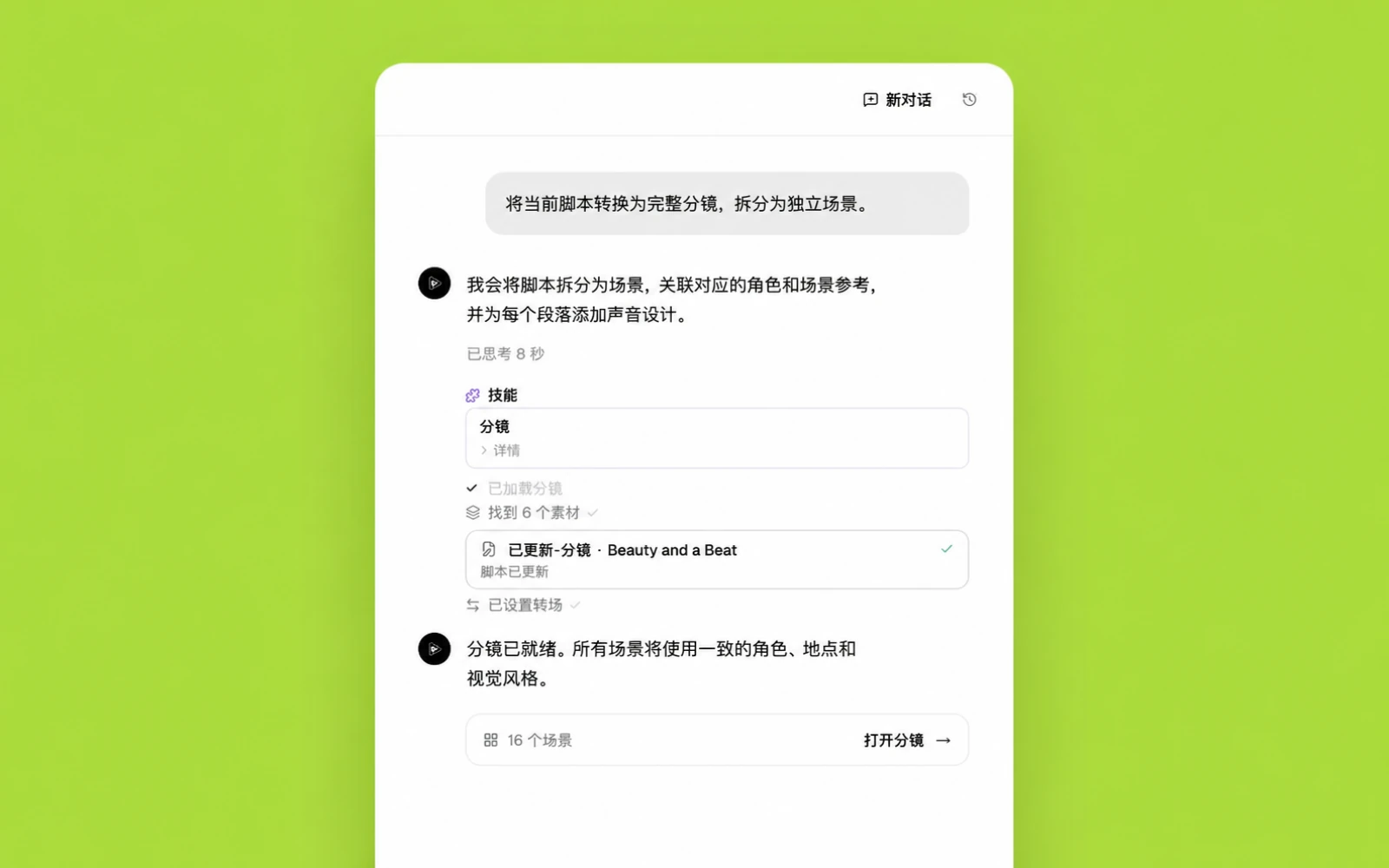
Review a proposed Story ad sequence
For a fictional desk lamp, the Agent might propose this three-card sequence:
| Card | Visual | On-screen copy | Audio | Purpose |
|---|---|---|---|---|
| 1 | Dark desk; lamp switches on to reveal the workspace | “Your late shift needs better light.” | Switch click, soft music begins | Hook and problem |
| 2 | Hand rotates the lamp from focused task light to warm ambient light | “One lamp. Two working modes.” | Small mechanical turn, beat enters | Demonstration |
| 3 | Lamp and book in a clean final composition | “See the Arc Lamp” | Short sonic logo | Product and CTA |
Keep the headline and product inside the central safe area, then preview the ad with platform interface overlays before delivery.
Make variations without rebuilding the ad
Duplicate the approved storyboard and change one variable at a time: hook, opening visual, proof point, CTA wording, or sound direction. If every element changes, the results will not explain which creative decision mattered.
Create variations for an actual hypothesis. For example, compare a problem-led opening against a result-led opening while preserving the same demonstration and CTA. Record the version names in the campaign plan so the creative and reporting remain connected.
Common Story ad mistakes
The first is delayed context: a cinematic opening that does not reveal the product, problem, or offer until the viewer has already moved on. The second is unsafe placement, where the interface competes with the headline or CTA. The third is shrinking feed creative into a vertical canvas without rebuilding the composition.
Other frequent problems include several CTAs, unreadable text, an offer with no deadline context, audio that carries essential information alone, and a sequence in which every card begins again instead of progressing.

Create AI videos with Pixo
Turn any idea into a publish-worthy video. One sentence is all it takes.
FAQ
What size should an Instagram Story ad be?
Design Story creative for a full-screen vertical 9:16 canvas and keep essential text, logos, subjects, and calls to action away from interface-covered edges.
What should the first frame of a Story ad show?
Show the product, outcome, problem, or visual change immediately so the viewer understands why the next moment is worth watching.
How many ideas should one Instagram Story ad contain?
Use one primary message and one primary action. Additional frames can develop the proof or demonstration without introducing a competing offer.
Should Instagram Story ads use sound?
Use sound when it improves the hook, demonstration, pacing, or brand recognition, but make the main message understandable through picture and readable text as well.
Can I use music from Instagram in a commercial ad?
Do not assume every track in Instagram's licensed music library is available for commercial advertising. Check the account and placement, or use approved commercial audio such as Meta Sound Collection.
Build the Story sequence before production
Use the AI Video Ad Maker to turn the offer, audience, proof, format, and CTA into a scene-by-scene plan before generating or assembling the final creative.
Generate AI summary
From idea to finished video.
In one conversation.
Start CreatingNo credit card required • Free 200 credits