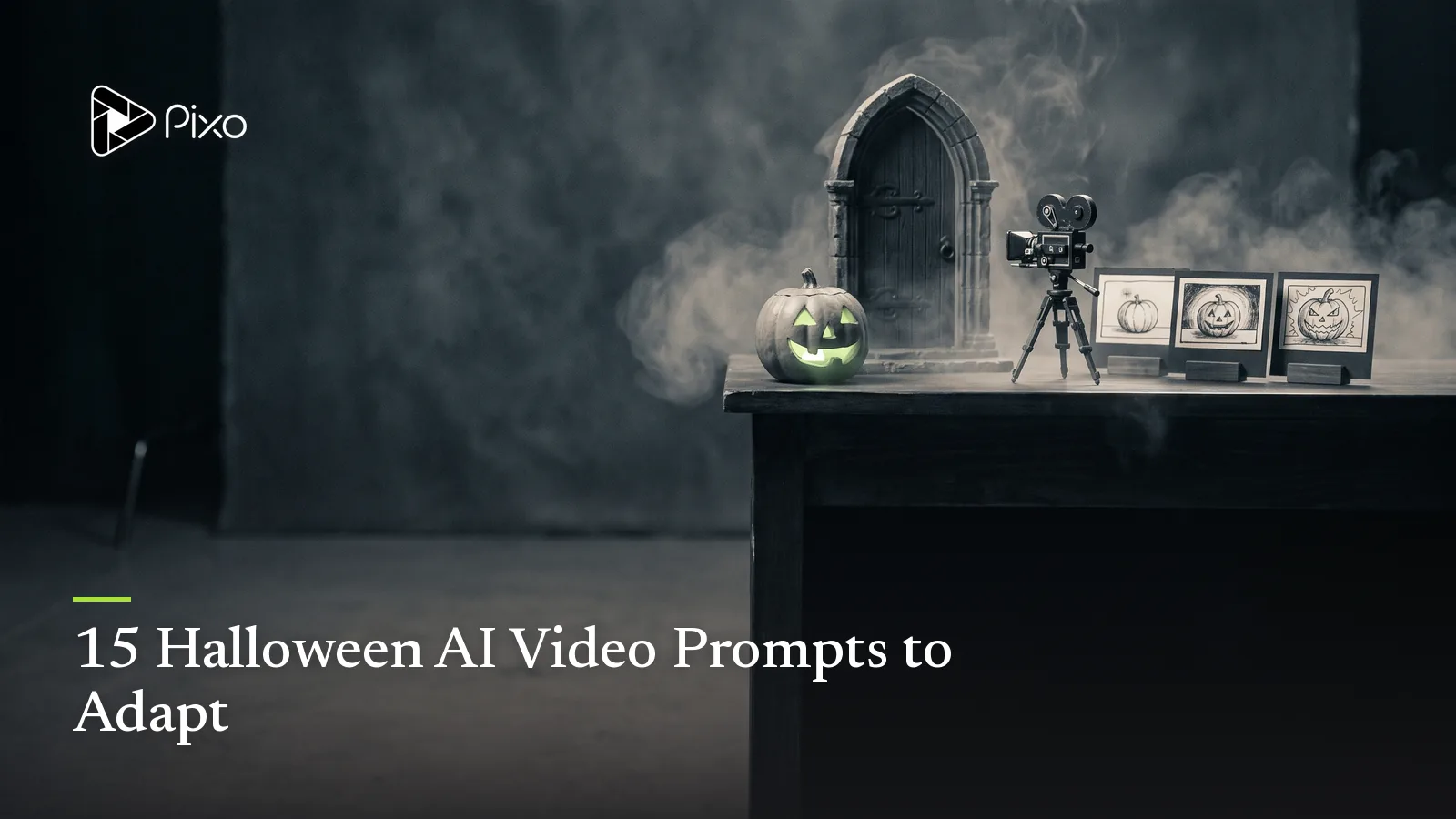
15 Halloween AI Video Prompts to Adapt
Copy and adapt 15 Halloween AI video prompts for eerie reveals, playful ghosts, product ads, party invitations, cinematic shorts, and social clips for creators.

“Make it spooky” usually produces a pile of familiar symbols: fog, pumpkins, a dark house, perhaps a ghost drifting through the middle. A stronger Halloween AI video prompt gives those elements a job. It identifies what changes on screen, when the viewer notices it, and how the camera helps the reveal land.
The 15 prompts below are original starting points for single clips, connected short sequences, social posts, invitations, and seasonal ads. Copy one as written or replace the subject, setting, product, action, palette, and camera direction. None of the examples represents a generated or tested result.
If you need the concept before the wording, start with these Halloween video ideas. Businesses planning a connected promotion can use the Halloween marketing ideas to choose the campaign job first.
For narrower needs, see the Halloween party invitation video ideas, Halloween product ad examples, and cute Halloween prompts.
Halloween video prompts at a glance
| Direction | Mood | Main visual job | Best fit |
|---|---|---|---|
| Pumpkin porch awakening | Playful | Coordinated light reveal | Social clip |
| Friendly sheet ghost | Cute | Character action | Family post |
| Empty hallway | Eerie | Delayed movement | Suspense clip |
| Haunted portrait | Gothic | Controlled transformation | Image-to-video |
| Witch’s kitchen | Whimsical | Object choreography | Recipe or brand post |
| Candy transformation | Energetic | Product reveal | Seasonal ad |
| Costume mirror | Stylish | Outfit transition | Creator Reel |
| Halloween invitation | Festive | Information-ready composition | Event promo |
| Product unboxing | Commercial | Packaging reveal | Ecommerce ad |
| Abandoned cinema | Cinematic | Environmental suspense | Short-film shot |
| Pumpkin stop motion | Handmade | Tactile motion | Craft post |
| Pet costume entrance | Cute | Readable performance | Pet content |
| Haunted shop window | Atmospheric | Loopable display | Retail social |
| Moonlit chase | Suspenseful | Clear screen direction | Narrative scene |
| Three-scene micro-story | Eerie | Setup, escalation, payoff | Complete short |
1. Pumpkin porch awakening
A quiet suburban porch at autumn dusk, three carved pumpkins arranged beside a dark wooden door. One pumpkin glows, then the light passes to the second and third as dried leaves lift in a small spiral. Slow push-in, warm orange candlelight against cool blue evening shadows, playful rather than frightening, stable architecture, no text, no people.Change the number of pumpkins, architecture, leaf color, or lighting rhythm. Keep the action sequential so the viewer knows where to look.
2. Friendly sheet ghost delivery
A small friendly sheet ghost carries a paper bag of candy across a moonlit garden path, pauses when one wrapped sweet falls out, then floats backward to collect it. Soft rounded silhouette, expressive eye holes, gentle side-tracking camera, storybook 3D style, lavender and orange palette, family-friendly, no logos or recognizable characters.The dropped sweet gives the clip a beginning, correction, and finish instead of leaving the character to drift without purpose.
3. The hallway light that answers
Empty old-house hallway at night, fixed camera facing three closed doors. A lamp at the far end switches on after the nearest door slowly closes by itself. Hold the empty frame for a beat before the light changes. Restrained fog, realistic low light, subtle electrical hum and one wooden creak, no figure, no violence, no sudden camera shake.This prompt creates tension through cause and response. If the model adds too much, protect the empty frame and remove extra moving objects.
4. Haunted portrait blink
Animate the supplied vintage portrait while preserving the frame, clothing, face, background, and painted texture. The subject remains still as the candlelight flickers; after a pause, the eyes look toward the left edge of the frame and return forward. Locked camera, extremely subtle motion, gothic atmosphere, no facial distortion, no added objects, no text.Use an image reference when the exact portrait composition matters. Review the face and frame before accepting a dramatic effect.
5. Whimsical witch’s kitchen
Cozy witch’s kitchen filled with copper pans, dried herbs, tiny labeled jars without readable text, and a round cauldron. A wooden spoon stirs by itself while three glowing ingredients float into the pot one at a time, releasing a small cloud shaped like a smiling moon. Slow orbit around the worktable, candlelit amber and deep teal palette, handcrafted fantasy style, playful, no protected characters.One coordinated action is easier to read than making every object in the room move at once.
6. Candy-to-creature transformation
Close product-style shot of an unbranded wrapped candy on a black reflective surface. The wrapper unfolds and transforms into a tiny colorful bat made from folded foil; it stretches its wings once, then settles beside the candy. Crisp studio lighting with orange rim light, macro lens perspective, controlled centered composition, clean background, no generated lettering.Replace the candy with an authorized product reference when producing a real campaign, and keep exact branding for the finishing edit.
7. Halloween costume mirror transition
Adult creator stands in front of a full-length mirror wearing a simple black outfit. They cover the lens with an orange scarf; when the scarf drops, the same person appears in an original celestial librarian costume with a navy coat, silver constellation embroidery, practical boots, and a book-shaped bag. Same room, face, body, camera position, and lighting before and after; confident pose; no obstructive mask.Use a permitted portrait or wardrobe reference. Describe the original costume rather than requesting a copyrighted character.
8. Halloween party invitation background
Vertical Halloween party invitation video background, elegant black-paper texture with restrained orange candlelight, small illustrated bats crossing only the outer edges, and a clear quiet central area for exact event text added later. Six-second seamless motion, refined rather than childish, no generated words, no logos, no flashing light.Add the date, address, age guidance, dress code, and RSVP in the final layout, where spelling and readability can be controlled.
9. Seasonal product unboxing
A pair of adult hands opens an unbranded matte-black gift box tied with burnt-orange ribbon. Inside, the supplied product sits among dark paper leaves and a small warm light that turns on as the lid reaches its final position. Overhead three-quarter camera, deliberate slow movement, premium Halloween styling, accurate product shape and materials, no extra labels, no gore.When the product must remain exact, anchor the shot with approved references and reject any version that changes packaging or claims.
10. The abandoned cinema seat
Interior of an abandoned single-screen cinema, viewed from the aisle toward rows of dusty red seats. The projector starts by itself and casts a pale rectangle across the room. One seat slowly folds down in the otherwise empty theater. Gentle forward dolly, visible dust in the beam, deep shadows with readable architecture, distant projector rattle, no monster reveal.The unseen presence is the story. Adding a creature would turn a restrained suspense shot into a different concept.
11. Stop-motion pumpkin workshop
Handmade stop-motion scene on a wooden craft table. Paper scraps, safe carving tools, felt leaves, and a small pumpkin move in deliberate stepped increments as a cheerful face takes shape. Overhead locked camera, tactile paper and clay materials, warm workshop light, family-friendly, no hands visible, no text.The stepped motion should feel intentional. Keep the number of moving parts low enough that the transformation remains clear.
12. Pet costume entrance
Animate the supplied pet reference entering a decorated living room in an original lightweight pumpkin-cape costume. Preserve the pet’s coat pattern, face, body proportions, and natural gait. The pet walks toward a bowl of treats, pauses, and looks at the camera. Low eye-level tracking shot, warm indoor light, friendly decorations, no mask, no restricted movement, no frightening reaction.Treat the visual as a fictional concept, not a guarantee that a real animal will tolerate the garment. Prioritize comfort in any real-world costume decision.
13. Haunted shop-window loop
Nighttime boutique window dressed for Halloween with paper moons, vintage frames, and an unbranded mannequin in a dark velvet coat. Reflections move across the glass as the mannequin’s shadow turns its head, although the mannequin stays still. Locked exterior camera, six-second seamless loop, elegant black, burgundy, and amber palette, atmospheric retail display, no readable signage.Separating the shadow from the physical subject creates the effect without changing the product display.
14. Moonlit cornfield chase
Adult character in a red raincoat runs from left to right along the edge of a moonlit cornfield, holding a small lantern. The camera tracks parallel at waist height while rows of corn bend behind the character in a delayed wave. Keep the same face, coat, lantern, running direction, and night lighting throughout. Suspenseful, non-graphic, readable silhouette, no attacker shown.For a following shot, repeat the screen direction and approved character reference so the chase does not reverse unexpectedly.
15. Three-scene Halloween micro-story
Create a 20-second non-graphic Halloween short about a night baker who discovers that one pumpkin pie keeps returning to the cooling rack. Scene one establishes the empty bakery and the baker removing the final pie. Scene two shows the same pie back on the rack after the lights flicker. Scene three reveals a tiny flour-covered ghost waiting with a fork. Warm bakery light, consistent adult baker, apron, counter layout, pie design, and ghost across all scenes; restrained camera movement; playful final sound cue.This is a project idea rather than a single-shot render. Let the Agent turn it into a storyboard, then review timing, recurring references, and the reveal before generating the sequence.
How to adapt any Halloween AI video prompt
Change the nouns before changing the adjectives. Replace the subject, setting, action, and reveal first; then adjust palette, texture, lens feeling, or genre. A prompt about “a spooky atmospheric cinematic house” remains vague even after ten style words. A prompt about “one upstairs curtain moving after every downstairs light turns off” gives the scene a visible rule.
For one isolated clip, use the appropriate video workflow and keep one main action. For a connected story, the AI Horror Movie Maker provides a planning path for suspense, continuity, and sound. Static references or seasonal key art can begin with the AI Halloween Image Generator.
Review before keeping the result
Check whether the main action is readable, the reveal occurs at the intended time, and important objects remain in place. For connected shots, compare the character, costume, prop, lighting direction, doorway positions, and screen direction across the sequence. For branded work, verify the supplied product and add exact copy during finishing rather than trusting generated text.
The best Halloween prompt does not contain the most decorations. It gives the viewer one thing to notice, then changes it at the right moment.

Create AI videos with Pixo
Turn any idea into a publish-worthy video. One sentence is all it takes.
FAQ
What should a Halloween AI video prompt include?
Name one subject, one setting, the main action, lighting, camera behavior, visual tone, and any details that must stay unchanged. Add format and duration only when they matter to the intended placement.
Can I use these prompts for short social videos?
Yes. Adapt the framing and pacing for the destination, keep one readable action per shot, and leave room for captions or a call to action when the post needs them.
How do I make a Halloween video spooky without using gore?
Build tension through empty space, limited visibility, delayed movement, restrained sound cues, and a reveal the viewer can understand. Atmosphere usually works better than adding graphic detail.
Should I generate a whole Halloween story from one prompt?
Use one prompt for a single controlled shot. For a connected story, let the Agent develop the idea into scenes, review the storyboard, and generate the shots individually or as an approved batch.
Turn one prompt into a finished sequence
Start with the direction you like, then use Pixo to develop the script, storyboard, recurring references, shots, sound, and final timeline without losing the central Halloween idea.
Generate AI summary
From idea to finished video.
In one conversation.
Start CreatingNo credit card required • Free 200 credits