20 Halloween Sound Effects for Spooky Videos
Explore 20 Halloween sound-effect ideas and adaptable prompts for suspense, reveals, haunted spaces, playful scenes, product ads, and short horror videos.

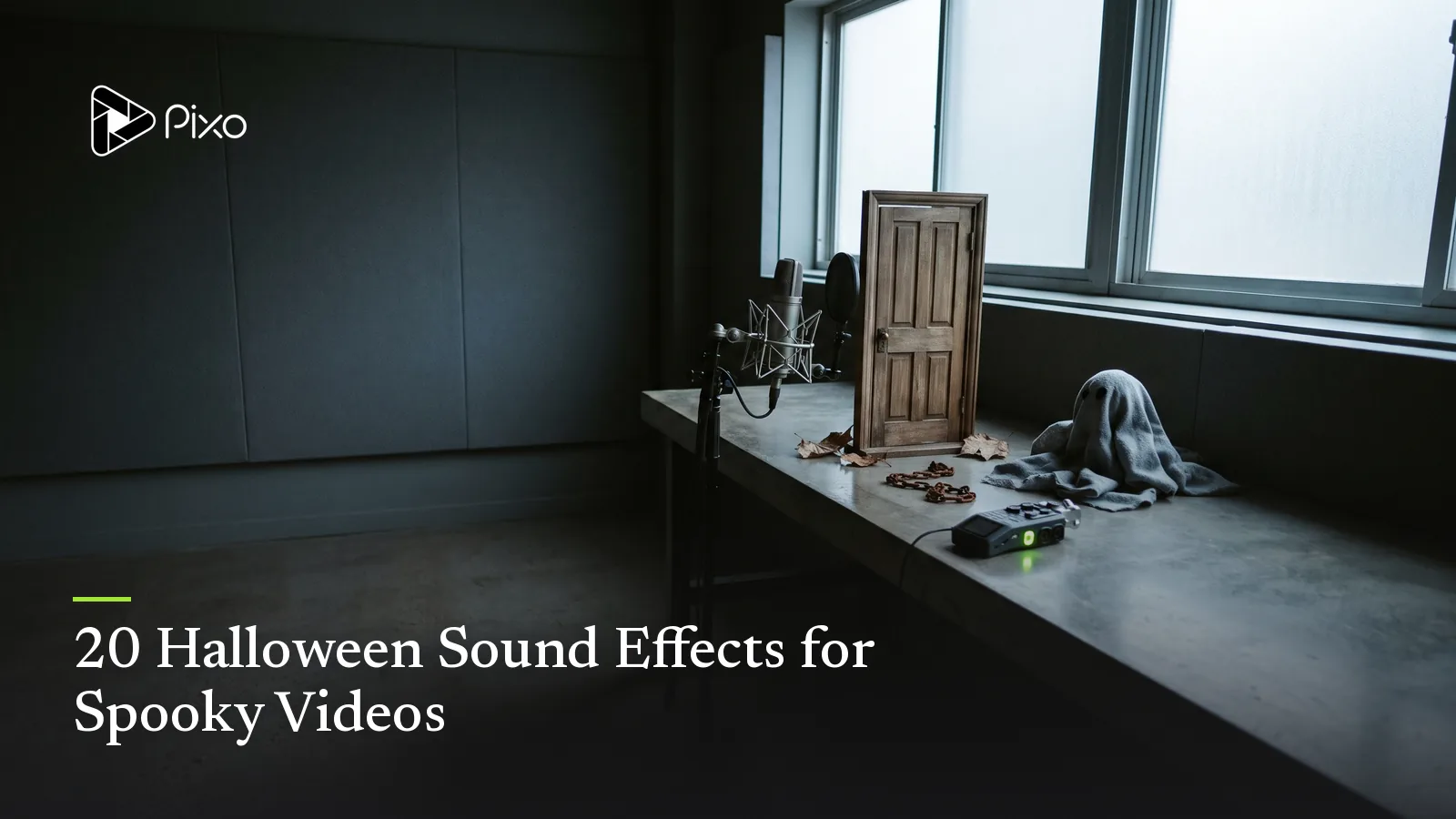
A door creak is not automatically frightening. It becomes useful when it tells the viewer where to look, suggests something has changed, or completes an action on screen. Halloween sound design works best when every sound has a job.
The ideas below cover ambience, Foley, transitions, reveals, playful scenes, and product content. Each includes an original prompt you can adapt for one isolated sound. For the visual concept first, use these Halloween video ideas. For a connected narrative, see how to make a short horror film with AI.
Halloween sound effects at a glance
| Sound | Main job | Best placement |
|---|---|---|
| Uneven porch light buzz | Build anticipation | Before a reveal |
| Empty hallway room tone | Establish space | Opening ambience |
| Slow wooden door movement | Direct attention | Visible or off-screen action |
| Footstep that stops | Create an unanswered question | Suspense beat |
| Attic scrape | Suggest distance | Quiet interior scene |
| Window tap pattern | Establish a repeating rule | Escalation |
| Detuned music box | Add fragile unease | Memory or childlike setting |
| Breath on glass | Bring danger close | Intimate reveal |
| Cloth ghost flutter | Support playful motion | Family content |
| Pumpkin pop | Mark a comic transformation | Social transition |
| Candy spill | Add tactile detail | Product or party video |
| Cauldron bubble | Support fantasy action | Witch scene |
| Bat-wing pass | Create a fast transition | Cut or logo reveal |
| Reverse whisper swell | Pull into a reveal | Short-form hook |
| Distant carnival | Establish an uncanny location | Exterior ambience |
| Projector start | Begin a discovered-media scene | Horror short |
| VHS mechanism | Signal recorded media | Analog-style insert |
| Product-box release | Emphasize packaging | Seasonal advertisement |
| Crowd hush | Focus attention | Event invitation |
| Final sting | Close the payoff | End card or reveal |
1. Uneven porch-light buzz
Close electrical buzz from an old porch light at night, mostly steady with two brief irregular flickers and a short drop into silence, dry exterior perspective, no music, voices, insects, or thunder.Place the silent gap just before the visual change. Constant buzzing becomes background; interruption creates attention.
2. Empty hallway room tone
Quiet interior ambience in a long old-house hallway at night, low air movement, faint building creaks at a distance, subtle electrical hum, wide empty acoustic space, seamless loop, no footsteps, speech, music, or obvious scare.This layer should make the room feel present without announcing the threat.
3. One slow wooden door movement
One heavy wooden interior door opening slowly through a narrow arc, detailed hinge strain and low wood friction, heard from three meters away in a quiet room, natural decay, no slam, footsteps, voices, or music.Match the action length to the picture instead of asking the sound to supply its own dramatic rhythm.
4. The footstep that stops
Three measured footsteps on an upstairs wooden floor, soft adult weight, approaching from left to center, then stopping abruptly, distant interior perspective, no breathing, speech, impact, or music.The stop is the event. Leave space afterward so the viewer can listen for what comes next.
5. Attic scrape overhead
Short dragging scrape across unfinished wood above the listener, one uneven movement followed by a few grains of dust falling, muffled through a ceiling, realistic house acoustics, no animal sound, voice, or musical tone.Keep the source ambiguous if the scene is meant to preserve mystery.
6. Repeating window tap
Three light taps on an exterior window in a precise slow pattern, quiet rain outside, close indoor listening perspective, second repetition slightly nearer and louder, no branches, voices, footsteps, or music.A repeatable pattern can become a story rule and return later with one deliberate change.
7. Detuned music-box phrase
Five-second mechanical music-box phrase with four simple notes, slightly uneven tempo, one note subtly flat, audible winding mechanism, intimate dry recording, delicate rather than loud, no orchestra, percussion, vocals, or reverb swell.Use it as a source inside the scene, not as a complete background score.
8. Breath appearing on glass
One restrained human exhale close to cold glass, soft condensation movement and slight cloth shift, heard from the opposite side of the pane, intimate and realistic, no words, gasp, scream, heartbeat, or music.Only use a human performance you are authorized to depict; the sound itself should remain understated.
9. Friendly sheet-ghost flutter
Lightweight cotton sheet fluttering as a small friendly ghost floats across a room, soft fabric folds, gentle upward lift and landing, playful physical texture, clean indoor recording, no voice, windstorm, music, or frightening impact.The fabric weight keeps a stylized character connected to visible motion.
10. Pumpkin transformation pop
Cheerful magical transformation sound for a small pumpkin changing expression: one hollow wooden pop, tiny seed rattle, and brief warm sparkle tail, compact and playful, no explosion, glass, voice, or music.Use a short cue so it lands with the transformation instead of covering the next shot.
11. Candy spill across a table
A handful of individually wrapped sweets spilling across a wooden tabletop, mixed paper and foil wrappers, several small bounces and rolls, close detailed Foley, no bag tear, hands, voices, or background music.This works as tactile support for an unboxing, invitation, or family scene.
12. Cauldron bubble and ingredient drop
Thick fantasy liquid simmering in a small iron cauldron, three slow bubbles, one dry ingredient dropping in, then a soft fizzy reaction, close perspective, whimsical rather than dangerous, no fire roar, speech, or music.Separate the ingredient drop if its timing must match a precise visual beat.
13. Bat-wing transition
Fast pass of several small leathery wings moving from right to left close to the listener, layered flutter with a brief low air displacement, clean half-second transition, no animal calls, impact, music, or voices.Give the direction so the sound follows the motion across the frame.
14. Reverse whisper swell without words
One-second spectral transition made from reversed breath-like textures with no intelligible speech, rising from near silence to a soft cutoff, centered stereo image, eerie but controlled, no scream, melody, bass hit, or recognizable words.Avoid generated speech when the edit does not need dialogue; unintelligible words can distract from the reveal.
15. Distant abandoned carnival
Night ambience outside a closed rural carnival, distant loose sign creak, one faint ride mechanism settling, sparse wind through canvas, wide exterior perspective, seamless loop, no crowd, melody, laughter, thunder, or jump scare.The absence of expected activity is more important than adding many spooky sounds.
16. Old projector starting by itself
Vintage film projector powering on in an empty cinema, switch click, motor struggling for one second, then settling into a repetitive mechanical rattle, medium room reflections, no film dialogue, music, audience, or footsteps.Let the steady projector rhythm support the scene after the start-up moment.
17. VHS loading mechanism
Close sound of a VHS cassette entering an old player, plastic tray movement, internal mechanism engaging, brief tape tension, then a soft electronic hiss, authentic domestic recording, no television program audio, voice, or music.Add exact screen text during editing rather than relying on sound or generated imagery to explain the tape.
18. Premium product-box release
Matte rigid gift box opening slowly on a studio table, gentle ribbon slide, snug lid releasing with a low paper friction sound, one restrained warm tonal accent at the reveal, premium and clean, no voice, logo sound, or background music.Keep the physical packaging sounds believable; the tonal accent should support rather than replace the demonstration.
19. Party crowd falling silent
Small indoor costume-party crowd with soft indistinct conversation and glass movement, everyone becoming quiet together over one second as a door opens off screen, medium room perspective, no intelligible words, scream, music, or impact.This cue creates space for an announcement, invitation detail, or comic entrance.
20. Restrained final sting
Short Halloween ending sting: one low muted piano note, a dry wooden knock, and a brief reversed-air tail resolving into silence, under two seconds, tense but not aggressive, no choir, scream, melody, or cinematic boom.Use one ending cue. Stacking several impacts usually weakens the final beat.
Build a sound around what the viewer sees
Start with the source, material, action, force, acoustic space, listening position, approximate length, and anything that should be absent. Not every prompt needs every detail, but visible actions need believable timing and material.
Pixo’s AI Sound Effects Generator can create an isolated ambience, Foley event, impact, or transition from a written sound brief. Generate layers separately when they require different timing, then trim, place, loop, and mix the approved sounds against the actual edit.
For complete seasonal videos, connect the sound plan to the visual sequence instead of choosing effects afterward. The Halloween AI video prompts provide visual directions, while the Halloween music prompts cover the longer musical layer.
Review each sound in context
Listen once on its own and once against picture. Check whether the event starts at the right frame, whether the perspective matches the camera, and whether the tail interferes with dialogue or the next cue. For loops, listen across the seam. For layered scenes, mute every sound that does not provide new information.

Create AI videos with Pixo
Turn any idea into a publish-worthy video. One sentence is all it takes.
FAQ
What sound effects work well in a Halloween video?
Choose sounds that explain the scene: restrained ambience for location, precise Foley for visible actions, transitions for changes, and one emphasized cue for the reveal.
How can I make a Halloween video scary without using a scream?
Use silence, distant movement, an inconsistent mechanical rhythm, an off-screen response, or a familiar sound occurring in the wrong place.
Should Halloween ambience and Foley be generated together?
Generate them separately when their timing or volume needs independent control, then place and mix the approved layers against the picture.
Can AI-generated sound effects be used commercially?
Commercial permissions depend on the selected model and account terms. Check the applicable terms before distributing the finished work.
Give every sound one clear purpose
Choose one scene and describe the event the audience needs to hear. Generate the isolated cue in Pixo, compare it against the picture, and keep only the layer that improves the moment.
Generate AI summary
From idea to finished video.
In one conversation.
Start CreatingNo credit card required • Free 200 credits