12 Halloween Music Prompts for Videos and Ads
Copy and adapt 12 Halloween music prompts for spooky shorts, party invitations, product ads, playful family videos, suspense, trailers, and social content.

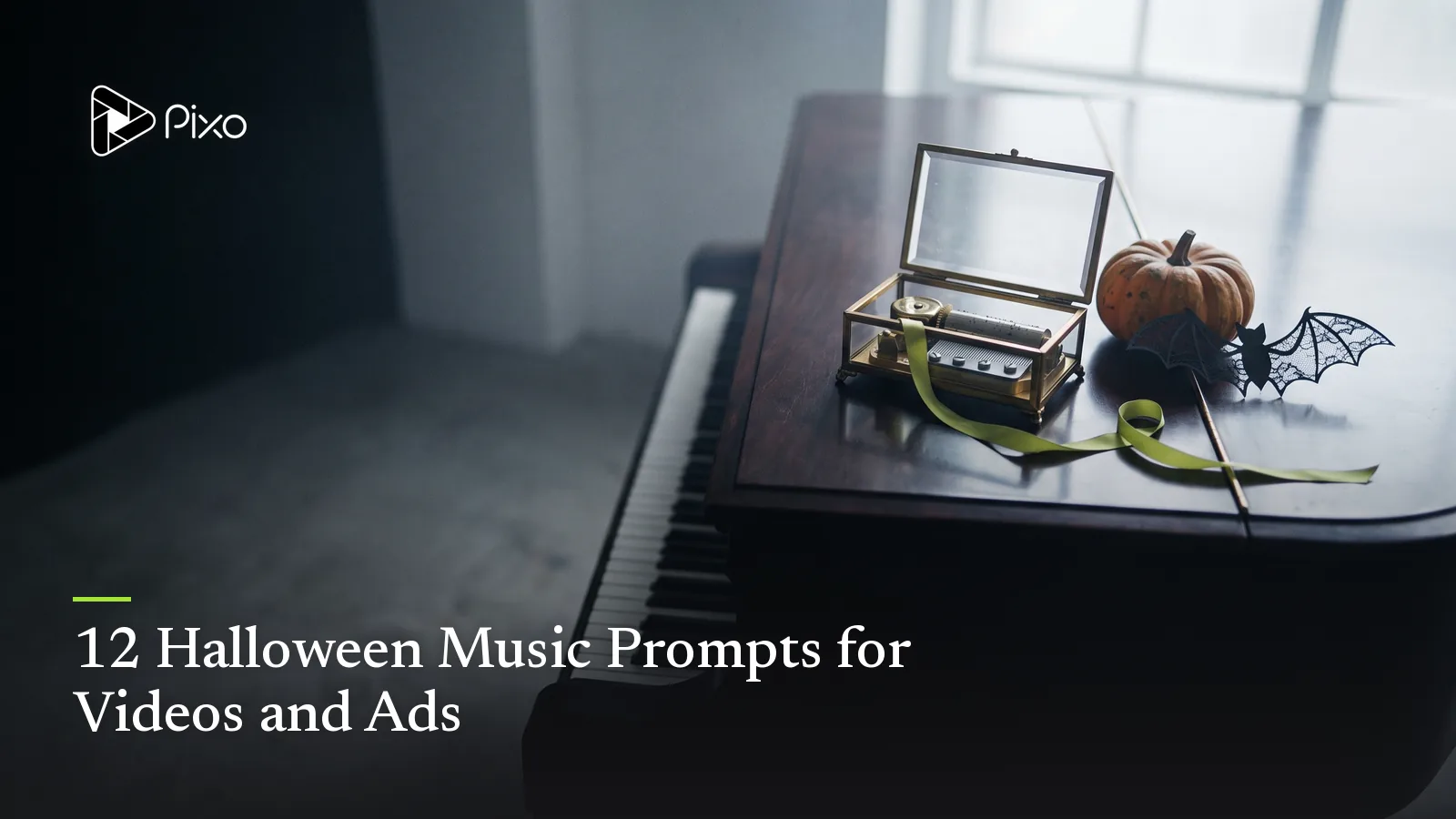
Halloween music does more than make a video sound spooky. It can hold back before a reveal, give a party invitation momentum, make a product unboxing feel premium, or keep a family clip playful rather than frightening.
These 12 original prompts are built around different editing jobs. Replace the duration, structure, instrumentation, energy, and ending to fit the actual video. For individual noises, impacts, and ambience, use the Halloween sound-effects ideas instead.
1. Slow-burn haunted-house suspense
Create a 45-second instrumental suspense cue for an empty haunted-house sequence. Begin with a barely audible low string texture and isolated wooden percussion, introduce a restrained three-note piano figure at 12 seconds, increase tension without becoming loud, pause briefly at 35 seconds for the visual reveal, then end on one unresolved low note. No vocals, screams, choir, trailer boom, or recognizable melody.The pause gives the reveal room. Move it to the exact frame where the visual changes.
2. Playful pumpkin-patch Reel
Create a 20-second playful Halloween instrumental for a vertical pumpkin-patch video. Light pizzicato strings, hand percussion, soft marimba, and a bouncy walking rhythm around 112 BPM. Start immediately, add a small lift at 7 seconds, leave a clean accent for a costume transition at 13 seconds, and finish with a short cheerful button. No vocals, dark drones, screams, or heavy bass.This direction supports fast visual changes without making family content feel threatening.
3. Elegant Halloween party invitation
Create a 15-second elegant instrumental cue for a Halloween party invitation. Muted piano, brushed percussion, warm upright bass, and a restrained mysterious string texture. Refined evening atmosphere, steady pulse, clear space for date and RSVP text, one graceful rise at 10 seconds, and a resolved ending. No vocals, jump scare, comic sound effects, or dense melody.Keep the arrangement sparse so guests can read the information. Pair it with one of these Halloween party invitation video ideas.
4. Premium midnight product reveal
Create a 25-second instrumental track for a premium product reveal at midnight. Minimal analog synth pulse, low muted percussion, subtle metallic texture, and one warm harmonic expansion when the package opens at 16 seconds. Controlled, polished, and mysterious rather than frightening. Short resolved ending for a brand card. No vocals, imitation of an existing brand sound, orchestral trailer hits, or horror screams.The music should emphasize the approved product reveal without pretending to be an existing sonic logo.
5. Friendly ghost character theme
Create a 30-second whimsical instrumental theme for a small friendly ghost. Airy flute-like lead, plucked strings, soft hand percussion, and gentle rising phrases that feel curious and kind. Add one playful pause at 18 seconds, then return with a lighter variation. No vocals, nursery-song melody, frightening dissonance, loud impact, or copyrighted character reference.A simple recurring phrase can connect several clips featuring the same original character.
6. Witch’s kitchen rhythm
Create a 35-second rhythmic fantasy cue for a busy witch’s kitchen. Wooden taps, bottle-like percussion, pizzicato strings, bubbling rhythmic texture, and a nimble bass line around 105 BPM. Build one ingredient at a time, reach the busiest point at 25 seconds, then stop cleanly for the final potion reveal. Playful handcrafted feeling, no vocals, recognizable melody, or chaotic sound collage.The arrangement mirrors the action: each visual ingredient can enter with a new musical layer.
7. Non-graphic horror trailer cue
Create a 40-second instrumental horror-trailer cue for an original non-graphic short film. Begin with a low sustained texture and sparse pulse, introduce a faster ticking rhythm at 14 seconds, make two controlled rises with the larger one at 31 seconds, then cut to silence before a final quiet note. Tense and cinematic without constant loudness. No vocals, screams, gore sounds, copyrighted theme, or oversized brass hits.Map the rises to information changes, not merely to faster cutting. For the full sequence, follow the short horror film workflow.
8. Retro supernatural broadcast
Create a 30-second instrumental cue for a fictional late-night supernatural broadcast. Dusty electric piano, restrained analog synth, simple drum-machine pulse, tape-worn texture, and a slightly uneasy repeating chord pattern. Leave the center clear for an announcer voice, add a subtle tuning shift at 22 seconds, and end like a station sign-off. No sampled broadcast, intelligible speech, existing television theme, or aggressive distortion.Use original station names and add exact announcements during the edit.
9. Costume transformation beat
Create a 12-second instrumental cue for a Halloween costume transformation. Four seconds of minimal tension, a half-second drop to silence as the lens is covered, then an energetic original beat with crisp percussion and bright synth bass for the reveal. Confident and stylish, not frightening. No vocals, artist imitation, recognizable song, or long intro.Match the silence and beat return to the transition frames.
10. Cute pet costume parade
Create a 20-second light instrumental for a pet costume parade. Soft marching snare, plucked bass, small brass-like accents, and a cheerful melody with plenty of space. Moderate walking tempo, three short accents for three entrances, gentle ending, family-friendly mood. No animal sounds, vocals, sudden loud notes, circus cliché, or copyrighted theme.Keep playback comfortable around real animals and add any pet sounds separately if the edit needs them.
11. Halloween sale countdown
Create a 15-second instrumental countdown bed for a Halloween promotion. Tight electronic percussion, short plucked synth motif, restrained ticking texture, and a clear energy rise toward a final offer card at 12 seconds. Urgent but not alarming, clean space for spoken or on-screen price information, exact ending. No vocals, siren, scream, misleading alarm, or recognizable commercial jingle.The track can signal urgency, but the dates, price, availability, and offer still need to be accurate. See the broader Halloween marketing ideas for campaign sequencing.
12. Cozy Halloween memory montage
Create a 50-second instrumental cue for a warm Halloween memory montage. Felt piano, acoustic guitar harmonics, soft brushed percussion, and subtle autumn ambience translated into music rather than literal sound effects. Nostalgic and affectionate, gradual lift after 28 seconds, space for short voice clips, gentle resolved ending. No vocals, sadness-heavy strings, famous melody, or dramatic trailer rhythm.Use this when the emotional center is people and memories rather than the supernatural theme.
Adapt a prompt to the actual edit
Start with the video’s duration and mark the moments the music needs to support: opening, first change, reveal, CTA, and ending. Then choose instrumentation, pulse, energy curve, and whether dialogue needs space. A long list of genre adjectives is less useful than one clear structural instruction such as “drop to silence at 13 seconds.”
Pixo’s AI Music Generator for Videos provides multiple music routes in the audio Playground. Choose an available model based on the structure, duration, instrumentation, and vocal needs of the track, then compare the output against the actual video. Model availability and usage terms can change, so confirm the selected option before final distribution.
Separate music from sound effects
Music controls the broader emotional curve. Sound effects explain physical actions, environments, and transitions. Generate and review them as separate layers when you need independent timing or volume control.
For example, a haunted-house scene might use the slow-burn music prompt underneath a door movement, distant footstep, and electrical buzz. The music should not contain all three events; the Halloween sound-effects guide provides prompts for those individual layers.
Review before using the track
Check whether the strongest moment aligns with the visual payoff, whether dialogue remains clear, and whether the ending fits the final frame. Listen for unwanted vocals, accidental resemblance to familiar music, unstable rhythm, harsh frequencies, or an intro that consumes too much of a short video.
Trim, loop, extend, fade, or mix the approved result as needed. Keep a record of the selected model and applicable terms for commercial work.

Create AI videos with Pixo
Turn any idea into a publish-worthy video. One sentence is all it takes.
FAQ
What should a Halloween music prompt include?
Name the video’s purpose, duration, mood, instrumentation, energy curve, important edit points, whether vocals are wanted, and what the track should avoid.
Should Halloween background music use vocals?
Instrumental music is usually easier to place under narration, dialogue, invitation details, and product copy. Use vocals only when they carry an intentional part of the concept.
How do I make Halloween music playful instead of frightening?
Use light percussion, pizzicato strings, toy-like textures, clear major or modal phrases, and a bouncy rhythm while avoiding screams, heavy impacts, and dissonant drones.
Can I ask an AI music generator to copy a famous Halloween song?
Describe the musical characteristics you need rather than requesting a protected song, recording, melody, or living artist’s style.
Score the scene, not the season
Choose the prompt whose structure matches the video, then change its timings and instrumentation. Generate the track in Pixo, review it against picture, and keep the version that clarifies the story or offer without competing for attention.
Generate AI summary
From idea to finished video.
In one conversation.
Start CreatingNo credit card required • Free 200 credits