How to Make a Werewolf Transformation Video with AI
A director's guide to AI werewolf transformation videos: the five-beat shot structure, working prompts for each stage, and the failure modes to avoid.

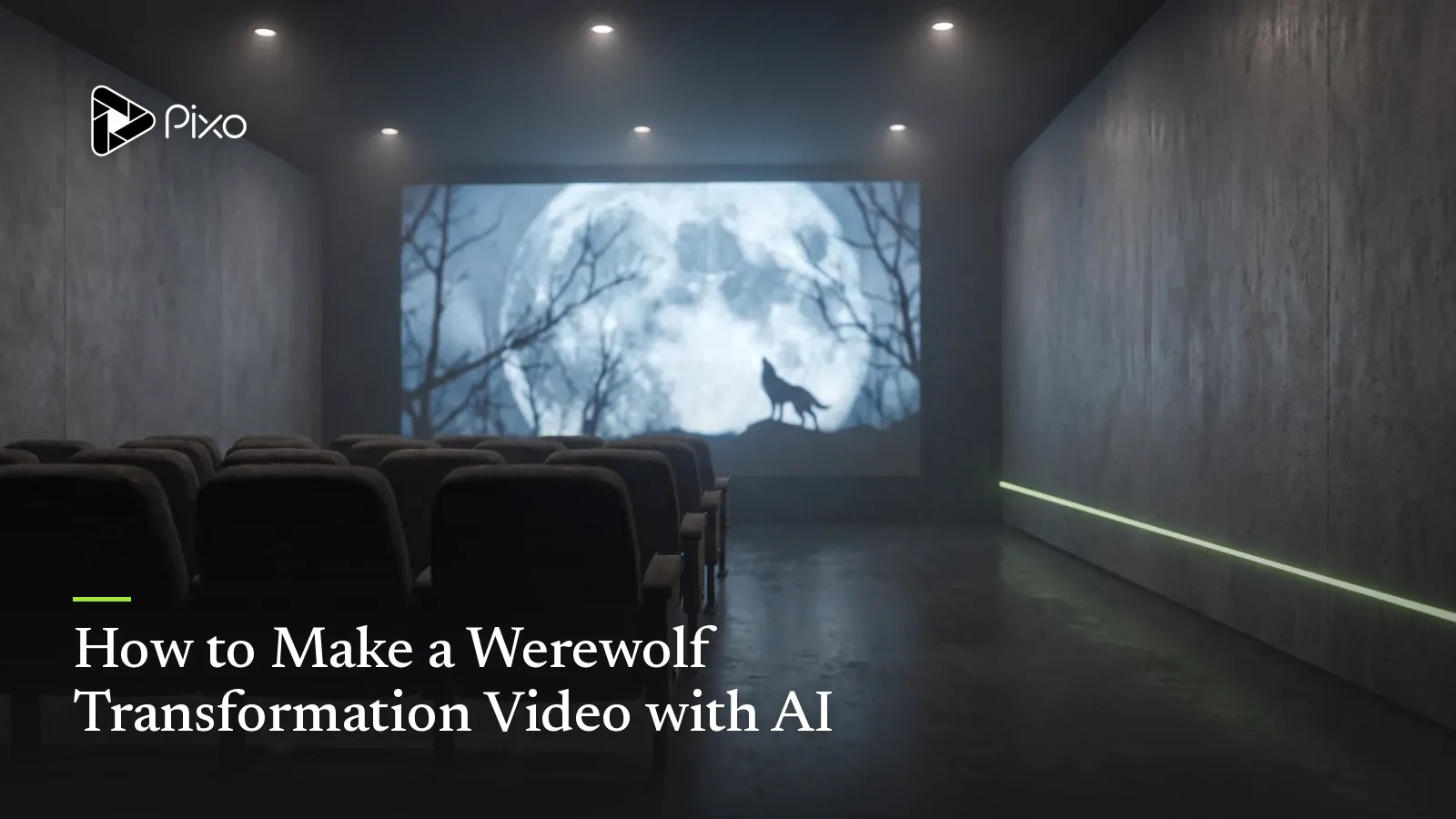
The werewolf transformation is the hardest three seconds in monster cinema — and the most storied. When An American Werewolf in London did it with air bladders and change-o heads in 1981, it won the first competitive Academy Award ever given for makeup. Forty-five years later, people are attempting the same shot with a text prompt, and most of the results fail the same way: the man doesn't become the wolf — the video just cuts to a wolf.
This guide is about closing that gap. It treats the transformation the way effects teams always have: not as one shot, but as a sequence of beats, each staged, each with a job. That approach happens to be exactly what storyboard-first AI video is good at.
Why one prompt can't do it
A transformation asks a video model to do the two things it finds hardest simultaneously: change the subject continuously, and keep the subject identifiable. Prompt "a man transforms into a werewolf" into a single clip and the model resolves the tension by picking one — you get either a man who stays a man with fangs, or a hard cut to a random wolf who shares nothing with your actor.
The practical-effects masters never asked one shot to carry the change either. Landis and Rick Baker cut between hands, face, spine, and silhouette, each insert a little further along. Even the digital era's landmark morph — Michael Jackson's "Black or White" face-melt sequence — was built from carefully paired start/end states, not a single continuous take.
Your AI werewolf works the same way: many shots, one identity.
The five-beat structure
Every memorable screen transformation hits some version of these beats. Storyboard all five before generating anything.
| Beat | Job | Typical shots |
|---|---|---|
| 1. Trigger | Cause the change | Full moon reveal, wound glowing, eyes catching light |
| 2. First signs | The body notices first | Hands close-up, veins, nails, breathing shift |
| 3. The struggle | The person fights it | Medium shot, collapse, clothing tears, screams |
| 4. Point of no return | Face and silhouette change | Face close-up mid-morph, spine arch in silhouette |
| 5. Reveal | The wolf stands | Slow rise into frame, wide shot, first howl |
Beats 2–4 are where jump-cut failures happen — and where cutaways save you. You never need one continuous morph; you need each shot to be slightly further along than the last.

Create AI videos with Pixo
Turn any idea into a publish-worthy video. One sentence is all it takes.
Working prompts for each beat
These are written for a multi-shot, storyboard-driven workflow — on Pixo you'd give the AI transformation video generator the whole sequence and refine per panel. The structural rules transfer to any tool.
Beat 1 — Trigger:
Night exterior, forest clearing. MARK (30s, dark curly hair, green eyes, denim jacket) looks up as clouds part to reveal a full moon. Moonlight washes over his face; his pupils contract sharply. Static camera, slow push-in, cold blue light. Horror atmosphere, film grain.
Beat 2 — First signs (insert shot):
Extreme close-up of Mark's right hand gripping a tree trunk. Knuckles flex; veins rise under the skin; fingernails slowly darken and lengthen into claws. Coarse dark hair spreads across the back of the hand. Same cold moonlight. No cuts, one continuous close-up.
Beat 4 — Point of no return:
Close-up on Mark's face, jaw clenched in pain, green eyes now amber. His brow thickens and jaw pushes forward gradually over the shot; dark fur creeps up the neck. He is still recognizably Mark at frame one and mostly wolf by the final frame. Continuous shot, no cuts, slow motion.
Notice what the prompts always carry: the identity markers (green eyes going amber, the curly hair becoming fur, the denim jacket tearing rather than disappearing). That continuity of detail — not resolution, not style words — is what makes the audience read one creature across five shots.
Keeping one character through the change
The identity problem is the whole game, and it's an asset problem, not a prompt problem. Create the human form and the wolf form as saved character assets and reference both in the mid-change shots so every stage inherits from the two ends. Model-side, this is exactly what multi-shot architectures are built for — Seedance-class models maintain subject, style, and wardrobe consistency across shot transitions — but the asset anchoring is what makes it survive a whole sequence rather than a single clip. (The same technique powers body swap scenes and age progression timelines — a werewolf turn is just the loudest member of the transformation family.)
Practical anchors that survive the morph:
- Eyes: pick an unnatural mid-state (amber) that belongs to neither form
- Wardrobe: torn versions of the same clothes, never different clothes
- A scar or mark that exists on both forms in the same place
- Environment: same clearing, same moonlight, same camera language throughout
Common failure modes
- The jump cut — you asked one clip to do beats 2–5. Split it.
- The stranger wolf — no shared identity markers; the wolf could be anyone's. Anchor both forms.
- The painless change — every stage generated with a calm face. Transformation reads through performance: pain, fear, fighting it. Direct the acting in the prompt.
- The silent morph — cracking joints, breath, and score carry half the effect. Add sound design before judging any cut.
- The daylight werewolf — flat lighting kills the effect that hard shadows sell for free. Shoot at night, one strong light source, and let silhouette do beat 4's heavy lifting.
Timing note
If this video is for an audience, work backwards from Halloween: interest in werewolf content climbs through October, and platforms need weeks to index and recommend. Publishing by late September puts you in the recommendation window instead of behind it.
The transformation shot spent four decades as the exclusive property of effects teams with foam latex and seven-figure budgets. The craft — beats, cutaways, identity anchors, performance — hasn't changed at all. The only thing that's changed is who gets to attempt it.
Generate AI summary
From idea to finished video.
In one conversation.
Start CreatingNo credit card required • Free 200 credits