The 7 Best AI Video Generators in 2026, Honestly Compared
Seedance 2.0, Veo 3.1, Kling 3.0, Runway Gen-4.5, Hailuo 2.3, LTX-2.3, and Wan 2.6 — compared by a team that runs them in production daily. Verified pricing, real trade-offs, no press-release fluff.

Most "best AI video generator" lists are written from press releases and demo reels. This one is written by a team that runs these models in production every day — thousands of generations a month, on briefs that have to ship — and it tells you where each model actually earns its place, including where it falls apart.
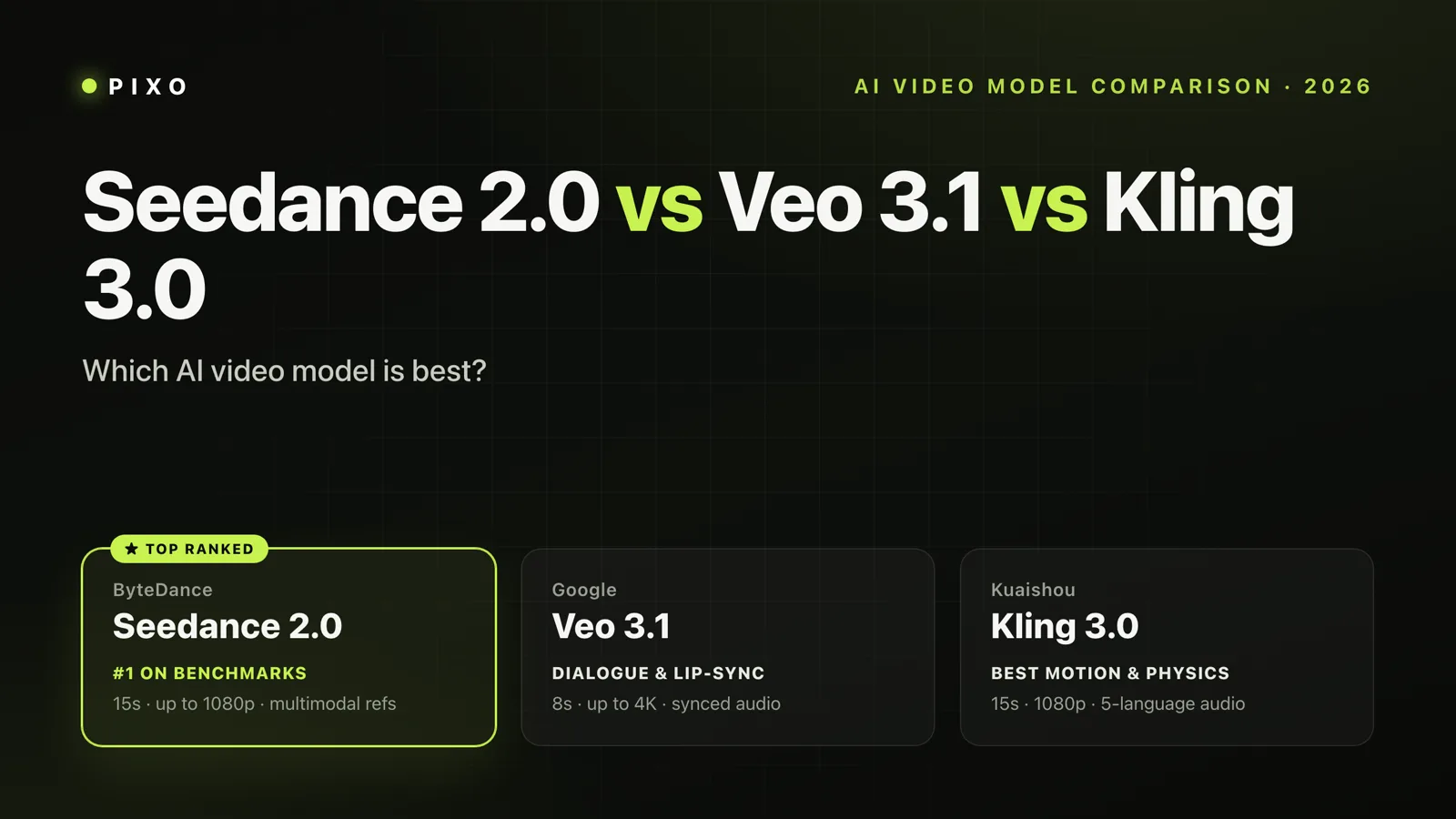
The short version: Seedance 2.0 is the best model for commercial content, Veo 3.1 for realism and native audio, and Kling 3.0 for stylized storytelling and human motion. The longer answer is below — and if you only care about those top three, we've done a deeper head-to-head in Seedance 2.0 vs Veo 3.1 vs Kling 3.0.
How we compare. The verdicts here come from daily production use across all of these models — the judgments are ours, formed on real client-style briefs rather than cherry-picked demos. Pricing was verified against official pricing pages on July 4, 2026 — several vendors gate their pricing pages regionally, so treat entry prices as "from" figures and confirm in-app.
Disclosure: This is the Pixo blog. Pixo is a paid multi-model video platform, and most models reviewed here are available inside it — we run them in production every day, which is both where our judgments come from and why you should know our interest upfront. Runway Gen-4.5 is not available on Pixo — it's in this list because leaving it out would be dishonest.
The best AI video generators at a glance
| Model | Best for | Native audio | Max resolution | Clip length | Entry price | Where to run it |
|---|---|---|---|---|---|---|
| Seedance 2.0 | Commercial & product content | Yes | 2K | 4–15s | from ~$15/mo (Dreamina) | Dreamina, Pixo, BytePlus API |
| Veo 3.1 | Physical realism + audio | Yes | 1080p (4K upscale) | ~8s | $7.99/mo (Google AI Plus) | Gemini/Flow, Pixo, API |
| Kling 3.0 | Stylized storytelling, human motion | Yes | 4K | up to 15s | ~$10/mo (Kling Standard) | Kling app, Pixo, API |
| Runway Gen-4.5 | Filmmaker control, VFX workflows | Yes | 720p (4K upscale) | 5–10s | $15/mo (Standard) | Runway only |
| Hailuo 2.3 | Fast, cheap iteration | No | 1080p | 6–10s | ~$14.99/mo | Hailuo app, Pixo, API |
| LTX-2.3 | Open source, 4K/50fps, long clips | Yes | 4K native | up to 20s | free (self-host) / $15/mo | LTX Studio, Pixo, self-host |
| Wan 2.6 | Frame control, API pipelines | Yes | 1080p | 2–15s | ~$0.10/sec (API) | wan.video, Pixo, fal.ai |
Pricing as of July 4, 2026. Kling, Dreamina, and Hailuo gate their pricing pages by region — entry prices for those three are from recent third-party trackers and worth confirming in-app.
1. Seedance 2.0 — best for commercial and product content
ByteDance's Seedance 2.0 (released February 2026) has become the default answer to a very specific question: "which model will give me the shot I asked for?" Its prompt adherence is the strongest in this list — when a brief says the product label stays readable while the camera orbits left, Seedance is the model most likely to deliver exactly that, which is why it has quietly taken over agency and e-commerce work.
Strengths: best-in-class prompt adherence; native synchronized audio; multi-shot generation; strong text rendering; 2.0 Fast variant for cheap drafts.
Weaknesses: 2K ceiling while Kling and LTX push 4K; the most cinematic "look" still belongs to Veo; official Dreamina pricing is opaque outside Asia.
Pricing: Dreamina (the international consumer app) starts around $15–18/month with free daily credits to test — sources conflict on the exact entry tier, so check in-app. It's also on BytePlus API and inside Pixo, where Seedance 2.0 and 1.5 Pro are the workhorse models for storyboard generation.
Worth knowing: ByteDance announced Seedance 2.5 on June 23, 2026, with native 30-second single-pass generation — rolling out on Dreamina now. If half-minute continuous shots matter to you, that's the single biggest capability jump of the summer.
2. Veo 3.1 — best for physical realism and native audio
Google's Veo 3.1 is still the model to beat on physics: light through glass, fabric in wind, water that behaves like water. Its native audio — dialogue, foley, and ambience generated with the video, not layered on after — remains the most convincing in the field. The January 2026 update added 1080p/4K upscaling and native vertical output, which fixed its two most-cited production complaints.
Strengths: most believable physics and materials; the best native audio; huge ecosystem (Gemini app, Flow, YouTube Shorts, API).
Weaknesses: wants detailed, shot-list-style prompts — vague briefs produce generic results; clips are short (~8s); access is tangled across Google's plan tiers, and Google has already announced that Gemini Omni will replace Veo inside the Gemini app.
Pricing: the cheapest legitimate entry point in this list — Google AI Plus at $7.99/month includes 200 Flow credits, scaling through Pro ($19.99) to Ultra ($99.99–$199.99). Flow's free tier gives 50 daily credits at capped quality. Veo 3.1 is also available inside Pixo, priced per generation.
3. Kling 3.0 — best for stylized storytelling and human motion
Kuaishou's Kling 3.0 (February 2026, with the Turbo and Omni editing upgrades landing in June) is the storyteller's model. It renders human faces, gestures, and emotional beats better than anything else in this list, supports multi-shot storyboard generation natively, and goes up to 4K with multi-language dialogue. When the brief is "make me feel something," Kling wins more often than not.
Strengths: best human character rendering and motion; native 4K; multi-shot generation; native audio with multi-language dialogue (EN/ZH/JA/KO/ES).
Weaknesses: less predictable between generations than Seedance — the same prompt can swing in look between runs; the free tier is watermarked, expires daily, and prohibits commercial use.
Pricing: Kling Standard starts around $10/month, Pro around $37/month with ~3,000 credits (official pricing page is region-gated; figures from June 2026 trackers). Free tier: 66 daily credits, watermarked, non-commercial. Kling 3.0, 3.0 Turbo, and 3.0 Omni are all available inside Pixo.

Create AI videos with Pixo
Turn any idea into a publish-worthy video. One sentence is all it takes.
4. Runway Gen-4.5 — best for filmmaker control
Runway's Gen-4.5 (December 2025, with native audio added the same month) is less about raw generation quality — though it competes near the top — and more about the toolset around it: motion brushes, camera controls, world-model consistency, and a mature editor that VFX people actually use. It's the closest thing this list has to a professional's instrument rather than a slot machine.
Strengths: the deepest creative-control toolset; strong consistency features; commercial use allowed even on the free tier — unique in this list; Standard plan bundles access to Veo 3.1 too.
Weaknesses: 720p base output (4K via upscaling); credit costs run high for iteration-heavy work; the interface has real learning curve for casual users.
Pricing (verified): free tier with 125 one-time credits; Standard $15/month (625 credits); Pro $35/month; Max $95/month with rollover. Runway's models run only on Runway — it's the one entry here you can't run anywhere else, including Pixo.
5. Hailuo 2.3 — best for fast, cheap iteration
MiniMax's Hailuo 2.3 (October 2025) is the pragmatist's pick: fast queues, low cost per clip, and reliably decent output at 768p–1080p. It has no native audio and it won't win a beauty contest against Veo, but when you need thirty takes of an idea before lunch, Hailuo is what you reach for. The 2.3 Fast variant makes drafting even cheaper.
Strengths: speed and cost; solid instruction-following for its price class; good motion for memes, drafts, and social content.
Weaknesses: no native audio; 768p standard output (1080p on the Pro endpoint); free tier is watermarked and non-commercial. One more thing worth knowing before you build a business on it: in May 2026 a US court denied MiniMax's motion to dismiss the Disney/Universal/Warner copyright suit, which is now heading toward trial.
Pricing: Standard around $14.99/month, with frequent promotions (region-gated official page; figures from trackers verified June 2026). Hailuo 2.3 and 2.3 Fast are available inside Pixo.
6. LTX-2.3 — best open-source model
Lightricks open-sourced LTX-2 in January 2026 — real weights and training code, not a marketing "open" — and followed with LTX-2.3 in March. It generates native 4K at up to 50fps with synchronized audio in a single pass, and clips run up to 20 seconds, the longest in this list. If you have the GPUs, you can run it yourself with no watermark and full commercial rights; if you don't, LTX Studio hosts it.
Strengths: genuinely open source; native 4K/50fps; 20-second clips; single-pass synchronized audio; native vertical 1080×1920 in 2.3.
Weaknesses: physics and emotional nuance trail the top three; hosted free tier is 800 one-time credits, personal use only — commercial licensing starts at the $35 Standard plan.
Pricing (verified): LTX Studio: Lite $15/month, Standard $35/month, Pro $125/month. Self-hosting is free under the open-source license. LTX-2.3 Pro is also available inside Pixo.
7. Wan 2.6 — best for frame control and API pipelines
Alibaba's Wan line is the engineer's model: first-frame/last-frame control, voice cloning, native audio in one pass, and clean API access at around $0.10/second. Wan 2.7 landed in April 2026 with 1080p and better motion; one important correction to what you'll read elsewhere — Wan 2.5 and later are API-only. The newest open weights are still Wan 2.2. Dozens of articles claim 2.6 or 2.7 is open source; the official repos say otherwise.
Strengths: precise first/last-frame control (great for loops and match cuts); cheap, predictable API pricing; native audio; Apache-2.0 weights if you're happy with the older 2.2.
Weaknesses: consumer app pricing is opaque; output quality sits a tier below Seedance/Veo/Kling on complex scenes.
Pricing: ~$0.10/second via fal.ai and Alibaba Cloud API; wan.video consumer pricing is not publicly listed. Wan 2.6 is available inside Pixo.
Also worth watching
- Seedance 2.5 — announced June 23, 2026; native 30-second single-pass clips. The biggest capability jump of the summer if the rollout holds.
- Luma Ray 3.2 (June 2026) — 20-second clips, native HDR, 16-bit EXR export for post-production pipelines, but still no native audio, and Luma's restructured pricing now starts at $30/month with no visible free tier.
- Pika 2.5 — still alive, pivoting toward consumer social. Cheap ($8/month on yearly billing) and fun for quirky presets; not a production tool.
- Grok Imagine — xAI's video model, fast and meme-fluent. Available inside Pixo; worth a look for social-first content.
- Pixverse V4.5 — a budget alternative for anime-adjacent styles.
What happened to Sora?
The most-searched AI video tool of 2025 is gone. OpenAI shut down the Sora app and web product on April 26, 2026, and the API — including sora-2 and sora-2-pro — was deprecated in March with a final shutdown date of September 24, 2026. OpenAI has announced no replacement.
If you still have Sora-based workflows, you have until September. Sora 2 remains temporarily runnable through platforms that resell API access — including Pixo — but treat that as a migration window, not a plan. For most former Sora users, the practical migration path is Veo 3.1 (closest on realism and audio) or Seedance 2.0 (better prompt adherence for commercial work).
Where should you run them?
Here's the thing the per-model sections keep hinting at: the top three models trade blows depending on the shot. Professionals don't pick one — they use Seedance for the product close-up, Kling for the character beat, Veo for the establishing shot with ambient audio. Which turns "which model?" into a different question: where do you run several models without paying for four subscriptions?
Your options, honestly:
- Official apps (Dreamina, Kling, Gemini, Runway) — first access to each vendor's newest versions, but you're juggling four subscriptions, four credit systems, and four UIs, and your assets don't move between them.
- Aggregators (Higgsfield from $15/month — entry tier is limited to selected models; Krea from $9/month — cheap, huge model table, but video access needs a paid tier) — one subscription, many models. You get a prompt box per model; consistency across shots and models is your problem.
- A production pipeline like Pixo — also multi-model (Seedance 2.0, Kling 3.0, Veo 3.1, Hailuo 2.3, LTX-2.3, Wan 2.6 and more under one subscription), but built around the storyboard rather than the prompt box: an agent breaks your brief into shots, assigns the right model per shot, and keeps characters and products consistent across all of them via a shared asset library. If your output is a finished video rather than a clip, that's the difference that matters. You get 200 free credits to try it on a real brief.
The honest guidance: if you generate a clip a week, a free tier is fine. If you're producing regularly with one favorite model, subscribe to its official app. The moment your work needs two or more models — and multi-shot work almost always does — a multi-model platform pays for itself. And if you're weighing Pixo against a specific tool you already use, we keep honest head-to-head comparison pages for exactly that.
Updates
- July 5, 2026 — Initial publication. Pricing verified against official pages on July 4, 2026.
Generate AI summary
From idea to finished video.
In one conversation.
Start CreatingNo credit card required • Free 200 credits