Kling 4 Is Here: Release Date, Specs and What's New
Kling 4 is now available with 30-second video, 10 keyframes, 4K, stereo audio, Omni Reference and multimodal editing. See the official launch specs.

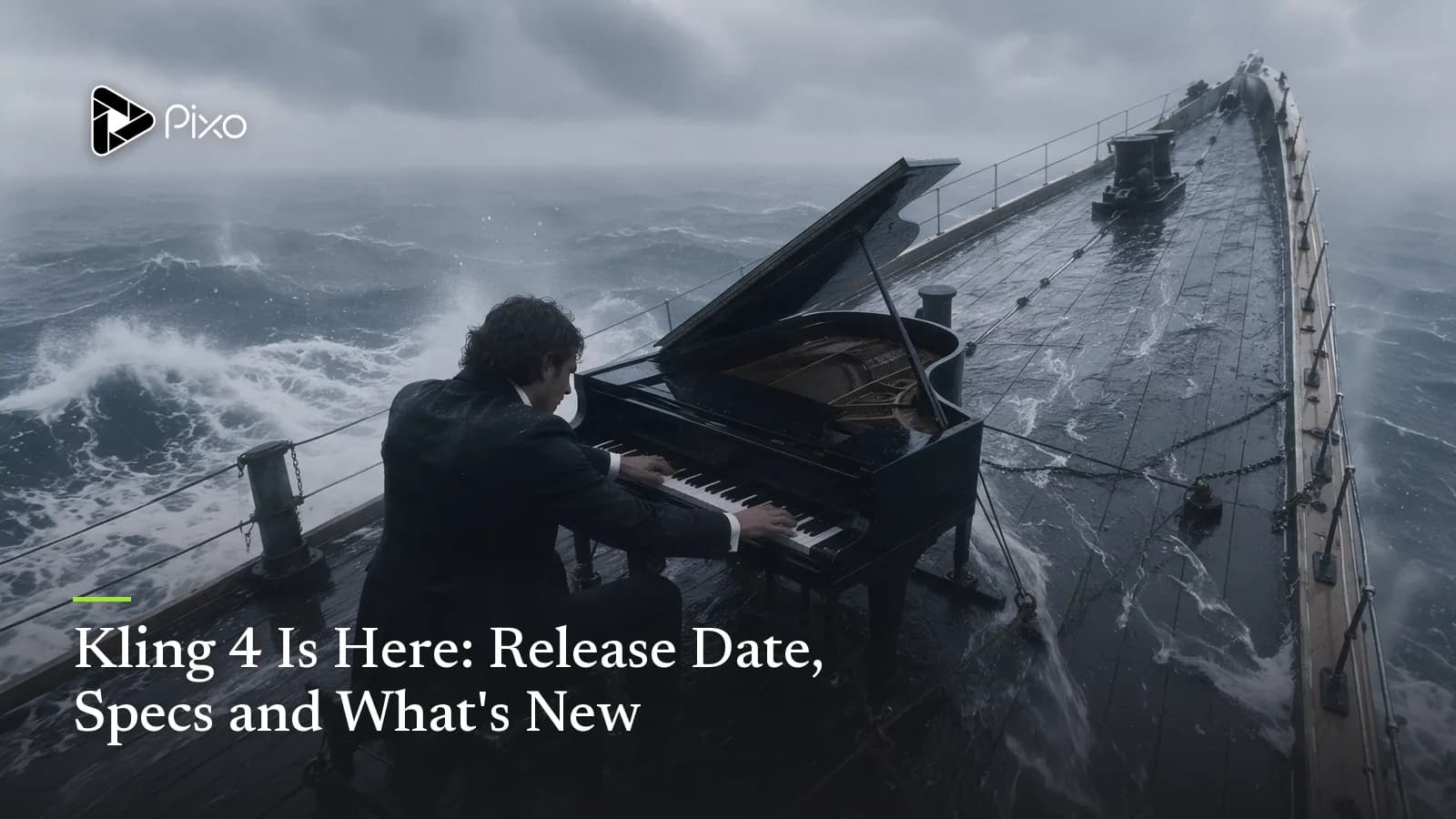
Kling 4 is now fully available on Kling AI. The launch version combines 3–30 second video generation, up to 10 keyframes, 4K output, stereo audio, multimodal references and targeted video editing in one model.
The formal launch also resolves details that were missing from the September preview. Kling now documents adjustable duration in one-second increments, two creation entry points, exact upload limits, voice-profile inputs, default multi-shot behavior, and access through Kling's MCP and CLI. Two items remain marked as coming soon: 10-bit HDR output and repeated video extension up to two minutes. This guide was updated from Kling's official release note and launch-version user guide.
Kling 4 at a Glance
| Specification | Kling 4 | Kling 4 Flash |
|---|---|---|
| Availability | Fully available on Kling AI | Available as the faster iteration tier |
| Generation modes | Text to video, image to video, first and last frame, flexible keyframes, omni-reference | Text to video, first-frame image to video, omni-reference |
| Native duration | 3–30 seconds | 3–20 seconds |
| Resolution | 720p, 1080p, 4K | 720p |
| Dynamic range | 10-bit HDR at 1080p and 4K, marked coming soon | 8-bit SDR |
| Aspect ratios | 21:9, 16:9, 1:1, 9:16, Auto | Check the current product controls |
| Keyframes | Up to 10 | Not specified |
| Audio | Two-channel stereo; up to three voice profiles per task | Check the current product controls |
| Prompt limit | Up to 8,000 tokens | Not specified |
| Positioning | Full-quality, high-control model | Faster, lower-cost model for frequent generation |
What Changed at the Full Kling 4 Launch
The September announcement described Kling 4 as an October release and gave Kling 4 Flash to a limited group first. The full model is now available through Kling's redesigned creation workspace. Kling has also published a detailed user guide based on the launch specification.
Availability does not mean every announced capability has shipped. Kling still marks 10-bit HDR at 1080p and 4K, enterprise API access, and repeated video continuation up to two minutes as coming soon. The specifications below are manufacturer documentation, not Pixo test results.
When Is the Kling 4 Release Date?
Kling 4 is now fully available on Kling AI. Kling published its launch-version user guide on October 14, 2026, following the limited Kling 4 Flash rollout that began on September 28.
This changes the article's original status: Kling 4 is no longer merely an announced October model. However, availability on Kling AI does not automatically make it available through Pixo or another third-party platform. Pixo's live Kling catalog still lists Kling 3.0, Kling 3.0 Omni and Kling 3.0 Turbo.
This staged rollout is sensible. Flash gives Kling a faster model for high-frequency iteration while the full model carries the expensive controls: longer output, higher resolutions, flexible keyframes and professional dynamic range.
The Biggest Kling 4 Upgrade Is 30-Second Native Video
Kling 4 raises native generation length to 3–30 seconds. That is twice the 15-second maximum shown for the Kling 3.0 family in Pixo's current live catalog.
The launch interface allows duration to be adjusted in one-second increments, with 10 seconds as the documented default. Kling also says multi-shot generation is enabled by default: the model can divide a longer prompt into shots and organize their pacing within one generation.
Thirty seconds is not merely a longer clip. It gives a model enough room to establish a subject, develop an action and land a payoff without forcing the creator to stitch several independently generated fragments together. Kling describes the model as supporting both long takes and connected narrative development, with more space for relationships, emotion and pacing.
The company also says uploaded video will support repeated continuation up to two minutes. That feature is marked as coming soon. Until it ships, the accurate claim is 30-second native generation—not two-minute Kling 4 generation.
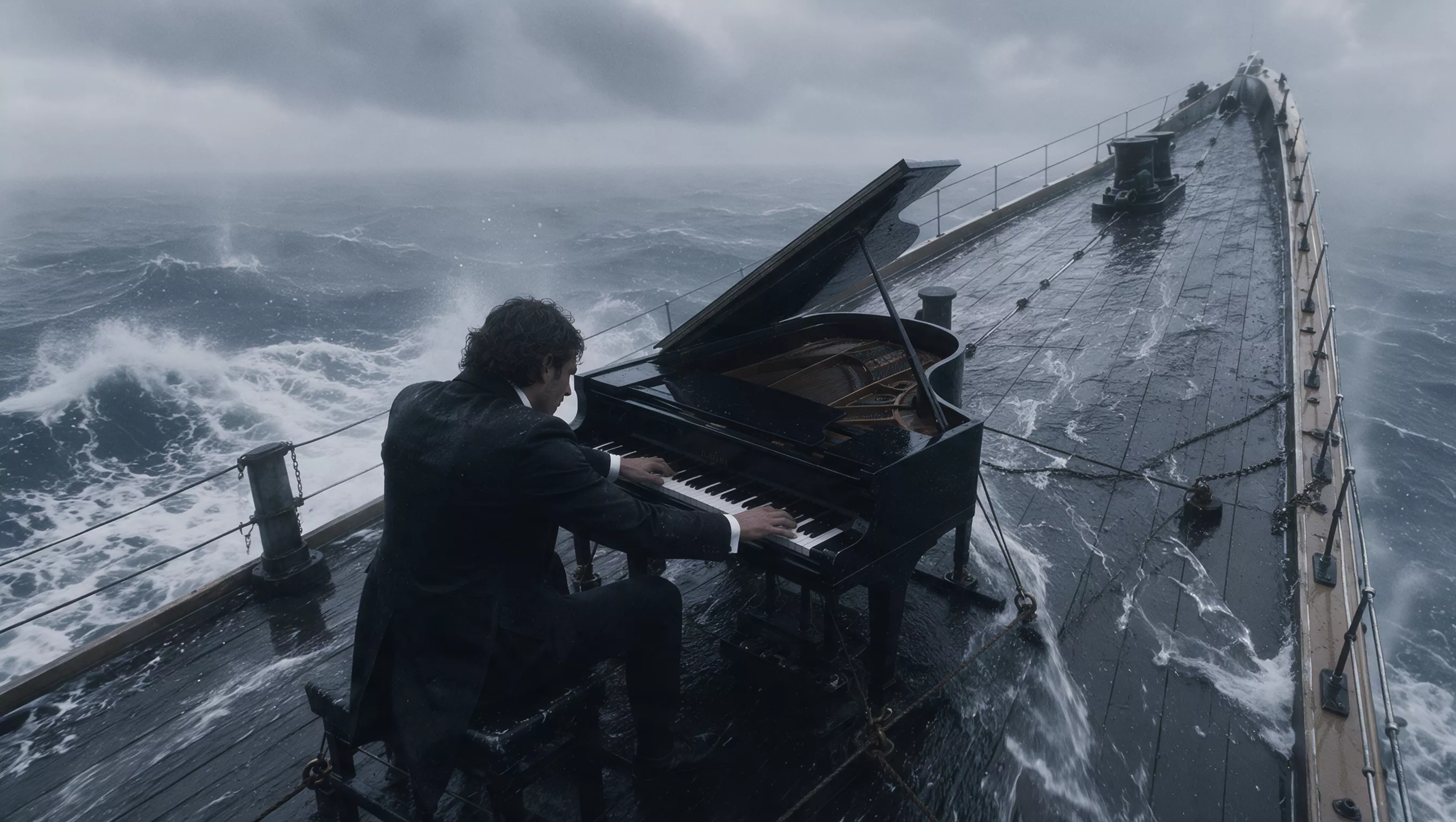
Official Kling 4 demonstration image. Source: Kling AI.
Ten Keyframes Turn a Prompt Into a Timeline
Kling 4 supports as many as 10 keyframe images in one generation. Instead of defining only a first and last frame, a creator can specify several visual milestones across the clip: a character state, a scene change, a product reveal or a narrative beat.
This may be more consequential than raw duration. A longer prompt describes intent, but keyframes place visible constraints along time. In principle, that makes it easier to determine where the story should go while allowing the model to construct the movement between planned moments.
Kling also raises its prompt limit to 8,000 tokens and says the model can expand and refine instructions using a more director-like interpretation. Longer is not automatically better, of course. Start with the creative result you want, then add timing, references, camera direction, dialogue or continuity constraints only where they improve control.

Character-reference example from the official Kling 4 release page. Source: Kling AI.
Kling 4 Expands Multimodal Reference Control
One Kling 4 task can accept up to 15 reference items in total, combining images, videos, subjects and voice references. The individual limits are:
- Up to 10 reference images
- Up to five reference videos, with no more than 30 seconds of video in total
- Up to seven reference subjects, including no more than three video subjects
- Up to three voice profiles; each source audio clip must be 5–30 seconds and no larger than 50 MB
Kling says images can define subjects, three-view character sheets, grid layouts, information graphics, keyframes, wireframes, composition and storyboards. Video can provide performance, motion, camera movement and narrative rhythm, as well as inputs such as depth video or simple previs renders.
This is the model's clearest move toward production control. A product team could, for example, combine an approved product image with a motion reference and planned keyframes. A filmmaker could pair a character reference with a camera-blocking clip. These are supported input categories, not a guarantee that identity, product geometry or brand text will remain exact; every commercial result still needs review.
Omni Reference or Keyframes: Which Entry Point Should You Use?
Kling 4's launch workspace has two primary entry points. Omni Reference is the default when you want to begin from an idea or guide the output with images, videos, subjects and voice profiles. It can control appearance, style, action and camera movement.
Keyframes is for placing predefined visual moments along the timeline. It accepts images rather than mixed media and includes the familiar first-frame and first-and-last-frame workflows. Kling says Omni Reference and Keyframes cannot be combined in the same generation task, so the practical choice is whether you need broad multimodal guidance or precise visual milestones.
The launch guide also supplies more specific upload limits: reference images can be up to 30 MB each; reference videos can be up to 300 MB each, must run 3–30 seconds, and must remain within the 30-second combined limit. Supported image and video aspect ratios run from 2:5 to 5:2.

Official Kling 4 multimodal demonstration image. Source: Kling AI.
Native Stereo Audio, Lip-Sync and More Languages
The full Kling 4 specification lists two-channel stereo audio, improved audiovisual synchronization and more accurate lip matching. Supported languages include Chinese, English, Japanese, Korean, Spanish, Portuguese, German, French and Hindi, alongside several Chinese dialects and English accents.
Kling also claims clearer generation of multilingual text, emoji and logos during movement and scene changes. That could be useful for advertising and title-heavy content, but exact legal copy, prices, packaging and logos should still be added or verified in post-production. Model-generated text should not become the source of truth for a campaign.
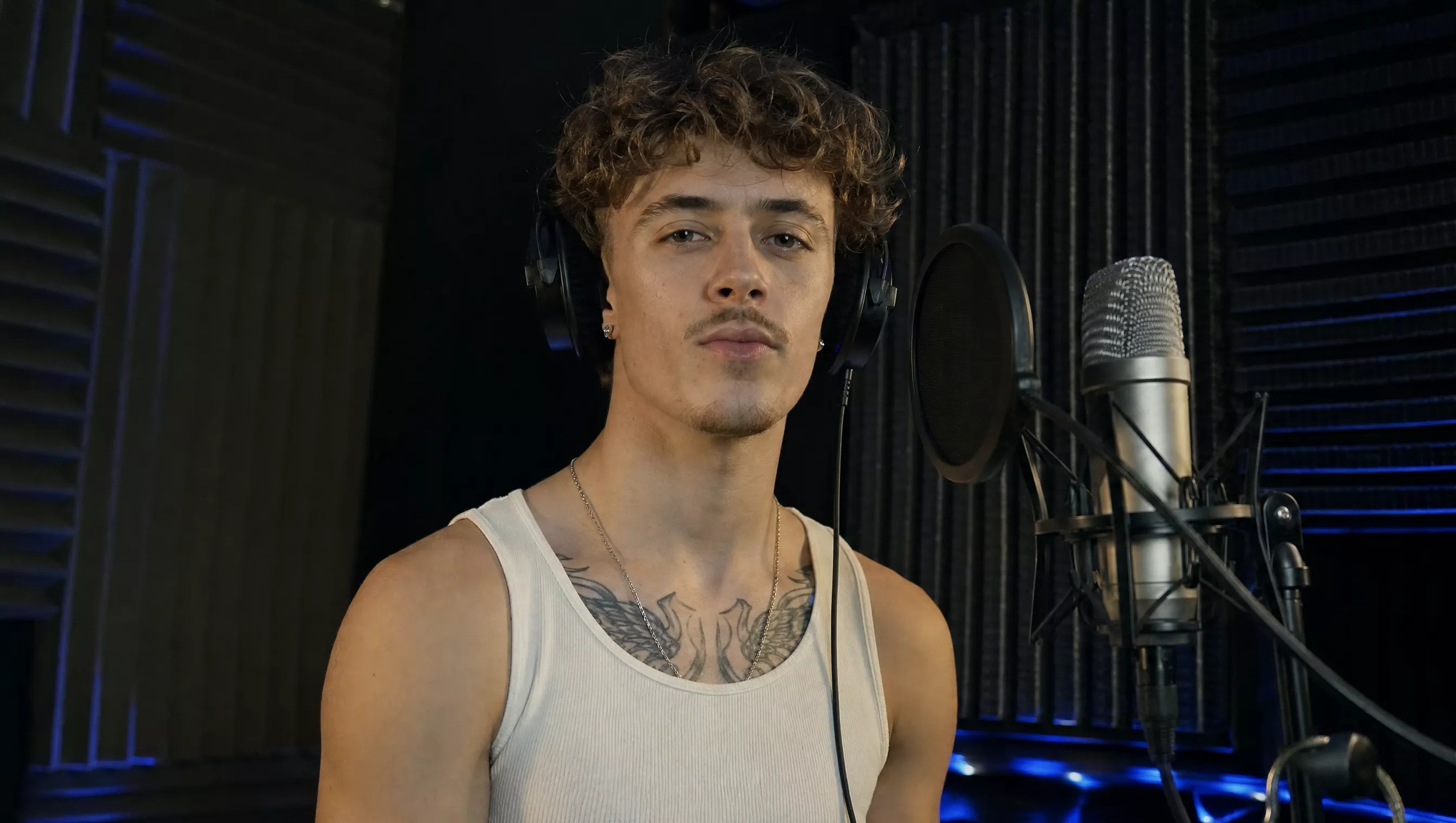
Audio-generation demonstration still from the official Kling 4 release page. Source: Kling AI.
4K, 10-Bit HDR and a 21:9 Canvas
Kling 4's resolution table lists 720p, 1080p and 4K, while its new aspect-ratio options include 21:9 alongside 16:9, 1:1, 9:16 and a smart mode. The ultrawide option is a meaningful addition for cinematic compositions rather than a cosmetic export setting.
The model is also specified for 10-bit HDR at 1080p and 4K, designed to retain smoother gradients and more detail in highlights and shadows. Kling marks this HDR output as coming soon. Creators should therefore confirm the option in their actual account before planning a color workflow around it.
Kling 4 Adds Instruction-Based Video Editing
Kling says the new model can combine text, images and subject references to add, replace or remove subjects and backgrounds in existing video. It can also change style, weather, color, material, shot size and viewpoint.
The editing input supports as many as five video clips, one designated as the main video, with each clip between 3 and 30 seconds and all video inputs totaling no more than 30 seconds. Kling recommends pairing video edits with reference images.
The release also highlights “creative replication”: using a reference video's rhythm, shot arrangement or presentation structure while replacing characters, products and source materials. Creators still need the right to use any reference media. A model feature does not grant permission to copy a protected campaign or a creator's distinctive work.
The launch guide makes the edit operations more concrete: users can add an element, replace one or several characters, remove an element, change style, replace a subject or background, and revise dialogue while preserving the remaining scene. These are supported edit instructions, not a promise that every complex edit will remain perfectly unchanged outside the target area.
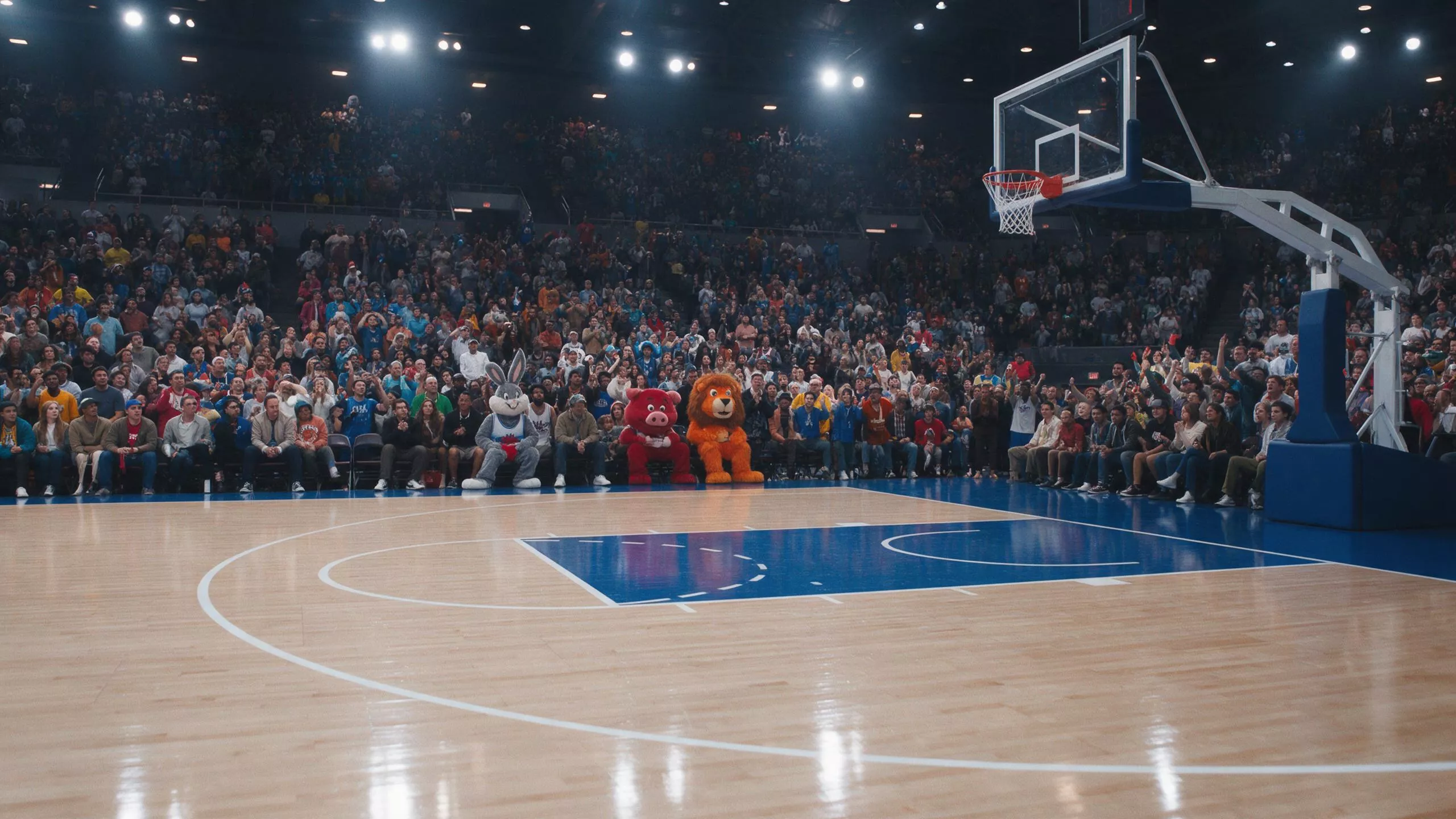
Video-editing demonstration still from the official Kling 4 release page. Source: Kling AI.
Kling 4 vs Kling 3.0
The current Kling AI Video Generator on Pixo lists Kling 3.0, Kling 3.0 Omni and Kling 3.0 Turbo with 3–15 second generation at 720p or 1080p. Kling 4 doubles that native duration ceiling and adds a larger reference budget, flexible multi-keyframe control, a longer prompt context, 21:9 output and the announced 4K/HDR path.
The strategic difference is just as important. Kling 3.0 is presented as a family of standard, Omni and Turbo variants. Kling 4 brings generation, broad multimodal reference and video editing under a more unified brief, with Flash serving as the fast iteration tier.
None of this makes Kling 3.0 obsolete overnight. A model already integrated into a working production system can be more useful than a newer model that is not yet available in that system. The practical comparison also depends on generation cost, latency and repeatable output—questions the specification alone cannot answer.
Kling 4 Adds MCP and CLI Access
Kling now provides MCP and CLI access alongside the browser creation interface. The MCP adapter lets compatible AI assistants invoke Kling generation through natural-language requests, while the CLI is intended for terminal workflows, scripts and batch generation.
This is separate from the enterprise developer API, which Kling still lists as coming soon. It also does not change Pixo availability: Pixo should only present Kling 4 as an integrated model after it appears in Pixo's live product catalog.
Is Kling 4 Available on Pixo?
Not yet. Pixo's live model catalog currently lists Kling 3.0, Kling 3.0 Omni and Kling 3.0 Turbo. Kling 4 should not be presented as available inside Pixo until the integration is confirmed in the product.
In the meantime, creators can use the Kling model family on Pixo within a broader storyboard workflow and combine individual shots with Veo, Hailuo and other available models where their strengths fit the scene. We will update this article and the live model table if Kling 4 joins the catalog.
What Kling 4 Means for AI Video Creation
Kling 4's direction is more revealing than any single number. Frontier video models are moving away from one-prompt, one-clip generation toward a controlled production brief: more references, planned temporal milestones, synchronized sound, editable footage and enough duration to contain a complete beat. For practical control across Omni Reference, keyframes, audio and editing, use our complete Kling 4 prompt guide.
The remaining questions are operational. How fast is each mode under normal demand? What do 30-second and 4K generations cost across plans? How consistently do 10 keyframes cooperate? How well does editing preserve untouched regions? Kling's specification does not answer those questions, and selected demos cannot.
Follow Kling Models on Pixo
Check the Kling model family on Pixo for the versions currently available in the product. We will update that page and this article if Kling 4 becomes available.
New users receive 200 Free Credits. Video generation requires a paid plan and sufficient credits.

Create AI videos with Pixo
Turn any idea into a publish-worthy video. One sentence is all it takes.
FAQ
When will Kling 4 be released?
Kling 4 is now fully available on Kling AI. Kling published the launch-version user guide on October 14, 2026, after Kling 4 Flash entered limited availability on September 28.
How long can Kling 4 videos be?
Kling 4 is specified for native generations from 3 to 30 seconds. Kling also says uploaded videos will eventually support repeated continuation up to two minutes, but labels that continuation feature as coming soon.
Does Kling 4 support 4K and HDR?
The official specification lists 720p, 1080p and 4K output. It also lists 10-bit HDR at 1080p and 4K, but the release page marks the HDR output as coming soon, so it should not be treated as generally available yet.
What is the difference between Kling 4 and Kling 4 Flash?
Kling 4 is the full model with 3–30 second output, resolutions up to 4K, as many as 10 keyframes and broader professional controls. Kling 4 Flash is the faster, lower-cost option specified for 3–20 second output at 720p and 8-bit SDR.
How many reference files can Kling 4 use?
A Kling 4 task can use up to 15 reference items in total. The official limits include up to 10 images, up to five videos totaling no more than 30 seconds, and up to seven subjects, with no more than three video subjects.
Is Kling 4 available on Pixo?
Not at the time of this update. Pixo's live Kling catalog currently lists Kling 3.0, Kling 3.0 Omni and Kling 3.0 Turbo. This article will be updated if Kling 4 becomes available in Pixo.
Sources
Generate AI summary
From idea to finished video.
In one conversation.
Start CreatingNo credit card required • Free 200 credits