Built around your music
Give the lyrics, song sections, and voices a visual direction of their own.
Turn your song into a complete music video.
Upload your song and let Pixo build the storyboard. Then refine the performers, scenes, and individual shots.
Give the lyrics, song sections, and voices a visual direction of their own.
See the storyboard and adjust the story, references, and shot lengths before generating.
Refine selected scenes and bring the sequence together in your final edit.
FROM YOUR SONG TO THE FINAL CUT
01 / SONG TO STORY
Pixo uses your song’s lyrics, sections, and timing to build a visual plan.
Review the storyboard, scenes, and character references before generating.
02 / RHYTHM & CONTROL
Plan cuts around verses, choruses, and vocal phrases. Keep the scenes you like and regenerate individual shots.
Assemble the sequence in the timeline and refine the edit around your track.
03 / SINGING & MULTIPLE VOICES
Assign characters to vocal parts and create singing performances with lip sync.
Mix solo, duet, and group performances with story scenes. Review each performance against your song.
FROM IDEA TO FINAL CUT
Upload your song to begin. Add a mood, story, or reference if you have one.
Let Pixo develop the visual plan. Review the storyboard, performers, scenes, and timing, then adjust what you want to change.
Generate the shots, review the performances, and replace selected scenes. Assemble the sequence and export your music video.
CHOOSE YOUR STYLE
Explore performance, lyrics, narrative, and dance.
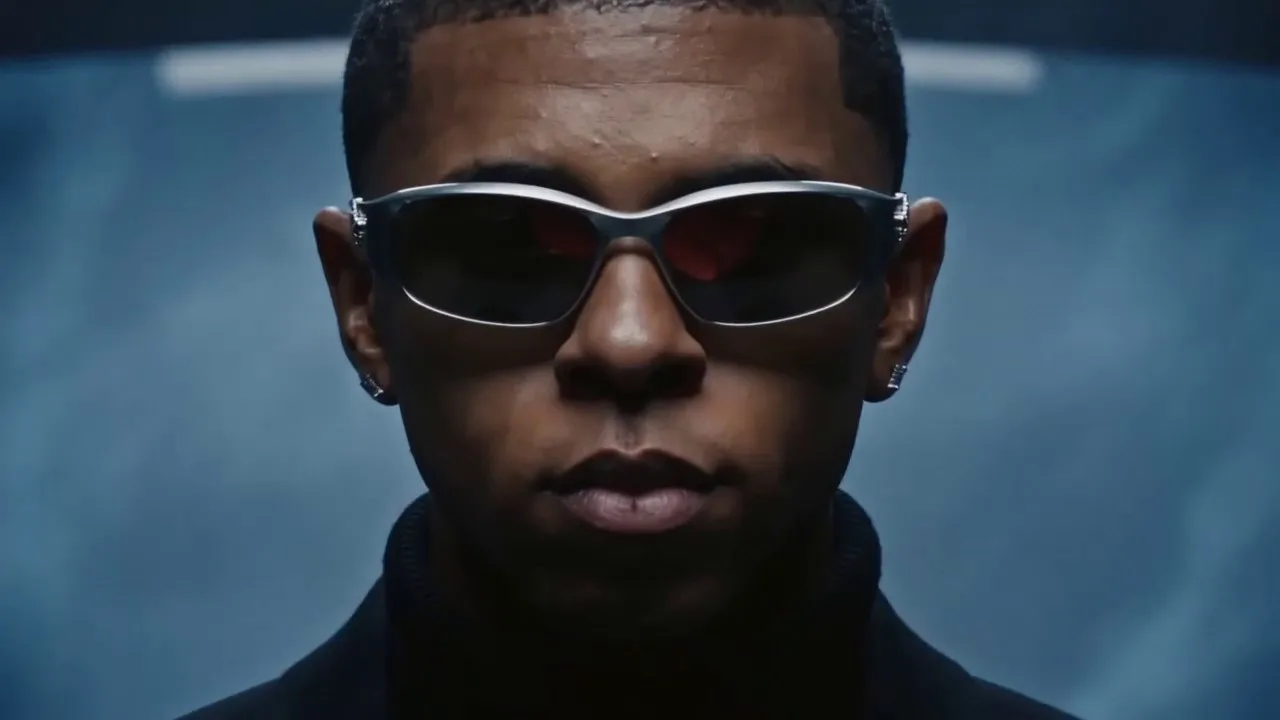
Put the artist front and center with expressive close-ups and directed singing shots.
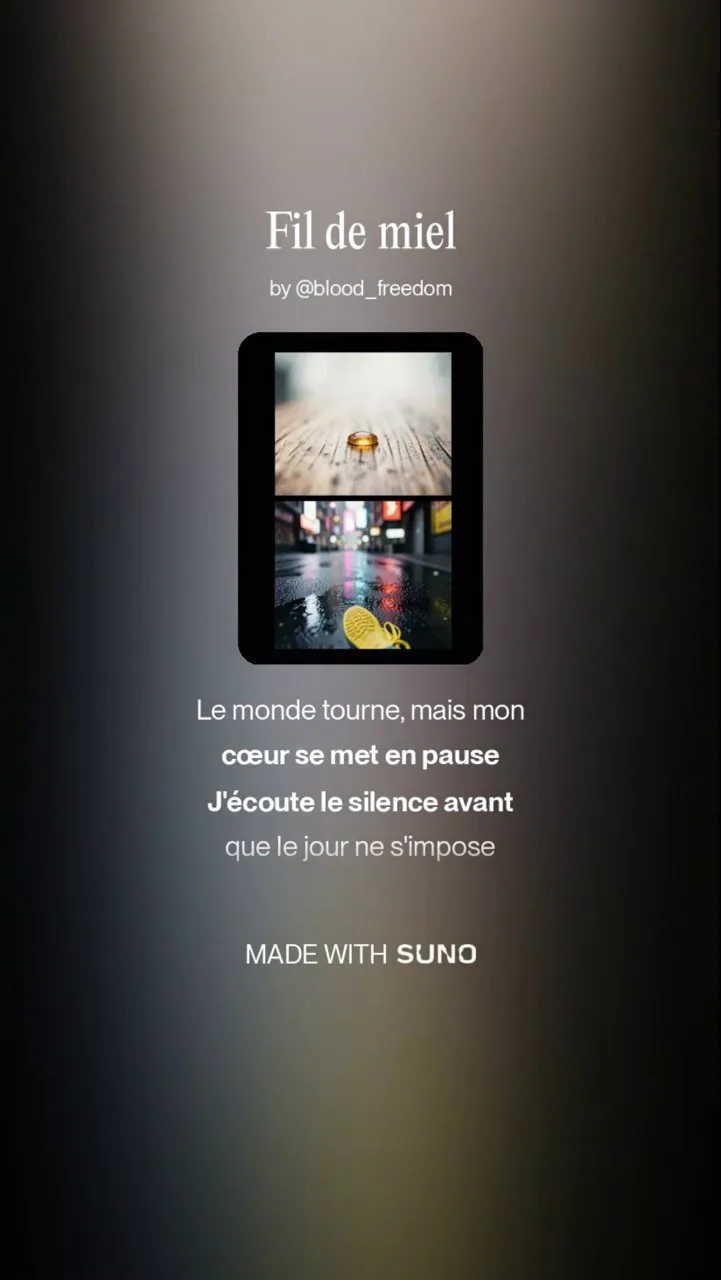
Make the words the focus with scrolling lyrics and a visual backdrop.
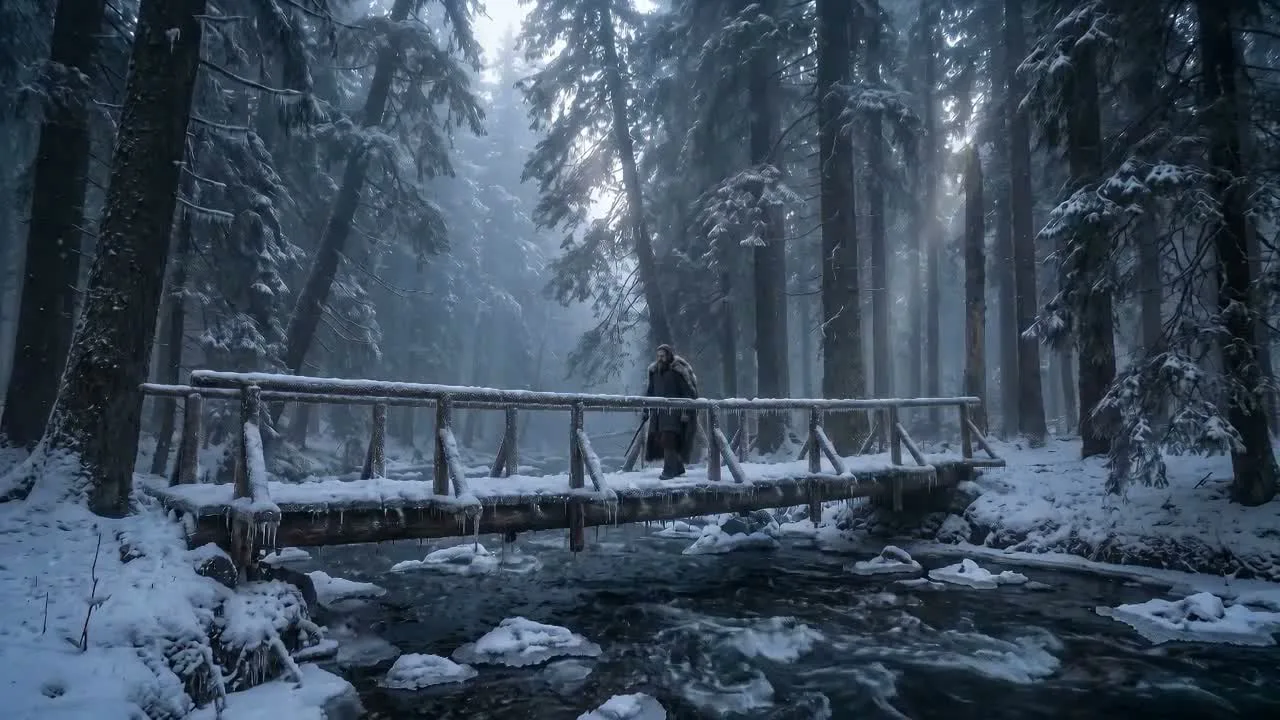
Build a visual journey through characters, scenes, and emotional turns.
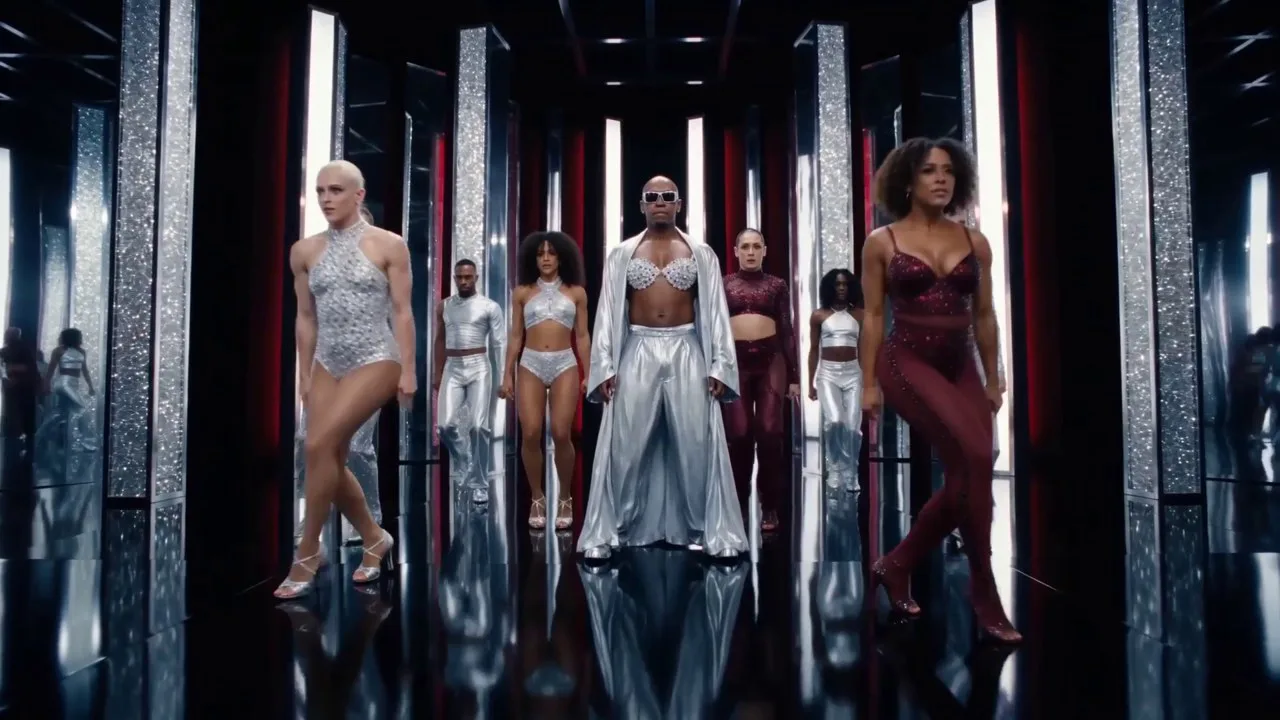
Let movement and ensemble performances carry the energy of the song.
Yes. You can use a real photo of yourself as a character reference so you can appear in your music video. Start by uploading your song, then add your photo in the project and ask Pixo to use you as the performer.
You need to upload a song to start. A storyboard or complete brief is optional: Pixo can help develop the visual concept and plan the shots around your recording.
Yes. Download the audio file and upload it to Pixo. The music-video workflow does not require a Suno or Udio share link. Use a track you have permission to use.
Yes. Pixo can identify different singers and help assign characters to their vocal parts, including duets and group vocals. Review the roles and timing, then check the generated lip sync against the recording.
Yes. A music video can combine on-camera singing with non-singing story scenes. Review the storyboard to decide when the performer appears and when the visuals move the story forward.
Yes. Plan a lyric-led video and add the lyrics as editable text clips in the timeline. Adjust the text, timing, position, and style, then review how the lyrics appear over the visuals. On-screen lyrics and singing lip sync are separate choices.
Yes. Adjust or regenerate selected shots and keep the scenes you want to retain. Reuse character and scene references to help maintain continuity, then review the assembled edit.
Yes. A full song is assembled from multiple scenes. Longer tracks need more shots and credits. The current audio-upload limit is 200 MB; supported files include WAV, MP3, OGG, and M4A.
Creating an account is free. Video generation requires a paid subscription, purchased credits, or an eligible trial shown in your account. Usage depends on the model, duration, settings, and revisions. Check the credit estimate before generating.
Commercial use depends on the applicable plan and model-provider terms. You also need the necessary rights to the song, lyrics, reference images, and likenesses used in the video. Review the current terms before publishing.
YOUR TRACK IS NEXT
Upload your music to get started. Let Pixo help develop the direction, then shape the shots into your own music video.
Create your music video