AI Anime Photo Filter

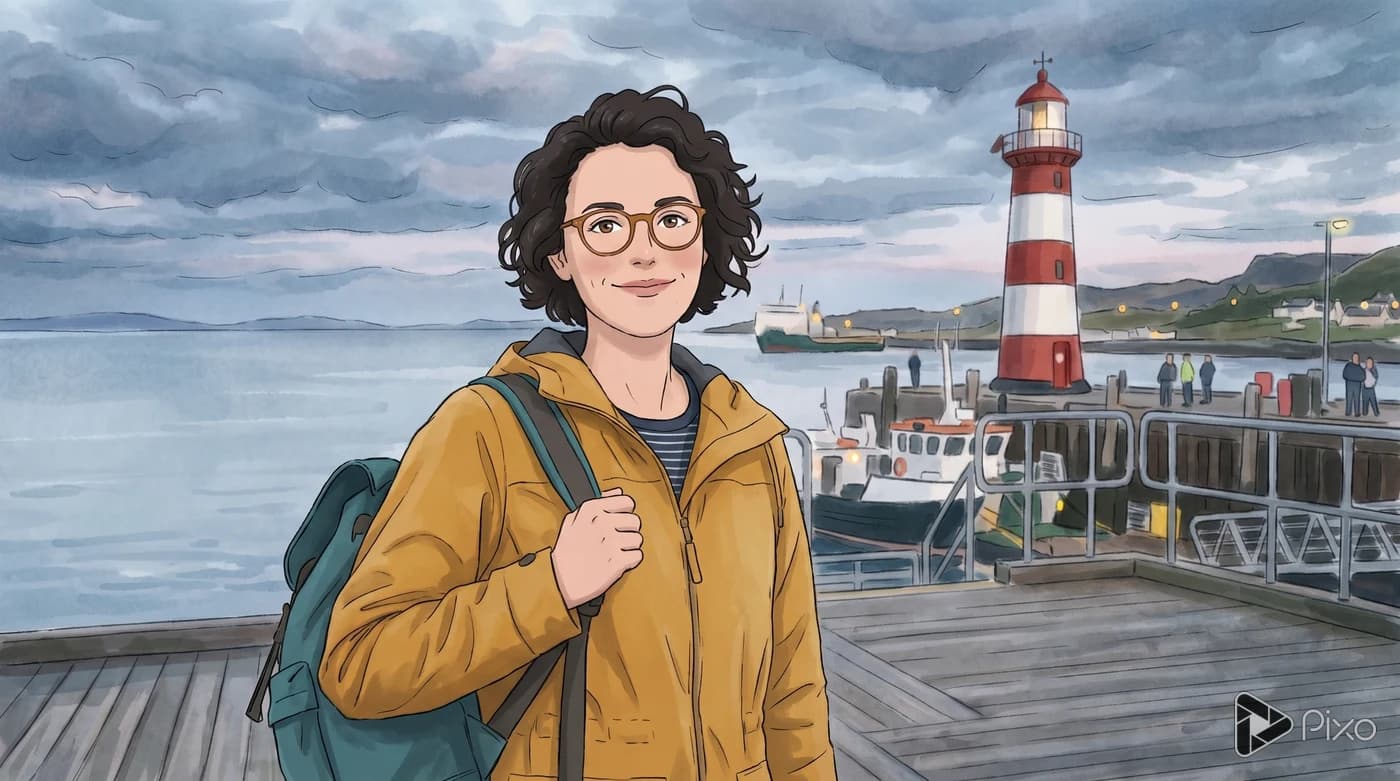
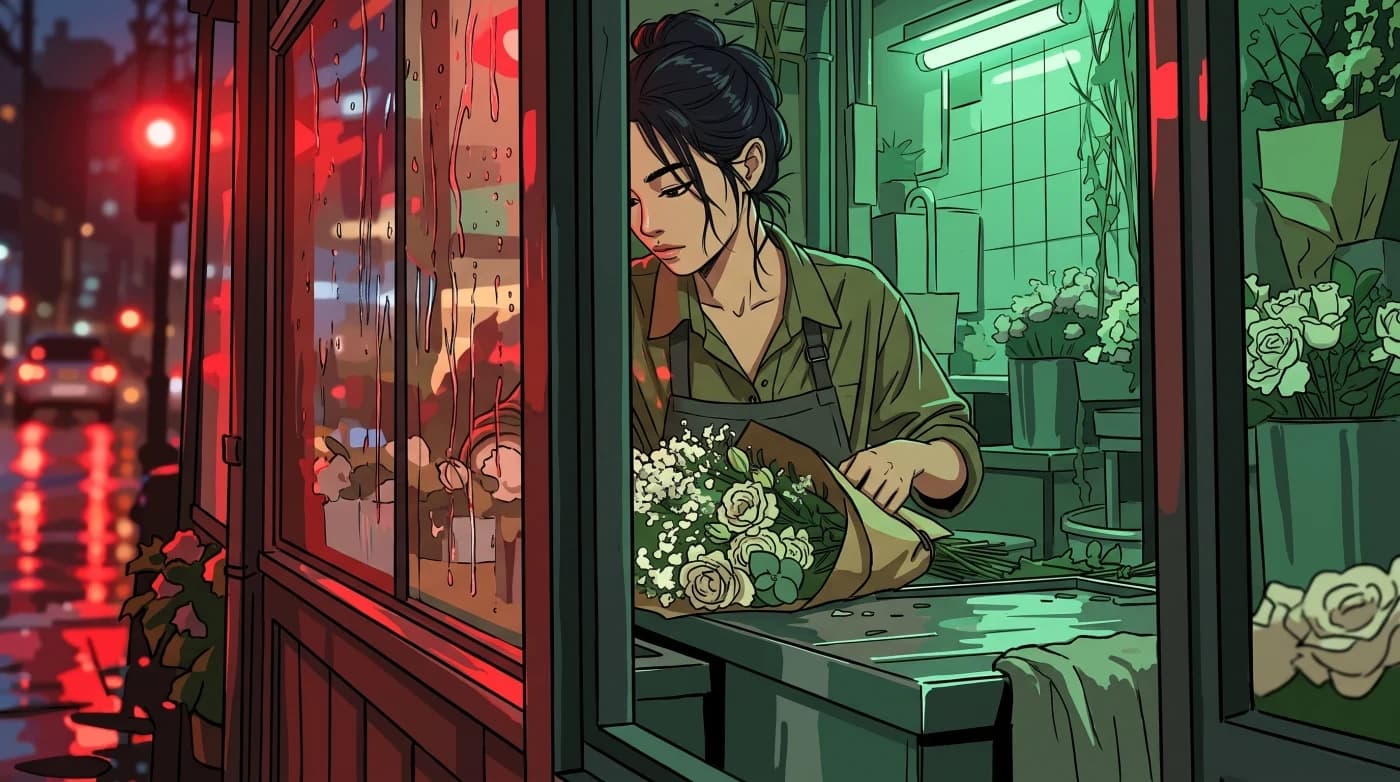
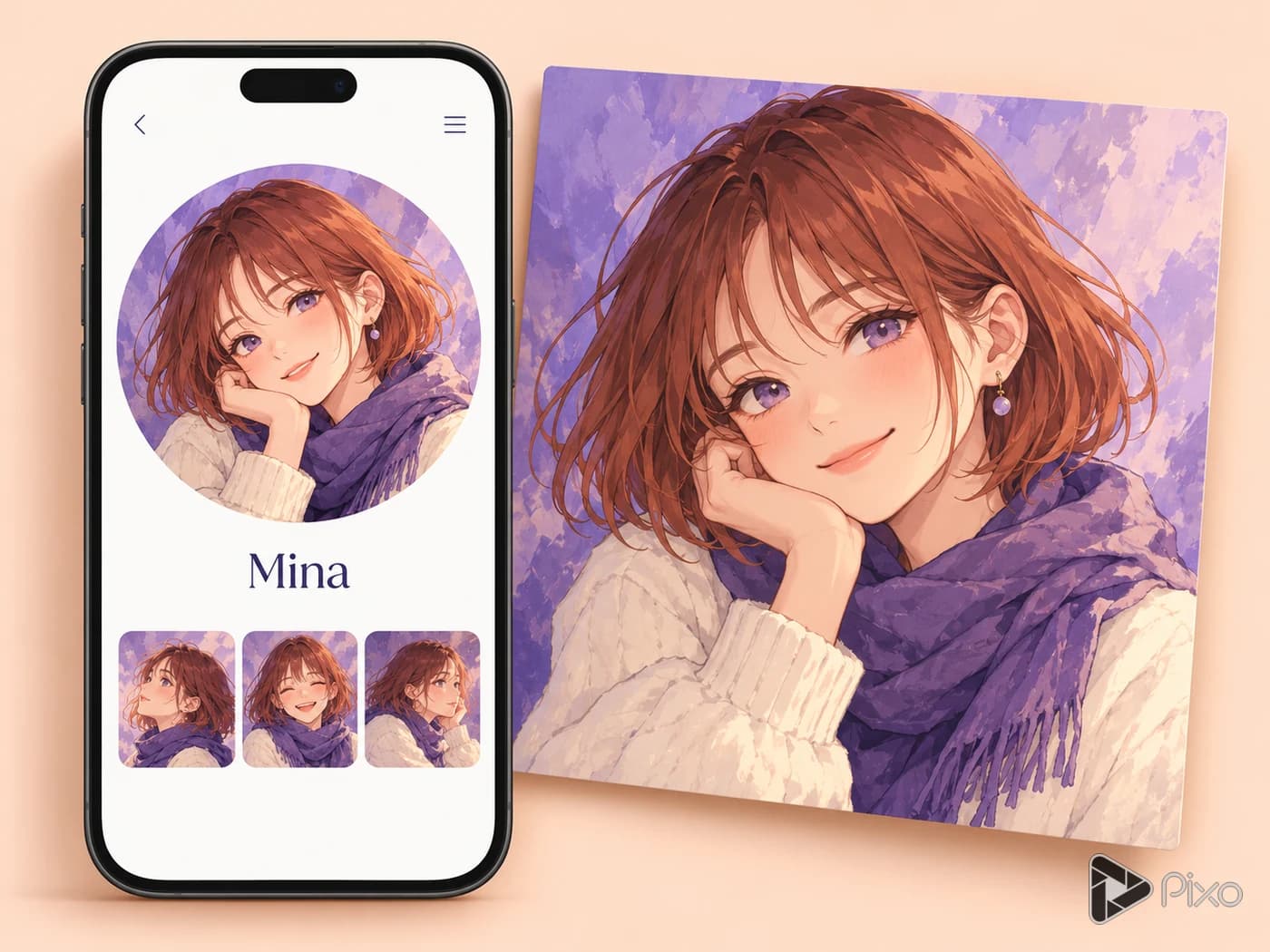
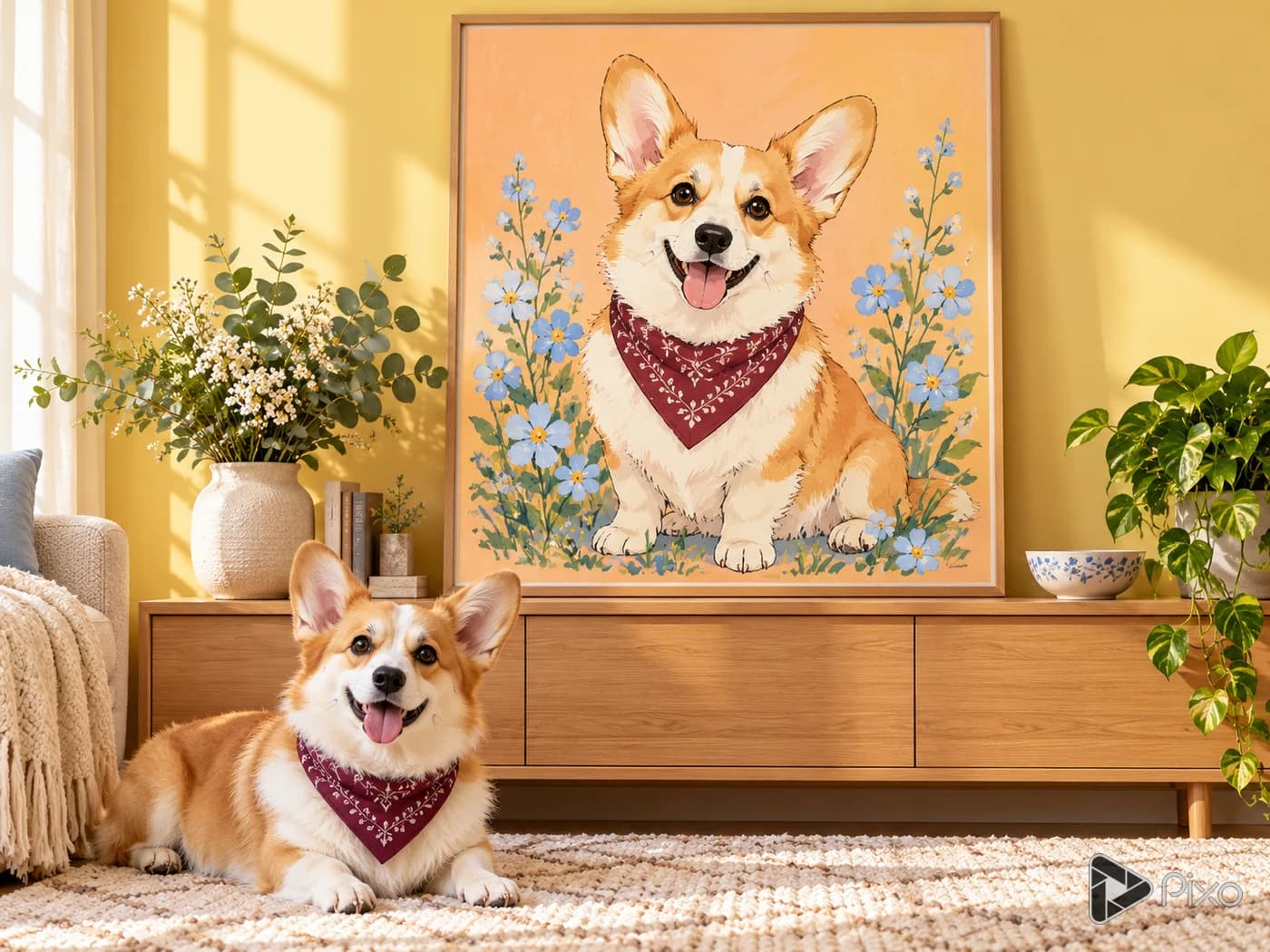
Reinterpret a photo as an anime-style image while describing the features that should stay recognizable. Choose linework, shading, and a color direction suited to the subject.

Try this image edit

Generation uses credits. Check the selected model’s price and your plan before generating.

Shape the creative brief

Identity anchors

List facial shape, hairstyle, clothing, and pose to preserve.

Anime treatment

Describe line thickness, cel shading, eye stylization, and background detail.

Transformation strength

Choose a restrained portrait interpretation or a more expressive illustration.

Two prompts to start with

Use these written examples as a starting point. Adapt the subject and references to your project; generated results will vary.

First direction

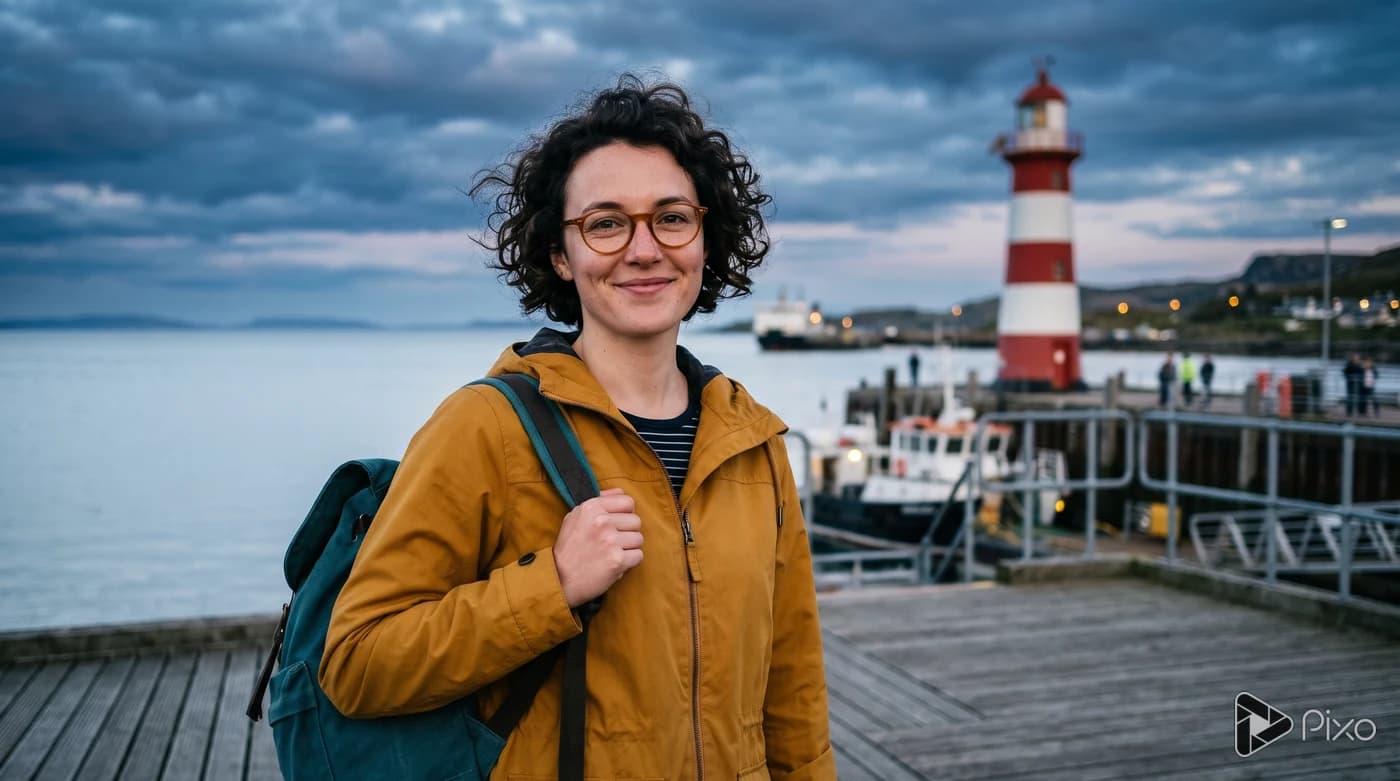
Restyle my adult portrait as an original anime-style illustration with clean fine outlines and soft cel shading. Preserve my face shape, short curly hair, glasses, pose, and clothing colors.

Another approach

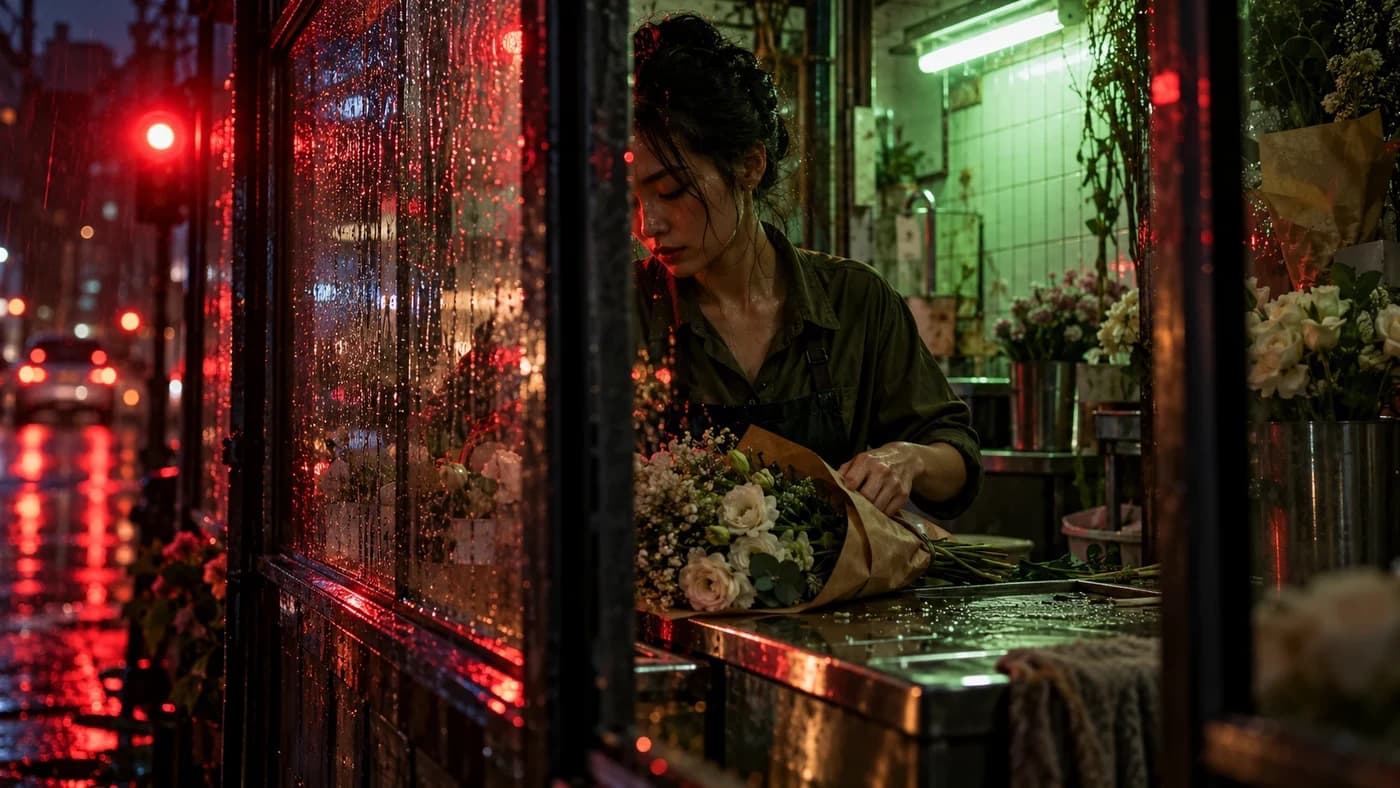
Transform my street photo into an anime-style background illustration. Keep building positions, perspective, and the parked bicycle, with simplified textures and warm evening colors. Do not add people.

Finishing the result

This is a generative image transformation rather than a deterministic filter. It may change details; review identity and composition before sharing.

How to get started with AI Anime Photo Filter

1

Prepare the source references

List facial shape, hairstyle, clothing, and pose to preserve.

2

Open the image Playground

Choose Nano Banana 2 in Pixo. Add the source photo or sketch and describe what should change and what should stay. Add another reference if needed, then choose a supported output size.

3

Generate and compare

Compare likeness, age appearance, expression, hands, and scene composition with the original photo.

4

Prepare the final artwork

This is a generative image transformation rather than a deterministic filter. It may change details; review identity and composition before sharing.

AI Anime Photo Filter: questions and answers

Inputs, creative control, and finishing your project.

Start your next image project

Generation uses credits. Check the selected model’s price and your plan before generating.