Describe a scene or add a reference to make wallpaper with room for your icons.
Misty ridgesWide wallpaper idea
1 / 3
Choose an example to fill in a starting idea you can edit.
Three wallpaper directions
Explore a misty landscape, layered paper shapes and a quiet night scene.
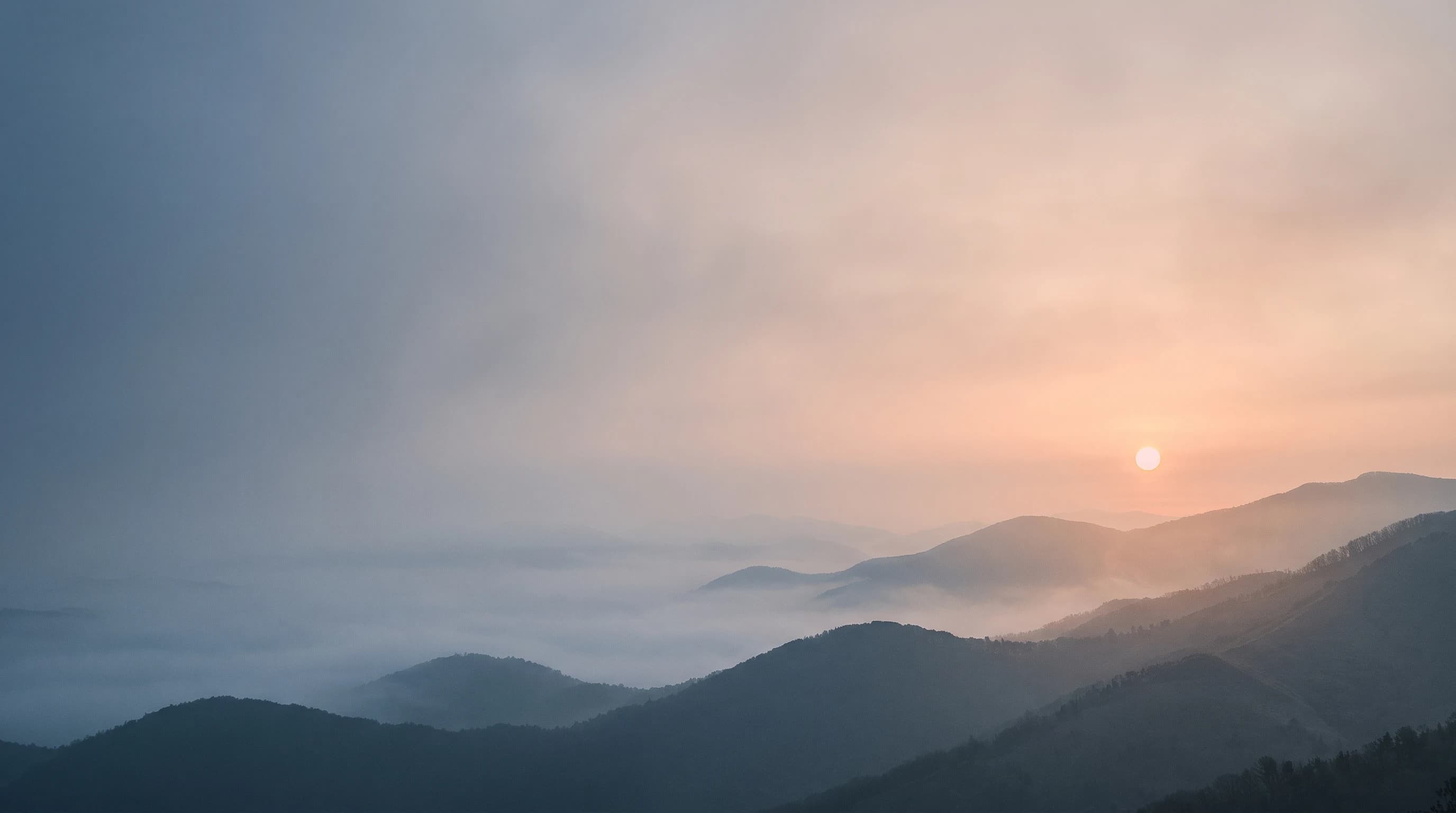
Misty mountain ridges
Soft layers and open sky leave a calm area for desktop icons.
View prompt and model
Made with Nano Banana 2
Wide desktop wallpaper of misty mountain ridges at dawn, muted blue and warm peach, a small sun toward the right, soft low-detail sky and open space along the left for desktop icons. No lettering.
Refined atmospheric landscape photograph with gently layered mountain silhouettes across the lower third, blue-gray mist dissolving distant ridges, a small pale apricot sun in the upper-right third. The left 40 percent is soft luminous fog and calm sky with very low local contrast. Mountains have convincing natural contours, not sharp fantasy peaks. Restrained muted blue and peach palette, peaceful dawn light, subtle fine detail only near the right. Full-bleed complete wallpaper composition; no device, frame, user interface, icons, captions, logos or typography.
AI-generated wallpaper examples. Device scenes below illustrate possible uses.
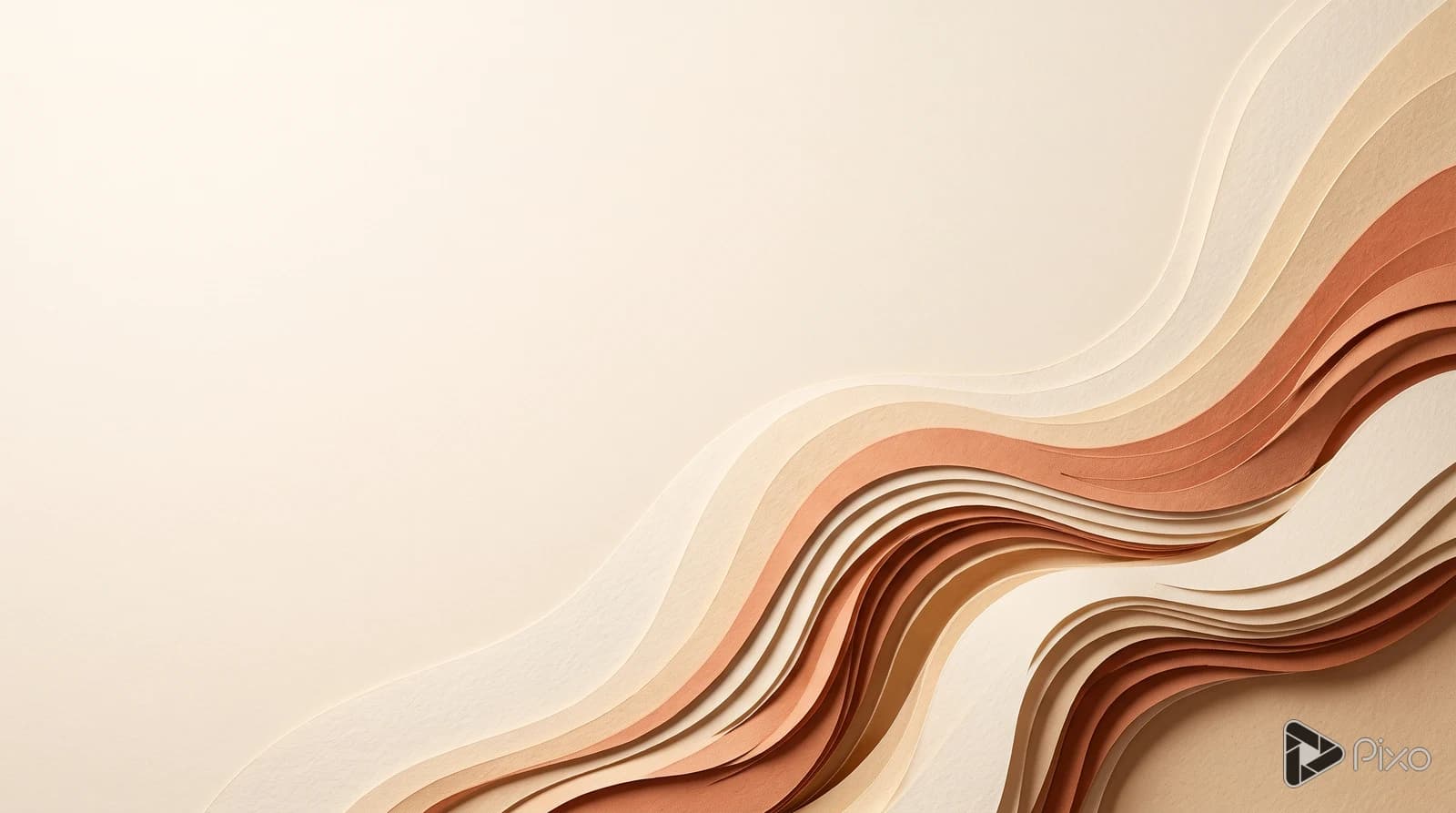
Paper-cut dunes
Warm paper shapes keep the detail low and to one side.
View prompt and model
Made with Nano Banana 2
Wide desktop wallpaper of layered paper-cut dunes, warm cream and terracotta, sweeping curves concentrated toward the lower right, a quiet pale area on the left for desktop icons. No lettering.
Tactile sculptural paper art with precisely cut layered organic curves, matte warm cream paper, pale sand and burnt terracotta. Sweeping dune contours occupy the lower-right half, with gentle real cast shadows and a few visible paper edges. Keep the entire upper-left and left third pale and quiet, suitable behind desktop icons. Restrained editorial composition, rich material texture at right, smooth low-detail negative space at left, no sun or mountains. Full-bleed complete wallpaper, no device, frame, user interface, icons, captions, logos or typography.
AI-generated wallpaper examples. Device scenes below illustrate possible uses.
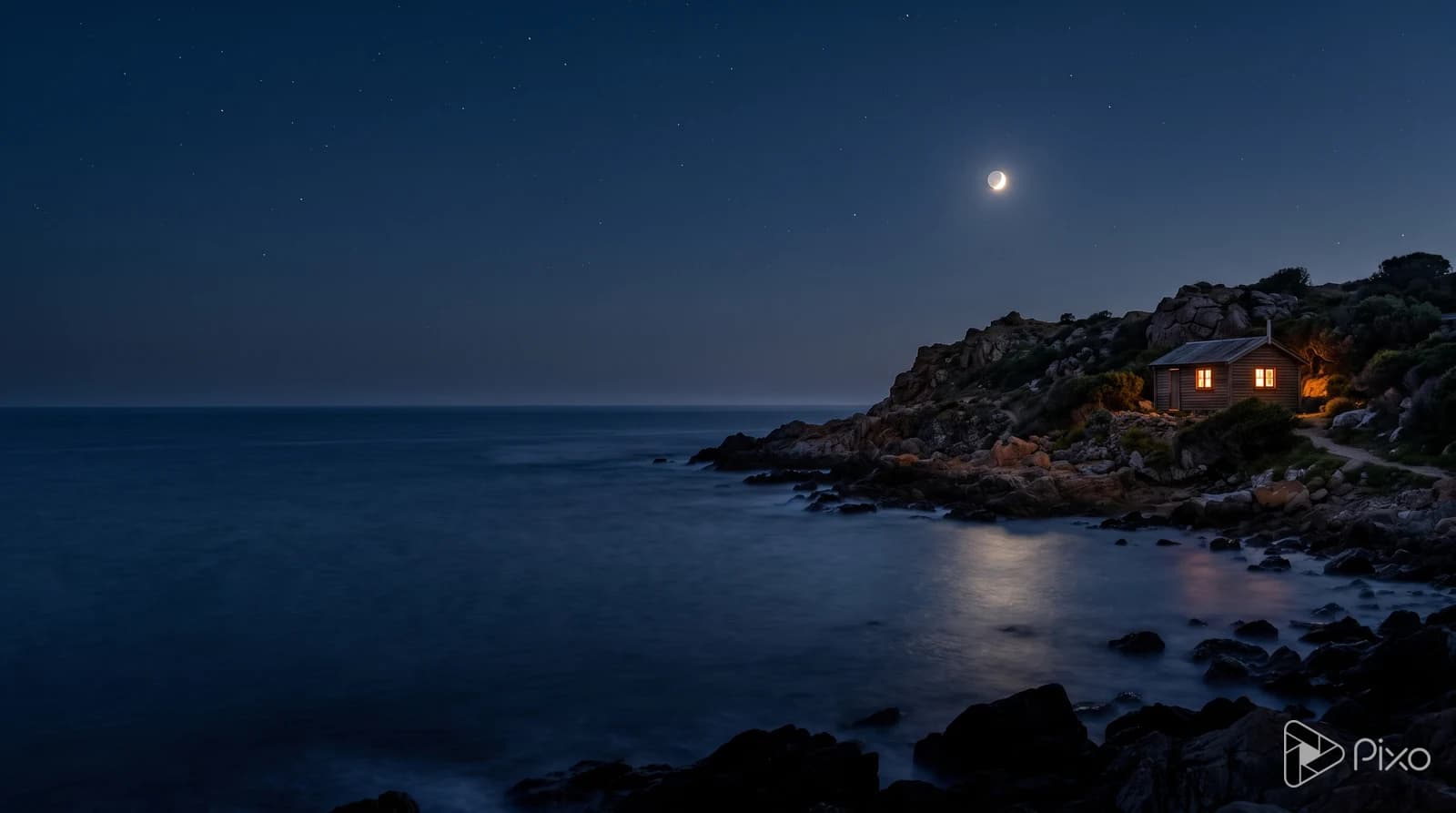
Moonlit coast
A small warm focal point sits against a broad dark sky.
View prompt and model
Made with Nano Banana 2
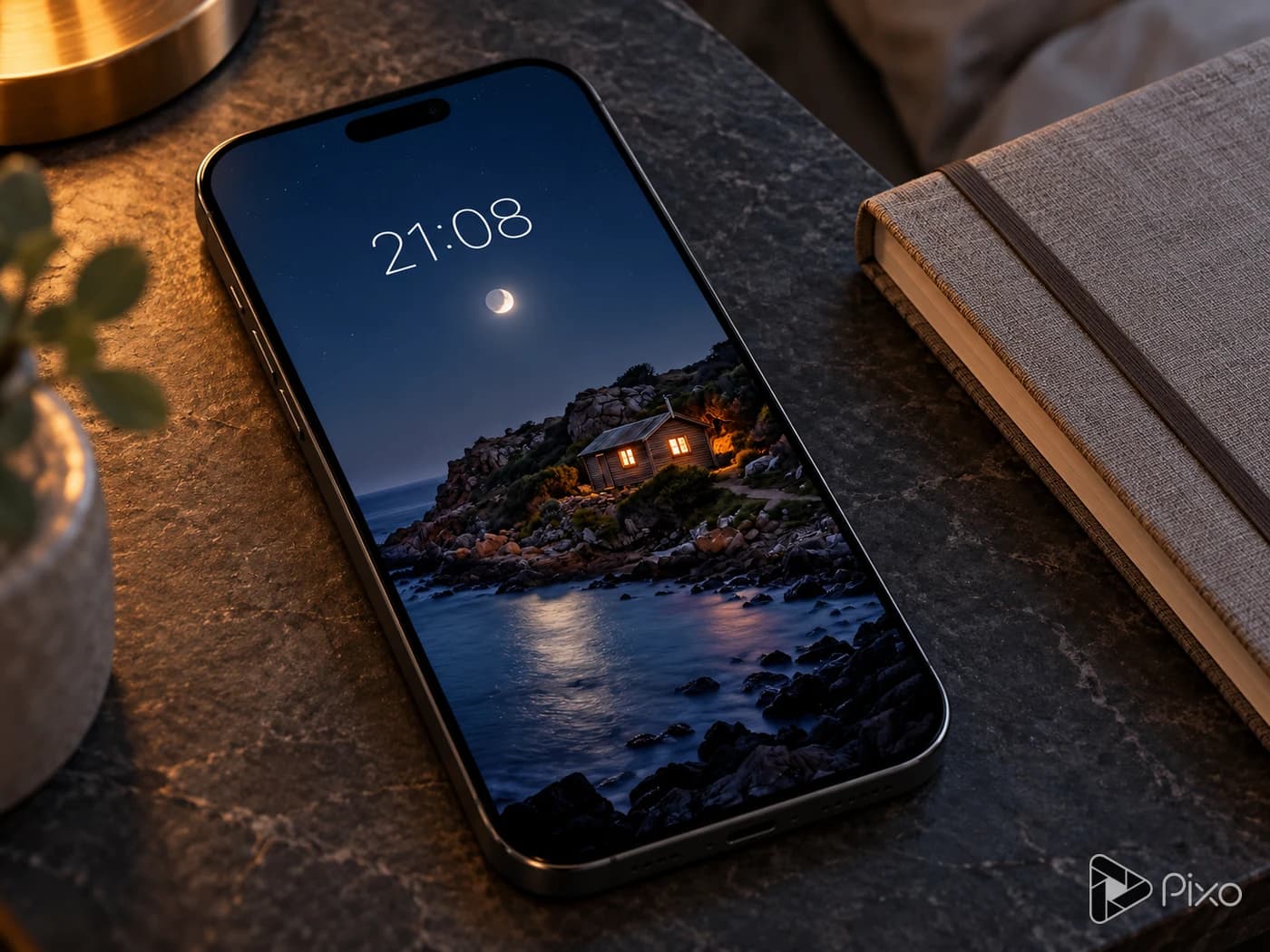
Wide desktop wallpaper of a moonlit rocky coast, deep navy water and a small amber-lit cabin toward the right, broad dark sky and restrained detail along the left for desktop icons. No lettering.
Cinematic nocturnal landscape photograph with a low rocky headland on the far-right third, a single small believable timber cabin with warm amber window light, soft moonlight on deep navy sea. Small pale moon above the right-center, broad uninterrupted dark blue sky, smooth long-exposure water with minimal reflection detail in the left half. Cabin remains secondary in scale, the coast feels spacious and quiet. Natural rock silhouettes and a restrained soft horizon. Full-bleed complete wallpaper composition; no device, frame, user interface, icons, captions, logos or typography.
AI-generated wallpaper examples. Device scenes below illustrate possible uses.
Shape the scene for your screen
Use a reference to guide the composition, then try another light or palette.
Start with an image reference
Add a landscape image and describe what to keep or change. Ask for a quieter area around your icons, then compare the result with the reference.
PixoImage + prompt
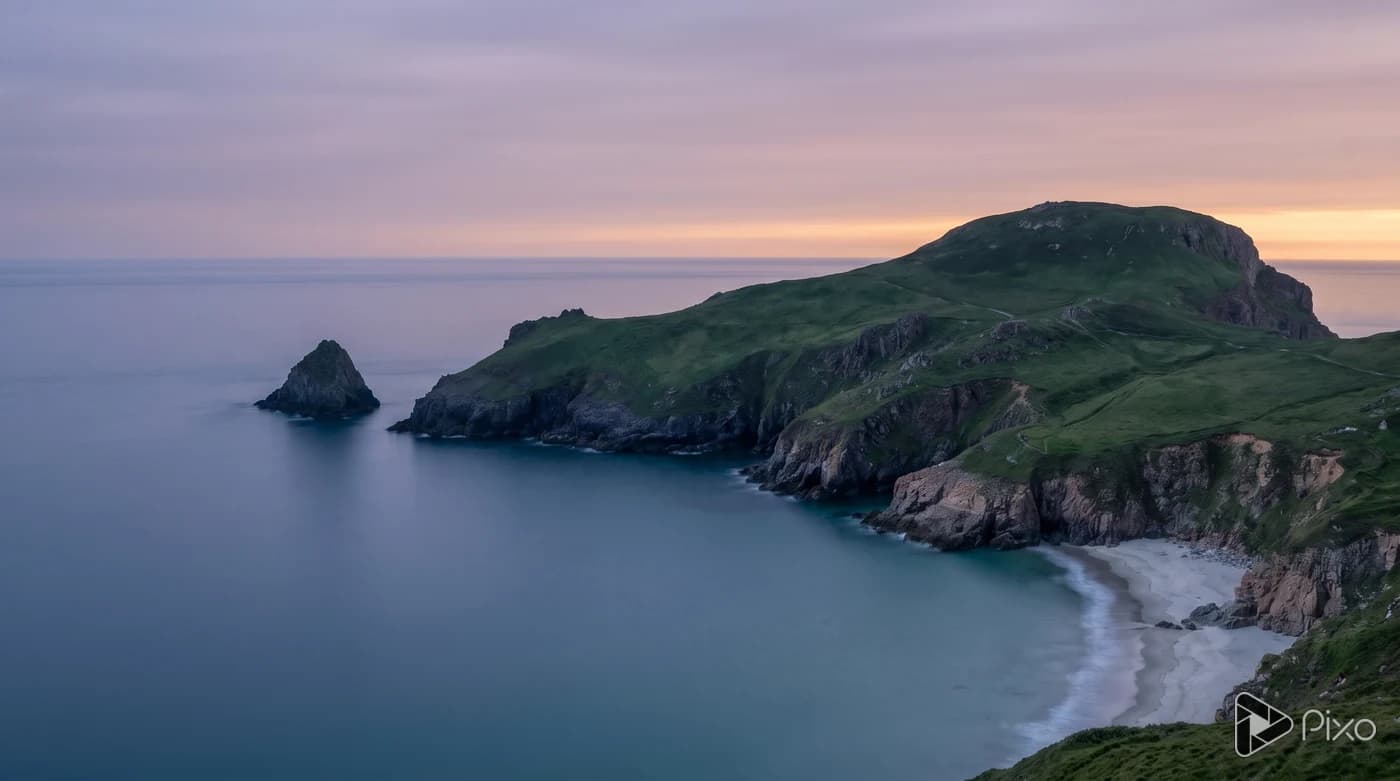
AI-generated reference
Keep the coastal headland. Use soft dusk light and a quiet sky with open space on the left for icons.
Nano Banana 2Use image reference
Compare another direction
Change the light or colors in your prompt to try another version of the same scene. Review the composition before choosing a wallpaper.
PixoWallpaper previews
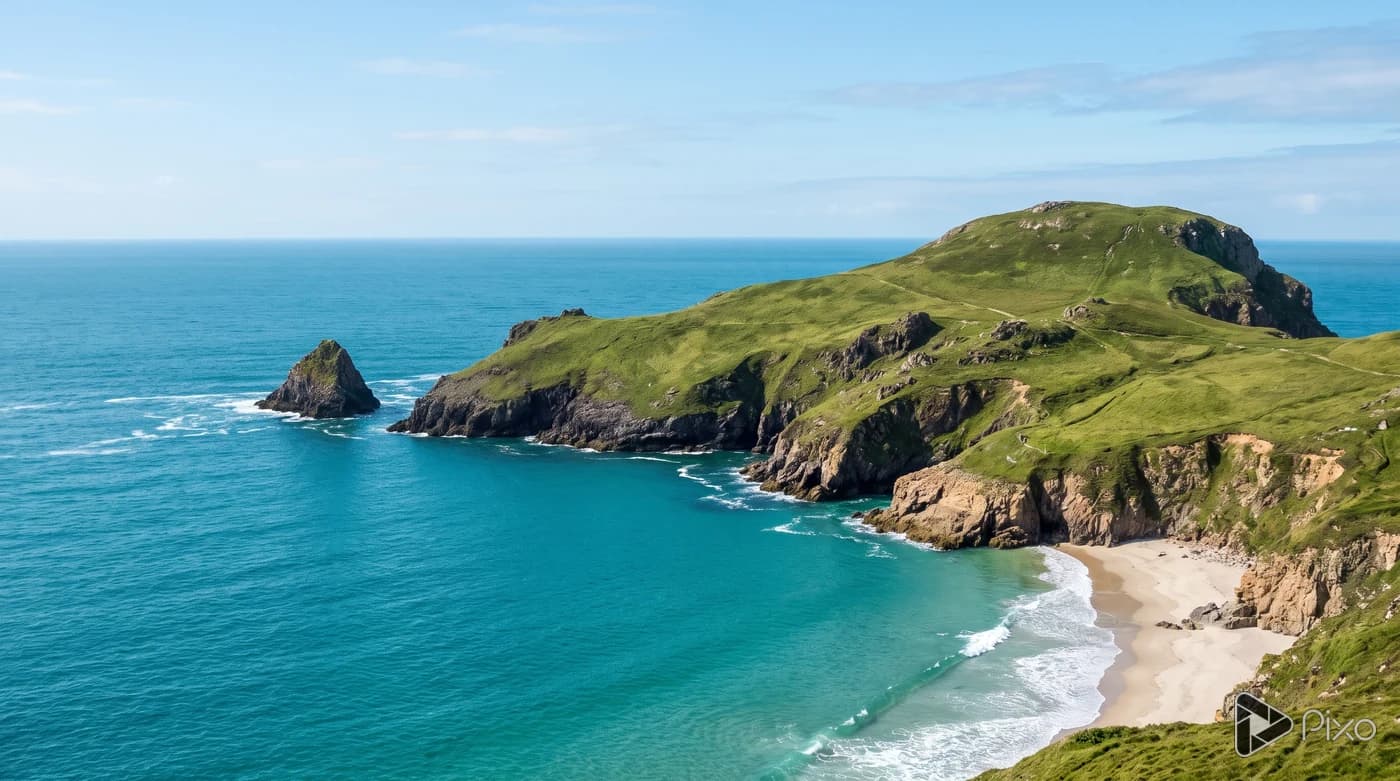
Keep the same coastal headland and open space. Try warm morning light with pale sand and blue water.
Nano Banana 2Try another direction
How to create your wallpaper
Describe the scene, check its shape, then try it on your screen.
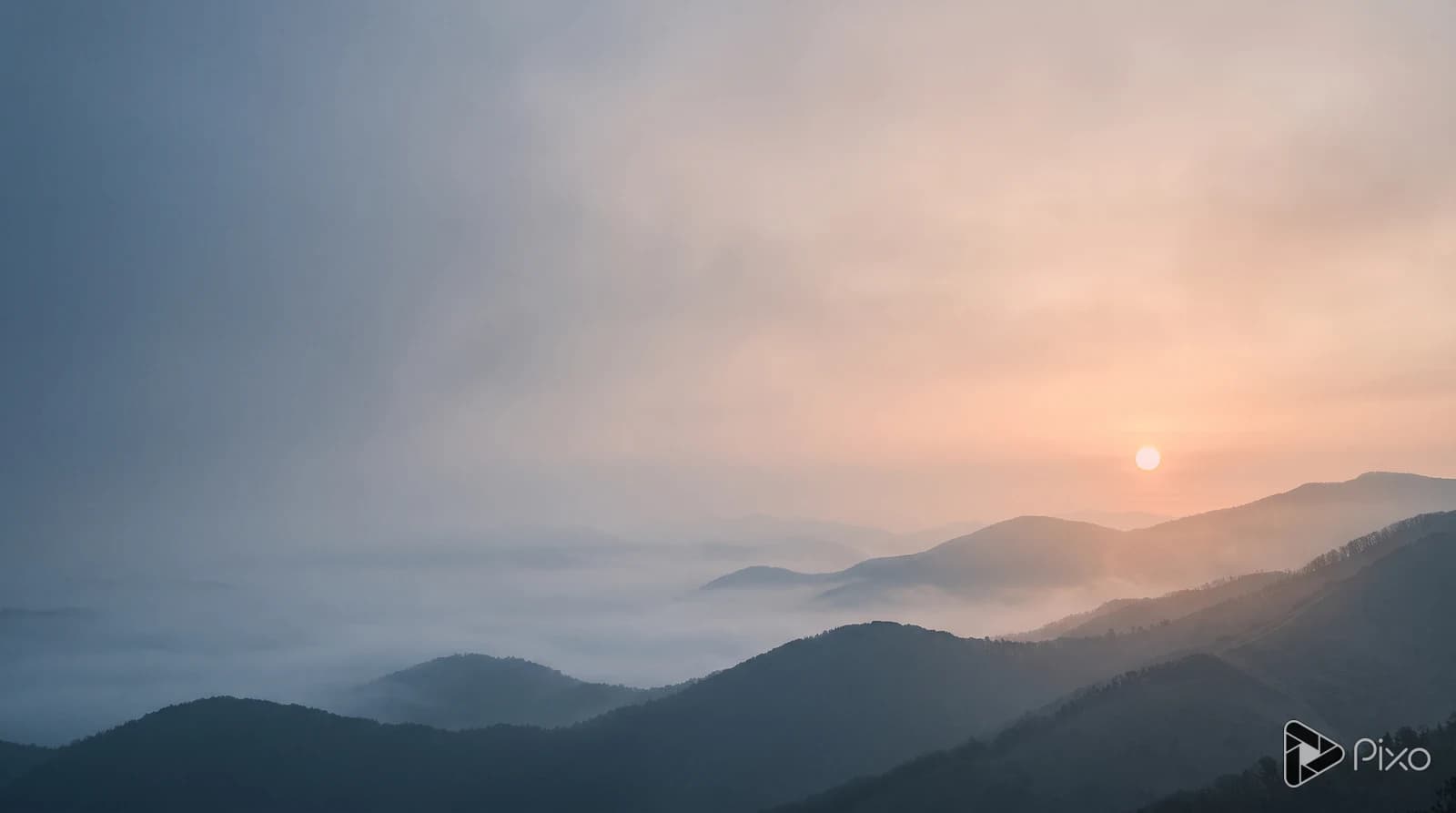
A wide desktop wallpaper of misty blue ridges at dawn, warm peach light and a quiet left side for icons. No text.
01
Describe the scene
Name the subject, colors and where you want open space. Add a reference image if you have one.
02
Check the screen format
Keep 16:9 for a wide screen or choose another supported shape. Click Create my wallpaper to continue with your draft.
03
Try it on your screen
After generating, check the crop and icon contrast on your device. Set it as wallpaper in your device settings; resize or crop separately if needed.
 AI-generated reference