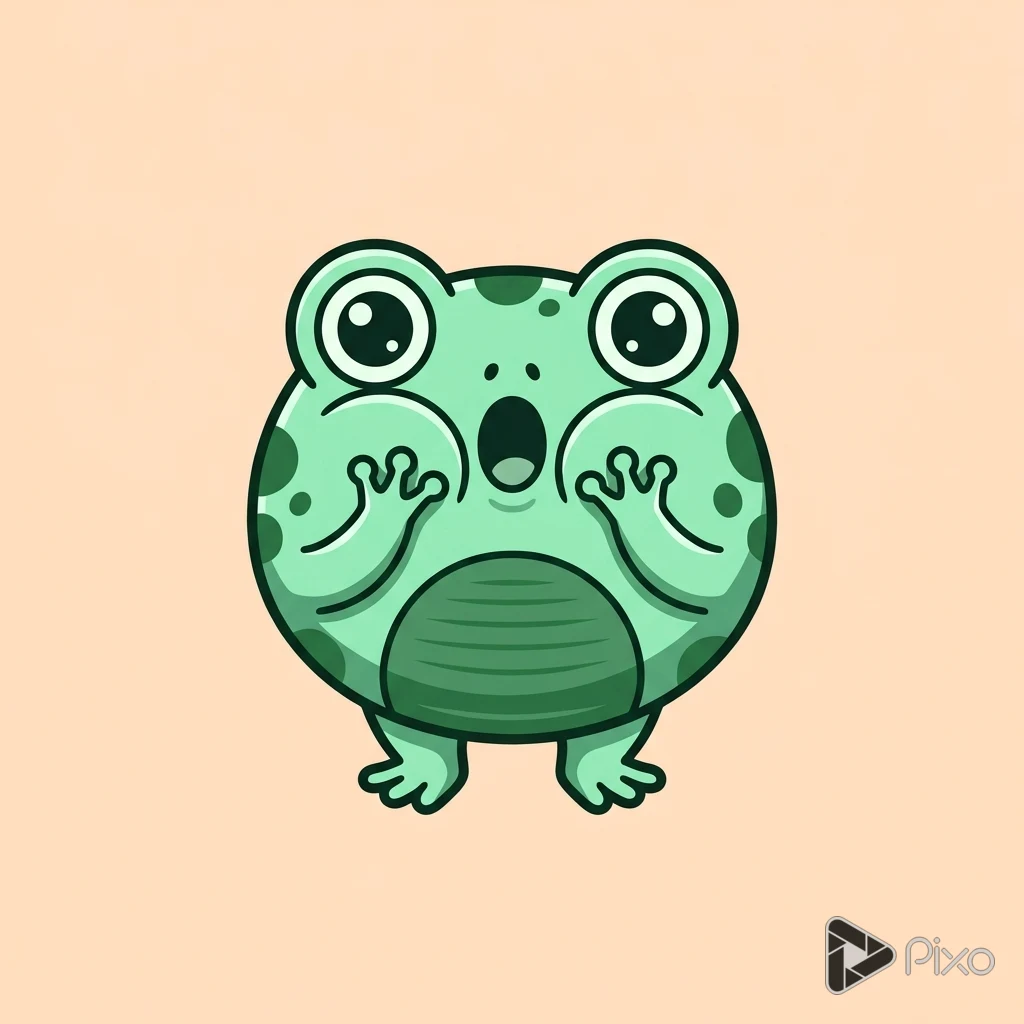
AI Emoji Generator

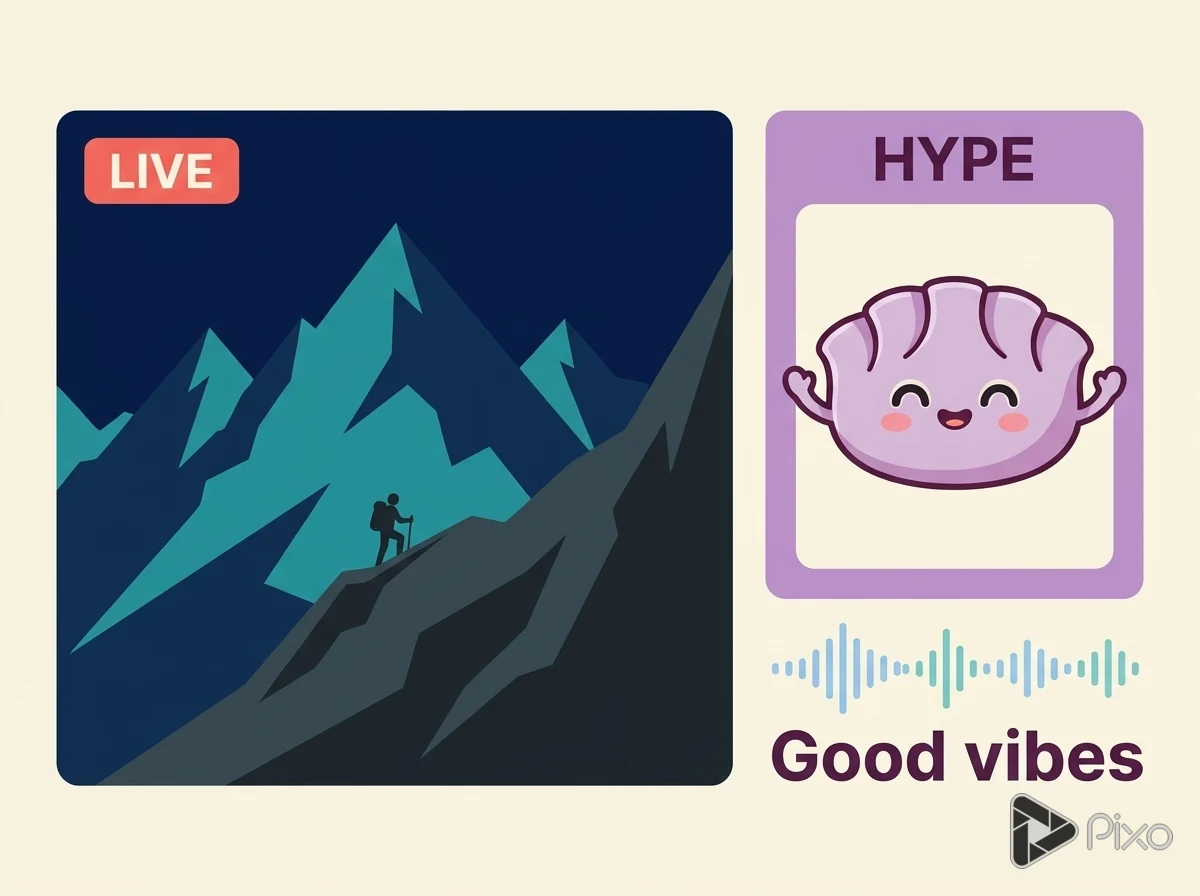
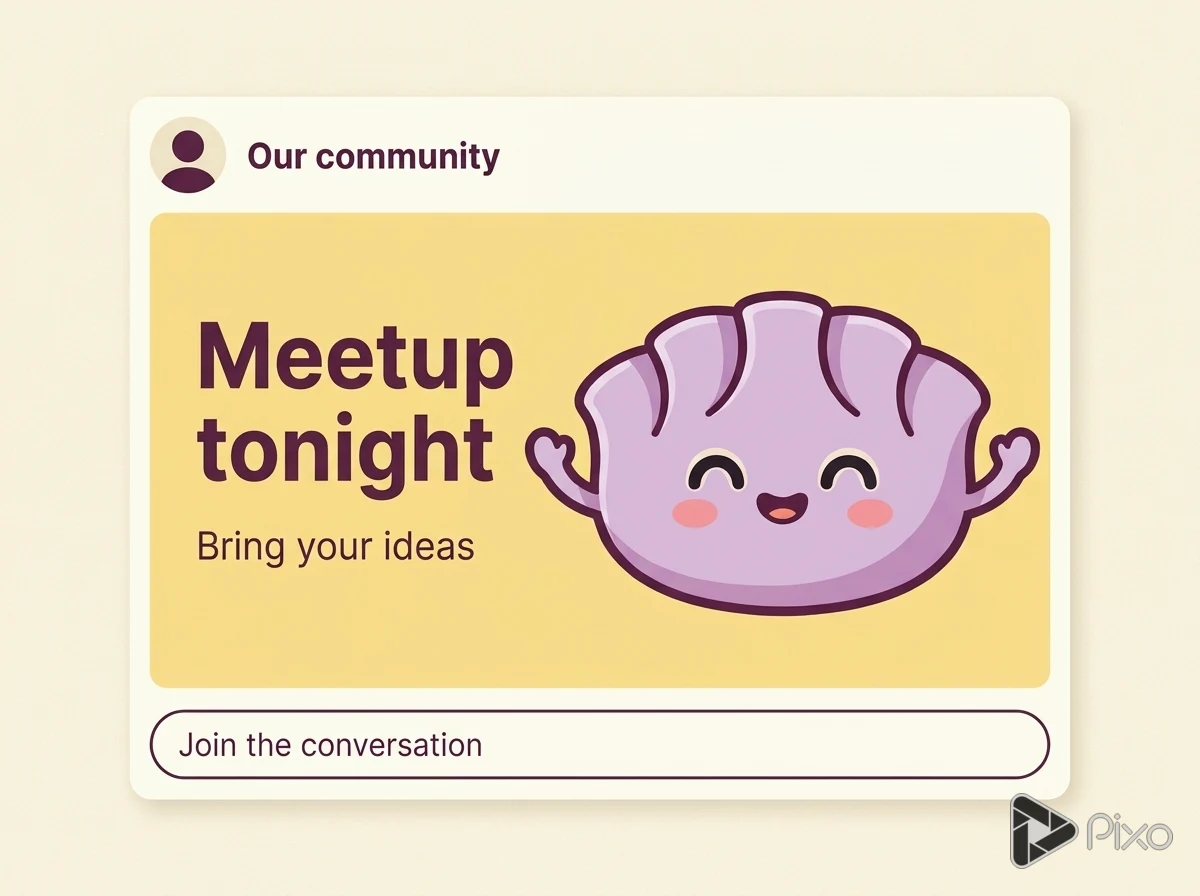
Design original emoji-style images with readable expressions and simple silhouettes. Create a visual set for a community or project, then prepare each file for its destination.

Create image artwork

Generation uses credits. Check the selected model’s price and your plan before generating.

Shape the creative brief

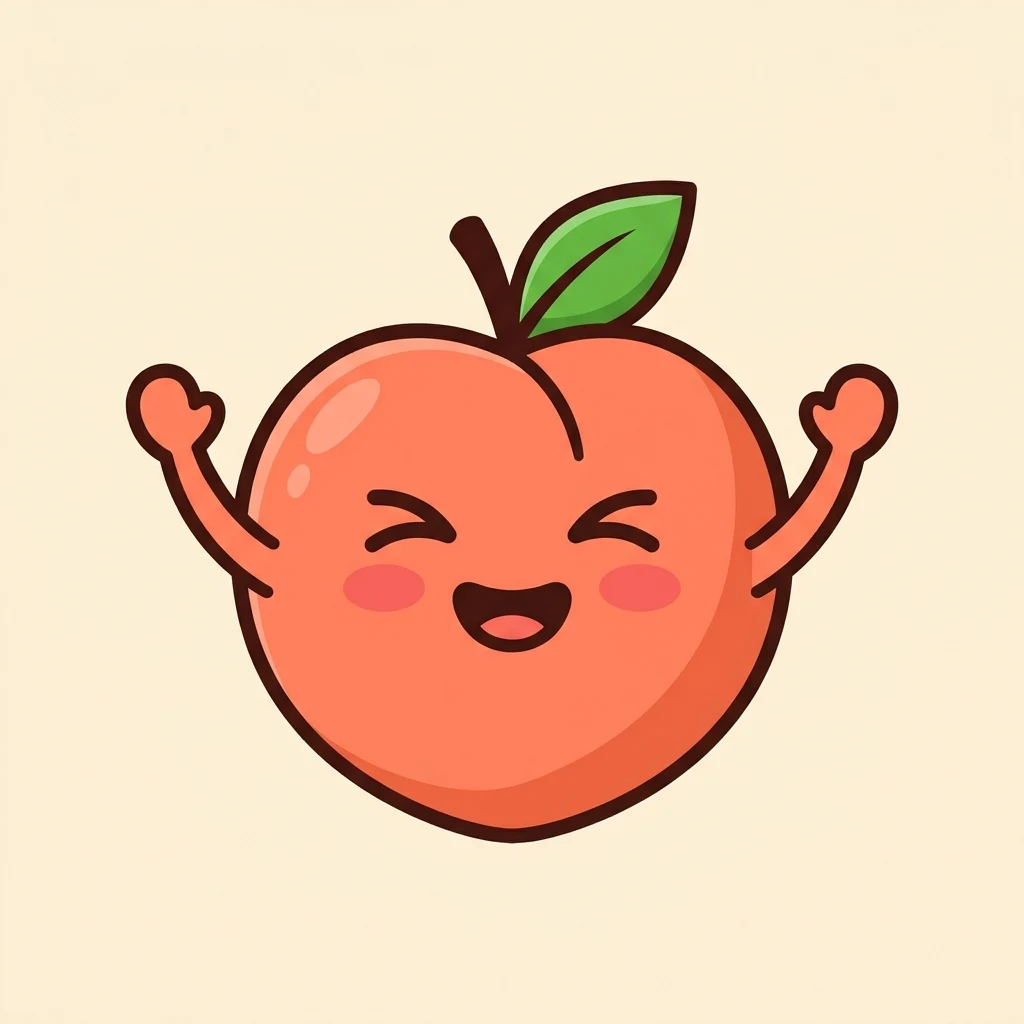
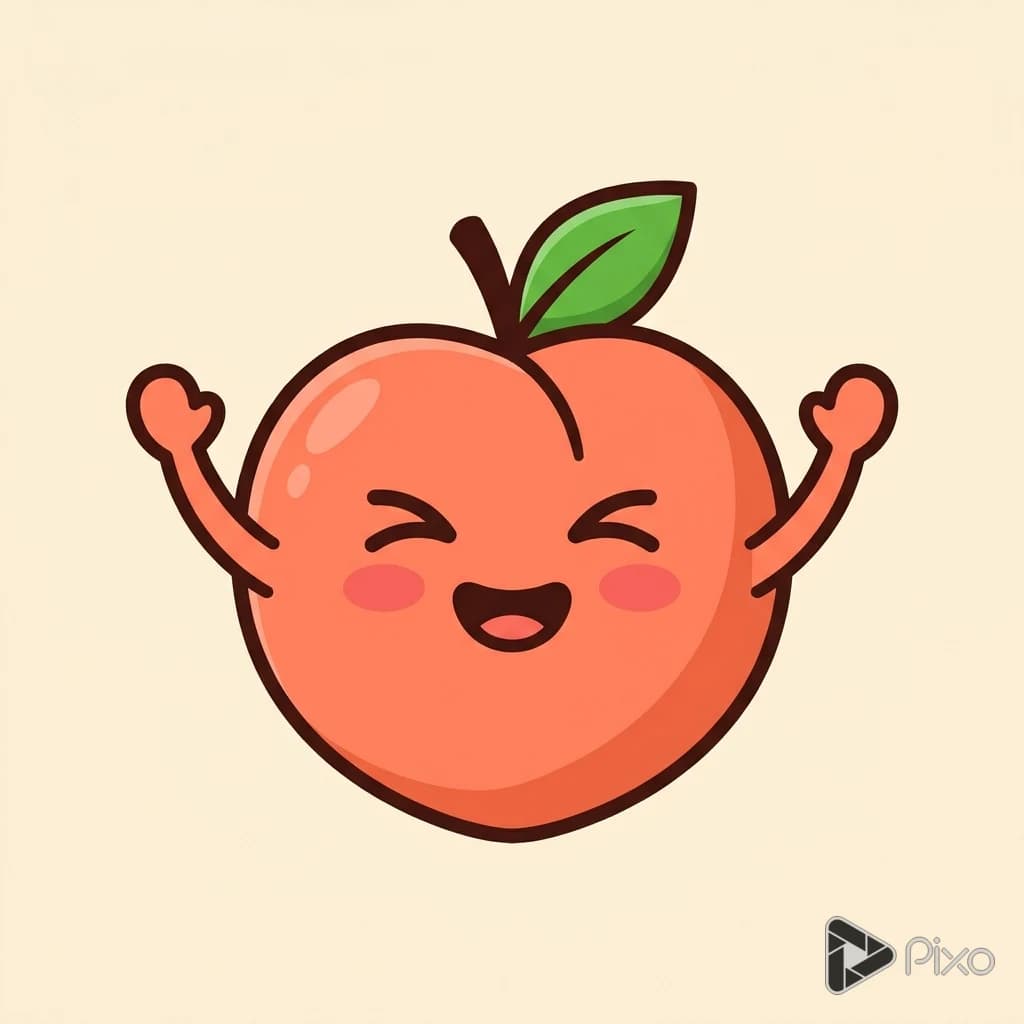
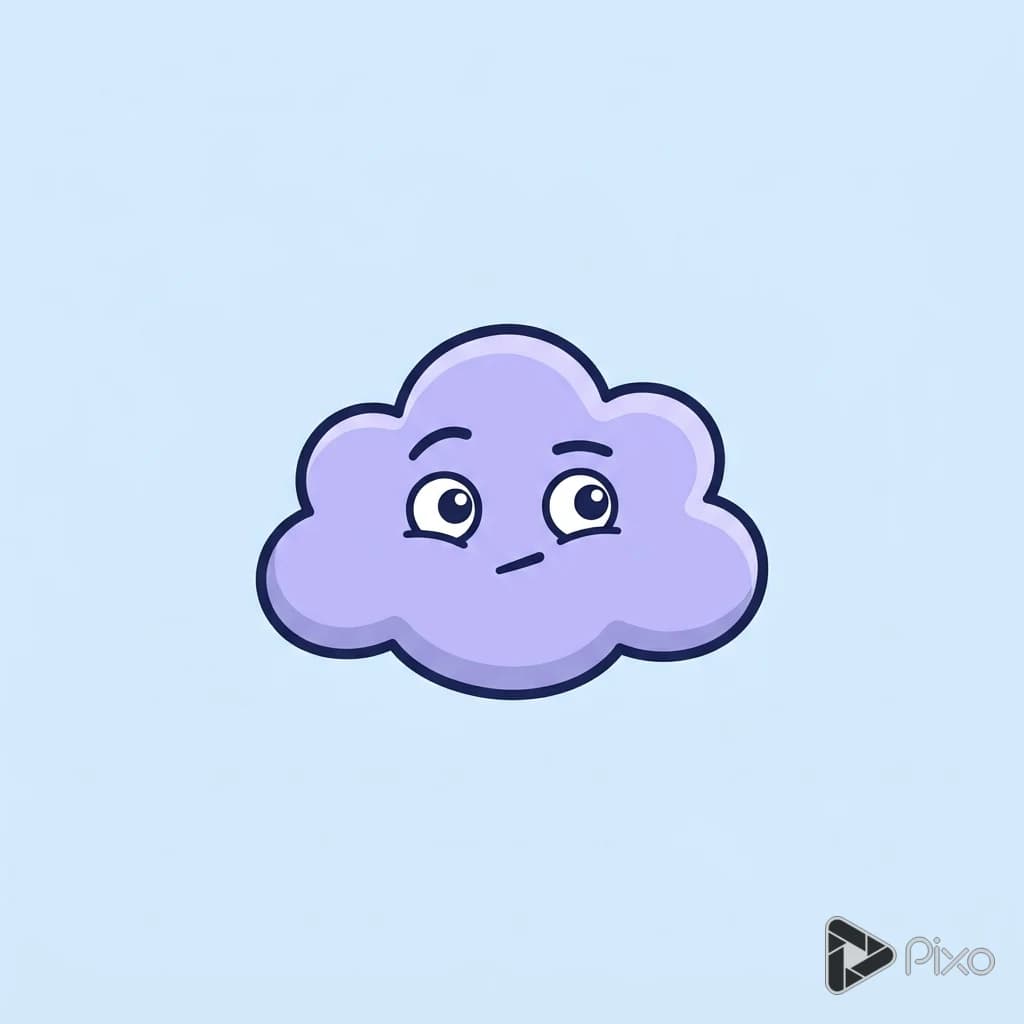
Expression clarity

Make the emotion recognizable without a caption.

Small-size shapes

Prefer a few strong features over tiny decorations.

Consistent set

Reuse the same palette, outlines, and lighting across a series.

Two prompts to start with

Use these written examples as a starting point. Adapt the subject and references to your project; generated results will vary.

First direction

An original sleepy lemon emoji with drooping eyelids and a tiny yawn, rounded yellow shape, thick readable outline, plain background.

Another approach

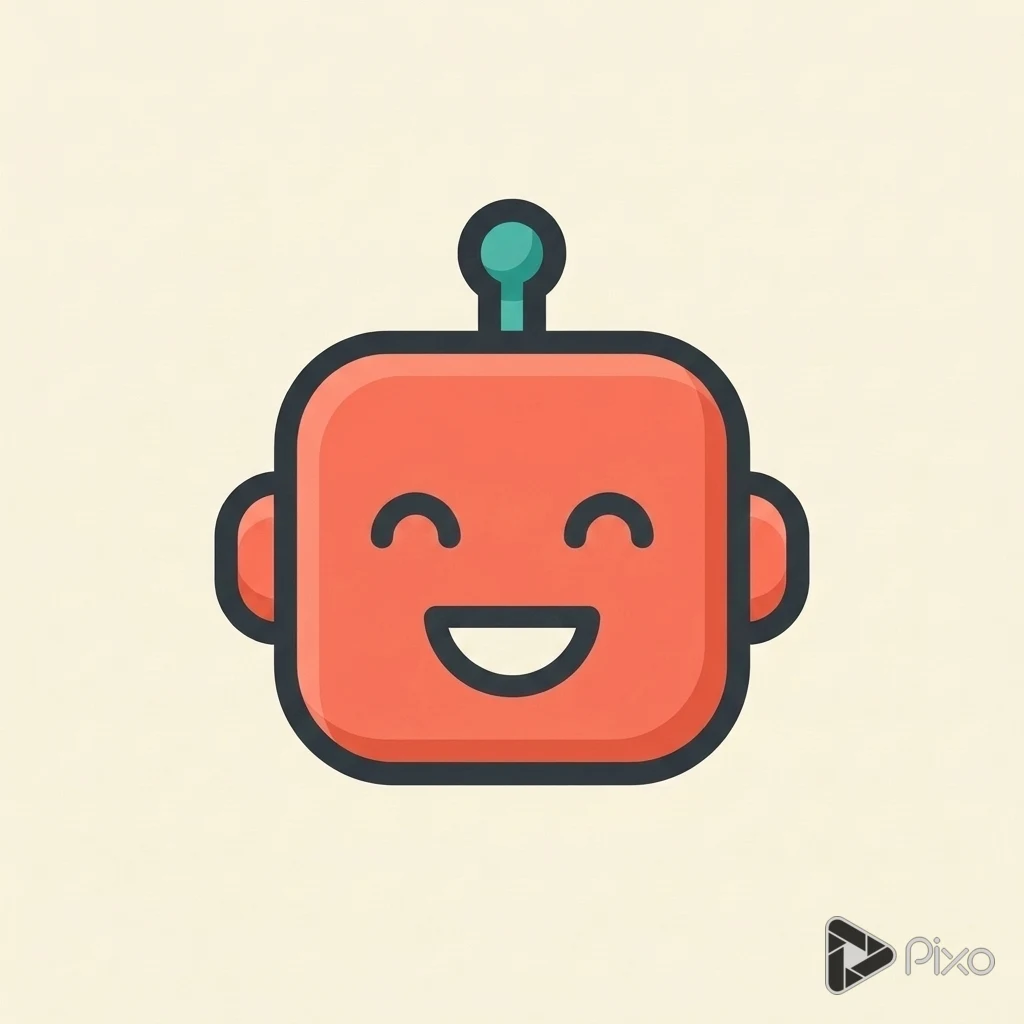
A cheerful robot emoji waving one small hand, simple teal and silver palette, bold expression, clean square composition.

Finishing the result

Generated emoji art is not a new Unicode character. Platform uploads may require resizing or background cleanup.

How to get started with AI Emoji Generator

1

Set the visual direction

Start with the subject, style, and intended placement. Make the emotion recognizable without a caption.

2

Open the image Playground

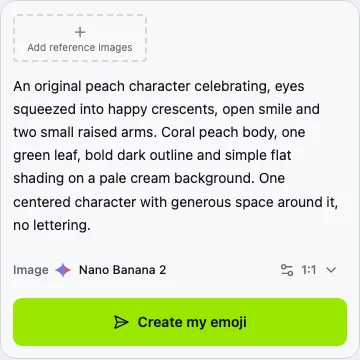
Choose Nano Banana 2 in Pixo. Add your prompt and any reference images, then select a supported aspect ratio and resolution.

3

Generate and compare

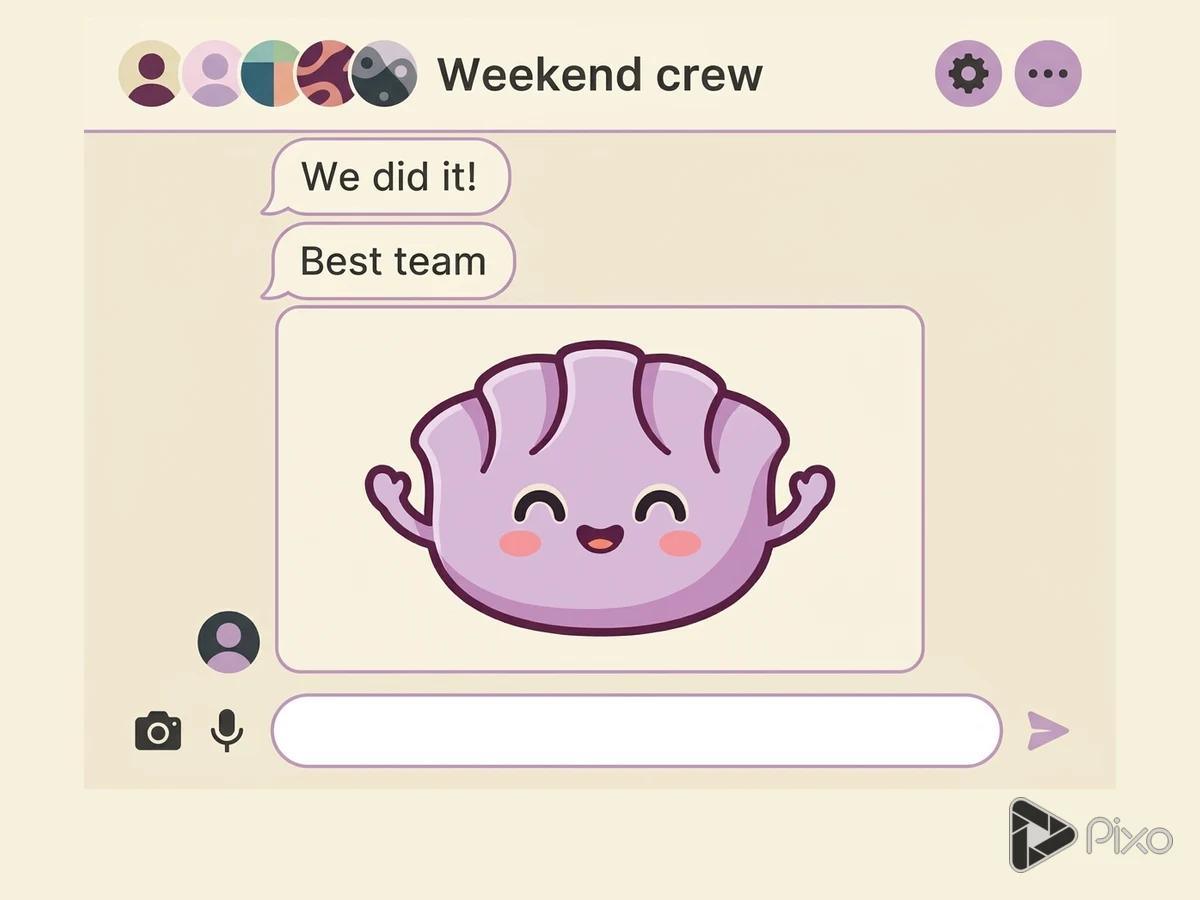
Inspect each expression at the size it will appear in chat.

4

Prepare the final artwork

Generated emoji art is not a new Unicode character. Platform uploads may require resizing or background cleanup.

AI Emoji Generator: questions and answers

Inputs, creative control, and finishing your project.

Start your next image project

Generation uses credits. Check the selected model’s price and your plan before generating.