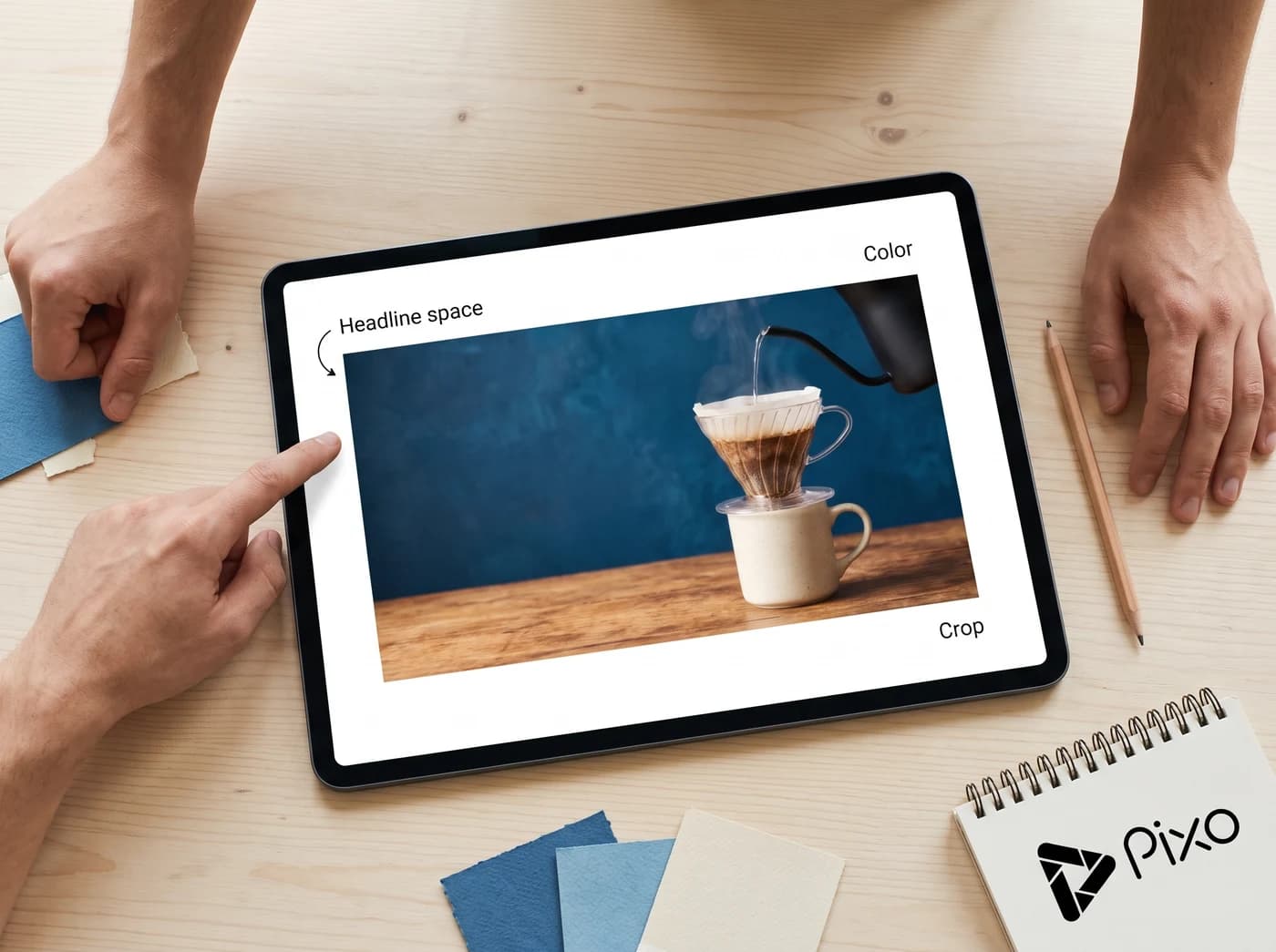
Describe your video or add a reference photo to explore wide thumbnail ideas.
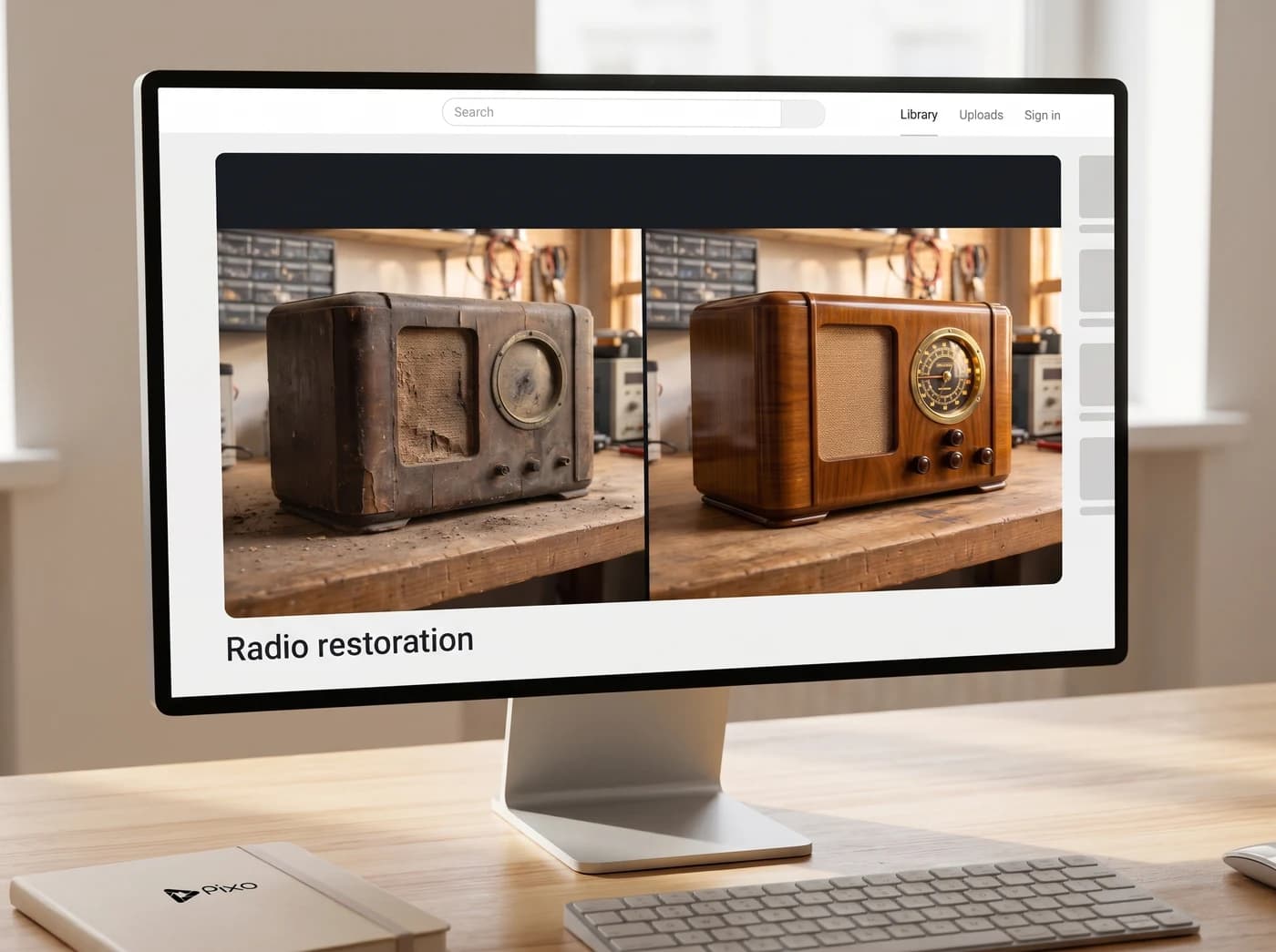
Radio restorationWide thumbnail idea
1 / 3
Choose an example to fill in a starting idea you can edit.
Three thumbnail ideas
Explore a clear visual hook for restoration, gardening and tutorial videos.
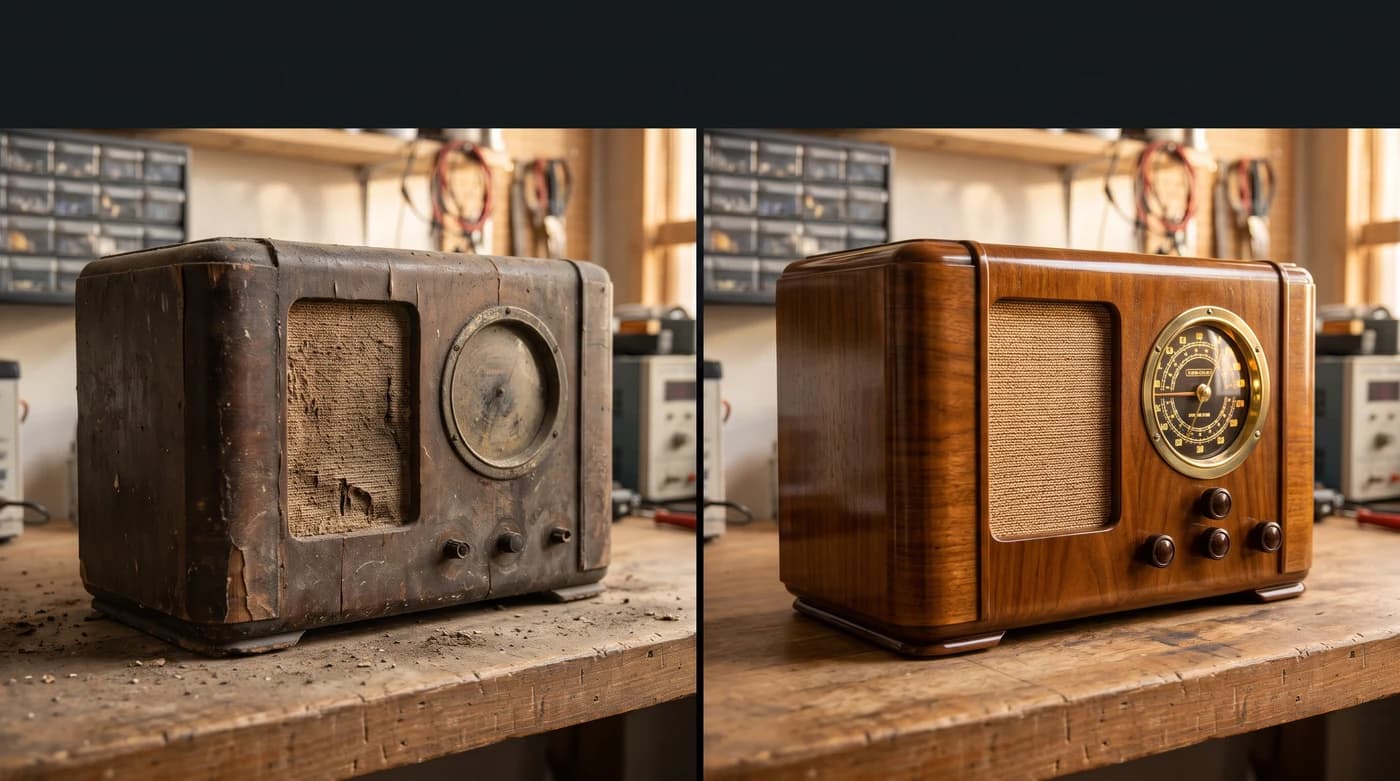
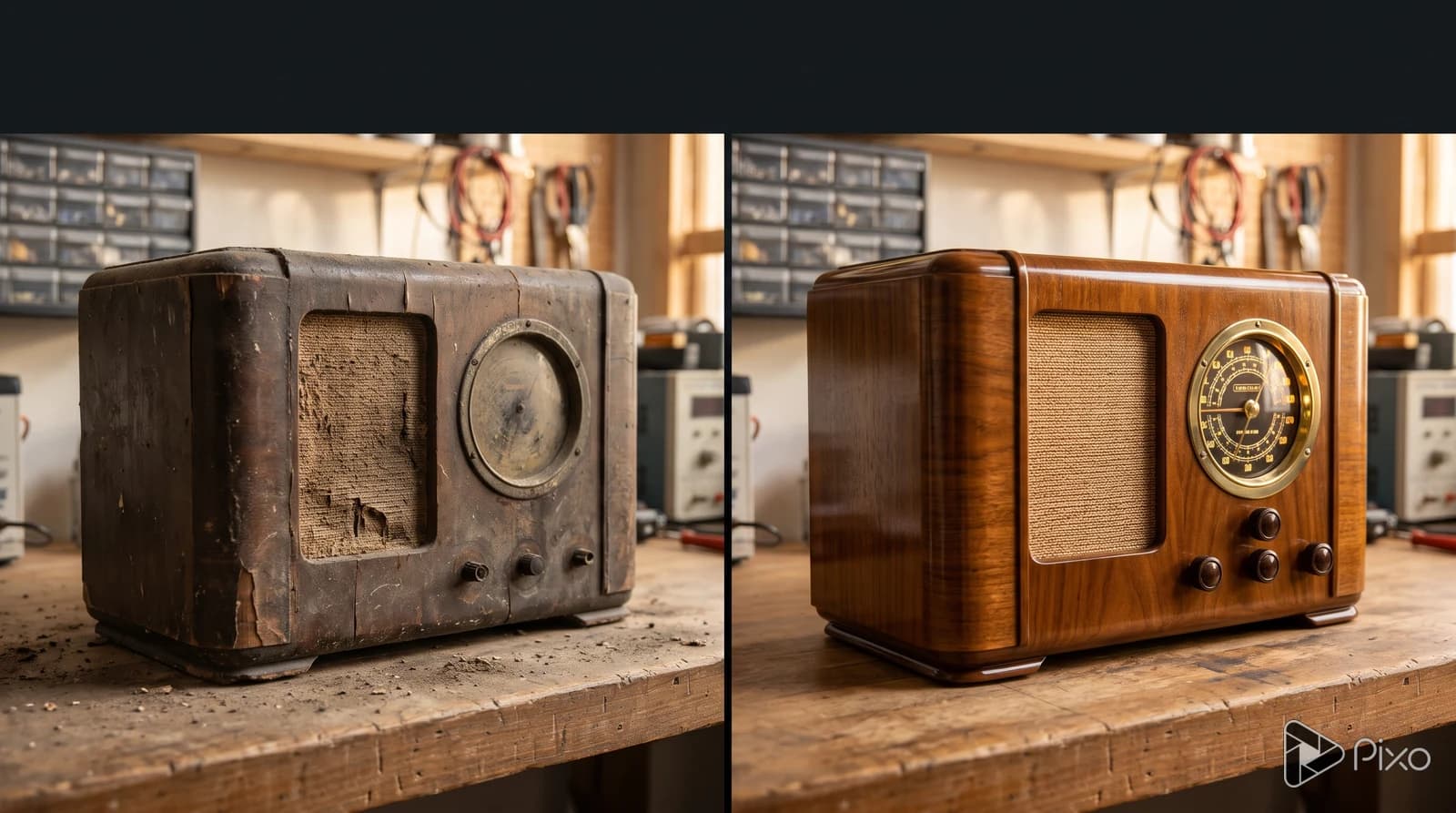
Radio restoration
A worn radio beside a restored version makes the transformation easy to see.
View prompt and model
Made with Nano Banana 2
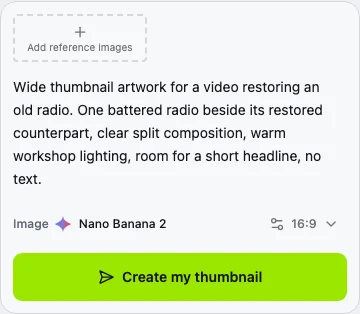
Wide thumbnail artwork for a video restoring an old radio. One battered radio beside its restored counterpart, clear split composition, warm workshop lighting, room for a short headline, no text.
Photoreal cinematic tabletop composition. The same fictional unbranded wood-cabinet radio design in two conditions: dusty cracked veneer on the left, lovingly polished warm walnut on the right. Both radios fully visible, front three-quarter views, aligned scale. The transformation should read immediately at small thumbnail size. Keep the upper fifth as calm dark workshop negative space for a later headline. Full-bleed image, no frames, arrows, captions, UI or lettering.
AI-generated thumbnail examples.
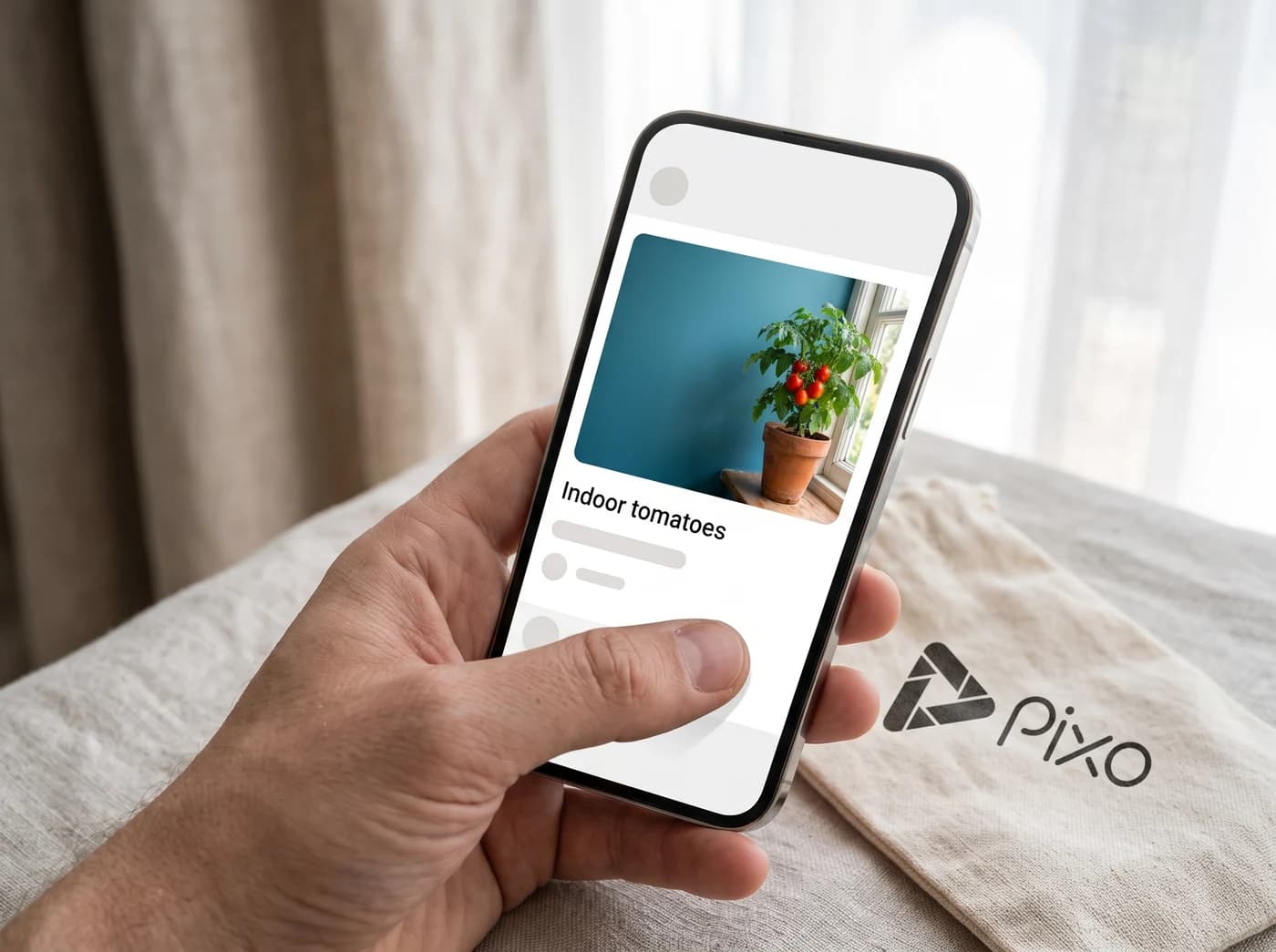
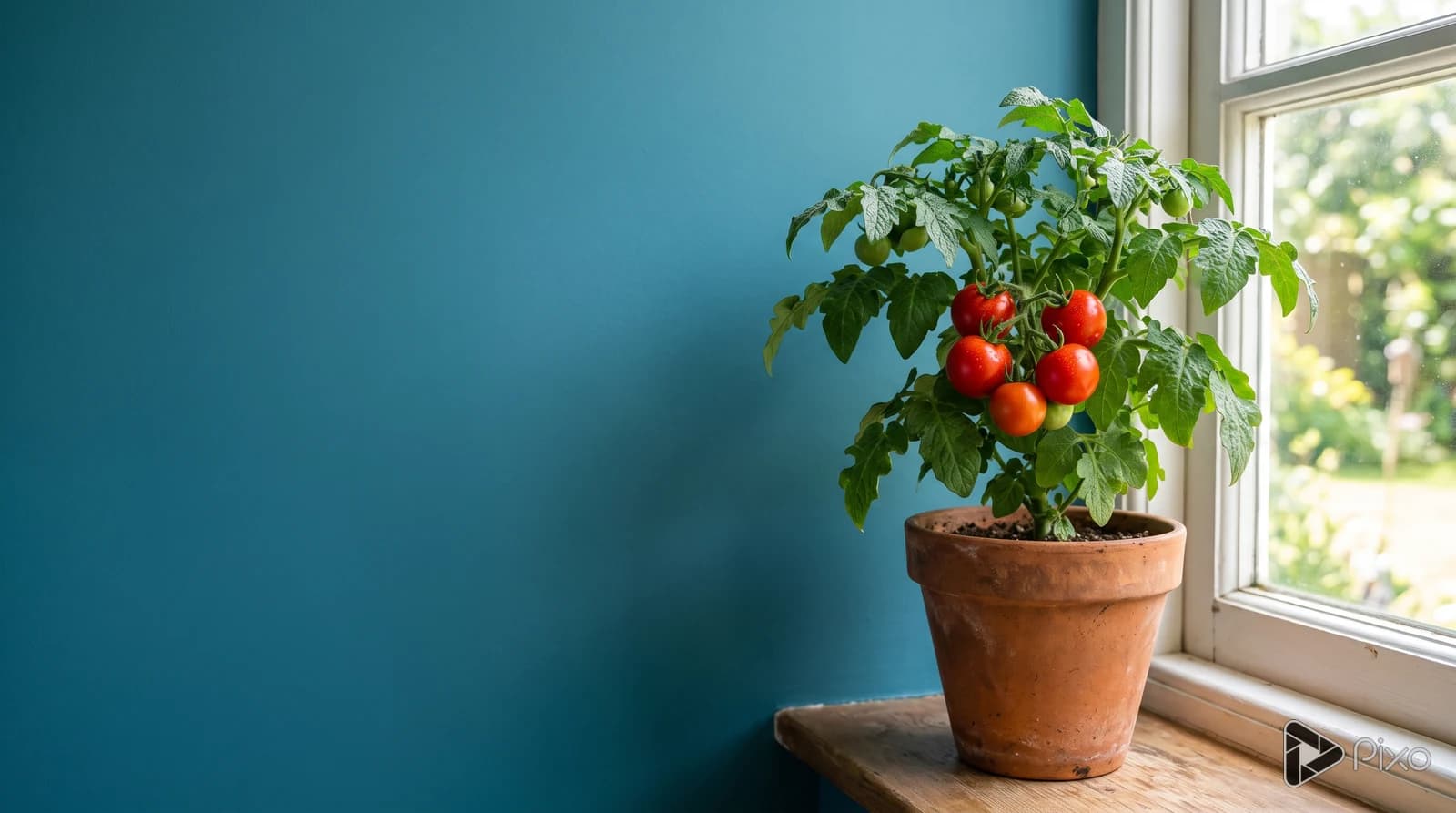
Indoor tomato growing
Red tomatoes stand out against a simple teal background.
View prompt and model
Made with Nano Banana 2
Wide thumbnail artwork for an indoor tomato-growing video. A compact plant with a small cluster of ripe red tomatoes beside a bright window, clean teal backdrop, close crop, strong silhouette, room for a short headline, no text.
Photoreal editorial still life. Put the single lush compact tomato plant in a simple terracotta pot in the right half; three or four vivid ripe red tomatoes, natural healthy green leaves, sunny window edge to the far right. Left third is calm teal negative space for a later headline. Strong simple light and shadow, complete plant and pot within frame. Full-bleed image, no frames, captions, UI or lettering.
AI-generated thumbnail examples.
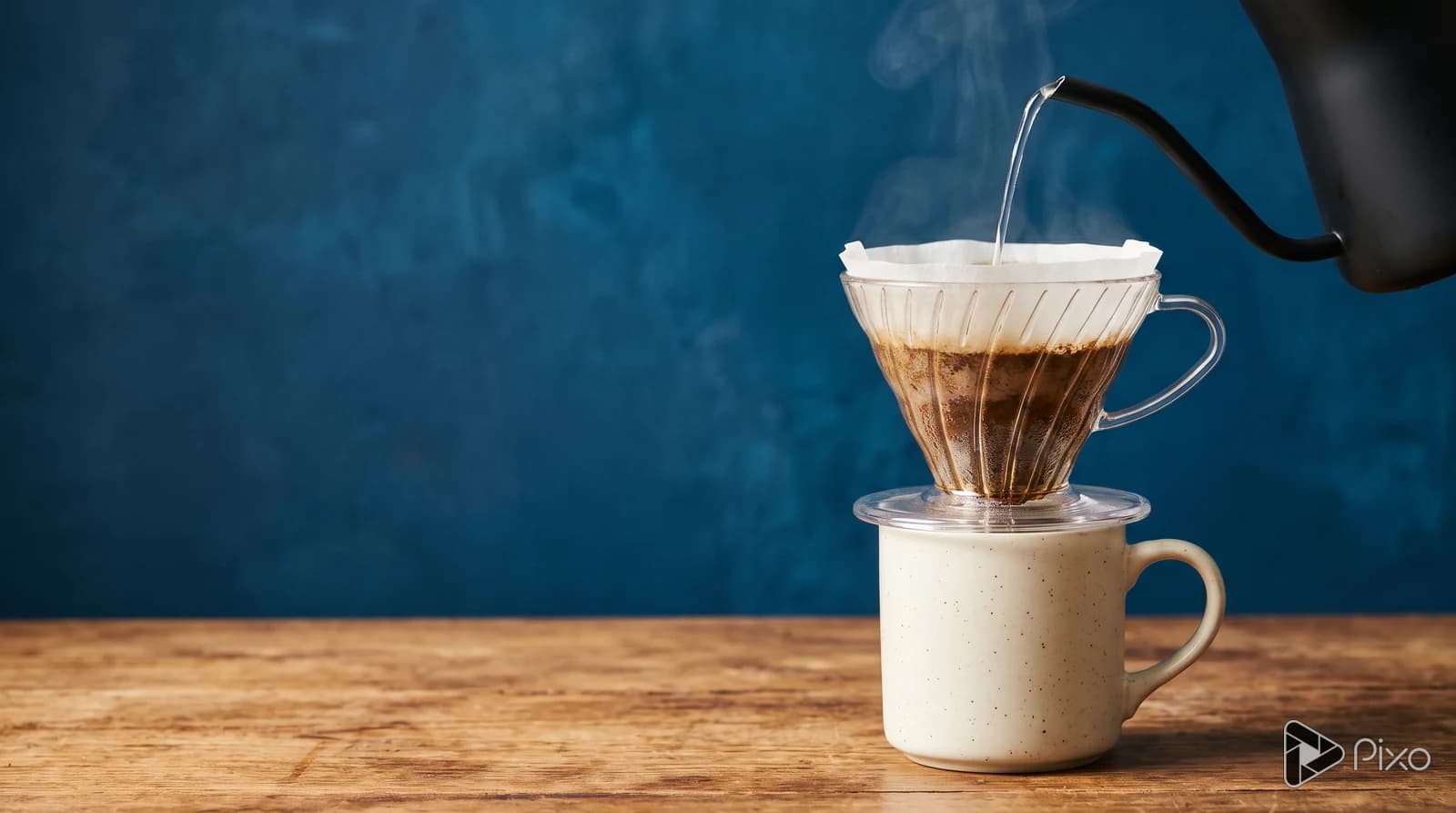
Coffee at home
One coffee setup and strong light keep attention on the subject.
View prompt and model
Made with Nano Banana 2
Wide photoreal thumbnail artwork for a home coffee tutorial. One clear glass pour-over cone with a paper coffee filter is RESTING DIRECTLY ON the rim of a simple cream ceramic mug. The glass flat base touches and overlaps the cup rim, exactly like a real kitchen pour-over setup. There is NO AIR GAP anywhere between the dripper base and mug rim: the mug physically supports the dripper. No visible coffee stream below the filter, because the filter outlet is already inside the mug. A cropped gooseneck kettle at the upper right pours a thin stream of hot water into the coffee grounds. Subtle natural steam against a deep blue wall, warm side light, believable grounded glass and ceramic geometry. The brewing setup occupies the right half, the left half is quiet deep blue negative space for a later short headline. Wooden tabletop, one clear focal point, full-bleed 16:9. No text, logos, frames, floating equipment, or UI.
AI-generated thumbnail examples.
Shape the image around your video
Use a reference for the subject, then compare another treatment of the same idea.
Start with a reference photo
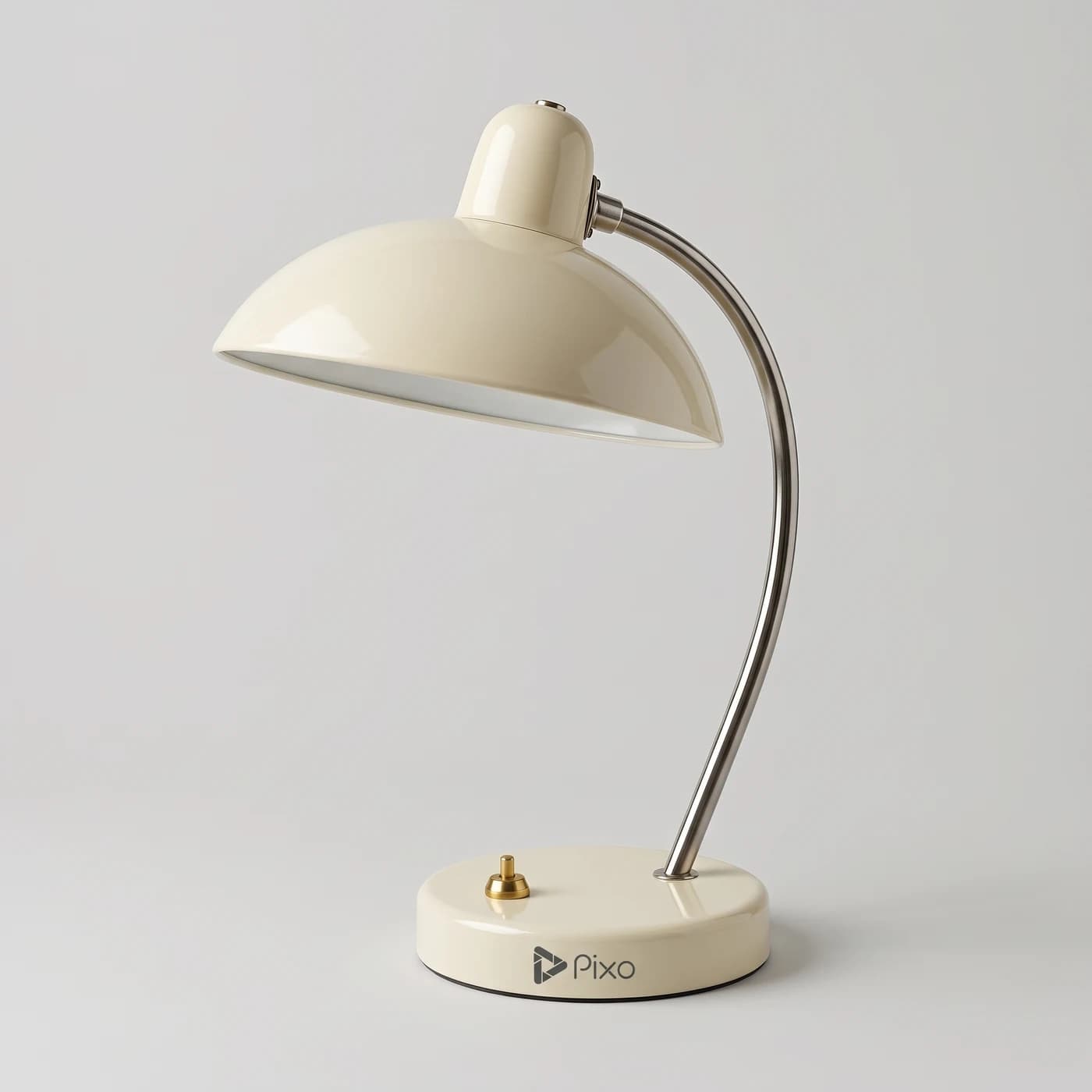
Upload a photo of your subject and describe the background, lighting and space for a headline. Compare the output with the reference before choosing it.
PixoImage + prompt
AI-generated reference
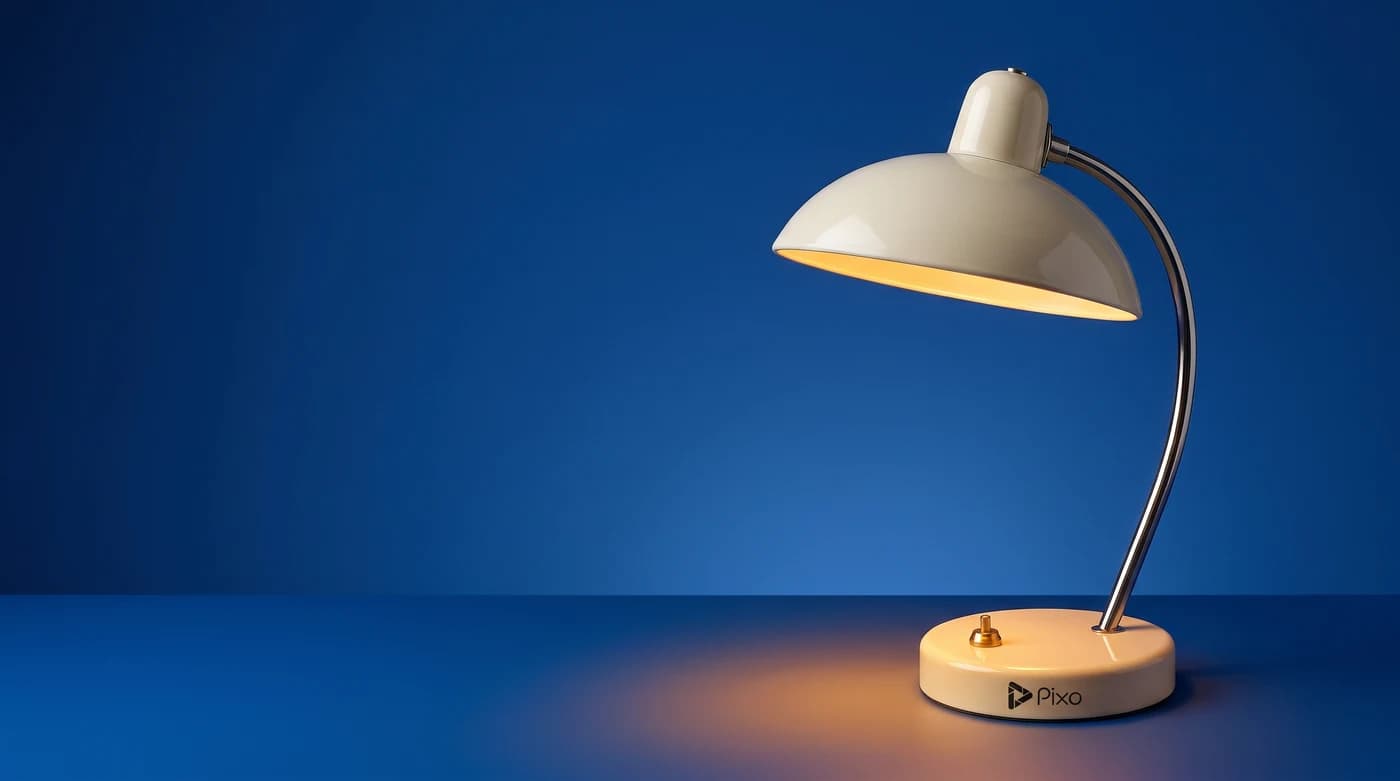
Keep the desk lamp. Use a simple blue background, warm light and open space for a headline.
Nano Banana 2Use image reference
Compare two visual directions
Change the colors or composition in your prompt to try another version. Compare how clearly each one shows the same subject at small size.
PixoThumbnail previews
Keep the same lamp. Try a warm background and a tighter crop with one clear focal point.
Nano Banana 2Try another direction
How to create a thumbnail idea
Start with your video brief, check the format, then review the result.
A wide radio-restoration thumbnail: a worn radio beside its restored version, warm workshop light and space for a short headline. No text.
01
Describe the video
Name the topic, main subject and visual contrast. Add a reference photo if you have one.
02
Check the wide format
Check the 16:9 format, then click Create my thumbnail to continue with your brief.
03
Review at thumbnail size
Check the subject at small size and compare it with your video. Add exact lettering in a layout editor if needed.
 AI-generated reference