Describe your event, exhibition or campaign to explore poster ideas. Add a reference image to guide the look.
Jazz eveningPortrait poster idea
1 / 3
Choose an example to fill in a starting idea you can edit.
Three poster directions
Explore a jazz evening, a botanical exhibition and a community garden invitation.
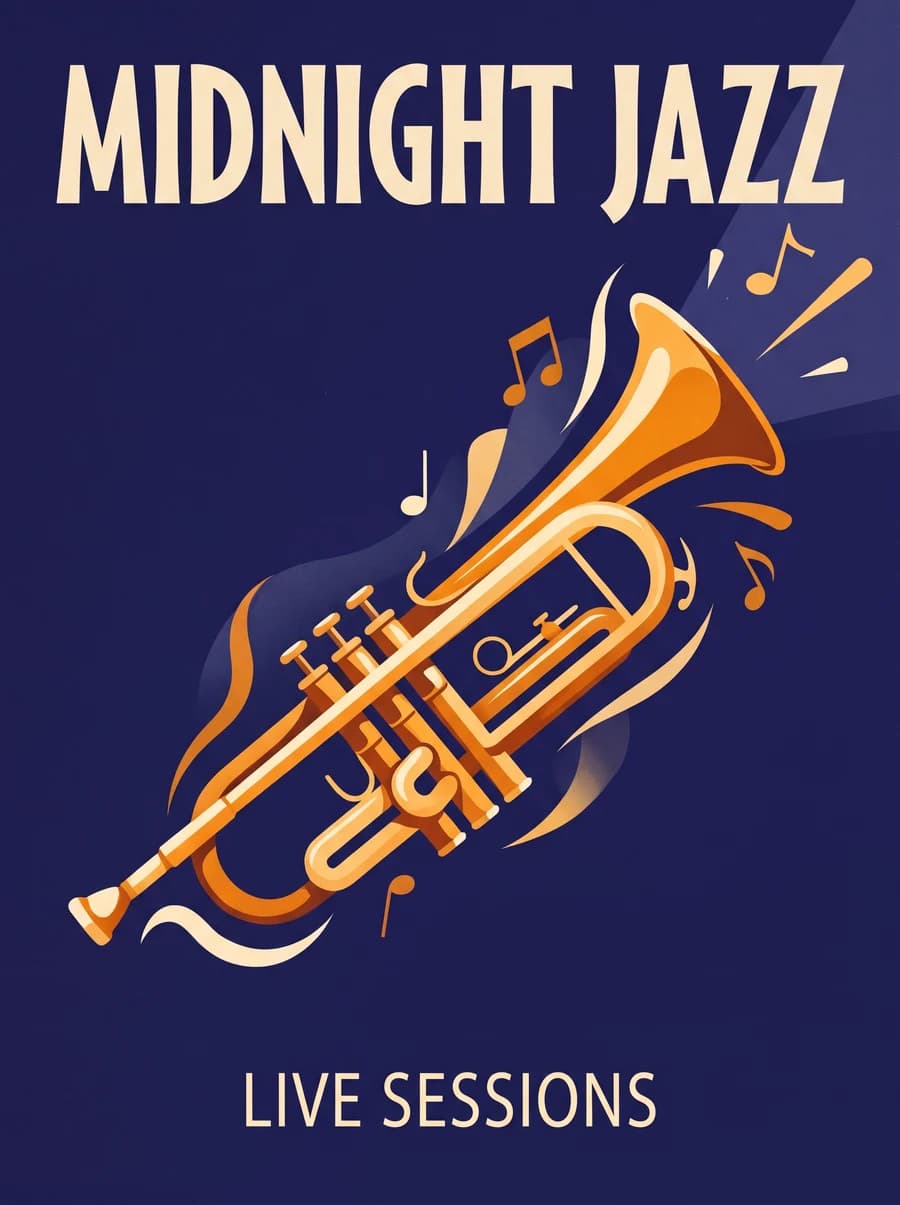
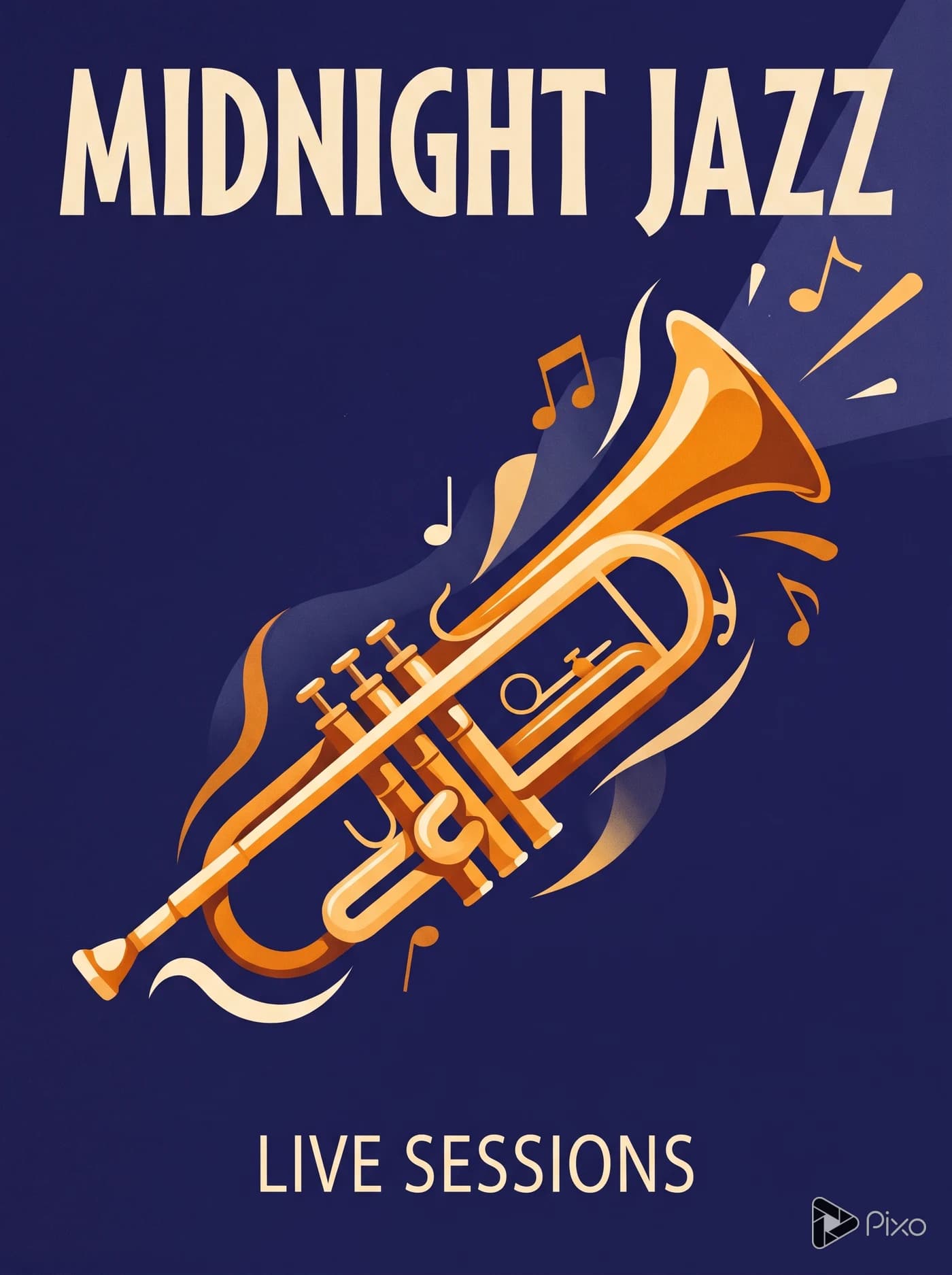
Midnight Jazz
An amber trumpet and a large cream headline stand out against deep indigo.
View prompt and model
Made with Nano Banana 2
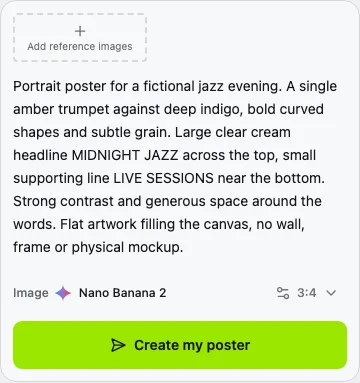
Portrait poster for a fictional jazz evening. A single amber trumpet against deep indigo, bold curved shapes and subtle grain. Large clear cream headline MIDNIGHT JAZZ across the top, small supporting line LIVE SESSIONS near the bottom. Strong contrast and generous space around the words. Flat artwork filling the canvas, no wall, frame or physical mockup. Only the two specified text phrases. Preserve all lettering inside safe margins. Original editorial poster design, no logos, no extra text. The entire image IS the digital artwork: indigo color reaches all four outer edges. Never depict paper on a background; no outside surface, drop shadow, border or perspective.
AI-generated poster concepts for fictional events and projects.
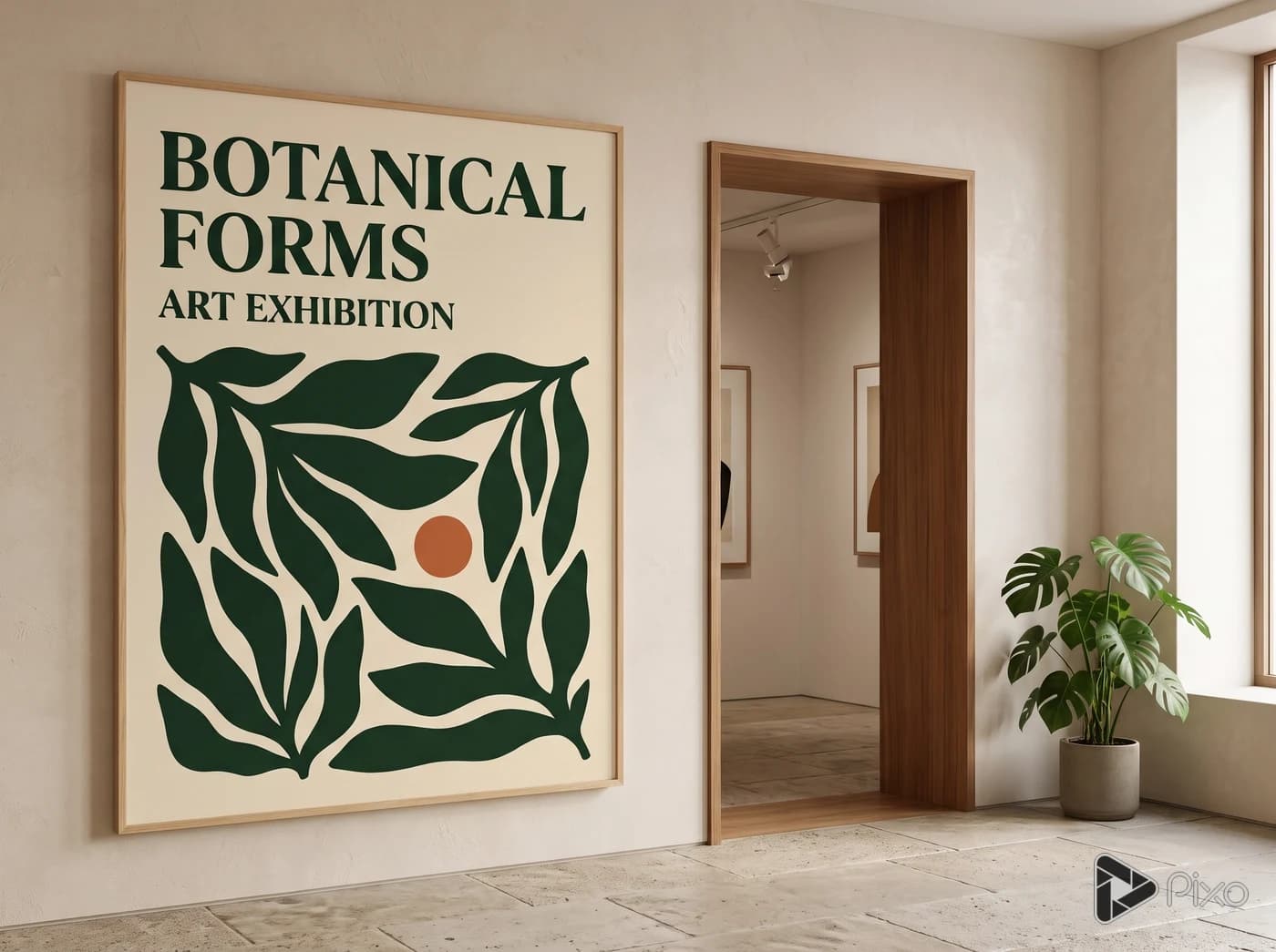
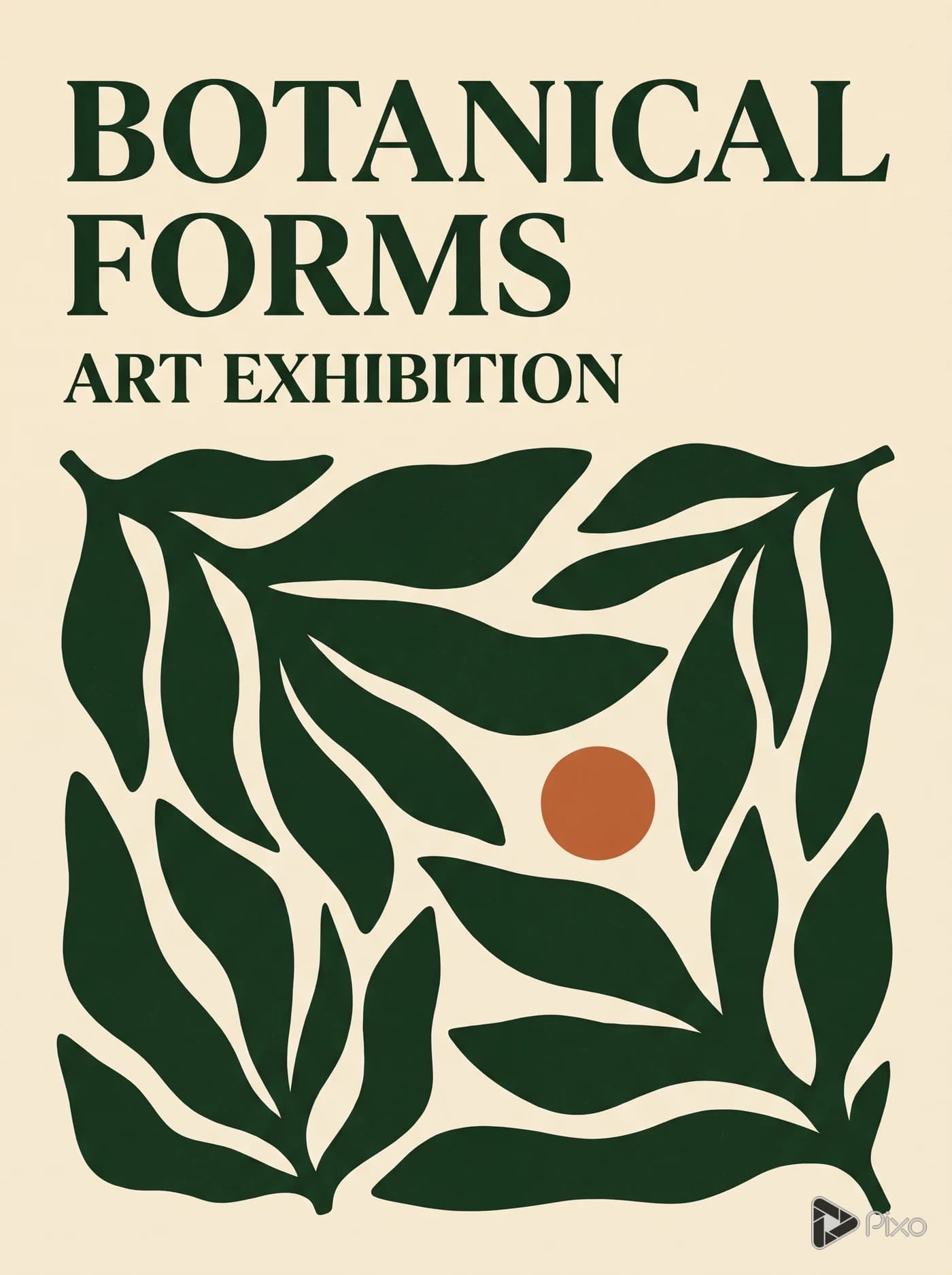
Botanical Forms
Oversized leaf shapes and dark green lettering give a fictional exhibition a bold graphic identity.
View prompt and model
Made with Nano Banana 2
Create the DIGITAL ARTWORK ITSELF for a 3:4 portrait botanical art exhibition poster. The warm cream canvas fills every pixel to all four outer edges. Dark forest green oversized leaf silhouettes dominate the middle and lower area, one small terracotta circle. Put the exact headline BOTANICAL FORMS in dark green at top across two lines, then smaller ART EXHIBITION. Elegant bold editorial typography, generous clear spacing. Flat vector-inspired graphic design with subtle printed grain inside the art. THIS IS NOT A PHOTOGRAPH OF A POSTER: no paper sheet, no gray surround, no tabletop, no wall, no outer border, no drop shadow, no perspective, no frame or mockup. Only the two specified phrases, no other text or logo.
AI-generated poster concepts for fictional events and projects.
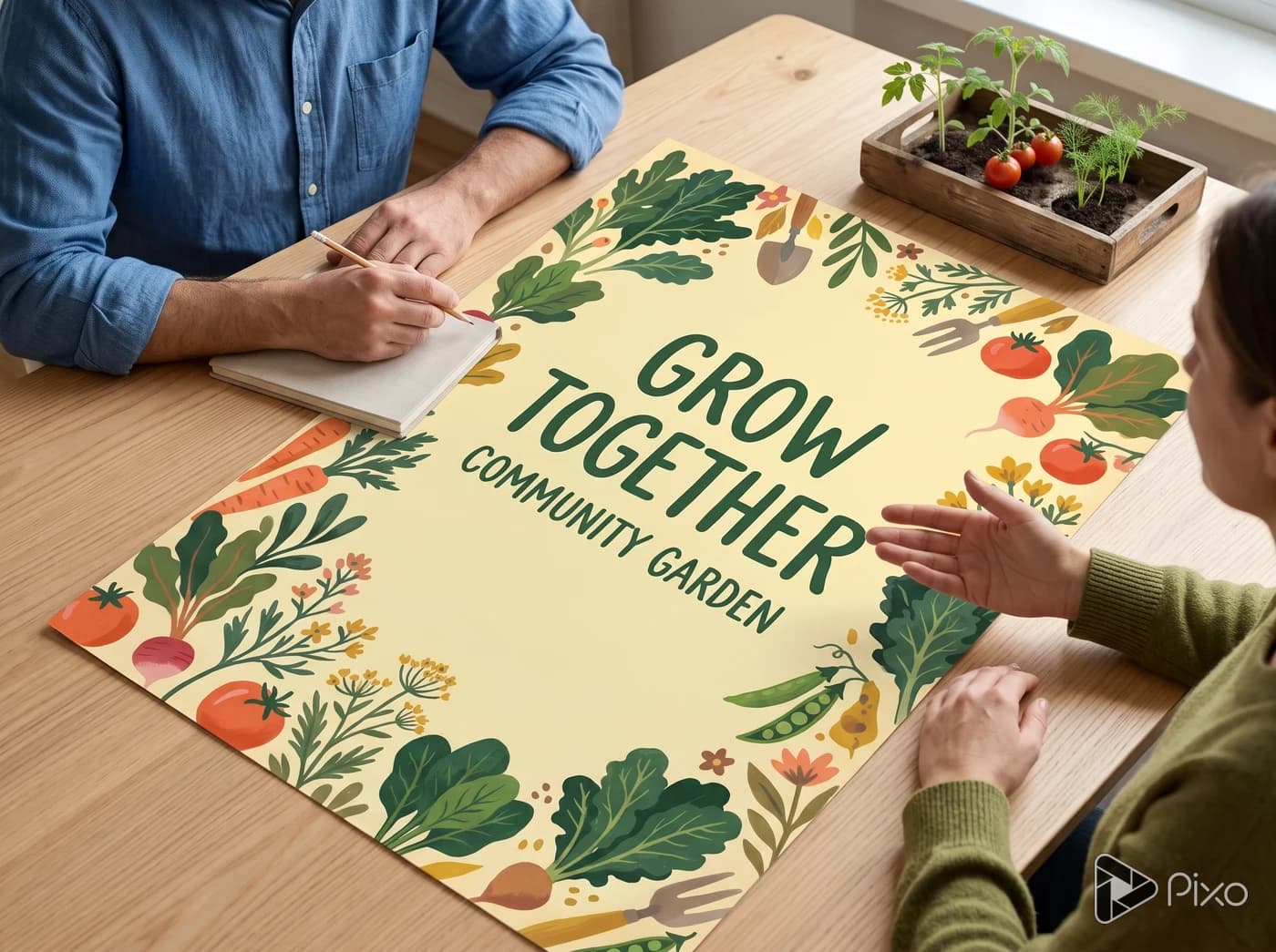
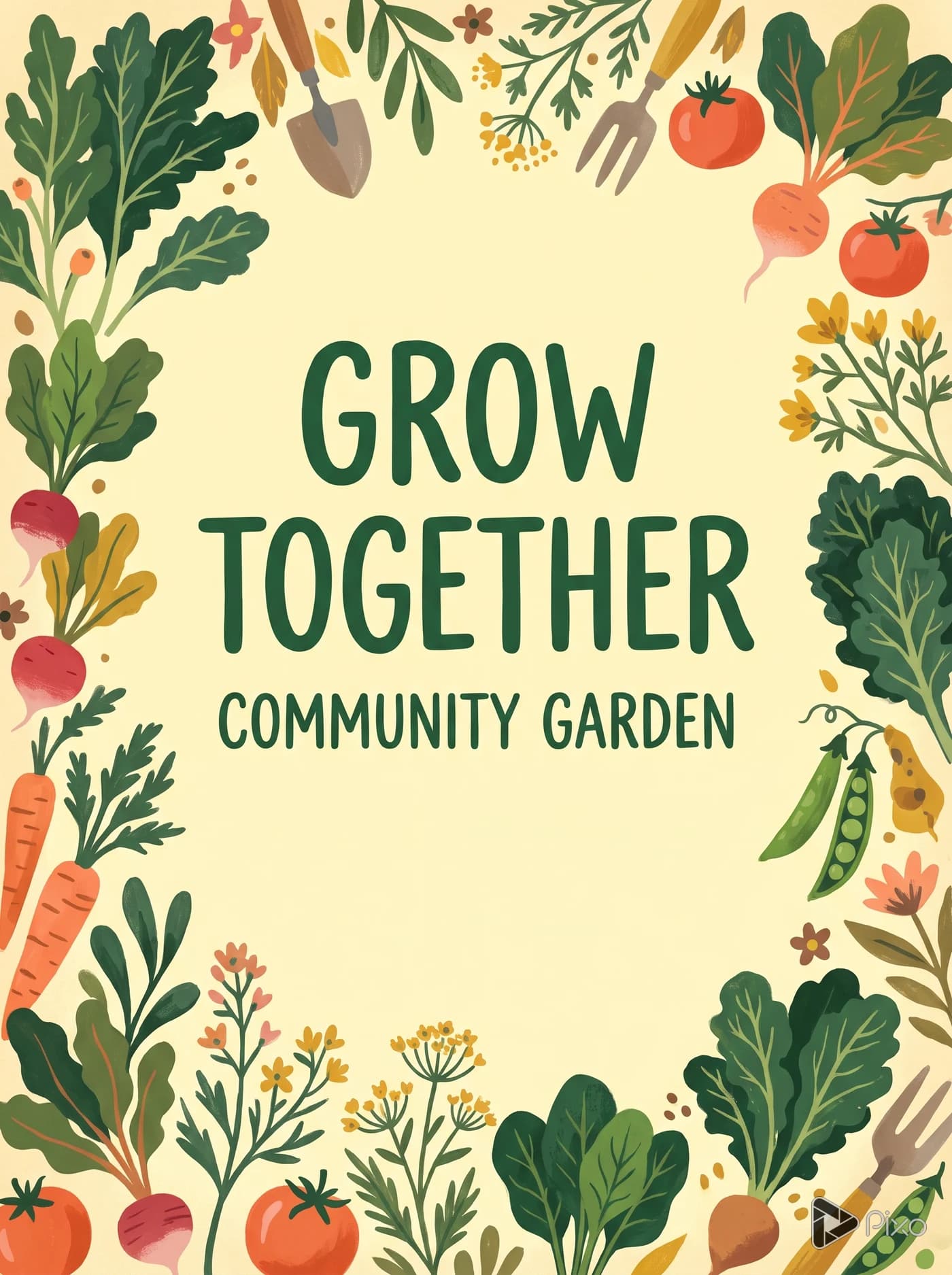
Grow Together
Warm illustrated plants and vegetables surround a short invitation to join a garden project.
View prompt and model
Made with Nano Banana 2
Portrait poster for a fictional community garden project. Warm hand-painted vegetables and leafy plants framing a pale yellow center, friendly forest-green and coral palette. Clear large headline GROW TOGETHER, small line COMMUNITY GARDEN. One inviting focal image and uncluttered lettering. Flat artwork filling the canvas, no wall, frame or physical mockup. Only the two specified text phrases. Preserve all lettering inside safe margins. Original editorial poster design, no logos, no extra text.
AI-generated poster concepts for fictional events and projects.
Shape the poster around your message
Use a reference to guide the main image, then compare another treatment of the same idea.
Start with an image reference
Upload an image to guide the subject or colors. Describe the headline and layout you want, then compare the result with your reference.
PixoImage + prompt
AI-generated reference
Use this ceramic vase as the focal point. Add the headline OPEN STUDIO with a warm cream background and space around the lettering.
Nano Banana 2Use image reference
Compare two visual directions
Change the style or colors in your prompt to try another version. Compare the headline, main image and supporting words before choosing a direction.
PixoPoster previews
Keep the vase and OPEN STUDIO headline. Try a simpler graphic treatment in terracotta, dark blue and cream.
Nano Banana 2Try another direction
How to create a poster concept
Write a brief, check the format, then review the image and lettering.
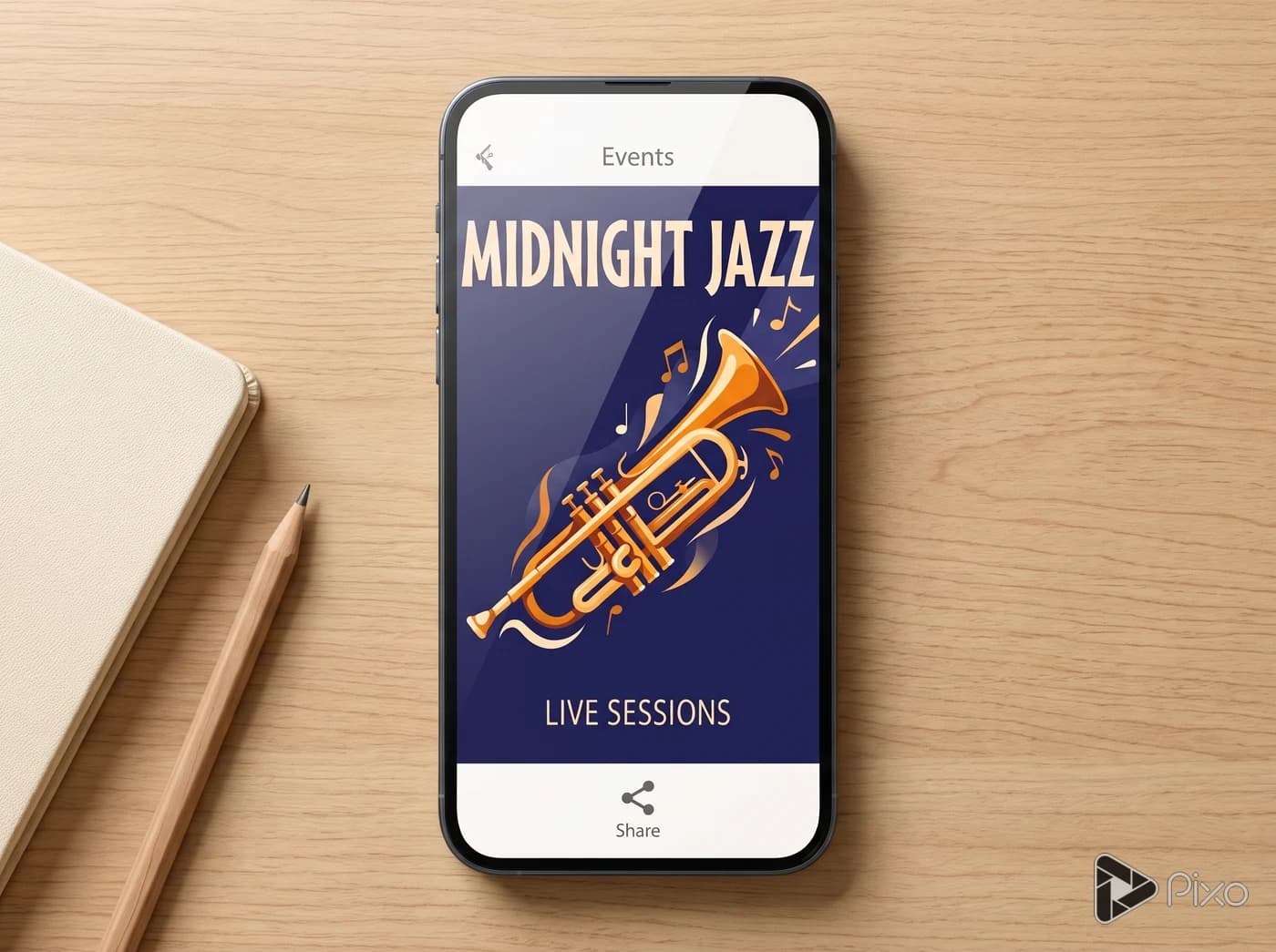
A portrait jazz poster with an amber trumpet, deep indigo background and cream lettering. Headline: MIDNIGHT JAZZ. Supporting line: LIVE SESSIONS.
01
Describe the message
Name the subject, colors and exact words you want. Add a reference image if you have one.
02
Check the poster format
Keep the portrait format or choose another shape. Click Create my poster, sign in if needed, then review settings and credit cost before generating.
03
Review the poster
Check every word and whether the headline reads at a glance. For print, prepare exact dimensions, margins and bleed in a layout tool.

 AI-generated reference