Describe your story or add a reference image to explore front-cover ideas.
Coastal mysteryPortrait cover idea
1 / 3
Choose an example to fill in a starting idea you can edit.
Three book-cover directions
Explore coastal mystery, cozy fantasy and quiet science-fiction styles for fictional books.
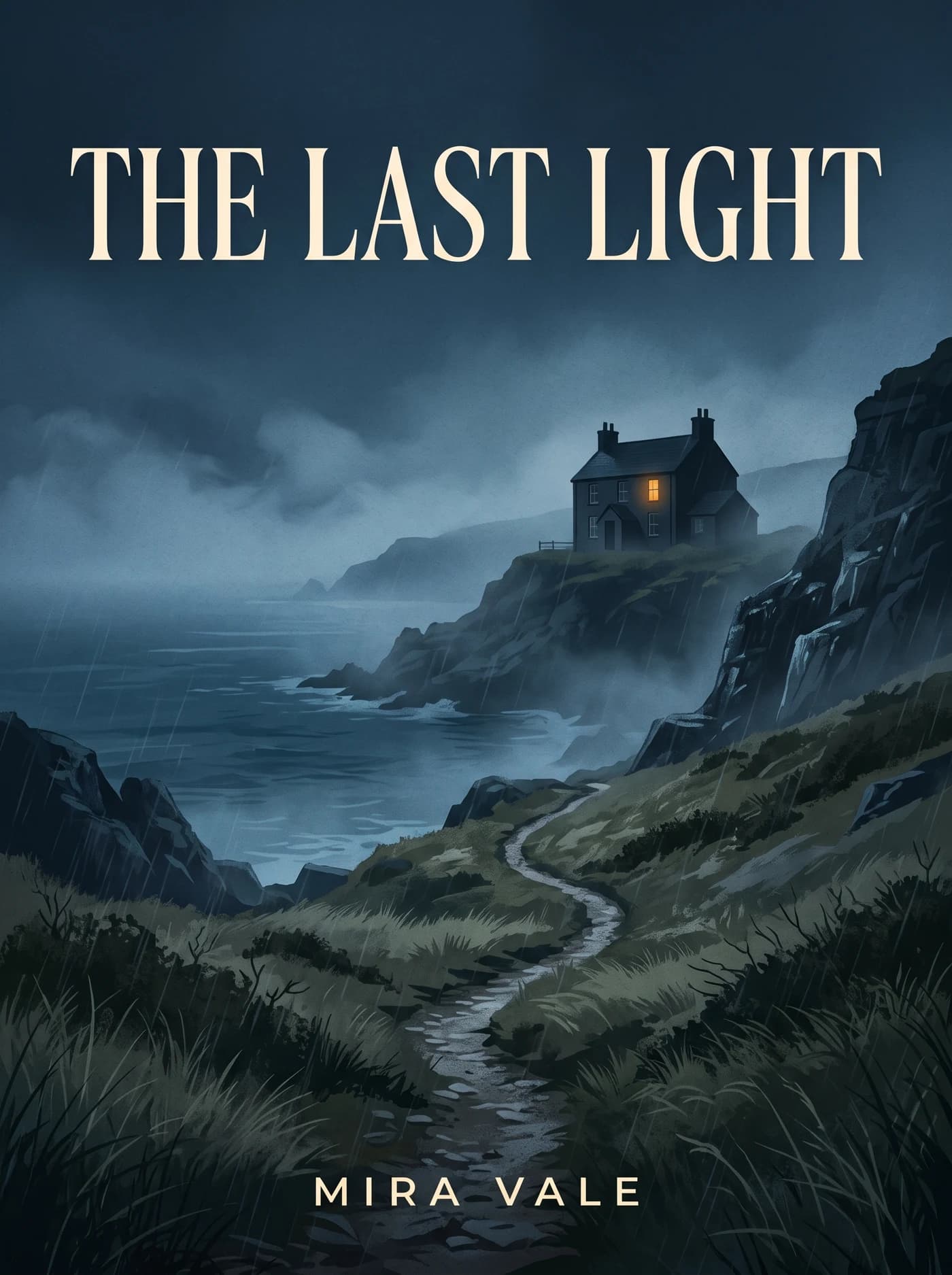
The Last Light
A lonely house, one amber window and a storm-blue coast.
View prompt and model
Made with Nano Banana 2
Create a flat two-dimensional digital cover DESIGN on a portrait 3:4 canvas. The artwork itself must fill every pixel edge-to-edge; show no physical object, photographed book, book edges, spine, page thickness, bevel, surrounding background, white margin or cast shadow. Original fictional mystery artwork: a lone dark coastal house above a winding path in rain, one small amber-lit upstairs window, deep storm-blue sea and restrained mist, bold clear silhouette that reads at thumbnail size. Refined photographic atmosphere within the artwork, with subtle print texture. Title THE LAST LIGHT in large elegant cream uppercase letters across the upper third; author MIRA VALE small and centered near the bottom with a safe margin inside the art. Only these title and author words. This is the digital front-cover image ready to display flat on screen, not a depiction of a book. Full-bleed artwork reaches all four canvas edges. No logo or watermark.
AI-generated artwork for a fictional book.
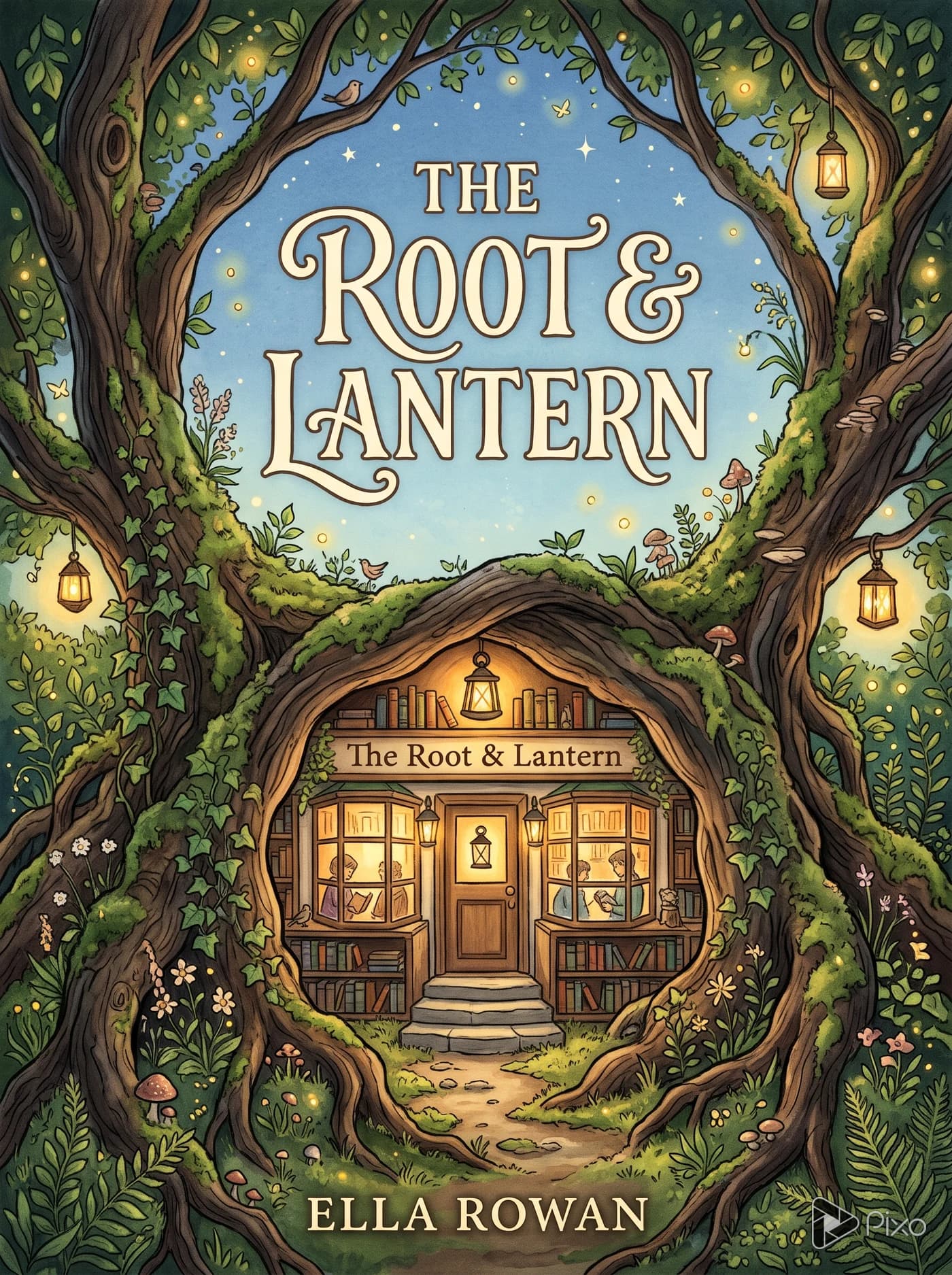
The Root & Lantern
A tiny bookshop in a giant tree, lit with warm amber light.
View prompt and model
Made with Nano Banana 2
Portrait 3:4 front cover for an original fictional cozy fantasy novel. A tiny inviting bookshop inside the roots of a huge ancient tree, glowing amber windows, moss-green foliage, small lanterns and delicate hand-painted storybook detail. A strong central arch shape and calm space around the title. Title THE ROOT & LANTERN in clearly readable warm ivory decorative lettering; author ELLA ROWAN small at the bottom. Only those words. Flat full-bleed illustrated cover artwork, no physical book, spine, mockup, logo or watermark.
AI-generated artwork for a fictional book.
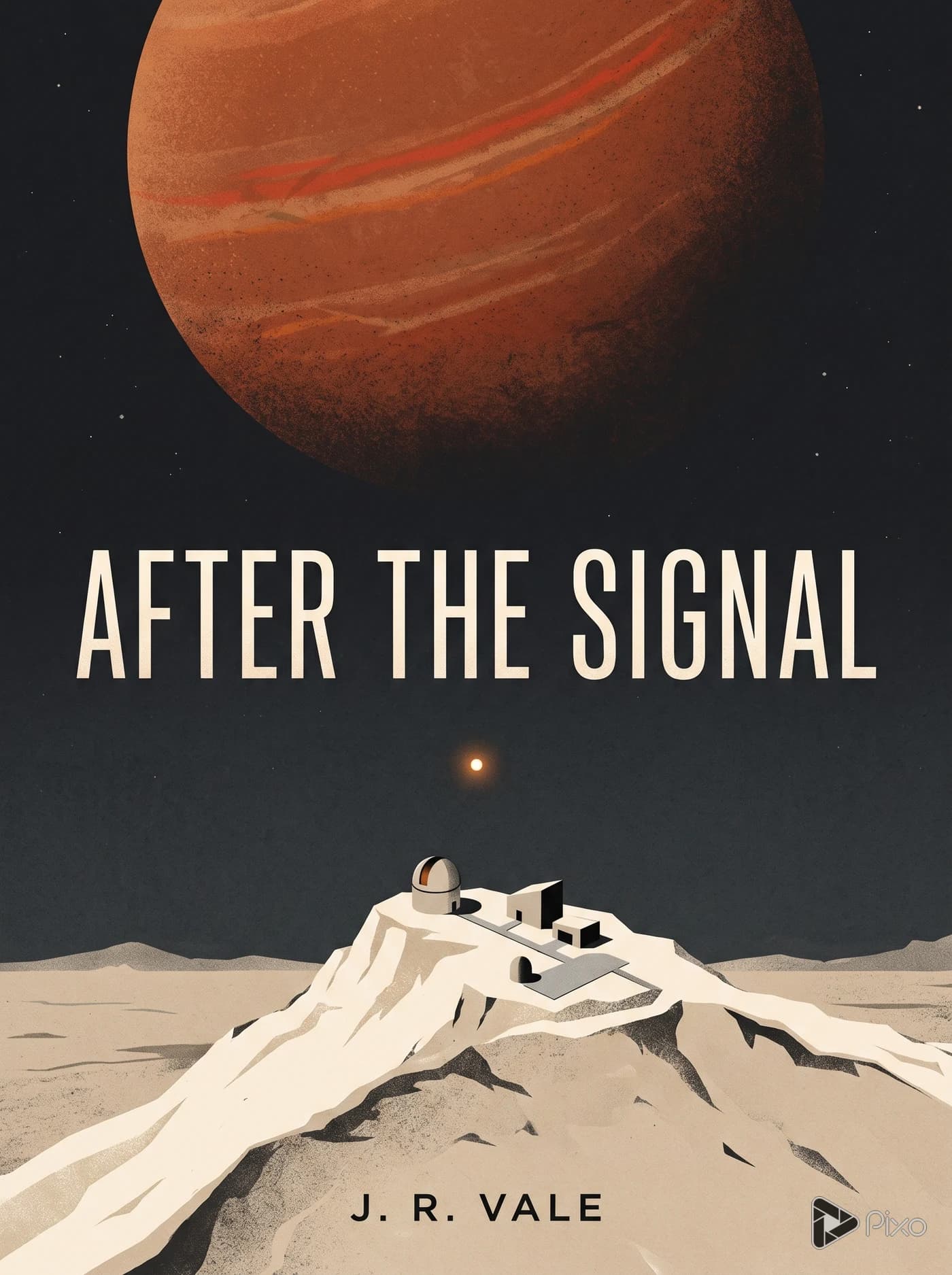
After the Signal
A small observatory beneath a huge rust-colored planet.
View prompt and model
Made with Nano Banana 2
Portrait 3:4 front cover for an original fictional science-fiction novel. A small solitary observatory on a pale desert ridge beneath a vast rust-colored planet, spare geometric forms, off-white sand and charcoal sky, one tiny radio signal light, quiet cinematic scale. Minimal graphic editorial illustration with subtle paper texture. Title AFTER THE SIGNAL in large clean ivory uppercase letters; author J. R. VALE small at the bottom. Only those words. Flat full-bleed cover artwork, no physical book, spine, mockup, logo or watermark.
AI-generated artwork for a fictional book.
Shape the cover around your story
Use a reference for direction, then compare another treatment of the same idea.
Build a cover from a reference
Upload an image to guide the colors or subject, then describe how it should become a cover. Say what to keep and where the title belongs.
PixoImage + prompt
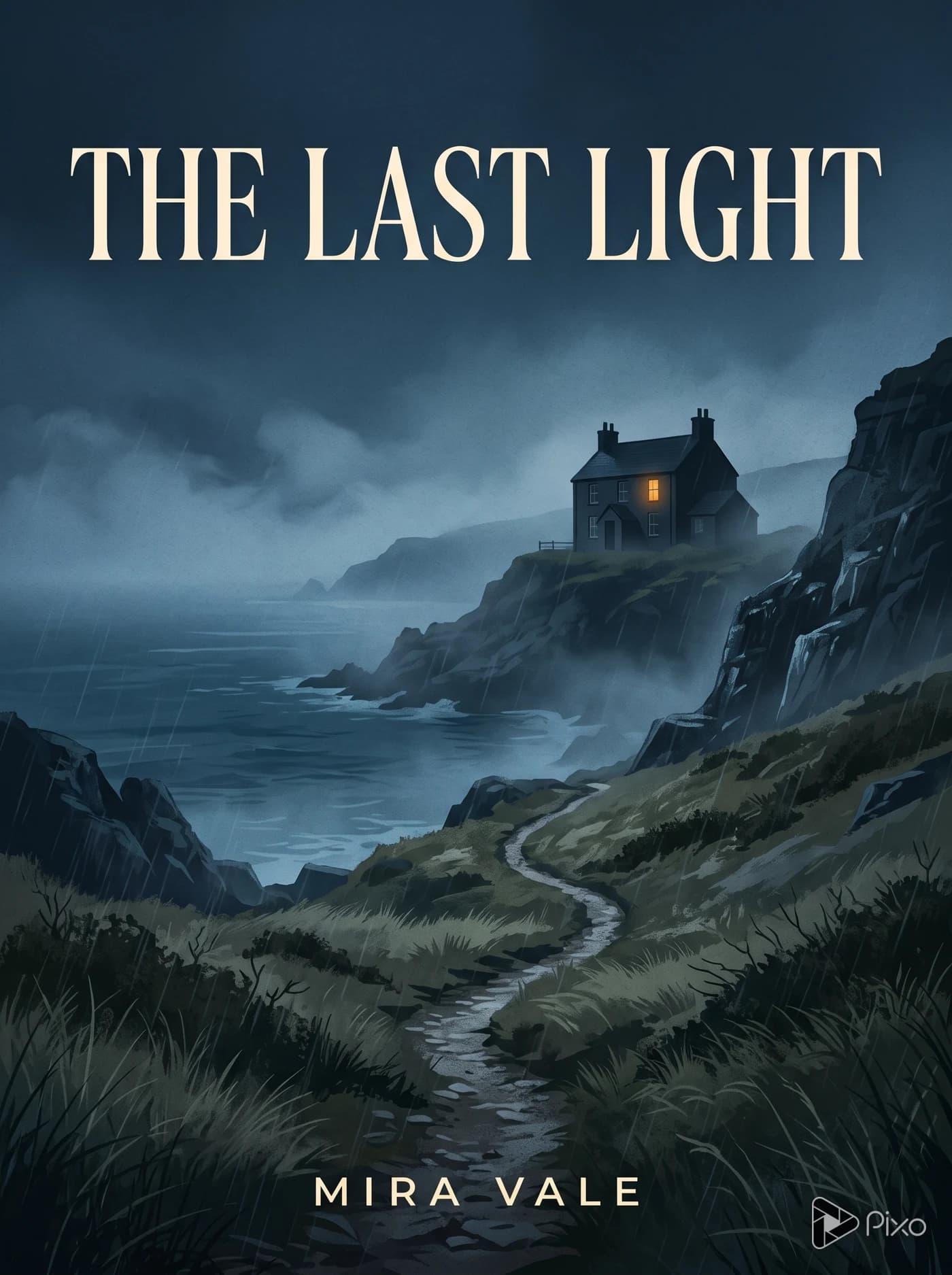
Reference image
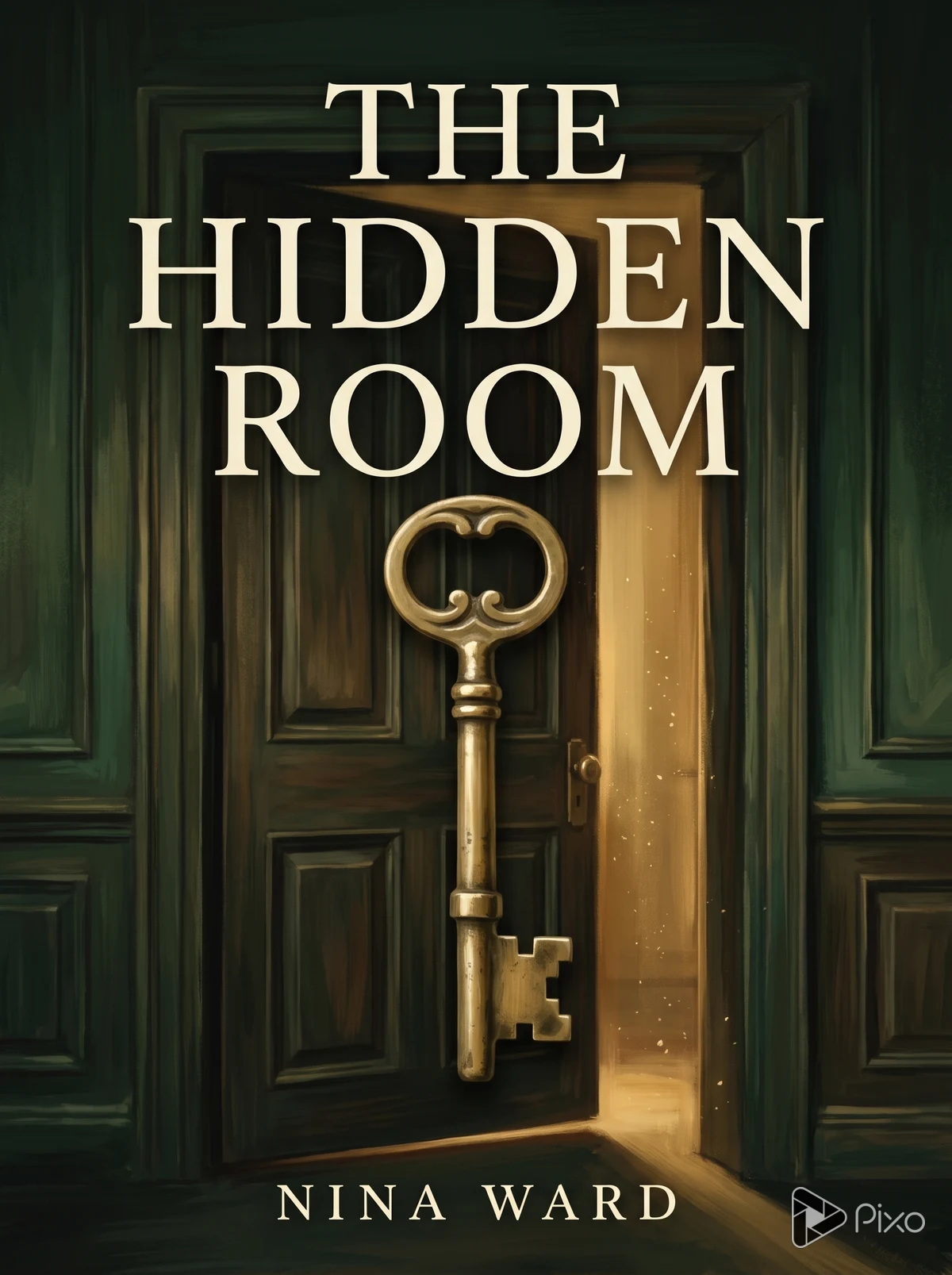
Use the brass key and forest-green palette for a mystery cover. Title: The Hidden Room. Author: Nina Ward.
Nano Banana 2Use image reference
Compare two visual directions
Change the style in your prompt to try another treatment of the same idea. Compare the lettering and composition before choosing a direction.
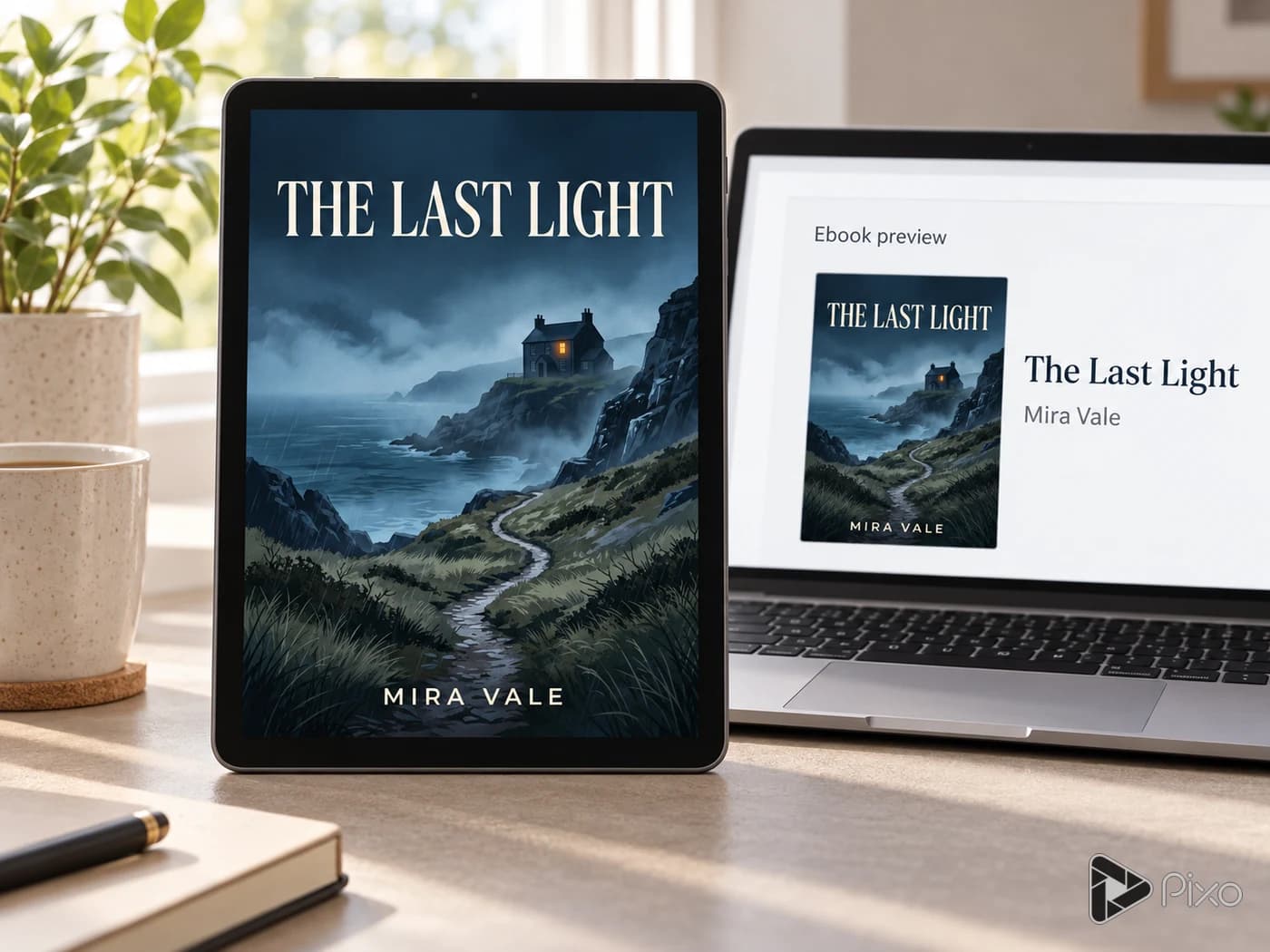
PixoCover previews
Keep the key, title and green palette. Try a simpler graphic illustration with a larger central silhouette.
Nano Banana 2Try another direction
How to create a book-cover concept
Start with a brief, choose a format, then review the artwork.
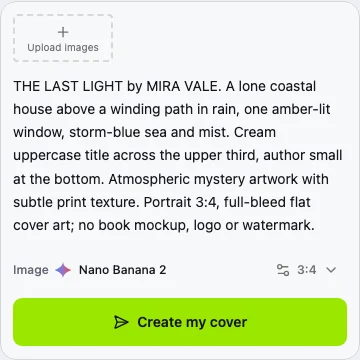
A portrait mystery cover: a lone lit window above a storm-blue coast. Title: The Last Light. Author: Mira Vale.
01
Describe the cover
Include the genre, main subject, colors and any title or author name. Add a reference image if you have one.
02
Choose a portrait format
Use 3:4 for a portrait cover, then click Create my cover. Sign in if needed and check the settings before generating.
03
Review the result
Check every letter and inspect the cover as a thumbnail. Prepare exact typography and any print wrap in a layout editor.
 Reference image