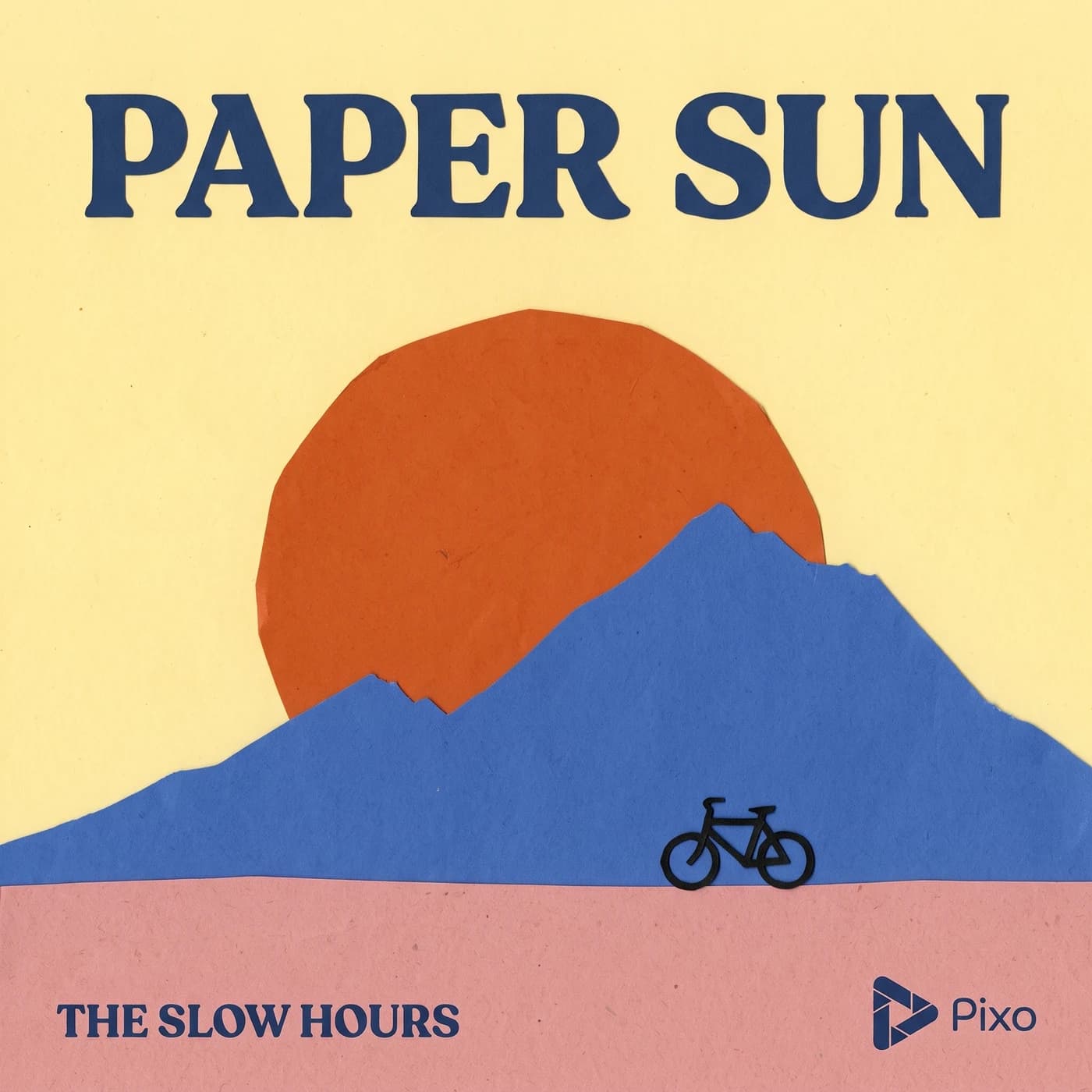
AI Album Cover Maker

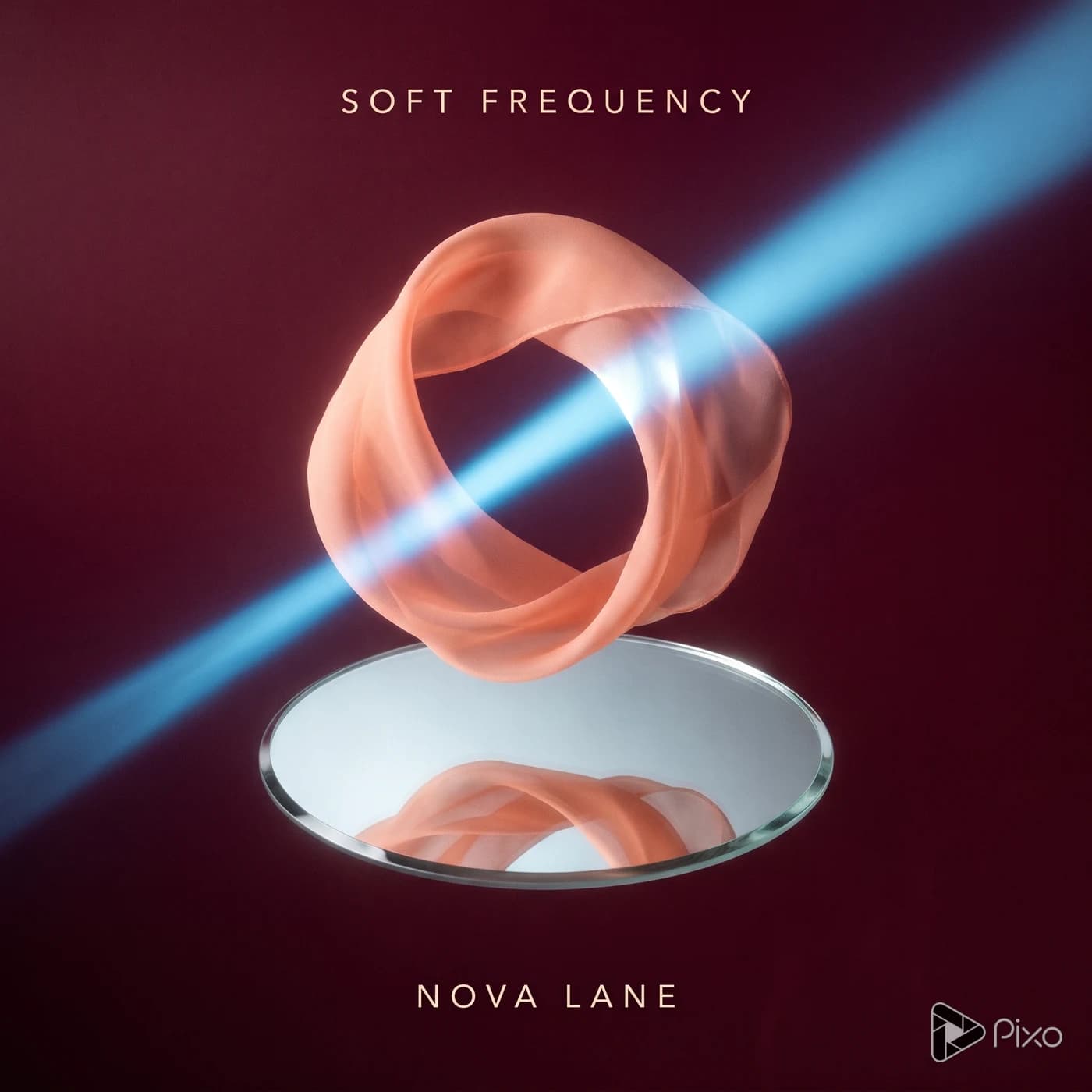
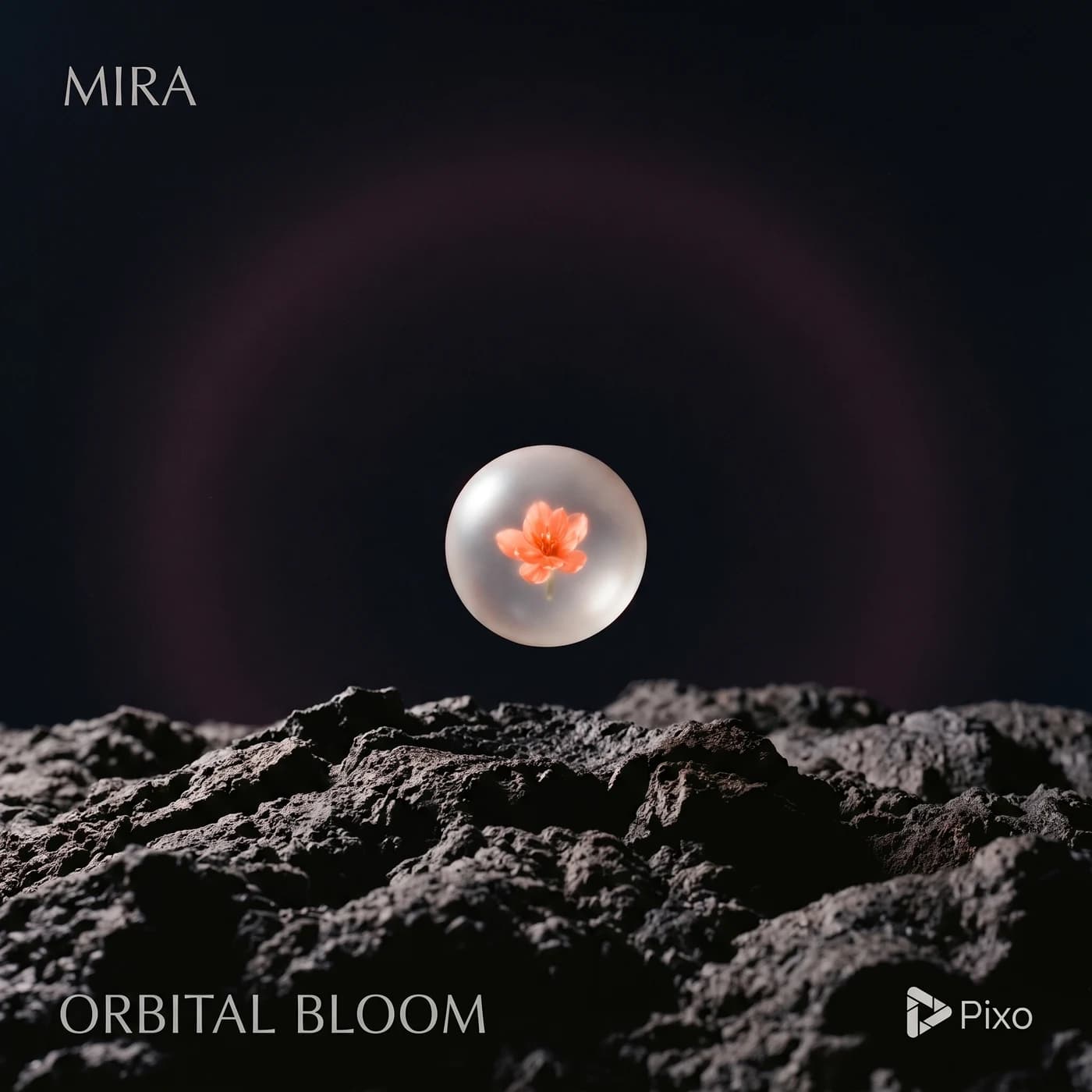
Build an album cover around the sound of your release. Generate square artwork from a mood, lyric theme, or reference, then refine the composition before adding final release typography.

Create image artwork

Generation uses credits. Check the selected model’s price and your plan before generating.

Shape the creative brief

Musical mood

Translate the track's atmosphere into lighting, materials, and visual motifs.

Square composition

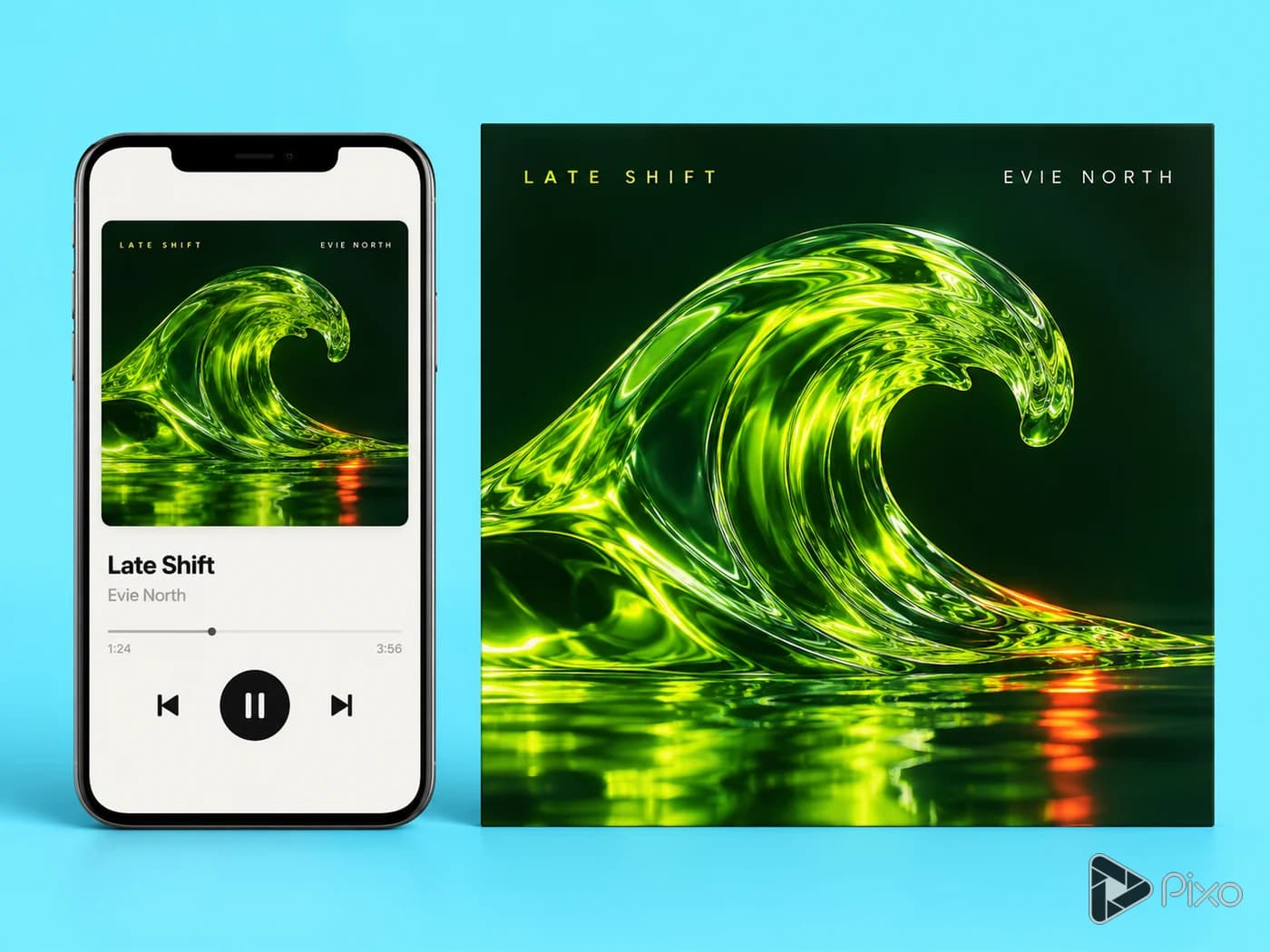
Keep the main subject readable when the cover appears as a small thumbnail.

Type space

Reserve a calm area for the artist name and release title.

Two prompts to start with

Use these written examples as a starting point. Adapt the subject and references to your project; generated results will vary.

First direction

Square album artwork for an original ambient record about an empty coast. A lone red chair on wet sand at blue hour, subtle film grain, restrained palette, no text.

Another approach

Square indie-pop cover: a still life of translucent orange glass and a single blue flower, crisp studio light, generous empty upper third for typography, no logos.

Finishing the result

A generated image is artwork, not a distributor-approved release package. Check the destination's current artwork requirements.

How to get started with AI Album Cover Maker

1

Set the visual direction

Start with the subject, style, and intended placement. Translate the track's atmosphere into lighting, materials, and visual motifs.

2

Open the image Playground

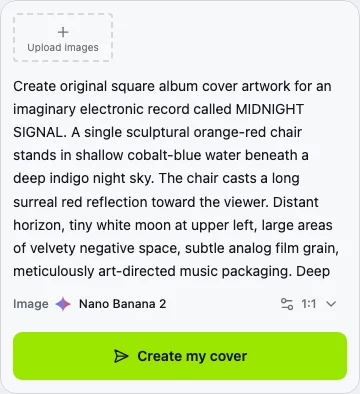
Choose Nano Banana 2 in Pixo. Add your prompt and any reference images, then select a supported aspect ratio and resolution.

3

Generate and compare

Review the cover at thumbnail size and proofread any generated lettering.

4

Prepare the final artwork

A generated image is artwork, not a distributor-approved release package. Check the destination's current artwork requirements.

AI Album Cover Maker: questions and answers

Inputs, creative control, and finishing your project.

Start your next image project

Generation uses credits. Check the selected model’s price and your plan before generating.