Animated Album Cover: Bring Your Artwork to Life with AI
Turn a static album cover into a living loop: AI animates your artwork for Spotify Canvas, YouTube and socials — same art, now breathing. How-to inside.

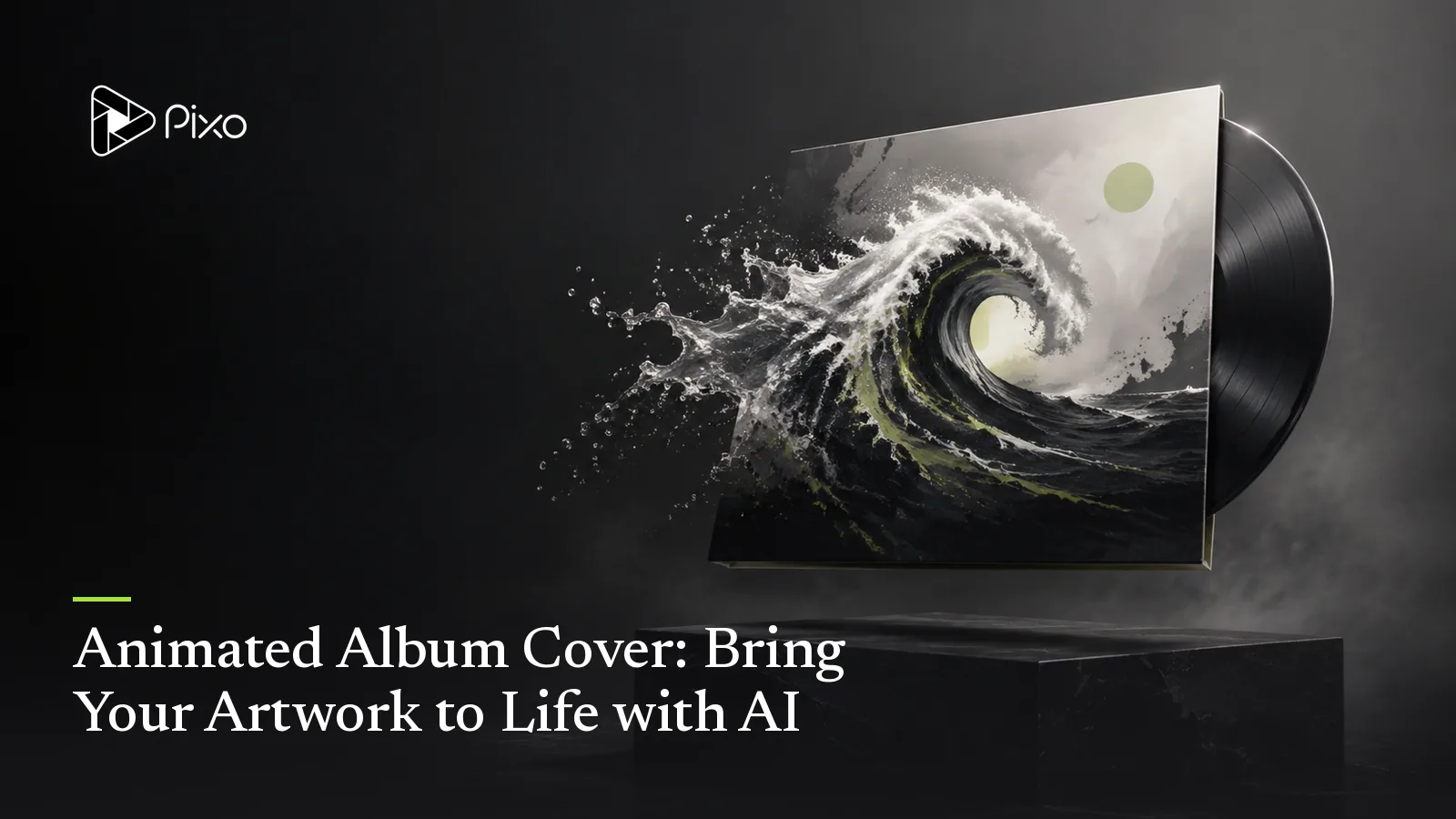
Somewhere between the vinyl sleeve and the streaming tile, album art lost its job security. A cover now competes inside a feed — and a static square, however beautiful, is the only thing on the screen not moving. That's why the animated cover quietly became standard kit for releases: the same artwork, with weather inside it.
The good news is that this is the lightest job in music visuals — you're not making a video, you're waking up a picture — and it's a standalone clip workflow in Pixo. Here's the craft.
The Rule: Animate the Weather, Not the Art
The animated album cover workflow starts from artwork you already have. For a record-led composition, the spinning vinyl video workflow gives you a narrower motion brief to adapt.
A good cover animation adds motion within the artwork without redrawing it. The practical split:
- What moves: atmosphere and secondary elements — smoke, rain, dust, neon flicker, hair and fabric in wind, clouds, water, light sweeping across a surface, a slow parallax drift of the background.
- What holds: the identity of the cover — the title type, the composition, and (usually) the subject's face. If the type warps or the face drifts, it stops being your cover and starts being a different image.
In Pixo this split is a direction to test, not a preservation guarantee: the cover uploads as an image reference that anchors the look, and the prompt names the moving elements and protects the rest — the same scoping discipline as video style transfer, pointed at a single frame.
The Workflow
- Upload the cover as an image reference — the final art, full resolution.
- Scope the motion in one sentence: "Animate the cigarette smoke and the neon 'MIDNIGHT' sign flicker; light rain in the background. Her face, pose and all type stay exactly as in the image. Slow, seamless loop."
- Pick the ratio for the destination — 9:16 for a Spotify Canvas (3–8 seconds, looping), 16:9 or 1:1 for the YouTube art track, 1:1 for feed posts.
- Review the loop point — motion that returns near its starting state (drift, flicker, breathing light) hides the seam — and export watermark-free.
Three motion briefs to test:
Atmosphere only: fog rolls slowly through the forest behind the figure; nothing else moves. Seamless loop.
Light only: the sunset gradient behind the skyline slowly deepens and returns; windows flicker on and off; type and skyline stay fixed.
One hero element: the vinyl record in her hands rotates slowly; dust motes drift in the lamplight; everything else is still.
Check the official Canvas guidelines before using an animation on Spotify. Keep a text-free copy of the artwork for generation and overlay exact title lettering afterward if needed. A cover animation is a standalone clip task; it does not require the vocal-track MV pipeline.
One Artwork, Every Surface
A cover loop can also inform the look of a live set. The concert visuals guide covers the separate playback handoff and venue checks that stage delivery needs.
The economics of this format are the whole appeal: one animation ships as your Canvas, your YouTube upload's art track, your pre-save teaser and your release-day post — and if you've made a music video in Pixo, the cover animation can pull from the same locked style assets, so the entire release wears one aesthetic. Budget time for separate aspect ratios, loop checks and revisions for each track.
Review Before Release
These prompts are starting briefs, not verified sample outputs. Reference images help continuity; they do not guarantee identical faces, exact lettering, choreography or seamless loops. Review the full cut, including vocal close-ups and repeated shots. Ask explicitly for song generation and provide lyrics if using Suno; approve the audio first. Video generation has a separate approval checkpoint. Song and image generation and requested retries can consume credits before that checkpoint. Check current pricing for your settings.

Create AI videos with Pixo
Turn any idea into a publish-worthy video. One sentence is all it takes.
Release preparation
For a music release, distinguish the composition from the recording using the U.S. Copyright Office's musician guidance. Before publishing realistic generated scenes, check YouTube's AI disclosure guidance for the upload decision.
FAQ
What is an animated album cover?
Your release artwork with motion inside it — smoke that drifts, neon that flickers, a subject that breathes — looping while the art stays recognizably the cover. It lives everywhere static art used to: Spotify Canvas, YouTube uploads, social posts and pre-save links.
How do I animate my existing album cover?
Upload the cover as an image reference and describe what should move and what must stay put: 'animate the smoke and the neon sign; the title type and her face stay fixed.' The image anchors the look; the prompt scopes the motion.
Will the animation change my artwork?
It can. Image references guide the result, but lettering, faces and composition may change. Inspect the whole clip and loop point; for exact typography, animate a text-free background and overlay the original lettering in an editor.
What formats do I need?
One artwork usually ships three ways: 9:16 for Spotify Canvas (3–8 seconds, looping), 16:9 or 1:1 for the YouTube art track, and 9:16 or 1:1 cutdowns for social. Check the exported dimensions and crop for each destination.
Can this match my music video?
Yes — if you've made an MV in Pixo, the same style and character assets can drive the cover animation, so the single art, the Canvas and the video all live in one visual world.
Wake your artwork up — Pixo animates it from a motion brief. Sign up now. See the current plans and generation costs before starting. Ship it as a Spotify Canvas next.
Generate AI summary
From idea to finished video.
In one conversation.
Start CreatingNo credit card required • Free 200 credits