Christian Music Video with AI: Worship Visuals That Serve
Make a Christian or worship music video with AI: light-driven scenes, lyric captions and a practical review workflow for release or church projection.

Worship media has a workload problem. A church media team ships visuals every single week — sermon bumpers, lyric backgrounds, a video for the worship team's original song — on a volunteer's schedule and a ministry budget. And the genre's visual bar is high precisely because the visuals aren't decoration: they're part of how a room enters the song.
This guide covers using Pixo's MV Director for the genre's three jobs: the release video (your worship team's single), the service background (lyric-ready ambient footage), and the story video (testimony-shaped narrative). Same pipeline, three different disciplines.
Light Is the Genre's Language
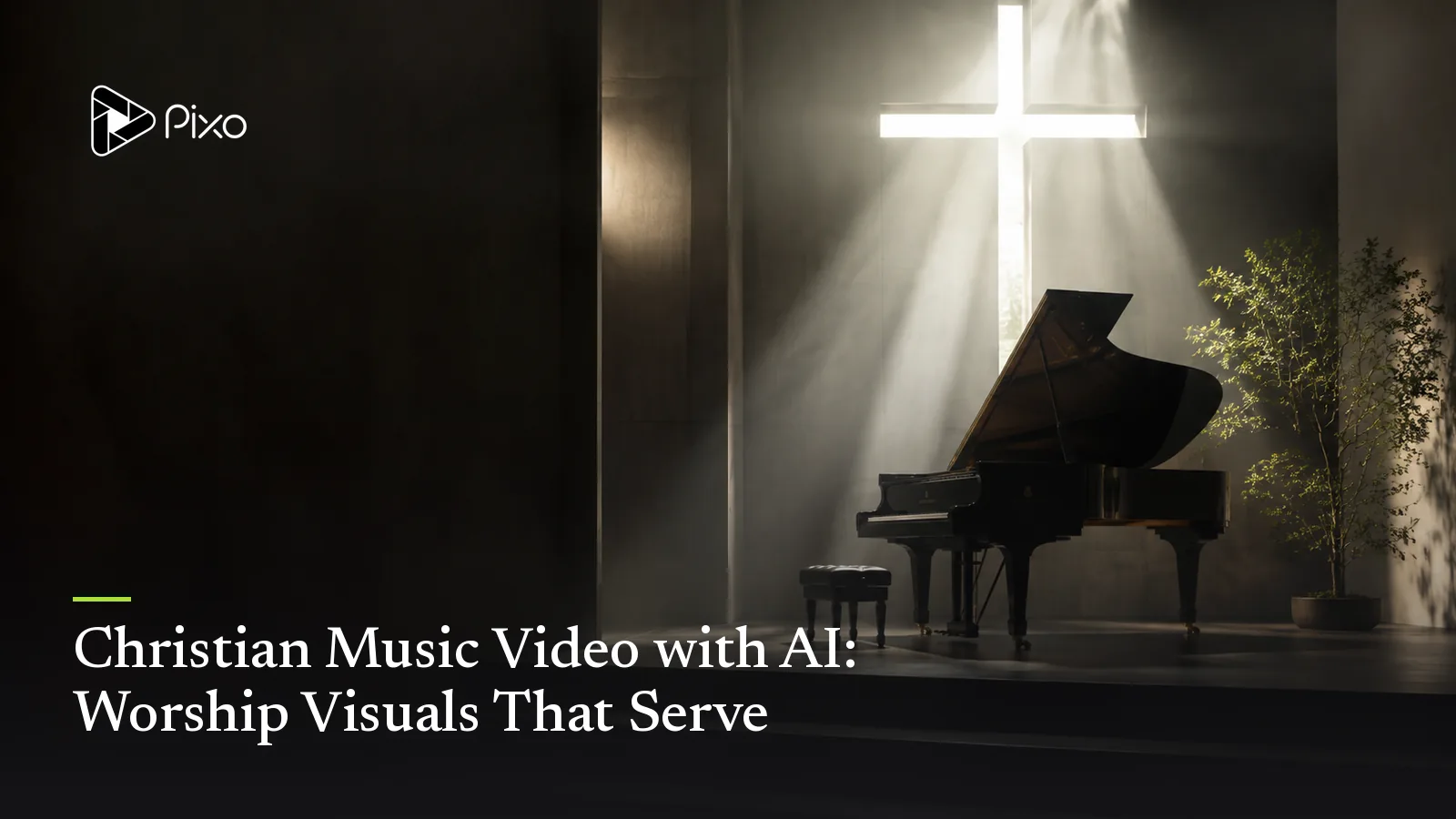
Worship visuals run on a small, powerful vocabulary — dawn breaking over water, sun through sanctuary glass, candlelight passing hand to hand, silhouettes with arms raised. What makes them work isn't the image; it's the build: the arrangement swells and the light literally rises with it.
That build is what MV Director automates. It parses the song's structure and timestamps, slices it into sections, and matches visual energy to the arrangement — stillness through the verse, light and motion gathering into the chorus, the bridge going intimate before the final lift. For a genre whose songs are engineered as builds, structure-aware generation isn't a convenience; it's the right tool shaped correctly.
And the consistency machinery serves here too: lock the sanctuary, the family, the landscape as reference assets, and a four-minute video holds one world — the light through the day concept (one sanctuary, sunrise to candlelight) from the music video ideas list is a single locked location and a moving sun.
Three Jobs, Three Disciplines
1. The release video. Your worship team's original single deserves a real video. Board it like the song is built: verses on small human moments (a kitchen prayer, headlights on a night road), choruses opening into landscape and light, the bridge returning to one face. Audio guides sung-to-camera performances, but mouth timing still needs review.
2. The service background. Slow, loopable, lyric-ready: generate light-driven footage matched to the song's build — with two ways to get the words on screen. For a finished video, request automatic lyric captions, review every line against the recording, and check readability before burning them into the export. For live services, keep the footage clean and drive the words from your presentation software — compositions with negative space (skies, water, walls of light) leave room for text. The lyric video guide covers the craft; instrumental ambience uses separate scene generation and loop editing, since automatic MV chunking requires sung lyrics.
3. The story video. Testimony-shaped narratives — the prodigal drive home, the hospital-hallway prayer, the baptism morning — are country-style story adaptation with different destinations. Lyrics parse to shots; two locked characters carry the arc.
For a spoken retelling of a Bible passage rather than a song-led video, use the Bible story video workflow and review the script against your chosen text.
The Workflow
- The song. Upload the recording — or explicitly request song generation, paste lyrics with structure tags, describe the sound ("modern worship, piano and pads building to full band, female lead"), and the agent generates it via Suno for your approval first.
- The world. One sentence locks it: "our sanctuary at golden hour" or "coastal dawn, slow tide, wide skies."
- Approve the board (shot count and plan), then generate — shots align to the track and assemble on one timeline, watermark-free for projection or publishing.
A Starter Board
World: a small stone chapel and the hillside around it, locked as scene assets. Verse 1: pre-dawn blue, a single candle being lit, breath visible. Chorus 1: first light through the east window, dust in the beam. Verse 2: hands — kneading bread, holding a photograph, folded in prayer. Chorus 2: full morning floods the nave. Bridge: one face, eyes closed, near-silence in the frame. Final chorus: doors open, congregation walking out into full daylight, camera rising.
Use this as a direction brief; the recording’s timed chunks determine the actual panel count.
Tips and Pitfalls
- Move slower than feels safe. Worship visuals under-cut on purpose; one camera move per section is usually enough.
- Prefer creation imagery — light, water, mountains, people in worship — and review everything as a team before it's projected; transparency with your congregation about generated footage is the honest posture.
- Depicting Christ is a congregational decision, not a prompt decision — many teams choose light-and-symbol language instead, and the genre's visual vocabulary fully supports it.
- Build a reusable world. Lock your actual sanctuary's look once and every week's media lives in it — series bumpers, lyric backgrounds and release videos all matching.
Review Before Release
These prompts are starting briefs, not verified sample outputs. Reference images help continuity; they do not guarantee identical faces, exact lettering, choreography or seamless loops. Review the full cut, including vocal close-ups and repeated shots. Ask explicitly for song generation and provide lyrics if using Suno; approve the audio first. Video generation has a separate approval checkpoint. Song and image generation and requested retries can consume credits before that checkpoint. Check current pricing for your settings.
Check Words and Playback with the Team
Review the exact lyric version before projecting it. Compare spelling, line breaks, contrast and timing on the actual screen, including a bright background and the longest line. Keep a clean background export when a live operator must follow repeated choruses. Check the permissions for the intended projection or upload; a recording and its underlying song are separate works.

Create AI videos with Pixo
Turn any idea into a publish-worthy video. One sentence is all it takes.
Worship-video delivery
For a YouTube delivery, compare the export with YouTube's encoding recommendations. Before publishing realistic generated scenes, check YouTube's AI disclosure guidance for the upload decision.
FAQ
Can AI make a Christian music video?
Yes. Pixo's MV Director parses the song's structure and lyrics, boards a shot per timed lyric chunk, and renders visuals aligned to the track — from narrative videos for a single to ambient worship backgrounds for a service.
What visuals work for worship music?
Light is the genre's language: sunrise through sanctuary windows, candlelight, dawn over water, hands raised in silhouette. The strongest worship visuals move slowly and build with the arrangement rather than cutting fast.
Can I make lyric videos for church services?
Yes — generate slow, light-driven background footage matched to the song's build — then request automatic lyric captions and review their wording and timing before a burned-in export, or keep the footage clean and let your presentation software drive the words live. For instrumental ambience, generate separate scenes and edit a loop; automatic MV lyric chunking requires sung lyrics.
Is AI-generated imagery appropriate for church use?
That's a congregational judgment, and the honest approach is transparency: many churches already use stock footage in worship media, and generated footage sits in the same category. Prefer creation imagery — light, water, landscapes, people in worship — and review everything before it's projected.
Do I need the song recorded first?
No — explicitly ask to generate the song, then paste lyrics with structure tags and describe the sound ('modern worship, piano and pads building to full band'), and the agent generates the track via Suno for your approval before boarding the video.
Serve the song, save the Saturday — Pixo's MV Director builds worship visuals from the track itself. Sign up now. See the current plans and generation costs before starting. Full pipeline in the AI music video guide.
Generate AI summary
From idea to finished video.
In one conversation.
Start CreatingNo credit card required • Free 200 credits