How to Make a Lyric Video with AI (Beyond Kinetic Type)
Make an AI lyric video with scenes shaped by your song. Request automatic captions, review their timing and readability, and export the finished video.

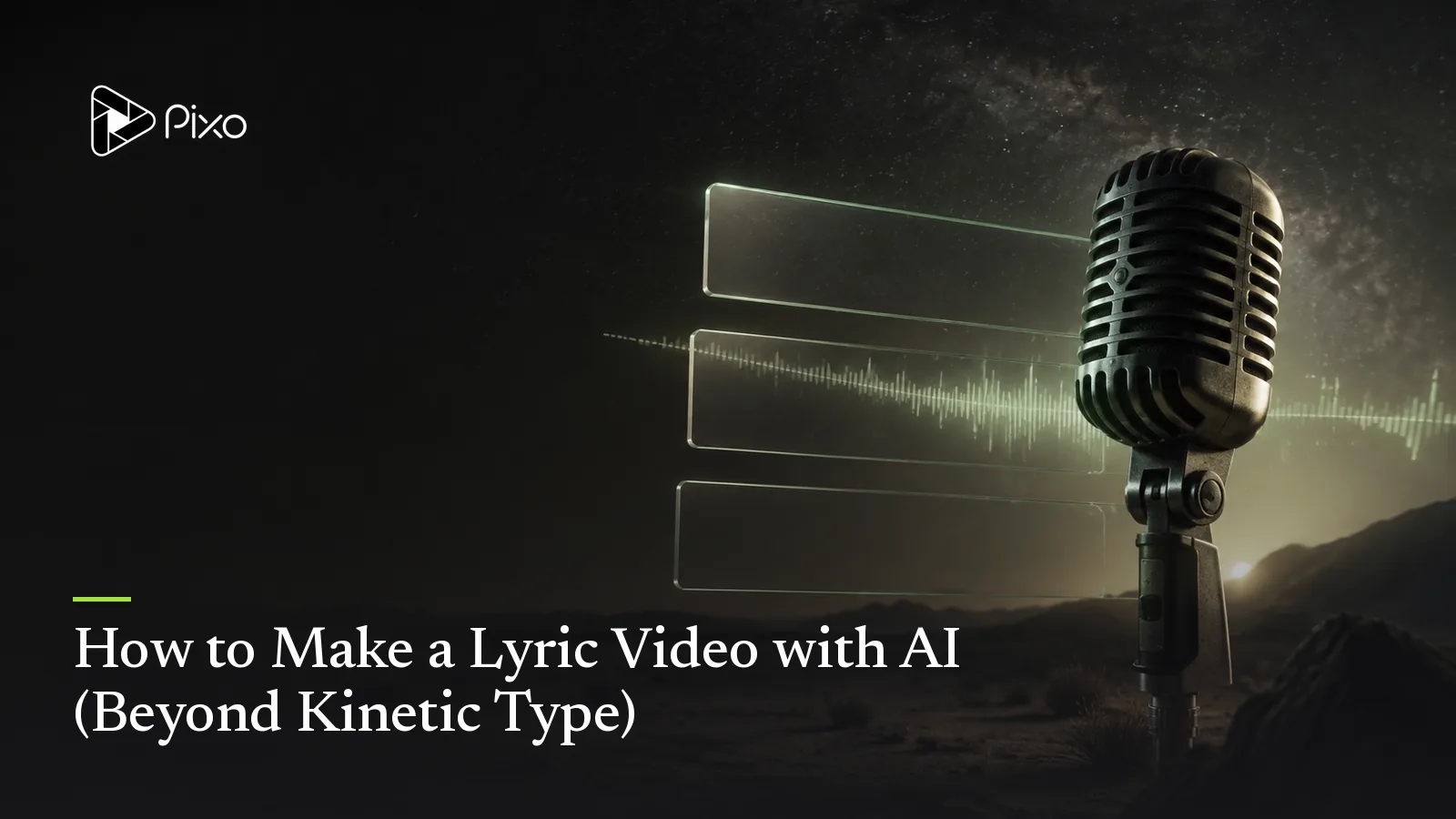
The lyric video earned its place honestly: it's the release you can afford between the single art and the real MV, it keeps viewers on the song instead of skipping, and fans genuinely use it to learn the words. The problem is that almost every lyric video is made the same way — a kinetic-typography template, words bouncing over a blurred loop of the album cover — and audiences have seen that exact video ten thousand times.
Here's the version that's now possible instead: scenes shaped by the lyrics. When the lyric says neon rain on the boulevard, the screen shows neon rain on a boulevard — and the words arrive on top of footage that means what they say. This guide walks both routes, then goes deep on the AI one.
Two Ways to Make a Lyric Video
For an illustrated release, the animated lyric video workflow focuses on the moving background. A karaoke video needs a different review: prioritize readable lines and sing-along timing over changes in scenery.
Route 1 — the typography template. Fast and fine for a demo: pick a font animation, paste timed lyrics, export. Its limit is that the visual information is near zero; the video is packaging, not content.
Route 2 — lyric-driven scenes. Pixo's MV Director treats your lyrics as the storyboard itself:
- Lyrics are parsed with timestamps and the song is sliced into segments — shots grouped around lyric phrases. The timing that a template makes you tap out by hand is read from the track automatically.
- The look locks first. Style, scenes and any recurring character become fixed reference assets, to guide a shared aesthetic; review shots for drift.
- Each timed chunk gets a directed shot — scene, action, camera move — with energy following the song's structure: still, intimate frames for verses; wider, faster cutting into the chorus.
- You approve the storyboard (shot count and plan) before video generation.
- Request automatic lyric captions. Shots assemble with their audio chunks. Ask for on-screen lyrics, choose readable styling and placement, then review the generated captions line by line. Check transcription, entrances, exits and line breaks against the vocal before burning them into the export. Automatic timing reduces setup; it does not remove correction work. Caption creation should be explicitly requested; an ordinary MV run does not automatically add on-screen text. This walkthrough has not end-to-end tested a captioned export.
A Worked Example
Take a verse:
[Verse]
I left my keys in yesterday, the door won't know my name
Every streetlight hums a song that used to sound the same
A template shows those words over a gradient. The lyric-driven route boards them: line 1 — a close-up of keys on a hallway table, morning light, the camera drifting past a door left ajar; line 2 — a slow tracking shot down a humming avenue at dusk, streetlights flickering on one by one. Same timing discipline as a lyric video, but the frames now carry the song's imagery — and when the chorus lands, the cutting opens up with it.
Choose the visual world explicitly: dusty highways for one country ballad, saturated interiors for one hyperpop track. Genre is a starting point, not a rule. Review the storyboard against the meaning of your own lyrics.
Tips That Save Re-Rolls
- Write structure tags into your lyrics (
[Verse],[Chorus],[Bridge]). They steer both the music generation (if you're creating the song in-flow via Suno) and the visual pacing. - Repeat lines deserve variation, not repetition. Tell the agent whether a repeated chorus should revisit the same scene evolved (night → dawn) or cut somewhere new — the default habit of evolving the repeat is what makes the third chorus still watchable.
- Keep one visual anchor. A recurring object or character (the keys, the dancer, the car) threads a lyric video together the way the title phrase threads the song.
- Place the captions deliberately. Choose a readable placement and inspect it on a phone — prefer compositions with negative space (skies, walls, water) and add the background box or shadow so the words stay legible over bright shots.
No Song Yet? Start From the Lyrics Alone
If the song only exists as words in your notes app, the same chat covers it: explicitly request song generation, paste the lyrics, describe genre and mood ("piano ballad with strings, wistful"), optionally pick a lead vocal — the agent calls Suno, plays you the track, offers a charged retry when you request one, and then boards the video from that exact recording. The full lyrics-first walkthrough is in the Suno music video guide.
Review Before Release
These prompts are starting briefs, not verified sample outputs. Reference images help continuity; they do not guarantee identical faces, exact lettering, choreography or seamless loops. Review the full cut, including vocal close-ups and repeated shots. Ask explicitly for song generation and provide lyrics if using Suno; approve the audio first. Video generation has a separate approval checkpoint. Song and image generation and requested retries can consume credits before that checkpoint. Check current pricing for your settings.

Create AI videos with Pixo
Turn any idea into a publish-worthy video. One sentence is all it takes.
Soundtrack and release checks
If the soundtrack comes from Suno, check its paid-plan commercial-use guidance against the terms that apply to your track. For a music release, distinguish the composition from the recording using the U.S. Copyright Office's musician guidance. For a YouTube delivery, compare the export with YouTube's encoding recommendations.
FAQ
How do I make a lyric video?
The template route: drop your song and lyrics into a kinetic-typography tool and pick an animation preset. The AI route: Pixo's MV Director parses your lyrics and timestamps, slices the song into segments, and generates scenes shaped by lyric phrases — you can request automatic lyric captions, review their timing and wording, then export with the words burned in.
What's the difference between a lyric video and a music video?
A music video stages a performance or story; a lyric video makes the words the star, timed on screen with the vocal. The AI approach blurs the line usefully: each lyric gets a scene that illustrates it, giving you music-video visuals with lyric-video timing.
Do I need to time the lyrics manually?
Automatic lyric timing gives you a starting point. Request captions and review the wording, line breaks and timing against the vocal; correct misses before export, especially on ad-libs and repeated choruses.
Can I make the lyric video match my song's mood?
Yes. Style, scenes and any recurring character are locked as reference assets before generation — describe the world, reuse references, and review continuity. Keep exact lettering in caption overlays rather than asking the video model to draw it.
What if I don't have the song recorded yet?
Explicitly request song generation in the same flow: paste your lyrics with structure tags, describe the genre and mood, and the agent calls Suno, plays you the track for approval, then boards the video from that same recording.
Your lyrics are already a storyboard — Pixo's MV Director just reads them that way. Sign up now. See the current plans and generation costs before starting. For the full song-to-video pipeline, see the AI music video guide; for structure-following visuals without lyrics, the audio visualizer guide.
Generate AI summary
From idea to finished video.
In one conversation.
Start CreatingNo credit card required • Free 200 credits