How to Create an AI Influencer (Without Faking a Person)
The AI influencers that survive aren't fake humans — they're characters you own. How to build one as a reusable IP asset, and why most die by video five.

Most guides on this topic teach you to build a convincing fake human: pick a face, generate a photorealistic woman in her twenties, post her to Instagram, hope nobody looks too closely.
That's the fragile version, and it's worth saying why before you spend a month on it. A synthetic human has to clear the uncanny valley in every single frame. It has to survive platform policies that now require you to label realistic AI-generated people. And it has to keep working after your audience figures out she isn't real — which they will.
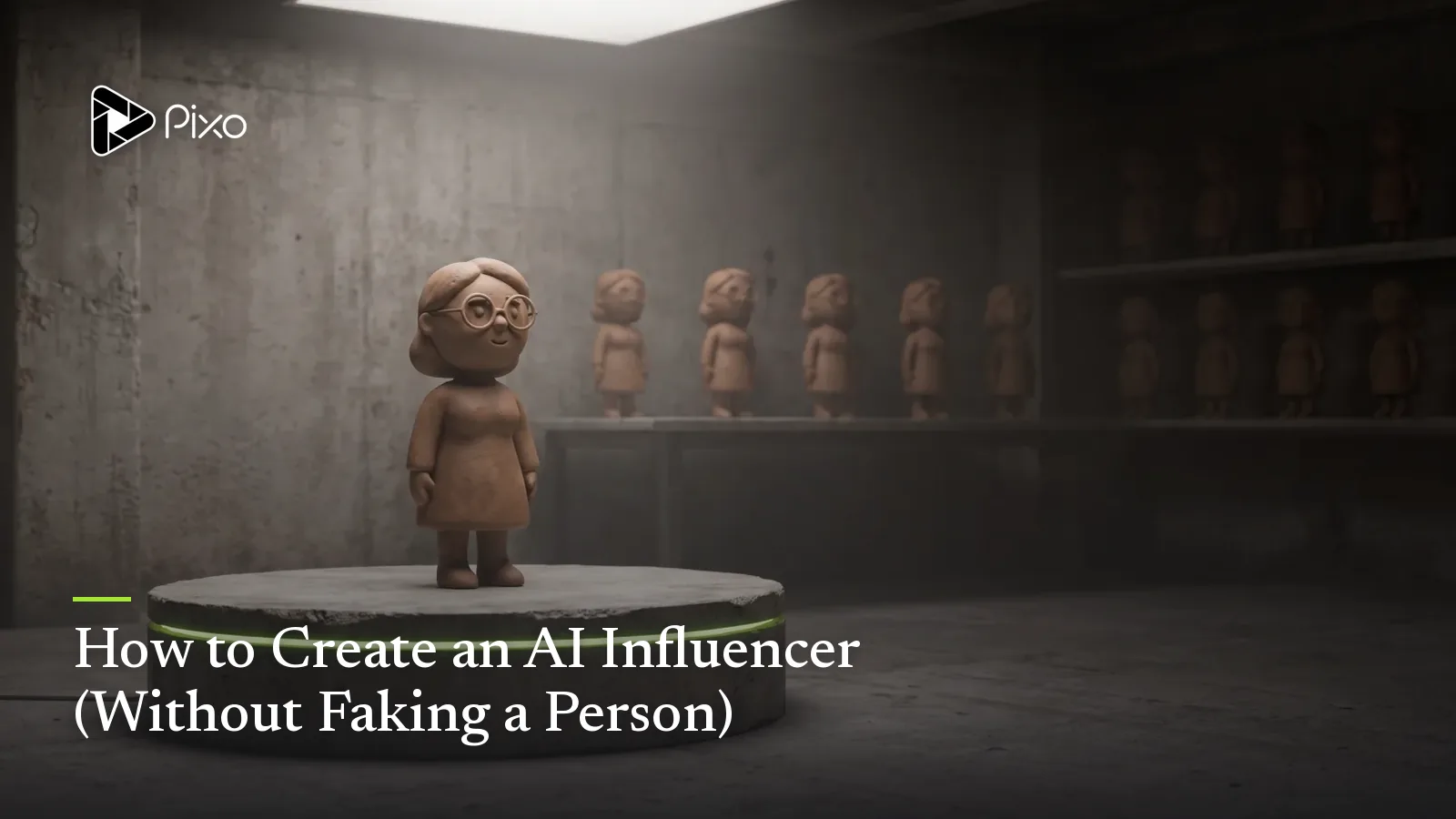
There's a version of this that isn't fragile, and it's older than AI: you build a character. A host. A mascot. An animated persona. Something an audience recognizes instantly and that you completely own. Recognizability is the actual asset here — not realism.
This guide is about building that. And the hard part isn't generating the character. It's keeping her the same for the next fifty videos.
1. Why Most AI Influencers Die by Video Five
Here's the pattern, and once you see it you'll see it everywhere.
Video one is great — the creator spends real time on the prompt, gets a character they love, posts it. Video two, they write a new prompt describing the same character. It's close. Video three, a little further off. By video five, the jaw is different, the hair is a slightly different brown, the jacket has changed, and the comments have stopped saying "love her" and started saying "is this the same person?"
Nothing dramatic went wrong. What went wrong is structural: a text description is not an identity. "A woman in her early 30s with shoulder-length brown hair and glasses" describes millions of different people. Every time you re-prompt, the model picks a different one from that space. You didn't build a character — you built a description of a category, and you're drawing a new sample from it every week.
And recognizability is the whole game. An influencer's entire value is that people know them on sight, in a feed, in half a second. Drift doesn't make your videos slightly worse. It destroys the only asset you have.
This is an asset-management problem. It has an asset-management solution.
2. What an AI Influencer Actually Needs: Three Things That Never Change
Forget "generate a character." Think about what has to stay fixed for an audience to recognize someone across fifty videos:
| What has to hold | What it is | What happens without it |
|---|---|---|
| A face that doesn't change | A character asset with locked reference images | Your host becomes a different person every few videos |
| A world that doesn't change | Location assets — the studio, the kitchen, the street | Every video looks like it came from a different channel |
| A texture that doesn't change | A style asset — medium, palette, grain, lighting | One video is cinematic, the next is a cartoon |
Those three together are the IP. Any one of them alone is just a picture.
The third one — style — is the one nearly everyone skips, and it's the one that makes a channel feel like a brand. It's a visual contract for everything you make: "clean 3D render, warm cream-and-terracotta palette, soft studio lighting, shallow depth of field." Every shot has to honor it. That's why you can recognize a channel from a thumbnail before you read the title.
3. Build It: From Character to First Video
On Pixo, the character isn't a prompt you retype — it's an asset that lives in your project's library and gets referenced by every shot. Here's the flow.
Step 1 — Start a project
Characters live inside a project, so create a video project and describe what you're making. (Aspect ratio and resolution are chosen here, at the prompt-input stage — vertical 9:16 if this is a social-first persona.)
Describe your idea and the agent gets to work: writing a script, planning shots, and building the storyboard. Seedance2 Director is the flagship agent and the one to use if you're new.
Step 2 — Design the character, then lock her
This is the most consequential step in the whole process, so slow down here.
Write the character description with specific, repeatable details — not adjectives. "Friendly and stylish" is worthless; it describes nothing a model can hold onto. This works:
A warm, approachable woman in her early 30s. Shoulder-length dark brown
hair, tucked behind one ear. Round tortoiseshell glasses. Olive-green
knit sweater over a white collared shirt. Small silver hoop earrings.
Friendly, direct eye contact. Neutral studio lighting, soft key from
camera left. Waist-up framing.
The tortoiseshell glasses, the olive-green sweater, the silver hoops — those are the things that make her recognizable in a feed. Give the audience three things they can spot in half a second.
Image models generate reference images from that description. Compare the variants and pin the one that's right. Everything downstream reads from this image. If it's "almost right," regenerate — do not proceed on a compromise, because every future video inherits it.
Step 3 — Build the world and the look
Create location assets for the places she'll appear, and define your style asset — the visual contract. This is where a set of videos becomes a channel.
Step 4 — Review the storyboard before anything is generated
The full storyboard comes back to you first — each panel with its visual description, its referenced assets, and its audio layers. Read it like a director: is the hook in the first three seconds, does the pacing hold, is she referenced in every panel she appears in?
Step 5 — Generate, review, publish
Shots generate and land on the timeline in order. The agent reviews them afterwards and flags drift — if her sweater changed color between two shots, it tells you, and you regenerate just that shot. Preview, then export watermark-free.
Realistic first-pass time: around 2–3 hours, most of it generation time you don't have to sit and watch.

Create AI videos with Pixo
Turn any idea into a publish-worthy video. One sentence is all it takes.
4. The Payoff Is Video Ten, Not Video One
Video one is the expensive one. You're not just making a video — you're building the assets.
Video ten costs a fraction of that, because it starts from your library instead of a blank page. Same character, already locked. Same locations. Same style contract. You're briefing a script, not rebuilding a person.
This is the compounding curve that a "generate a fake human" workflow never gets:
| Re-prompting each time | Reusing an IP asset | |
|---|---|---|
| Video 1 | Slow | Slow (you're building the assets) |
| Video 10 | Just as slow | Much faster — the library does the work |
| Consistency | Degrades | Holds |
| What you have after 50 videos | 50 videos | 50 videos and an IP |
That last row is the whole argument. If you re-prompt every time, you end up with a pile of content. If you build assets, you end up with content and a character that's worth something — one you can put in an ad, spin into a second channel, or license.
5. Disclosure: Label It, and Stop Worrying
TikTok, YouTube and Meta all now require creators to label realistic AI-generated content — particularly synthetic humans. Undisclosed fake people are the fastest way to lose an account, and a worse way to lose an audience.
Here's the reframe: a character that is openly a character never has to survive being found out. A stylized host or an animated mascot isn't pretending to be human, so disclosure costs you nothing — it's just a label on something the audience already understood. The photoreal fake-person route is the only one where honesty is expensive.
That's not a compliance footnote. It's a reason to pick the durable version.
(Details on the specific labeling requirements: TikTok's AI content label rules.)
6. Turn the Character Into a Channel
A character with no distribution is a drawing. The obvious next move is a channel — and the AI-influencer persona is exactly what a faceless channel has been missing.
Most faceless channels are voiceover over stock footage, and they all look the same. A recurring character is what makes yours identifiable at a glance in a feed of identical thumbnails. The channel playbook — niche selection, script format, weekly cadence, the honest timeline — is covered in depth in our faceless YouTube guide and 27 channel ideas that actually work.
From there, the same three assets carry into everything else you make: vertical social videos, product ads, an explainer series. The recognition compounds across surfaces instead of resetting on each one.
7. Common Pitfalls
| Pitfall | Why it happens | Fix |
|---|---|---|
| The character drifts across videos | You re-describe her in a new prompt each time | Reference the locked character asset in every panel — never re-describe |
| You proceed with an "almost right" reference | It feels like a small compromise | It isn't. Every future video inherits it. Regenerate and pin a better one |
| Character is consistent, channel still looks random | No style asset | Define the visual contract — medium, palette, grain, lighting |
| Chasing photorealism | It's what every guide teaches | A stylized character is easier to keep consistent, avoids the uncanny valley, and survives disclosure |
| Nobody recognizes her | The design has no hooks | Give her three spottable signatures — the glasses, the sweater, the earrings |
Identity, sponsorship and publication
For U.S. sponsored placements, review the FTC's disclosure guidance for social-media endorsements. Before publishing realistic generated scenes, check YouTube's AI disclosure guidance for the upload decision. For U.S. copyright questions about generated assets, consult the Copyright Office's AI reports and guidance; tool access alone does not settle ownership.
FAQ
Does an AI influencer have to look like a real person?
No — and photorealism is usually the weakest choice. A stylized host, an animated character or a brand mascot avoids the uncanny valley entirely, is far easier to keep consistent, and sidesteps the trust problem that comes with a synthetic human pretending to be real. What an audience needs is recognizability, not realism.
Why do most AI influencers stop working after a few videos?
Because the creator re-describes the character in a new prompt every time, so the character slowly drifts — a different face, different hair, different clothes. Recognizability is the entire asset of an influencer, and drift destroys it. This is an asset-management problem, not an aesthetic one.
What do I actually need to build an AI influencer?
Three things that never change: a face (a character asset with locked reference images), a world (location assets), and a texture (a style asset defining medium, palette, grain and lighting). Together those three are the IP. Any one of them alone is just a picture.
Do I have to disclose that my influencer is AI-generated?
Yes. TikTok, YouTube and Meta all require creators to label realistic AI-generated content, and undisclosed synthetic humans are the fastest route to losing an account and an audience. Disclosure is also strategically better — a character that is openly a character never has to survive being found out.
How long does it take to make a video with an AI influencer?
The first one takes the longest because you're building the assets — realistically around 2 to 3 hours end to end, most of it generation time you don't have to watch. Later videos are much faster because they start from the asset library instead of a blank page.
Can I use the same AI influencer across TikTok, YouTube and ads?
Yes, and you should — that's what makes it an asset. The same character, location and style assets can front a faceless channel, a set of vertical social videos, and a product ad. Recognition compounds across surfaces rather than resetting on each one.
Keep Going
- AI character consistency, in depth — the shot-level techniques.
- How to start a faceless YouTube channel — give the character a channel.
- How to make money with AI video — turn the channel into income.
Ready to build a character worth keeping? Open Pixo, start a project, and put your first character in the library — new users get 200 free credits on sign-up, and plans are currently up to 55% off.
Generate AI summary
From idea to finished video.
In one conversation.
Start CreatingNo credit card required • Free 200 credits